Runway video editing: Turn AI Footage into Viral Influencer Content
Discover runway video editing techniques to turn AI footage into compelling videos that boost engagement.
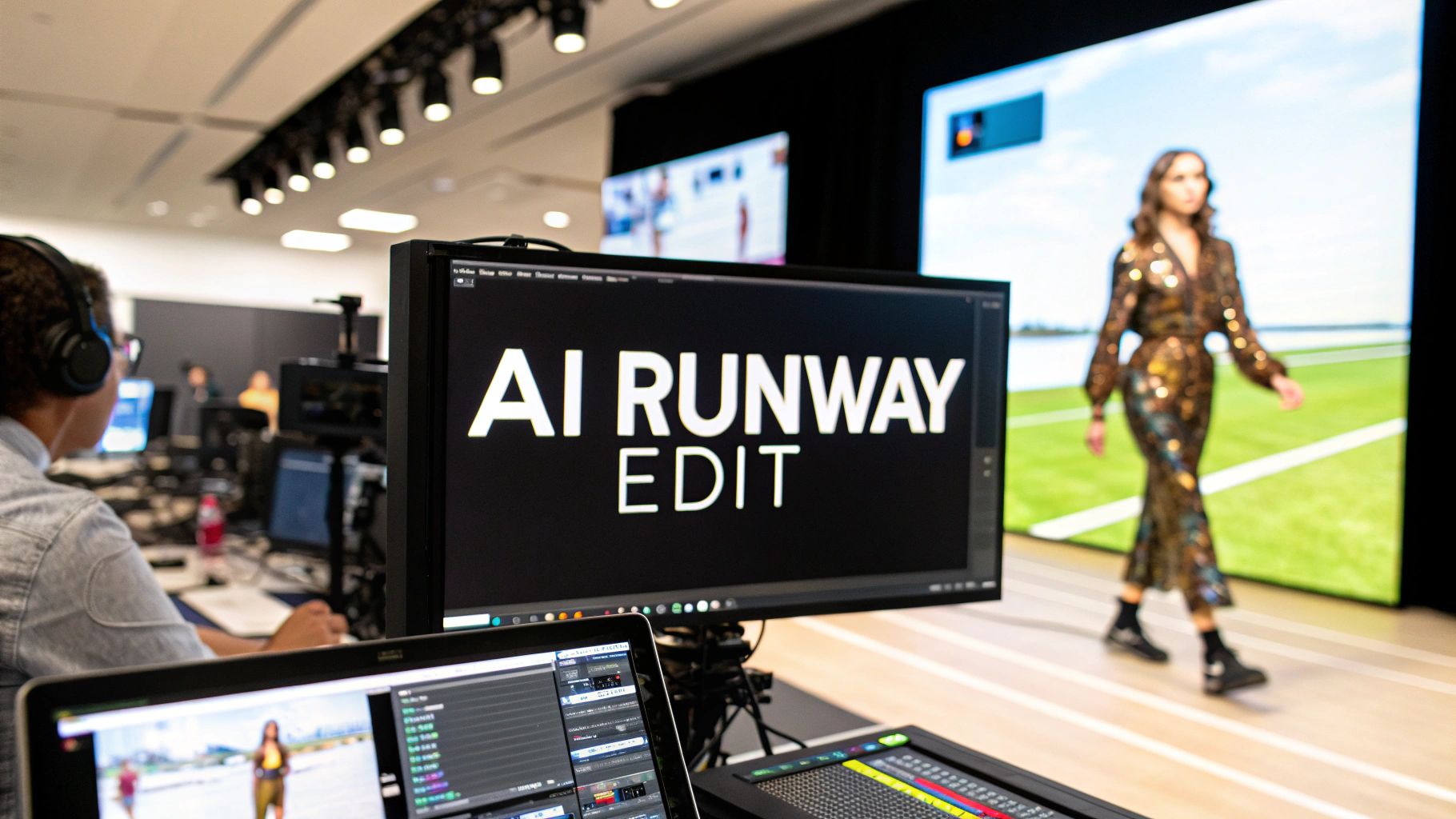
Runway video editing is all about taking raw, AI-generated footage and turning it into a slick, eye-catching fashion video. Instead of dealing with the old-school, expensive way of doing things, you can now use AI tools to create your assets from scratch and add high-end effects like background removal or motion smoothing with just a few clicks. It's a game-changer that puts professional video creation in everyone's hands.
The New Era of Content Creation With AI Video
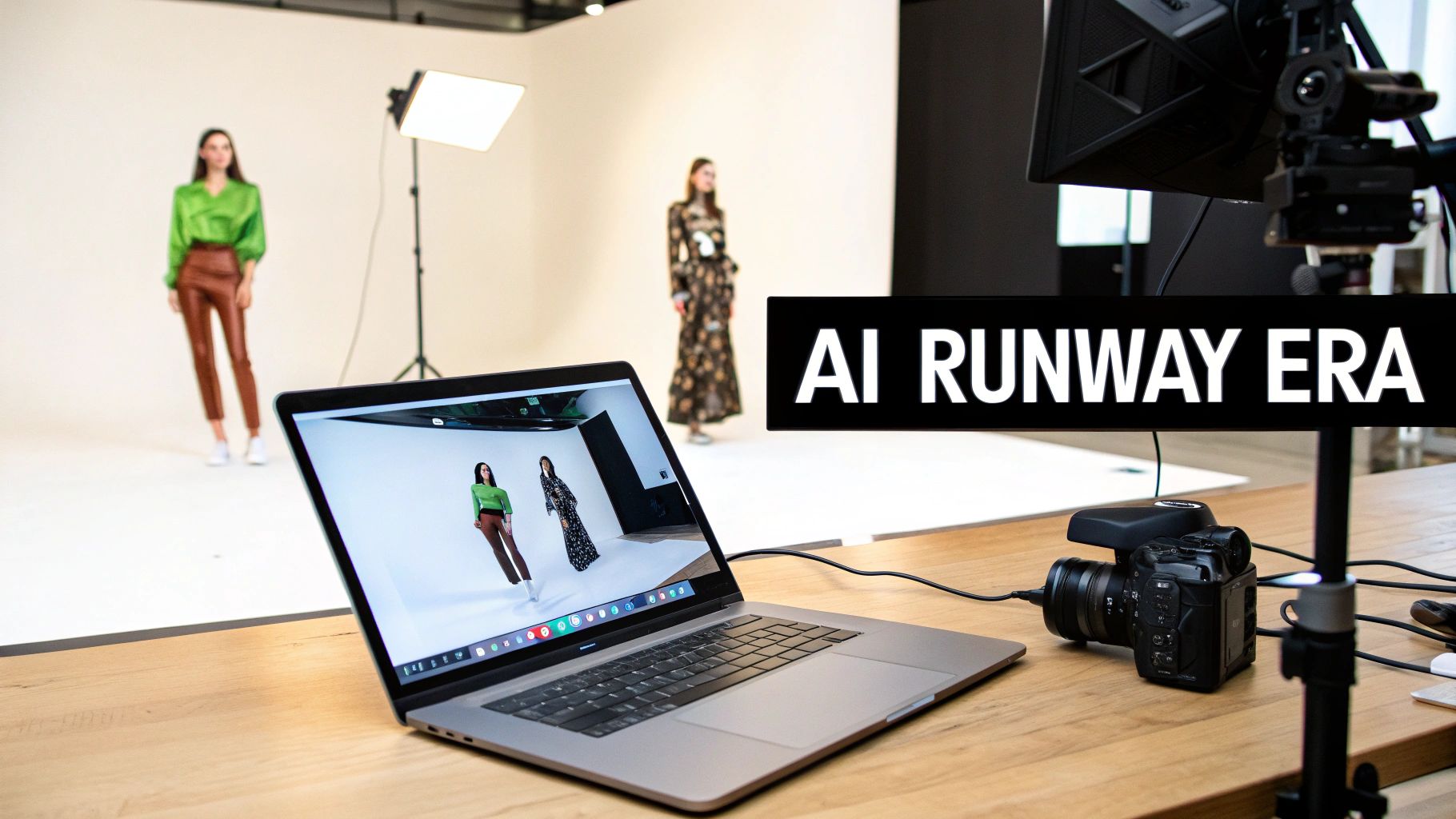
Video content is going through a massive shake-up, and AI is calling the shots. Let's be honest, the days of needing massive film crews, pricey gear, and weeks stuck in post-production are disappearing for anyone who needs to move fast. Tools like Runway are at the forefront of this shift, giving creators the power to pull off incredible visual effects that used to be reserved for Hollywood-level budgets.
This whole new workflow opens up the creative process for everyone. You can go from a spark of an idea to a finished, engaging video for Instagram or TikTok in a sliver of the time it used to take. The concept is straightforward but incredibly effective: use AI to generate your models, then use more AI to bring them to life with dynamic editing.
Bridging Imagination and Reality
So, how does it actually work? A lot of creators start with a tool like CreateInfluencers. There, you can design your own AI model and generate a whole collection of high-res images. These static pictures are essentially your raw footage. From there, you just import them into an AI editor and start the real runway video editing, turning those still portraits into fluid, captivating motion.
This approach completely changes the game for solo creators and small teams. It’s less about capturing reality and more about creating it from the ground up. This is the core of synthetic media, where digital content is generated by algorithms instead of a camera. If you want to go deeper, our guide on what is synthetic media breaks down how this technology is reshaping the future.
The real win here is the blend of speed and creative control. You can experiment with different concepts, generate new looks on the fly, and get a finished video without ever stepping away from your computer. That kind of iterative workflow is perfect for social media, where trends move at lightning speed and you constantly need fresh content.
Why This Workflow Matters
This AI-first method isn't just a gimmick; it’s a seriously practical answer to the demands of modern content creation. It gives you a clear, efficient path to producing high-quality fashion and influencer videos that stop the scroll and boost engagement.
Of course, to really make the most of AI in your video work, you need the right tools in your corner. Checking out some of the best AI tools for content creators is a solid place to start. In this guide, we'll walk you through exactly how to master these platforms for your own projects.
Planning Your AI Runway Video for Maximum Impact
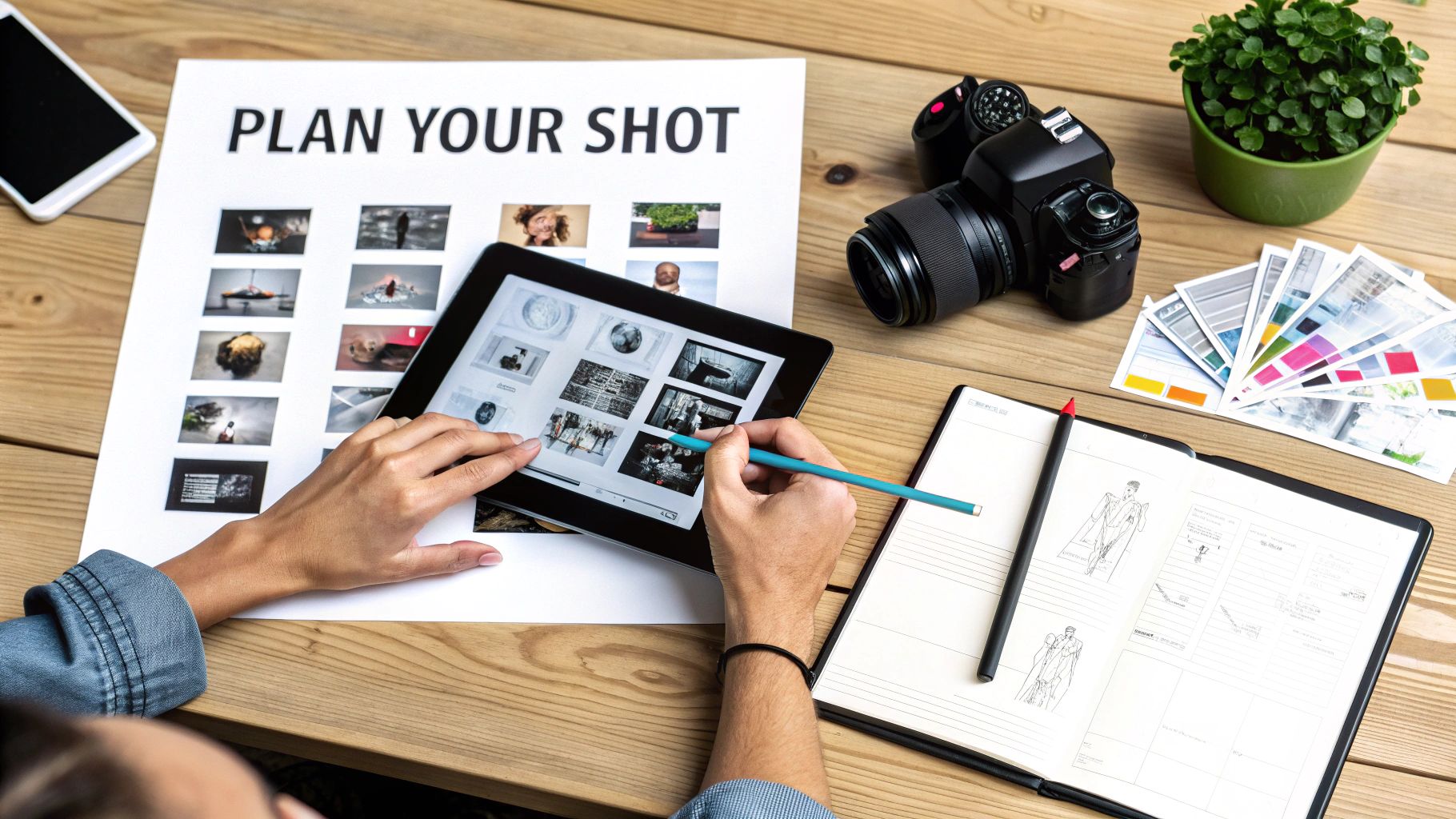
It’s tempting to dive right into generating cool clips, but that's a surefire way to end up with a disjointed, messy video. I’ve learned from experience that the best runway video editing projects start long before you touch any software. It all begins with a solid creative concept. Think of this planning phase as your blueprint; it makes sure every single element has a purpose.
So, what’s the point of your video? That’s the first question to answer. Are you launching a new digital fashion line on Instagram? You’ll probably want a sleek, 30-second Reel that cycles through several outfits. Or maybe you're chasing a TikTok trend, which means you'll need rapid cuts, a trending sound, and a concept that grabs attention immediately. Your chosen platform really sets the rules for your video's format, pace, and overall feel.
For instance, a high-end digital brand would probably storyboard something with elegant slow-motion shots and soft, ethereal lighting to build an air of sophistication. On the flip side, a streetwear brand would likely go for a gritty, fast-paced video packed with dynamic camera angles and high-energy music. Getting this aesthetic locked down early makes all your other decisions so much easier.
Building Your Visual Blueprint
Once your goal is clear, it's time to map things out visually. A storyboard doesn't need to be a masterpiece—simple sketches or even just text descriptions of each shot work perfectly fine. The whole point is to help you see the flow and figure out exactly what footage you need to generate.
You have to think like a director, even in an AI world. Shot composition is everything. To keep viewers hooked, plan for a variety of angles:
- Full Shot: Shows off the entire outfit and the environment.
- Medium Shot: Frames your model from the waist up, great for showing off the garment's details.
- Close-Up: Zooms in on specific elements like jewelry, makeup, or the texture of a fabric.
This is also the stage where you cement your AI influencer’s identity. When you use a tool like CreateInfluencers, you can design a consistent character right from the get-go. Defining their facial features, body type, and unique style ensures the model in your close-up looks exactly like the one in your wide shot. That consistency is what sells the story and makes your video look professional.
Your pre-production plan is your single source of truth. It prevents wasted time generating unnecessary assets and ensures your final edit is cohesive, polished, and perfectly aligned with your initial vision. A solid plan makes the entire runway video editing process smoother and more creative.
From Concept to Actionable Steps
With your aesthetic and storyboard in place, you can finally build a detailed asset list. Get specific here. Note the exact pose, outfit, background, and lighting needed for every single shot. A well-defined plan not only makes generating the assets a breeze but also gives you a clear checklist to follow when you jump into the editing software.
This entire process turns a vague idea into a tangible project plan. It also helps to have a solid grasp of what makes people hit that share button. If you want to dive deeper, learning how to create viral content and weaving those principles into your plan can give your video a serious edge.
Bringing Your AI Model to Life
Once you have a solid plan and storyboard, it's time for the fun part: creating the raw footage. This is where your runway video moves from an idea on paper to something you can actually see and work with. We'll be using a tool like CreateInfluencers for this, which lets you generate all the visual assets you need without ever touching a camera.
First things first, you need to create your AI influencer. You can start from scratch with a text prompt, describing their look, style, and attitude. Or, if you want something more personal, you can use a selfie as a starting point to generate a consistent, realistic avatar. The goal here is to create a whole library of high-resolution images and clips that match your storyboard.
Build a Library of Diverse Shots
To make a compelling video, you need variety. Don't settle for one static pose. Think of this process like a real-world photoshoot—you want options. Generate your influencer wearing different outfits, showing various expressions, and striking multiple poses, just like you mapped out in your plan.
Here are the essential shots you should aim to create:
- Posed Stills: These are your bread and butter. They're perfect for adding subtle motion to later in the editing process.
- Action Shots: Create images that imply movement—a dramatic turn, a confident stride, or a simple hair flip can add a ton of energy.
- Expressive Close-ups: Don't forget the face. Capture a range of emotions like smiles, serious gazes, or even a playful wink to use for tighter shots.
Taking this approach gives you a flexible library to pull from. When you get to the editing stage, you can weave these different shots together to build the illusion of a seamless video shoot. Features like face and body swapping are incredibly helpful here, as they ensure your AI model looks perfectly consistent from one image to the next.
The real magic here is the speed and creative control. You can generate a dozen different "scenes" in the time it would take to set up a single traditional shot. This leaves you with a ton of great material to choose from for the final cut.
Why AI is Reshaping Video Production
This workflow is quickly becoming the norm. The global video editing software market, which includes innovators like Runway, was already worth $3.1 billion in 2023 and is expected to hit $5.1 billion by 2032. Think about that for a second.
Even more telling, it's predicted that by 2025, 30% of all outbound marketing from major companies will be AI-generated. That’s a huge jump from less than 2% back in 2022. As this trend continues, platforms are making it easier than ever to get started with one-click video generation. If you're curious about the market dynamics, you can explore the research on the AI video market.
This shift gives creators the power to produce professional-level content at a scale that was once unimaginable. By generating your own assets, you skip all the logistical headaches of a traditional video shoot and can pour all your energy into the creative side of things.
This is just one way to get started, of course. For a deeper dive, check out our guide on the best AI video creation tools out there. Having a rich and varied collection of AI-generated assets is the crucial first step to creating a polished, engaging final video.
Core Runway Video Editing Techniques
With your AI-generated assets in hand, it's time to pull them into an editor like Runway and start telling a story. This is where the real art of runway video editing comes alive. We're moving beyond just assembling clips on a timeline; this is about making intentional choices that shape the entire feel of your final video.
The first move is always to import your images and video clips. I can't stress this enough: a well-organized asset library inside your editor will save you a surprising amount of headache and keep the creativity flowing.
Crafting The Narrative With Cuts and Pacing
The rhythm of your video is everything, and it's all controlled by how you cut your clips together. Quick, punchy cuts create a feeling of energy and excitement—perfect for a high-octane TikTok transition that needs to grab attention in the very first second.
On the other hand, letting a shot breathe for a few extra moments can build a sense of elegance and sophistication. Picture a slow, graceful pan across an AI model showcasing a digital couture gown. That slower pace is ideal for an Instagram post meant to feel luxurious and premium. Your cuts are your most fundamental storytelling tool.
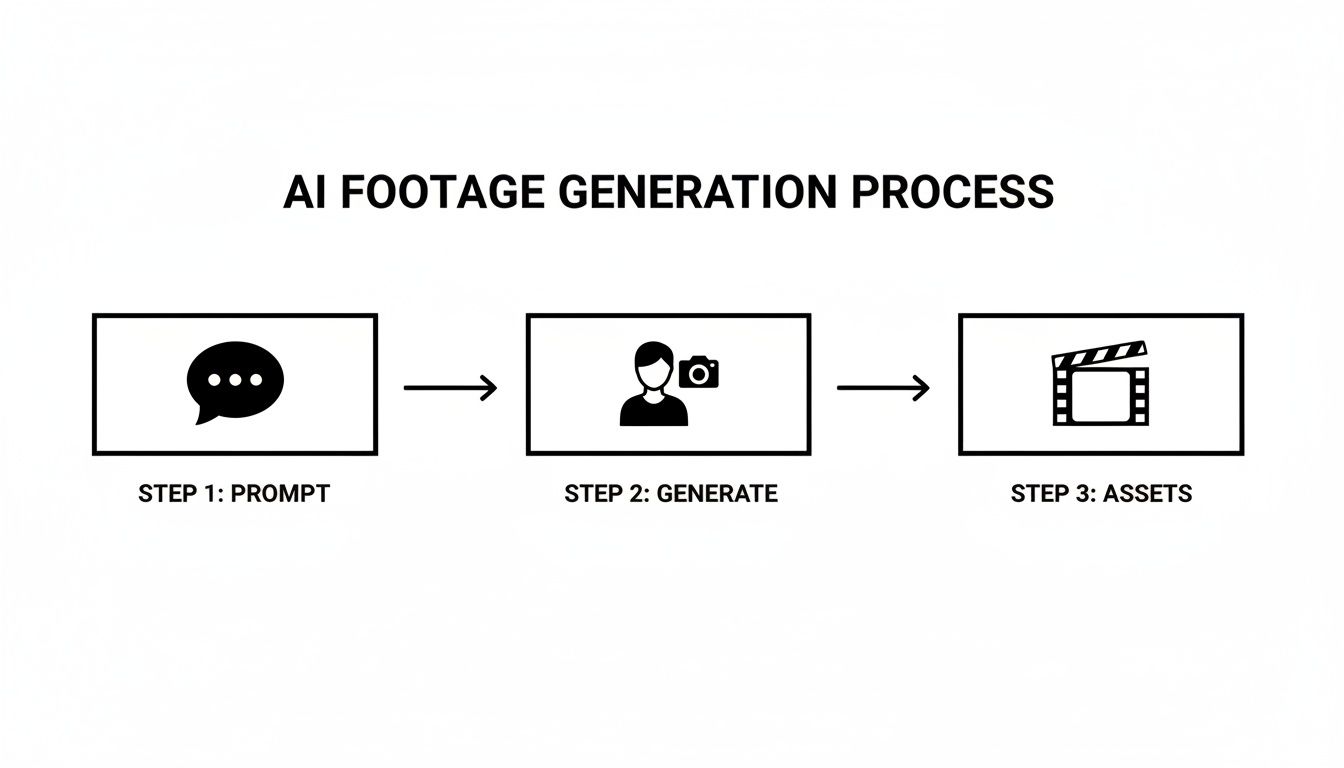
This simple workflow shows how a solid pre-production phase—generating your assets—feeds directly into a more efficient and creative editing session.
Setting The Mood With Color Grading
Color is the unspoken language of video. It sets a mood instantly, often before the viewer has even processed the subject of the shot. Runway and other modern editors give you powerful color grading tools to dial in the exact look you want.
Are you going for a warm, sun-kissed vibe for a summer collection? Push the yellows and oranges. Or maybe you want a cool, futuristic feel for a tech-wear line. In that case, you’d lean into blues and desaturated tones.
A consistent color palette is the secret to a professional-looking video. It ties all your shots together into a cohesive visual story, making your AI-generated world feel deliberate and immersive. Don't skip this step; it can elevate a simple edit into something cinematic.
The adoption of these AI-powered workflows is exploding. Runway ML’s revenue has skyrocketed from $3 million in 2021 to an impressive $121.6 million in 2024. This growth reflects the broader text-to-video AI market, which is projected to jump from $0.31 billion in 2024 to $0.4 billion in 2025 at a blistering 29.5% CAGR, all thanks to tools that let creators produce amazing videos in minutes.
Adding Lifelike Motion to Still Images
One of the most powerful tricks in the modern editor's toolkit is the ability to animate static images. You don't always have to generate full video clips. With AI tools like Motion Brush in Runway, you can literally "paint" movement onto a still photo.
Let's say you have a fantastic AI-generated image of your influencer. With Motion Brush, you could:
- Add a subtle sway to their hair as if a gentle breeze is blowing.
- Make the fabric of their dress ripple with realistic movement.
- Animate the clouds in the background to create a dynamic, living scene.
This technique is a game-changer. It lets you transform a library of high-quality stills into a captivating video, giving you incredible control. This approach really blends the pristine quality of a still image with the engagement of motion—the best of both worlds.
Essential AI Editing Tools In Runway
Runway packs a serious punch when it comes to AI-powered features. Understanding what each tool does best can help you work smarter and faster when editing your influencer footage.
| AI Feature | Primary Function | Best Use Case For AI Influencers |
|---|---|---|
| Motion Brush | Adds targeted motion to specific areas of a static image. | Animating a dress, hair, or background elements in a still photo. |
| Super-Slow Motion | Creates ultra-smooth slow motion from standard footage. | Creating dramatic, high-fashion runway walks or product showcases. |
| Inpainting | Magically removes unwanted objects or people from a video clip. | Cleaning up a background or removing a distracting visual element. |
| Background Removal | Instantly isolates the subject from their background. | Placing your AI influencer in a completely new virtual environment. |
These tools aren't just novelties; they are serious time-savers that open up creative possibilities that were once incredibly difficult or expensive to achieve. For a deeper dive into these techniques, this comprehensive AI video editing guide offers invaluable insights to help you master the entire post-production process.
Adding the Final Polish with Advanced AI Effects
Okay, your video is assembled. The cuts are in place, and the story flows. Now comes the fun part—adding that layer of magic that makes people stop scrolling. This is where we go beyond basic runway video editing and use AI to create effects that would have taken a VFX artist hours, if not days, to pull off manually.
One of the most powerful tools in your arsenal is background removal. Forget fiddling with green screens. In a platform like Runway, you can literally lift your AI influencer out of their generated environment with a single click. Suddenly, they can be strutting down a catwalk on Mars, in the middle of a neon-drenched Tokyo street, or against a clean, minimalist backdrop. The creative freedom here is massive.
Creating Lifelike Movement and Speed
Let's be honest, sometimes raw AI-generated footage can look a little… robotic. The movement isn't always quite right. That's where AI motion smoothing comes in to save the day. This feature intelligently generates new frames between the existing ones, smoothing out any jerky or stiff animations. It's especially brilliant for runway walks, transforming a slightly stilted gait into a fluid, confident stride.
Another pro trick is playing with speed. Speed ramping, or dynamically adjusting the speed of a clip, adds a ton of energy and style. Imagine slowing down the video right as the model does a dramatic hair flip, then ramping up the speed as they turn away. It’s a classic cinematic technique that adds emphasis and keeps the viewer’s eyes glued to the screen.
Key Takeaway: The goal isn't just to make something look cool; it's to make it feel real. By combining the buttery-smooth results of motion smoothing with the dramatic flair of speed ramping, you can close the gap between AI-generated content and live-action footage.
Before you start layering on effects, make sure your source clips are as sharp as possible. If your initial AI generations came out a bit soft, don't worry. Running them through an upscaler can work wonders. Check out some of the best image upscaling software to ensure every pixel is crisp before you finalize the edit.
Getting the Sound and Export Settings Right
A video without sound is only half the experience. The audio you choose completely dictates the mood. You could drop in a trending TikTok track to jump on a wave and boost your video's reach, or you could record a voiceover to tell the story behind a collection. Runway even lets you generate audio and synthesize voices right in the editor, which is incredibly handy.
Once your sound is synced and your edit is locked, the final step is exporting. Don't just hit the default button! Every platform has its own preferences, and getting this right is crucial for quality.
- Instagram Reels & TikTok: Think vertical. Always export in a 9:16 aspect ratio. I'd recommend a high bitrate, too, because their compression can be ruthless.
- YouTube Shorts: Same 9:16 vertical format, but keep it under 60 seconds sharp.
- Website or Portfolio: This is your hero piece. Export at the highest quality you can, likely in a traditional 16:9 horizontal format, to really show off your work.
Nailing these export settings ensures all your hard work looks just as good on someone's phone as it did on your monitor. It's the last, but arguably one of the most important, steps in the process.
Your Top Questions About AI Runway Video Editing, Answered
Jumping into AI video editing can feel a little like stepping into the future. The tech is moving so fast, and it's natural to have questions about what's actually possible. I get these all the time, so let's break down some of the most common ones I hear from creators.
Can I Really Make Professional-Looking Videos With Just AI?
You absolutely can, and it’s a game-changer. The old gatekeepers of video production—fancy cameras, renting studios, and learning super-complex software—are becoming less and less relevant.
When you combine a powerful AI model generator like CreateInfluencers with a smart editor like Runway, you're essentially holding an entire production studio in your hands. Tasks that used to eat up hours for seasoned professionals, like detailed masking or removing objects, are now done with a few clicks. It's less about technical wizardry now and more about having a clear, creative idea.
The real magic happens when you pair high-quality, custom AI models with sophisticated AI editing effects. Suddenly, the biggest challenge isn't the physical shoot; it's just dreaming up what you want to create. You get to skip all the logistics and jump straight to the storytelling.
How Much Time Does It Actually Take to Make an AI Runway Video?
This is where you'll see one of the biggest wins: speed. Of course, a more ambitious project will always take longer, but the time you save compared to a traditional video shoot is just massive.
Let's put it in perspective:
- Getting Your Assets: You can generate your AI influencer and a whole batch of source images in a matter of minutes.
- A Simple Edit: For a straightforward runway clip with some quick cuts, background music, and maybe an effect or two, you’re probably looking at 30 to 60 minutes.
- A More Complex Video: If you're building something with multiple scenes, layering advanced effects, and perfectly syncing every beat, you might spend a few hours.
Think about that. We’re talking about hours, not the days or even weeks it would take to organize a traditional shoot, film it, and then wade through post-production.
Is This a Good Way to Make Money on Creator Platforms?
Yes, without a doubt. This workflow is perfectly built for creating content for platforms like Fanvue or Fansly. AI tools let you produce a steady stream of unique videos for your audience without the classic creator burnout from constant shooting.
If you're new to the concept, understanding what is AI generated content is a great starting point for seeing how it's completely changing the game for online creators.
With these runway video techniques, you can pump out exclusive clips, eye-catching trailers, and dynamic posts that not only keep your current subscribers happy but also help you attract new ones.
Ready to dive in and create your own jaw-dropping AI influencer videos? With CreateInfluencers, you can design unique characters and generate all the high-res footage you need in just a few minutes. Sign up for free and start creating today!