7 Sources for Cool LinkedIn Background Photos in 2025
Find the best cool LinkedIn background photos from 7 top sites. Explore templates, AI tools, and free images to make your professional profile stand out.
Your LinkedIn profile is more than a digital resume; it's the centerpiece of your professional brand. While your headshot introduces you, your background photo sets the stage, conveying your industry, personality, and value proposition in a single glance. A generic, default banner is a missed opportunity to capture attention and communicate who you are. The right banner acts as a silent billboard, working 24/7 to reinforce your expertise and make a memorable first impression on recruiters, clients, and colleagues.
This visual real estate is critical. A well-chosen banner immediately contextualizes your skills and signals your professional niche, whether you're a minimalist designer, a data-driven analyst, or a creative marketer. Getting this one element right can dramatically impact how your profile is perceived. Of course, a great banner is just one piece of the puzzle; learning how to optimize your entire LinkedIn profile can provide a more comprehensive boost to your professional branding efforts.
In this guide, we'll explore seven of the best resources for finding and creating cool LinkedIn background photos that command attention. We'll cover everything from premium stock libraries and easy-to-use template makers to platforms offering unique, creator-made designs. Each option includes direct links and key details, ensuring you find the perfect visual to complete your profile and stand out.
1. Shutterstock
Shutterstock stands as a titan in the world of stock imagery, making it an excellent resource for sourcing high-resolution, professional-grade LinkedIn banners. Its massive library isn't just about standard corporate photos; it's a treasure trove of abstract graphics, cityscapes, and subtle textures that are perfect for creating cool LinkedIn background photos without looking generic. The platform's powerful search and filtering capabilities allow you to pinpoint images by color, orientation, and even specific keywords, ensuring you find a visual that aligns perfectly with your personal or corporate brand.
What sets Shutterstock apart for this specific purpose is its dual offering of traditional stock assets and a cutting-edge AI Image Generator. This tool empowers you to create completely custom visuals. You can generate a unique, abstract background in your brand’s colors or a stylized depiction of your industry, giving you a banner that no one else has.
Key Features and User Experience
Shutterstock's interface is clean and intuitive, making it easy to navigate its vast collection of over 500 million assets. The licensing is straightforward, with Standard and Enhanced options clearly defined, which is crucial for professional use on a platform like LinkedIn.
- Massive Library: Find everything from minimalist patterns to dynamic industry-specific shots.
- AI Image Generator: Create and license unique, AI-generated images tailored to your exact needs. This is a game-changer for crafting a truly original banner.
- Advanced Search Filters: Easily narrow your search by color palette, orientation (perfect for finding wide images), and more.
- Flexible Pricing: Options range from on-demand image packs for one-off needs to monthly subscriptions for frequent users.
Pro Tip: When searching, use terms like "abstract texture," "panoramic cityscape," or "minimalist background" combined with your brand colors to find unique visuals that crop well into the 1584 x 396 pixel LinkedIn banner format.
For professionals serious about their visual branding, Shutterstock provides a reliable and high-quality solution. The sheer volume and quality of its library, combined with the innovative AI generator, make it a top-tier choice for elevating your profile. You can explore a curated selection of stock photo options and learn more about leveraging Shutterstock for professional content.
Visit Website: https://www.shutterstock.com
2. Adobe Stock
Adobe Stock is a premium destination for professionals seeking curated, high-impact visuals that integrate seamlessly into a creative workflow. Known for its exceptional quality, the platform is an ideal source for finding cool LinkedIn background photos that feel more like bespoke art than generic stock. Its library is rich with artistic photography, detailed illustrations, and sophisticated backgrounds perfect for conveying expertise and a strong personal brand.
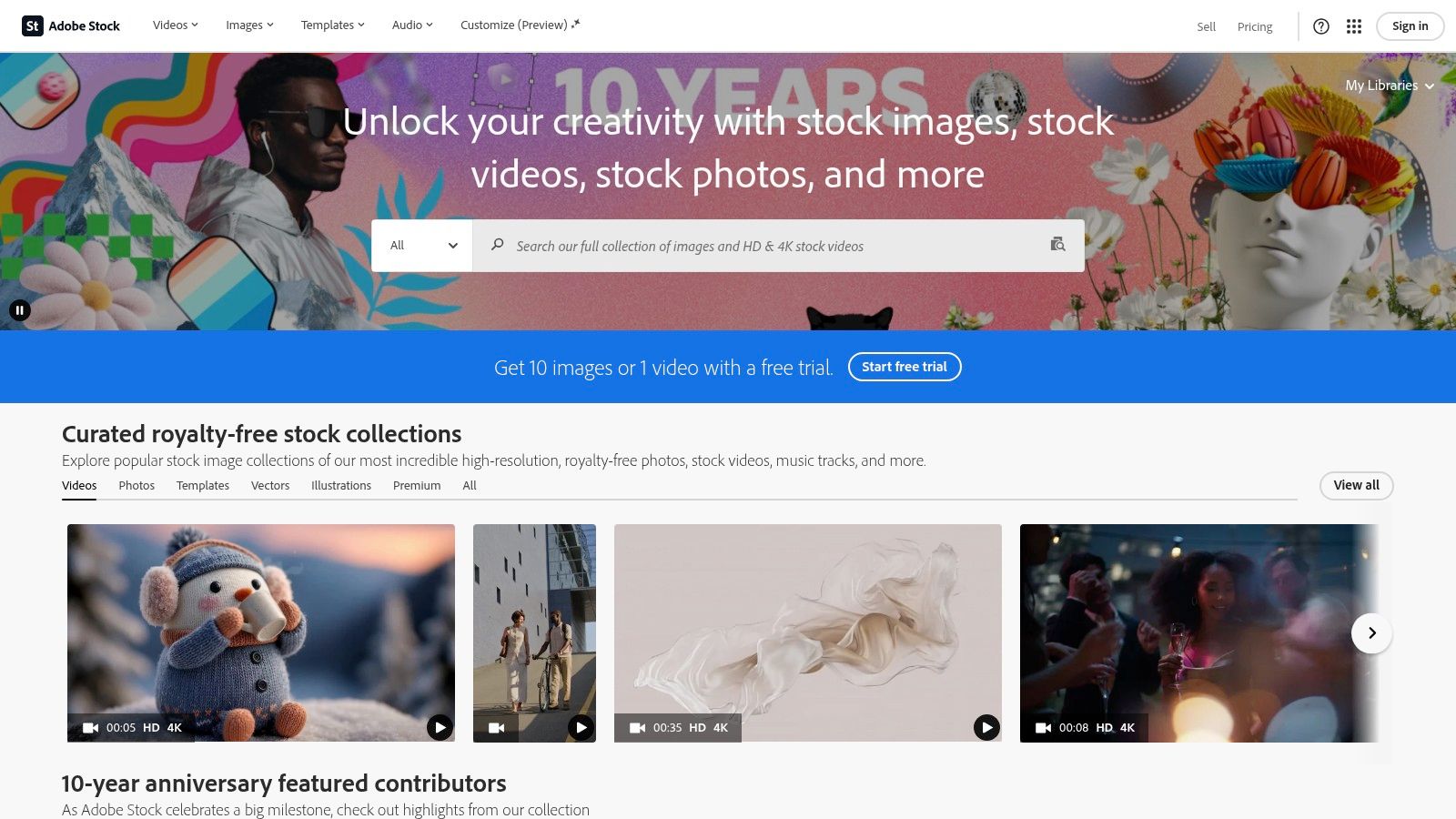
What truly makes Adobe Stock stand out is its deep integration with the Adobe Creative Cloud suite. If you use Photoshop or Illustrator, you can search for and license images directly within the application. This allows for an incredibly efficient workflow where you can find a potential banner, test it in your design with a watermark, and then license and replace it with the high-resolution version in a single click, already perfectly sized and customized.
Key Features and User Experience
Adobe Stock's interface is clean, modern, and prioritizes visual discovery, making it a pleasure to browse for inspiration. Licensing is straightforward, with options for monthly or annual subscriptions as well as flexible credit packs for users who only need a few assets.
- Premium Curated Library: Focuses on high-artistic-value photos, illustrations, and templates, ensuring a polished final look.
- Creative Cloud Integration: The ability to search, preview, and license assets directly within Adobe apps like Photoshop is a massive time-saver for customization.
- Flexible Licensing: Choose between subscriptions for ongoing needs or credit packs for one-off projects, with many plans offering rollover credits.
- High-Quality Templates: Find professionally designed templates that can be easily adapted for a LinkedIn banner, giving you a strong starting point.
Pro Tip: Use the "Open in App" feature to send a watermarked image directly to Photoshop. There, you can test how it crops to the 1584 x 396 pixel banner size and add your branding elements before committing to a license.
For creatives and professionals who already operate within the Adobe ecosystem, Adobe Stock is an unparalleled choice. The combination of its premium, curated collection and its flawless workflow integration makes sourcing and perfecting a standout LinkedIn background photo a quick and professional process. You can find additional tips and explore how to use this service effectively by learning more about professional content strategies with Adobe Stock.
Visit Website: https://stock.adobe.com
3. iStock by Getty Images
Backed by the legendary Getty Images, iStock is a premium destination for professionals seeking high-quality, curated, and business-focused imagery. It offers a sophisticated library perfect for sourcing cool LinkedIn background photos that convey authority and polish. The platform is particularly strong in corporate, technological, and conceptual visuals, making it ideal for consultants, executives, and specialists in traditional industries.
What distinguishes iStock is its tiered collection system, which separates content into "Essentials" (high-quality, everyday images) and "Signature" (premium, exclusive visuals). This structure allows you to choose between cost-effective options and more unique, artistic shots that can make your profile stand out. While iStock has an AI Generator, it is kept separate from its core, human-created library, providing clarity for users who prefer traditionally sourced photography and illustrations with clear licensing.
Key Features and User Experience
iStock's user interface is clean, professional, and built for efficient searching. Its powerful filters help you quickly find images that fit the horizontal banner format, and the platform’s clear licensing terms give you confidence when using assets on a professional network like LinkedIn.
- Curated Collections: Choose from the budget-friendly Essentials collection or the exclusive Signature collection for more distinctive visuals.
- Flexible Access: Purchase images using credit packs, which are great for occasional needs, or opt for a monthly/annual subscription if you require a steady stream of content.
- Trusted Curation: Benefit from the high editorial standards of Getty Images, ensuring the photos are professional and commercially viable.
- Clear AI Policy: The AI Generator is a separate tool, meaning the core library consists of human-created work, a key consideration for some brands and professionals.
Pro Tip: Use iStock's search filters to look for images with negative space on one side. This allows you to place a professional headshot without obstructing the main subject of your background photo, creating a balanced and visually appealing profile.
For those who value brand trust and curated quality, iStock provides a reliable source of premium imagery. Its flexible purchasing options and well-organized library make it a strong contender for finding a polished and impactful LinkedIn banner.
Visit Website: https://www.istockphoto.com
4. Canva (LinkedIn Banner Maker + Templates)
Canva has revolutionized the design world by making it accessible to everyone, and its LinkedIn Banner Maker is a prime example of its power. It’s the ideal platform for professionals who want a fast, end-to-end solution for creating a polished and cool LinkedIn background photo without needing any design experience. The platform provides hundreds of pre-sized templates (perfectly formatted to 1584 x 396 pixels) that you can customize in minutes using its intuitive, web-based drag-and-drop editor.
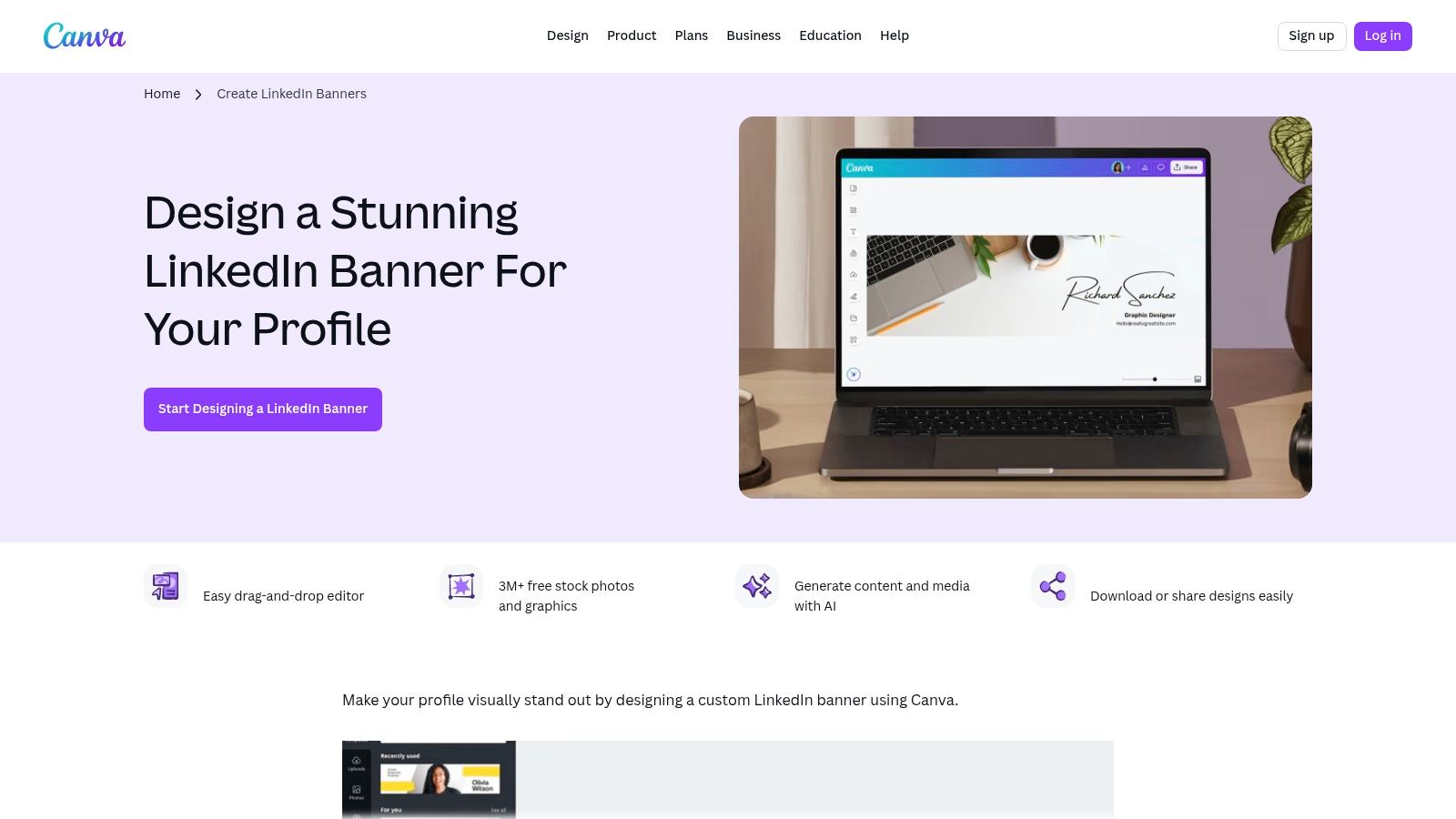
What makes Canva stand out is its all-in-one ecosystem. You don't need to source images from one place and edit them in another. Canva offers a massive library of free and premium stock photos, graphics, icons, and fonts directly within the editor. This seamless integration means you can find a template, swap out the images, change the colors to match your personal brand, and add your name or title, all within a single browser tab.
Key Features and User Experience
Canva’s interface is famously user-friendly, removing the steep learning curve associated with traditional design software. Everything is clearly labeled and easy to find, allowing for rapid creation and export. Its built-in AI tools, like Magic Edit and Magic Erase, also give you the power to make quick adjustments to photos without needing complex software.
- Pre-Sized Templates: Start with a professionally designed layout that is already perfectly sized for your LinkedIn profile.
- Drag-and-Drop Editor: Easily customize every element, from text and colors to images and graphic elements, with no technical skill required.
- Integrated Asset Library: Access millions of photos, icons, and illustrations directly inside the editor, with many high-quality options available for free.
- AI Photo Tools: Quickly remove unwanted objects or tweak parts of an image with Canva’s built-in Magic Studio features.
Pro Tip: Use Canva’s "Styles" feature to quickly test different color palettes and font combinations on your chosen template. This lets you see what works best for your brand identity with a single click, saving you significant time.
For anyone looking for the most efficient path from concept to a finished, high-quality banner, Canva is unmatched. While some of the best assets are locked behind a Pro subscription, its free offering is more than powerful enough to create a standout professional banner. You can explore how Canva fits into a broader content creation strategy and learn more about utilizing design tools from createinfluencers.com.
Visit Website: https://www.canva.com/create/linkedin-banners/
5. Creative Market
Creative Market is a vibrant marketplace where independent designers sell high-quality, pre-made digital assets, making it an exceptional source for stylish LinkedIn banner templates. Instead of generic stock photos, you get access to professionally crafted templates compatible with tools like Canva, Photoshop, and Figma. This is perfect for professionals who want a polished, brand-consistent look without designing from scratch, offering a middle ground between basic free options and fully custom design work.
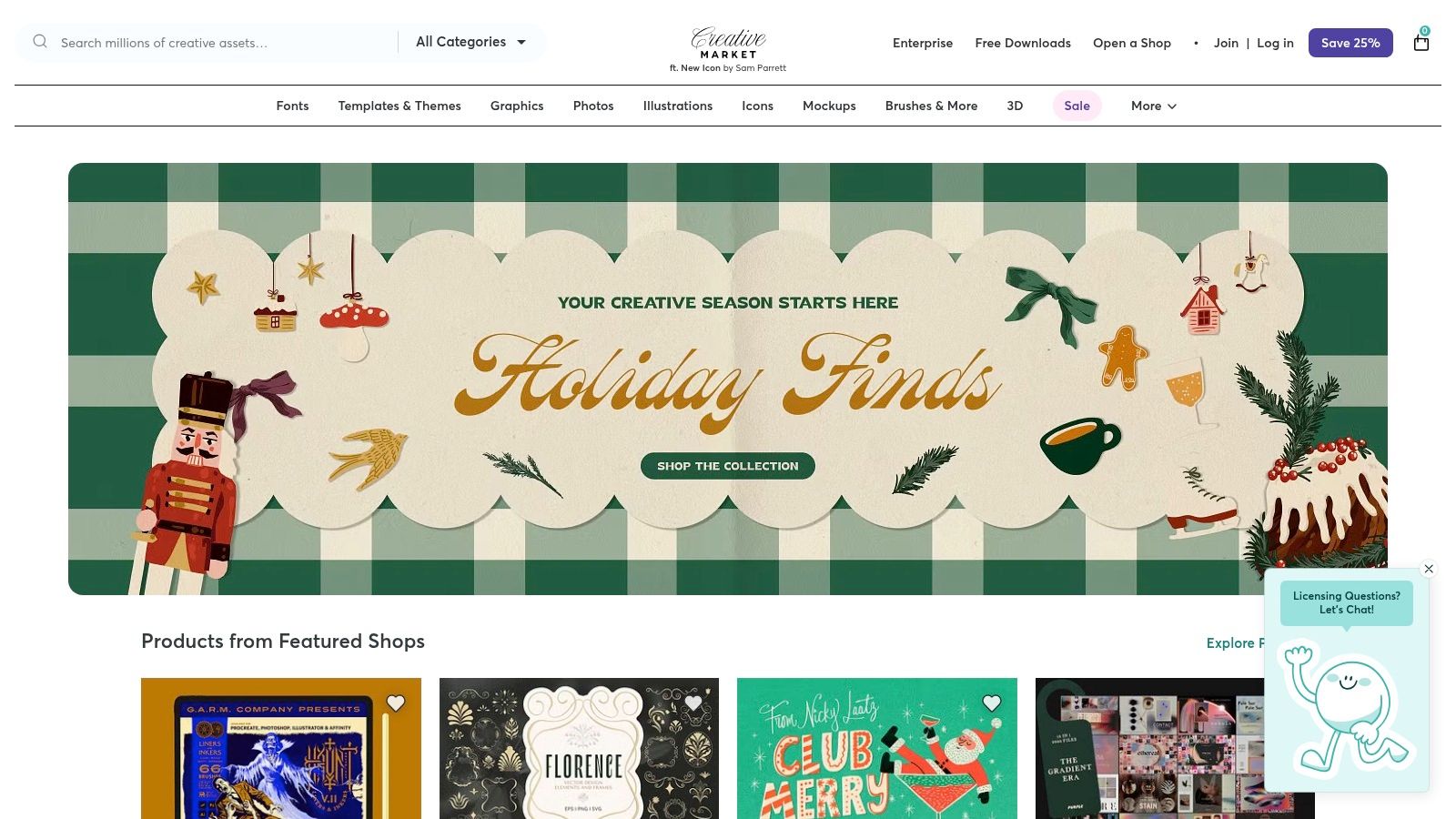
What makes Creative Market a go-to for cool LinkedIn background photos is the sheer aesthetic variety and the focus on editable templates. You can purchase a pack of banners that share a consistent visual identity, allowing you to refresh your profile while staying on-brand. The one-time purchase model is a significant advantage for those who don't need a recurring subscription, providing a cost-effective way to acquire reusable, high-quality design assets.
Key Features and User Experience
The platform is organized into individual seller storefronts, allowing you to browse portfolios, read reviews, and find designers whose style aligns with your brand. The product pages are transparent, clearly outlining file types, software compatibility, and licensing terms, which simplifies the buying process.
- Designer-Made Templates: Purchase editable files created by professional graphic designers, ensuring a high standard of quality and modern aesthetics.
- One-Time Purchases: Unlike subscription services, you pay once for a template or pack and can use it indefinitely according to the license.
- Wide Software Compatibility: Find templates for Canva, Adobe Photoshop, Illustrator, Figma, and other popular design software.
- Transparent Licensing: Clear Standard and Extended license options let you know exactly how you can use the assets for personal or commercial projects.
Pro Tip: Before purchasing, carefully read the product description to confirm software compatibility. Use the seller's rating and customer reviews to gauge the quality and ease-of-use of the templates. This ensures you buy a product you can easily edit.
Creative Market is the ideal choice for professionals who value unique, designer-quality aesthetics and prefer owning their assets outright. It empowers you to implement a high-end look for your LinkedIn profile with minimal effort and a single, predictable cost. You can learn more about how to best use platforms like Creative Market in our guides.
Visit Website: https://creativemarket.com
6. Etsy (Digital LinkedIn Banner Templates)
Etsy offers a unique and budget-friendly alternative to traditional stock photo sites, serving as a massive marketplace for independent creators selling pre-made LinkedIn banner templates. This is the perfect destination if you're looking for a professionally designed, cool LinkedIn background photo that you can quickly customize without needing advanced design skills or a costly subscription. The platform is filled with thousands of options, from minimalist and corporate to bold and creative, often sold for just a few dollars.
What makes Etsy particularly powerful for this purpose is that most sellers provide their templates as editable Canva links. This means you can purchase a design, receive an instant download link, and immediately start personalizing it with your own name, title, brand colors, and logo. It combines the ease of a template with the flexibility of customization, giving you a high-quality result in minutes.
Key Features and User Experience
Navigating Etsy is straightforward; a simple search for "LinkedIn banner template" yields thousands of results. You can filter by price, style, and seller reviews to find a high-quality product. The user experience is centered around an immediate, transactional process: you buy, download, and edit.
- Vast Selection of Templates: Discover thousands of instant-download banners designed by independent artists, ensuring a wide variety of styles.
- Editable Canva Links: Many templates come with a link to an editable version in Canva, making personalization incredibly easy for non-designers.
- Affordable Pricing: Most templates are available for a one-time purchase, typically in the $2–$10 range, making it a highly cost-effective solution.
- Seller Ratings and Previews: Built-in reviews and detailed product images help you verify the quality and style of a template before purchasing.
Pro Tip: Read the item description carefully before buying. Confirm that the purchase includes a Canva link and check the license terms. Many sellers offer multiple color variations in one package, giving you extra value and options.
For professionals who want a polished and unique banner without the time commitment or expense of designing from scratch, Etsy is an unbeatable resource. The instant-access, easily editable nature of these digital products makes it one of the fastest ways to get a cool LinkedIn background photo that genuinely stands out.
Visit Website: https://www.etsy.com/market/linkedin_banner_template
7. Unsplash (Free + Unsplash+)
Unsplash is a go-to destination for professionals seeking artistic, high-resolution images without the high price tag. It's renowned for its curated collection of photos contributed by a global community of photographers, making it an ideal source for finding cool LinkedIn background photos that feel authentic and modern. The platform excels in providing minimalist landscapes, abstract textures, and striking architectural shots that can elevate your profile with a touch of understated class.
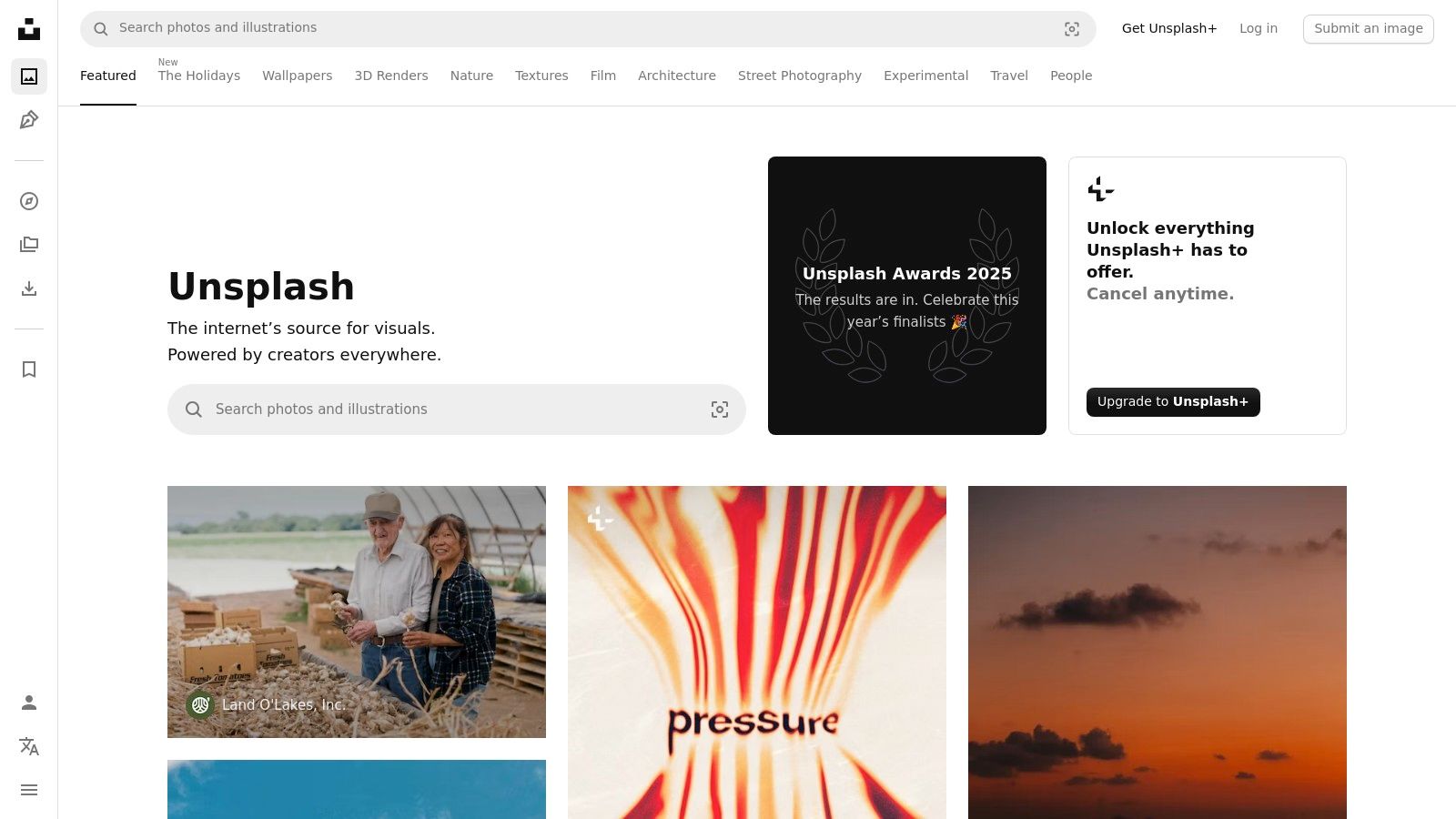
What makes Unsplash particularly valuable is its generous "Unsplash License," which allows for free use of its photos for both commercial and non-commercial purposes. For those needing extra legal assurance, the Unsplash+ subscription offers a premium library with enhanced legal protections, including model and property releases. This dual-tier system allows you to experiment freely with different aesthetics before potentially upgrading for content that requires more stringent legal clearance.
Key Features and User Experience
The Unsplash interface is clean, minimalist, and image-forward, encouraging discovery and inspiration. Its search functionality is powerful, allowing you to easily find images that fit your desired mood or color scheme, and collections curated by users and staff help surface unique and compelling visuals.
- Free High-Resolution Library: Access millions of beautiful, tasteful images at no cost under the flexible Unsplash License.
- Aesthetic Variety: Perfect for finding non-corporate visuals like cityscapes, nature scenes, gradients, and textures.
- Unsplash+ Subscription: Provides access to an expanded library with exclusive content and the peace of mind of model and property releases.
- Simple Licensing: The free license is straightforward, though users should perform due diligence when using images with identifiable people or property for commercial endorsements.
Pro Tip: Use keywords like "minimalist architecture," "abstract pattern," "office detail," or "gradient background" to discover sophisticated images. For the best fit, look for photos with a strong horizontal composition or an interesting texture on one side that leaves clear space for your profile picture.
Unsplash is the perfect choice for professionals who want a visually appealing banner that reflects creativity and a modern aesthetic without an initial investment. You can find out more about leveraging free image resources for your brand by exploring the latest insights on our blog.
Visit Website: https://unsplash.com
Top 7 Sources for Cool LinkedIn Background Photos
| Service | Implementation Complexity 🔄 | Resource Requirements & Cost ⚡ | Expected Quality ⭐ | Expected Outcomes 📊 | Ideal Use Cases & Key Tips 💡 |
|---|---|---|---|---|---|
| Shutterstock | 🔄 Moderate — search + license choice | ⚡ Subscription or on‑demand packs; moderate cost | ⭐⭐⭐⭐ — high‑res, consistent | 📊 Professional, on‑brand banners; AI for custom visuals | 💡 Enterprise/marketing profiles; use color filters & AI generator |
| Adobe Stock | 🔄 Moderate — best with Adobe apps | ⚡ Credits or subscription; Photoshop/Illustrator integration | ⭐⭐⭐⭐⭐ — premium, curated | 📊 Polished, editable banners with precise branding | 💡 Pro designers in Creative Cloud; use templates and rollover credits |
| iStock by Getty Images | 🔄 Moderate — choose collection and credits | ⚡ Credit packs or subscriptions; variable pricing | ⭐⭐⭐⭐ — trusted curation | 📊 Business‑focused imagery with clear licensing | 💡 Occasional professional use; check Signature credit cost |
| Canva (Banner Maker) | 🔄 Low — drag‑and‑drop, pre‑sized templates | ⚡ Free tier; Pro for premium assets and features | ⭐⭐⭐ — good for fast results | 📊 Fast end‑to‑end banners ready to export | 💡 Fastest route for non‑designers; upgrade to Pro for more templates |
| Creative Market | 🔄 Low‑Moderate — buy + edit in chosen app | ⚡ One‑time purchases; requires editing software | ⭐⭐⭐ — designer variety (quality varies) | 📊 Reusable, brand‑consistent templates | 💡 Ideal for unique templates; read previews/reviews |
| Etsy (Digital Templates) | 🔄 Low — instant download + edit (often Canva) | ⚡ Very low cost per item; support varies by seller | ⭐⭐–⭐⭐⭐ — budget options, variable quality | 📊 Cheap, quickly customizable banners | 💡 Great for low budgets; verify license and seller reviews |
| Unsplash / Unsplash+ | 🔄 Low — download and edit as needed | ⚡ Free; Unsplash+ for added releases/assurances | ⭐⭐⭐ — high‑res but generic/backdrop focus | 📊 Cost‑free backdrops for testing or minimalist banners | 💡 Use for A/B testing; prefer Unsplash+ when needing releases |
From Blank Space to Brand Statement: Your Next Steps
Your LinkedIn profile is far more than a digital resume; it's the centerpiece of your professional brand. As we've detailed, the banner at the top of this page is prime real estate, a strategic asset capable of communicating your value, expertise, and personality in a single glance. Letting it remain the default blue gradient is a significant missed opportunity. The journey from a generic profile to a powerful personal brand statement begins with intentional design.
Throughout this guide, we've explored a diverse toolkit for creating cool LinkedIn background photos. From the vast, high-quality libraries of Shutterstock and iStock to the user-friendly templates on Canva and the unique, handcrafted designs on Etsy, the right resource for you exists. Your choice ultimately depends on your specific goals, budget, and creative comfort level. The key is to move beyond simply filling the space and instead use it to tell a compelling story about who you are and what you offer.
Recapping Your Options: A Quick Guide
Making the right choice can feel overwhelming, so let's simplify the decision-making process. Consider your primary need when selecting a tool or platform:
- For Unmatched Quality and Specificity: If you need a hyper-specific, premium image that perfectly represents your niche, platforms like Shutterstock, Adobe Stock, and iStock are your best bet. Their licensing models ensure you have the rights to use a professional, high-resolution photo that sets a polished tone.
- For Speed and Ease of Use: If you need a great-looking banner fast and aren't a design expert, Canva is the undeniable champion. Its pre-sized templates and drag-and-drop interface allow you to create a professional banner in minutes.
- For Unique, Artisanal Designs: If you want a banner with a distinct creative flair that doesn't look like a common template, browse the digital marketplaces of Creative Market and Etsy. You'll support independent designers and get a more boutique, personalized look.
- For High-Quality, Free Options: If your budget is zero but your standards are high, Unsplash provides a stunning collection of artistic and professional photos that can be used freely, offering a massive upgrade from the default background.
Final Considerations Before You Upload
Before you finalize your new banner, perform a quick quality check. Does it align with your professional headline and summary? Is the most important visual information visible on both desktop and mobile devices? Remember, the mobile view crops the sides significantly. Also, ensure your profile picture doesn't obscure critical text or imagery. A great banner works with your profile photo, not against it, to create a cohesive and impactful first impression.
Ultimately, the best background photo is one that is authentic, professional, and strategic. It reinforces your personal brand, supports your career objectives, and makes your profile instantly more memorable. You now have the resources and the knowledge to transform that blank space into a powerful brand statement. Don't wait. Take action today and give your LinkedIn profile the compelling visual identity it deserves.
Ready to create a truly unique and professional background that no one else has? With CreateInfluencers, you can generate custom AI-powered visuals, from hyper-realistic headshots to branded scenes that perfectly capture your professional essence. Stand out from the crowd by designing a one-of-a-kind banner at CreateInfluencers.