
Fanvue AI: Complete Beginner's Guide to AI Creator Accounts
Learn what Fanvue AI is, why the platform welcomes AI models, how to set up your account, and what content to post first. Start your AI creator journey.
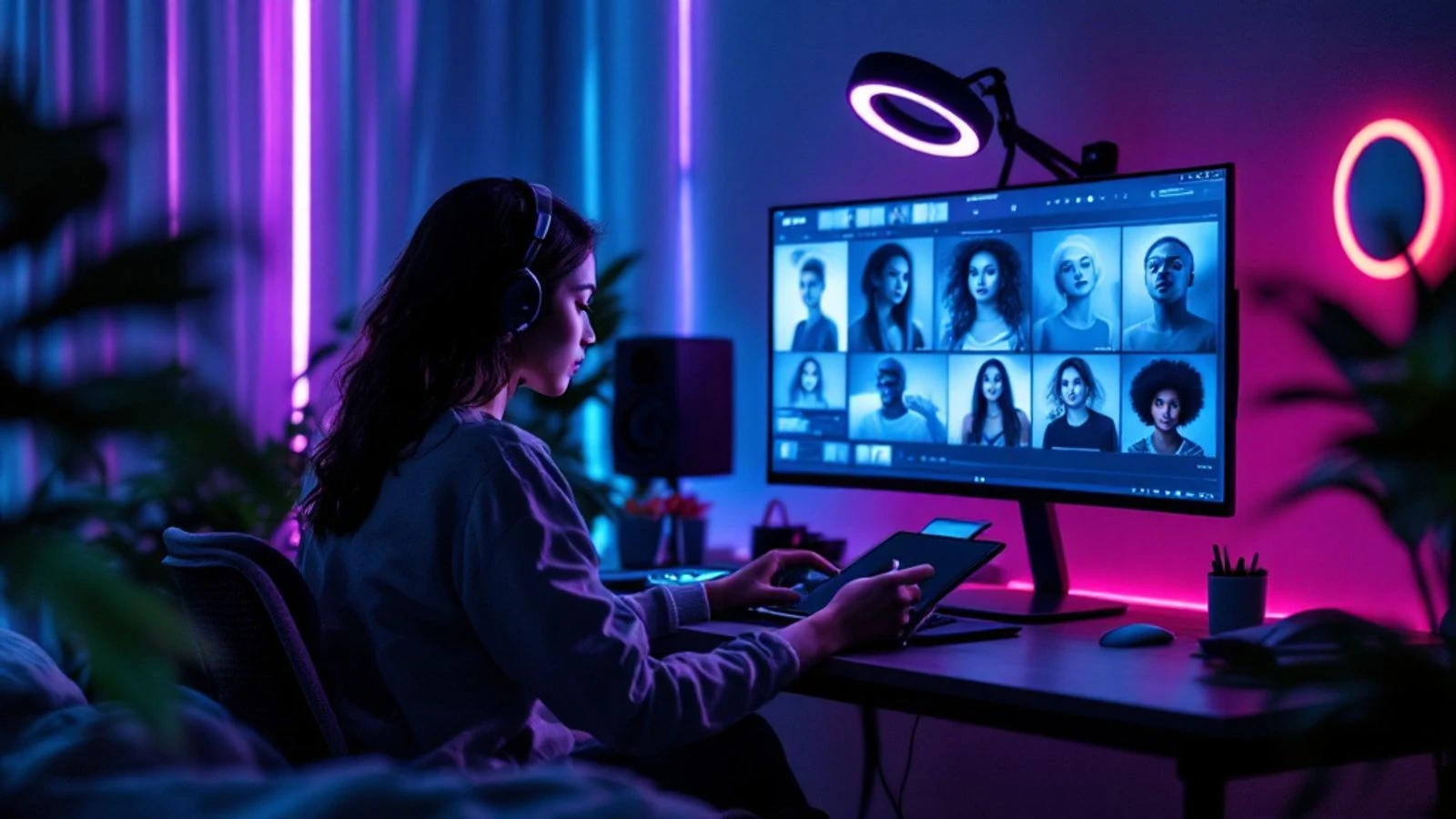
Fanvue AI refers to the practice of creating and running AI-generated creator accounts on Fanvue, one of the few subscription content platforms that officially welcomes virtual influencers. Unlike most platforms that require verified human identity, Fanvue lets you build and monetize a completely AI-generated persona as long as you label it clearly.
This guide walks you through everything you need to know to launch your first AI creator account on Fanvue. You'll learn what makes Fanvue different, how to set up your account, what kind of content to post, and how to generate professional-looking AI content that subscribers will actually pay for.
Key takeaways
- Fanvue is a subscription content platform that explicitly allows AI-generated creator accounts with proper disclosure, unlike platforms that require human identity verification.
- AI creators on Fanvue can earn through subscriptions, tips, and paid messages without needing to appear on camera themselves.
- Your AI character needs a consistent face, clear personality, and a content strategy that gives subscribers value in exchange for their subscription.
- Tools like CreateInfluencers let you generate the photos and videos you need while keeping your AI model's appearance consistent across every post.
- Success comes from treating your AI creator like a real brand: post regularly, engage with subscribers, and build a personality people want to follow.
What Is Fanvue and Why Does It Allow AI Creators?
Fanvue is a subscription-based content platform where creators share exclusive content with paying subscribers. Think of it as an alternative to platforms like OnlyFans, but with a key difference: Fanvue explicitly permits AI-generated creator accounts as long as you disclose that the persona is AI-generated.
The platform positioned itself as creator-friendly, particularly for virtual influencers. While OnlyFans requires every creator to verify their identity with government ID and expects the verified person to appear in the content, Fanvue takes a different approach. You can create an account for an AI persona, label it appropriately, and monetize it through subscriptions, tips, and paid messages.
Fanvue's revenue split is reported as 80/20 with promotional rates for new creators, though you should check Fanvue's current fee page for the latest numbers, as these can change. The platform handles payment processing, subscriber management, and content delivery, so you can focus on creating and posting.
Why AI Models Are Thriving on Fanvue
AI creators have found a genuine home on Fanvue for several practical reasons. First, the barrier to entry is much lower than traditional creator platforms. You don't need to be comfortable on camera, hire photographers, or even show your real face. Your AI character becomes your brand, and you control every aspect of how it looks and what it shares.
Second, AI creators can produce content at a pace that would exhaust a human creator. Once you've established your character's look and personality, you can generate multiple photoshoots in a day, test different content themes, and respond to subscriber requests without the physical limitations of traditional content creation. This volume advantage matters on a subscription platform where regular posting keeps subscribers engaged and reduces churn.
Third, the economics work. Subscribers know they're following an AI persona (because you've disclosed it), and many actively seek out AI creators. Some subscribers prefer the fantasy element, others appreciate the creative artistry, and some simply enjoy the content without concern for whether the model is human or AI. As long as you deliver value and entertainment, subscribers will pay.
The guide to creating a successful AI OnlyFans model covers many principles that apply equally to Fanvue, though Fanvue's explicit acceptance of AI creators makes it the more straightforward choice for beginners.
How to Set Up Your Fanvue AI Model Account
Setting up your Fanvue account for an AI creator takes about 20 minutes. Here's the step-by-step process:
- Go to the Fanvue website at https://www.fanvue.com and click the creator sign-up option (not the subscriber option).
- Provide your real information for the account owner—this is you, the person running the AI creator account. You'll need an email address and will create a password.
- Choose your creator username—this is your AI character's public name. Pick something memorable and on-brand for the persona you're creating. You can't easily change this later, so choose carefully.
- Complete the verification process—Fanvue requires the account owner (you) to verify identity, even though the content will feature an AI character. This is standard for payment processing and legal compliance.
- Set up your payment details—add the bank account or payment method where you want to receive your earnings. Fanvue needs this to send you your share of subscription revenue.
- Configure your profile—upload a profile picture of your AI character (you'll generate this in the next section), write a bio that clearly states the account features AI-generated content, and set your subscription price.
- Label your account as AI-generated—Fanvue expects clear disclosure. Put it in your bio, your welcome message, and consider adding it to your display name or username if it fits naturally.
Your initial subscription price can start anywhere you choose, depending on your content strategy. Consider what content you're offering and how engaged your audience becomes when setting your price.
Creating Your AI Character for Fanvue
Your AI character is your brand, so invest time in getting this right. A successful Fanvue AI model needs three things: a consistent appearance, a clear personality, and a content niche.
Designing the appearance: Your character should look the same in every photo and video you post. This consistency is what makes subscribers feel like they're following a real person. Decide on physical features (age range, hair color and style, body type, distinctive features), overall aesthetic (girl-next-door, luxury lifestyle, athletic, artistic), and the general mood you want to convey.
If you're using CreateInfluencers, you can create your character from a short description. The platform generates initial images, then trains on your character's face so every future photo shows the same person. This face consistency is critical—subscribers will notice if your "model" looks different in every post.
Defining the personality: Who is this character? Write a short personality profile: their interests, how they talk to subscribers, what kind of content they enjoy creating, and what makes them unique. This profile guides your captions, your responses to messages, and the overall vibe of your account. A fitness-focused character posts gym selfies and healthy meal prep; a luxury lifestyle character shares designer outfits and travel content.
Choosing your niche: Fanvue allows adult content, but you're not required to post it. Successful AI creators occupy niches like cosplay, fitness and wellness, fashion and lifestyle, fantasy and sci-fi characters, and yes, adult content for audiences seeking that. Pick a niche you can create content for consistently and that has an audience willing to pay for exclusive access.
The practical guide to making AI models covers character design in more depth, including how to refine your character's look and maintain consistency across different content types.
What Type of Content Should You Post First?
Your first posts set expectations for subscribers, so plan them strategically. Start with 10-15 posts before you promote your account or set your subscription price above free. This gives new subscribers something to browse and helps them decide if your content is worth paying for.
Your launch content should include:
- 3-5 profile and portrait shots: Clear, well-lit images that show your character's face and personality. These establish who they are.
- 5-7 lifestyle or themed photos: Content that demonstrates your niche. If you're running a fitness character, post gym photos and healthy meals. If you're doing luxury lifestyle, post designer outfits and upscale settings.
- 2-3 teaser posts: Slightly more exclusive content that hints at what paying subscribers get. Not your best stuff (save that for later), but enough to show value.
- A welcome video or talking photo: A short introduction where your character "speaks" to new subscribers. This adds personality and makes the character feel more real.
Post these over 3-5 days rather than all at once. A account with regular posting history looks more established and trustworthy than one that dumps everything in a single day.
Content variety matters: Mix close-ups and full-body shots, different outfits and settings, and different moods (playful, serious, candid, posed). Subscribers get bored if every post looks the same. Plan content themes for each week—for example, Monday gym content, Wednesday casual lifestyle, Friday premium content for paying subscribers.
How to Generate Fanvue AI Content with CreateInfluencers
CreateInfluencers is built specifically for creating AI influencer content, including the adult content that Fanvue permits. Here's how to use it for your Fanvue account:
Character creation: Start at https://app.createinfluencers.com/register (free to start, no credit card needed). Create your AI character by describing what you want—age, appearance, style, and vibe. The platform generates initial images, and you select the ones that match your vision. The system then trains on those images so your character's face stays consistent in every future generation.
Generating photos: Use text prompts to create new photos. For example, "wearing a black crop top and jeans in a modern apartment, natural lighting, smiling at camera" or "gym selfie wearing workout clothes, athletic pose, gym background." The more specific your prompt, the better the result. Each generation uses credits; monthly plans give you more credits for regular posting.
Photo packs: These are themed photoshoots that generate multiple images in one consistent outfit and setting. A "night club" pack might give you multiple photos of your character in a club outfit at a nightclub, with variety in poses and angles. Photo packs are faster than generating individual images and create content that looks like it came from a real photoshoot.
Creating videos: Turn your best photos into short videos using the video generation feature. You can also create talking videos where your character speaks a script—useful for welcome messages or personalized content for top subscribers. Videos typically perform better than static images for engagement.
Adult content: If your Fanvue niche includes adult content, CreateInfluencers supports that generation for platforms that allow it. Always label this content appropriately and keep it behind Fanvue's paywall rather than using it for free promotional posts on other platforms.
The guide to AI image generation models explains how different AI models produce different styles, which helps if you want to fine-tune your character's aesthetic.
Best Practices for Growing Your Fanvue AI Account
Growing a Fanvue AI account follows the same principles as any creator account, with a few AI-specific considerations.
Post consistently: Set a schedule and stick to it. Three to five posts per week is a good starting point. Subscribers pay for ongoing content, not a one-time dump. Regular posting keeps your account active in subscribers' feeds and reduces the chance they'll cancel.
Engage with subscribers: Respond to comments and messages. Even though your character is AI-generated, you (the human behind it) should interact with your audience. Subscribers who feel acknowledged are more likely to stay subscribed and tip. Use your character's personality in your responses to maintain the illusion.
Promote on free platforms: Build an audience on Instagram, TikTok, or Twitter/X where you can post safe-for-work previews and direct people to your Fanvue for exclusive content. Always label your AI content appropriately on these platforms—Instagram and TikTok both require disclosure of realistic AI-generated content, and they may add labels automatically.
Offer tiered value: Your free preview posts should be good enough to attract interest but not so good that people don't need to subscribe. Save your best content, highest-quality images, and most exclusive material for paying subscribers. Consider offering custom content or personalized messages for tips or higher-tier subscriptions.
Test and iterate: Track which types of content get the most engagement, which posts drive new subscriptions, and which themes your audience requests most. Double down on what works. If your fitness content gets more engagement than your fashion content, shift your ratio. AI creators have the advantage of being able to pivot quickly without needing new photoshoots or equipment.
| Growth Strategy | Timeline | Expected Impact |
|---|---|---|
| Daily Instagram stories with Fanvue link | 2-4 weeks | Drives new subscriber discovery |
| 3-5 Fanvue posts per week | Ongoing | Improves subscriber retention |
| Weekly custom content for top subscribers | Ongoing | Increases tips and retention |
| Themed photo packs (monthly) | Monthly | Drives subscription renewals |
Respect platform rules: Even though Fanvue allows AI creators, you still need to follow their content policies and payment terms. Keep your AI disclosure clear, don't misrepresent your character as human, and ensure any adult content complies with legal requirements (age verification for viewers, content restrictions by region, etc.).
FAQ
Is it legal to run an AI creator account on Fanvue?
Yes, it's legal to run an AI creator account on Fanvue as long as you clearly disclose that the content is AI-generated and follow the platform's terms of service. Fanvue explicitly permits AI creators, unlike some platforms that require human identity verification for the person in the content. You must still verify your own identity as the account owner for payment and legal compliance, but the content itself can be entirely AI-generated.
How much can you earn with a Fanvue AI account?
Earnings vary widely based on your subscriber count, subscription price, and how actively you engage with your audience. Check Fanvue's current fee page for their revenue split when calculating potential earnings. Growth depends on content quality, posting consistency, and how well you promote your account on free platforms.
Do I need to show my real face to run a Fanvue AI account?
No, you don't need to show your real face in any content. Your AI character is the face of your account, and all public content features that character. You will need to verify your identity with Fanvue for account ownership and payment processing, but this verification is private and not shown to subscribers. Many AI creators never reveal their real identity publicly and operate entirely behind their AI persona.
Can I use the same AI character on multiple platforms?
Yes, you can use the same AI character across multiple platforms, but adjust your content for each platform's rules. Your Fanvue AI character can have a safe-for-work Instagram or TikTok presence where you post previews and drive traffic to your Fanvue for exclusive content. Just ensure you label AI content appropriately on each platform—Instagram and TikTok require disclosure of realistic AI-generated content, and they may add labels automatically. Keep adult content exclusively on platforms that allow it, like Fanvue.
What's the difference between Fanvue and OnlyFans for AI creators?
Fanvue explicitly welcomes AI-generated creator accounts as long as you disclose them, while OnlyFans requires identity verification and expects the verified creator to appear in the content. This makes OnlyFans impractical for fully AI-generated personas. Fanvue built its platform to accommodate virtual influencers from the start, with features and policies that support AI creators. For anyone running an AI character, Fanvue is the clearer choice because you're operating within the platform's intended use rather than in a gray area.
How do I handle subscribers who ask for video calls or real-time content?
Set clear boundaries in your bio and welcome message that your character is AI-generated and doesn't offer video calls or real-time interactions. Most subscribers understand this if you've disclosed properly. You can offer alternatives like custom photo sets, personalized messages with your character's voice, or talking videos created with AI. Some creators use AI video tools to create "personalized" talking videos that address the subscriber by name, which feels custom without requiring real-time interaction.
Ready to start your Fanvue AI creator journey? The platform's explicit support for AI-generated accounts makes it the most straightforward option for creators who want to monetize without appearing on camera themselves. Create your AI influencer free and start generating the consistent, high-quality content your subscribers will pay for. With the right character, regular posting, and genuine engagement, your AI creator account can become a sustainable income stream.


