Change Facial Expression AI Your Guide to Lifelike Digital Emotions
Discover how to change facial expression AI to create lifelike emotions in photos and videos. This guide offers actionable tips for hyper-realistic results.
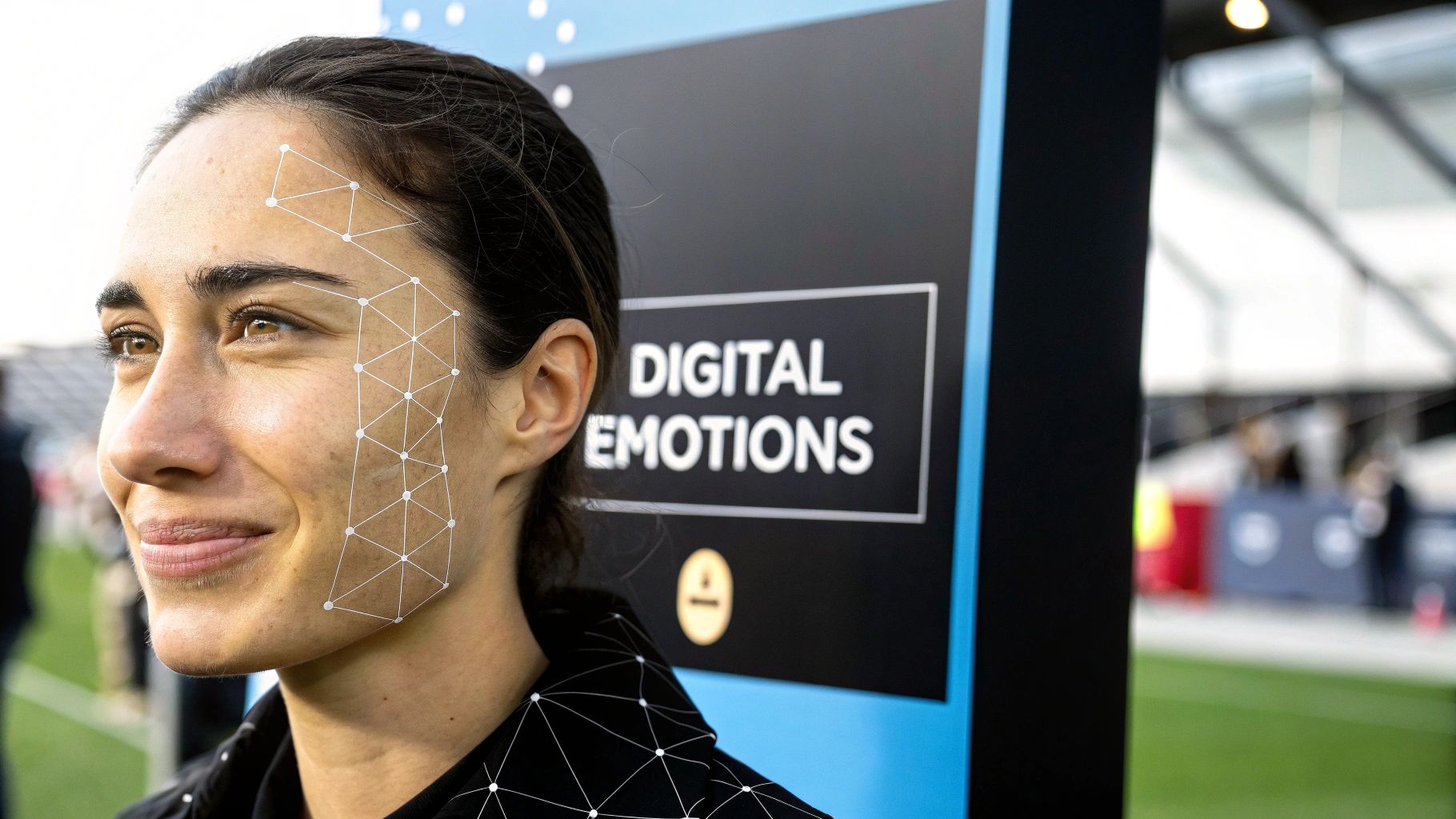
Welcome to the new frontier of digital content, where the ability to change facial expression with AI lets you sculpt any emotion you can imagine. This isn't just about tweaking photos; it's a fundamental shift in how creators and marketers can now dictate the emotional tone of their digital personas. We're going to dive into how AI reads and flawlessly adjusts expressions—from a subtle smirk to unbridled joy—in your images and videos.
The New Age of Digital Emotion
Being able to change an AI's facial expression is more than just a neat trick. It's become a serious tool for building connection. We've moved beyond the limitation of static, emotionless images and into an era where we can create dynamic, emotionally rich digital characters. This opens up a whole new playbook for anyone trying to build a memorable online presence or launch a marketing campaign that actually resonates.
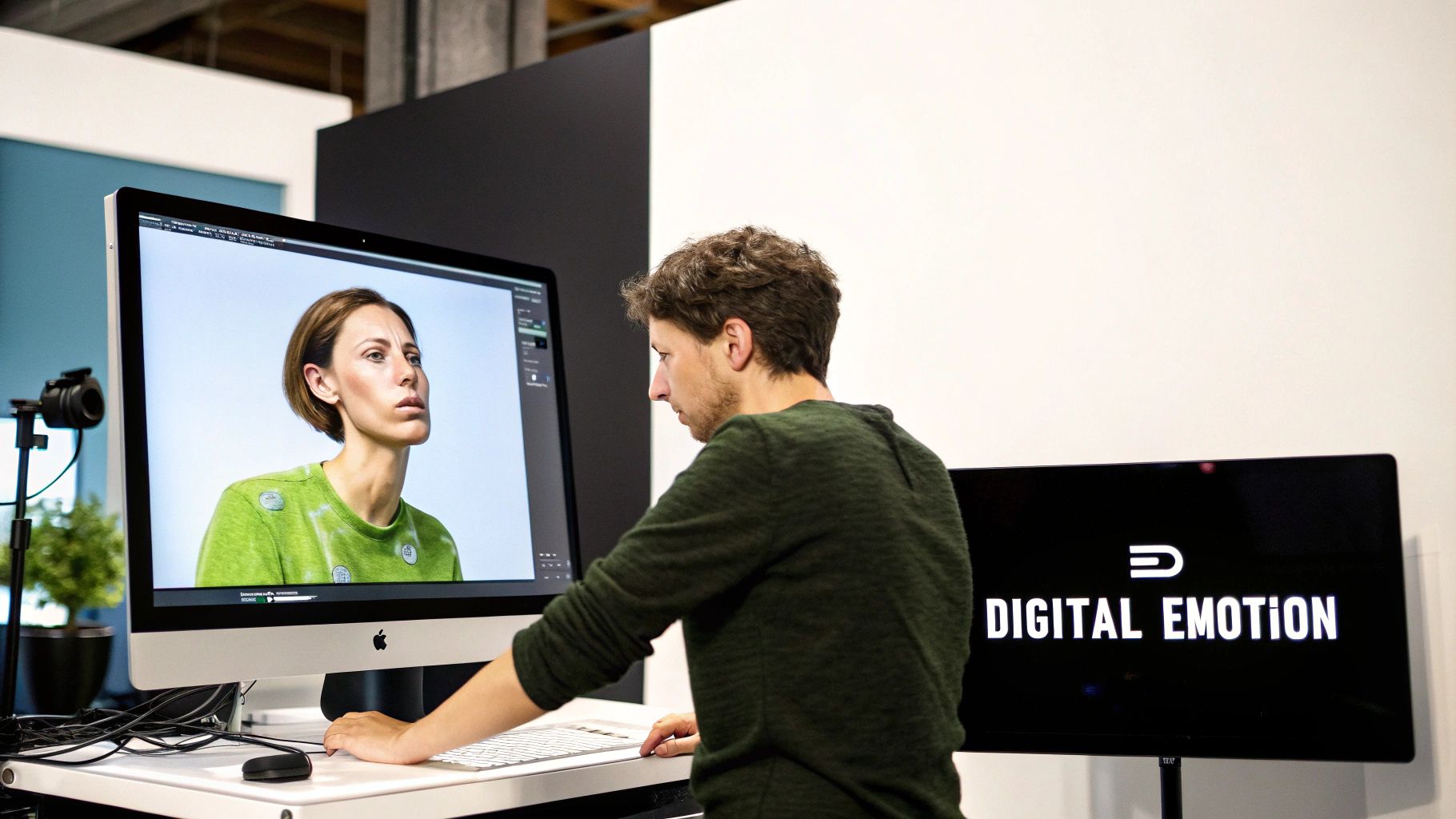
This guide is all about showing you how to put this technology to work. We'll pull back the curtain on the creative power you now have at your fingertips. The applications are massive, from crafting AI influencers with a believable emotional range to building marketing that genuinely connects with people.
How the Technology Actually Works
So, what’s going on under the hood? At its core, this tech uses sophisticated algorithms to map key facial landmarks—think the corners of the mouth, the arch of an eyebrow, or the crinkles around the eyes. By understanding these subtle cues, the AI can generate entirely new expressions that look authentic. This is a world away from simple photo filters; we're talking about creating new emotional data from scratch.
The demand for this kind of technology is exploding. The global market for AI facial emotion analysis is on a tear, growing from USD 2.12 billion to a projected USD 5.99 billion by 2034. That kind of growth signals just how crucial emotional intelligence is becoming in everything from advertising to advanced user interfaces.
Here's a quick look at the primary methods for manipulating facial expressions with AI, highlighting their strengths and common applications.
Key AI Techniques for Facial Expression Editing
| Technique | Best For | Typical Use Case |
|---|---|---|
| Latent Space Editing | Fine-tuning existing expressions with subtle, high-level commands. | Adjusting a neutral AI portrait to show a hint of a smile or a look of concentration. |
| Expression Transfer | Copying a specific emotion from a real human photo onto an AI avatar. | Making your AI influencer perfectly mirror the joyful expression from a reference image. |
| Text-Driven Editing | Using simple text prompts to generate a desired emotion from scratch. | Quickly creating multiple variations of an AI model showing "happiness," "surprise," or "sadness." |
These techniques form the foundation of modern expression editing, each offering a different level of control and creative possibility.
Why Controlling Expressions Is a Game-Changer
For any creator, having precise control over emotion is the key to building a real connection with an audience. An AI influencer who can convey genuine surprise, quiet confidence, or subtle happiness feels more human and relatable. It’s absolutely essential for effective storytelling, whether you're posting on Instagram or running a personal blog.
The real goal here is to get past the "digital puppet" phase. We're aiming to create characters that people can form a genuine bond with. When an expression feels authentic, the entire persona becomes more believable and compelling.
Tools like CreateInfluencers make this surprisingly accessible. You don't need a background in 3D animation anymore. Instead, you can use simple text prompts or intuitive sliders to direct your character’s feelings. Whether you're a seasoned pro or just getting started, you now have the tools to craft visuals that tell a powerful story. You can learn more about the possibilities with AI-generated humans in our detailed guide.
Mastering Expression Control with Text Prompts
Alright, let's move past the theory and get our hands dirty. The real magic in getting an AI to change facial expression isn't about sliders or presets; it’s all about mastering the text prompt. This is where you become the director, guiding your AI's performance with nothing but words.
Instead of being stuck with generic settings, you can use descriptive language to pull out incredibly specific and nuanced emotions. Platforms like CreateInfluencers are designed for this exact purpose, letting you create an AI influencer and then tweak their expression for any situation you can dream up. This kind of fine-tuned control is what you need to create visuals that actually connect with people, whether it’s for an Instagram story, a YouTube thumbnail, or a paid ad.
From Vague Ideas to Precise Emotions
Specificity is everything. Just telling the AI "happy" is a surefire way to get a bland, stock-photo smile. But what kind of happy are you after? Joyful? Confident? Mischievous? Serene? The more detail you feed the model, the closer it's going to get to what’s in your head.
Just look at the difference here:
- Vague Prompt:
smiling woman - Specific Prompt:
a woman with a subtle, confident smile, a slight head tilt, looking directly at the camera with a knowing glint in her eyes
The second prompt gives the AI so much more to work with—context, emotion, a whole vibe. That's what separates a basic AI image from something that looks professional and hyper-realistic.
Think like a screenwriter or a novelist. Don't just describe the face; describe the scene, the mood, and the internal feeling you want to capture. The AI is a fantastic interpreter, but it needs a rich script to perform its best.
Crafting Effective Expression Prompts
Building the perfect prompt is rarely a one-shot deal. It's more of a back-and-forth process. You start with your main idea and then start layering in details, modifiers, and context to get the output just right.
Let's break down how you can structure your prompts to get the best results.
Here are a few examples you can adapt right away:
- For Surprise: Instead of
surprised face, try something like,an expression of genuine surprise, eyes wide and eyebrows raised slightly, mouth slightly open in disbelief. - For Contemplation: Ditch
thinking facefora pensive expression, gaze directed slightly downwards and to the side, lips gently pressed together in thought. - For Joy: Level up from
laughingtoa woman mid-laugh, head tilted back slightly, eyes crinkling at the corners with uninhibited joy.
This approach gives you direct control over the subtle muscle movements that make an expression feel real. As you practice, you'll start to build your own vocabulary of descriptive words that deliver the best results. For a much deeper look, check out our complete guide on writing powerful AI image prompts.
The Growing Power of Emotion AI
The technology driving all this is getting better at a mind-boggling speed. The "emotion AI" components inside facial recognition systems—the very tech that makes this kind of detailed manipulation possible—are actually growing faster than the core identification tech.
In fact, this market is expected to grow at an 18.11% CAGR and is on track to triple in size by 2031. For anyone using a platform like CreateInfluencers, this means AI influencers who can show emotion with shocking realism. That's a huge advantage for creators trying to boost engagement and keep their audience hooked. You can read more about the facial recognition market's rapid growth to see where things are headed.
This rapid progress means the tools we have are constantly improving, making it easier than ever to create lifelike digital personalities that truly resonate. When you master text-based expression control, you’re not just editing an image—you're directing a performance.
Advanced Techniques for Dynamic Video Expressions
Once you've mastered static images, the next frontier is video. Bringing your AI influencers to life with dynamic, changing expressions is how you create truly compelling content. This is where more advanced methods like expression transfer come into play, letting you map the emotional performance from a real video directly onto your AI avatar.
For creators on platforms like Fansly or Fanvue, this is a huge deal. It unlocks the ability to produce engaging short-form video content without ever touching complex 3D animation software. The basic idea is to generate a sequence of images where the expression shifts just a little bit frame by frame. Stitch them together, and you have a seamless video clip.
Essentially, you’re taking your base AI model and applying a series of evolving prompts to create new, emotionally resonant outputs that flow together.
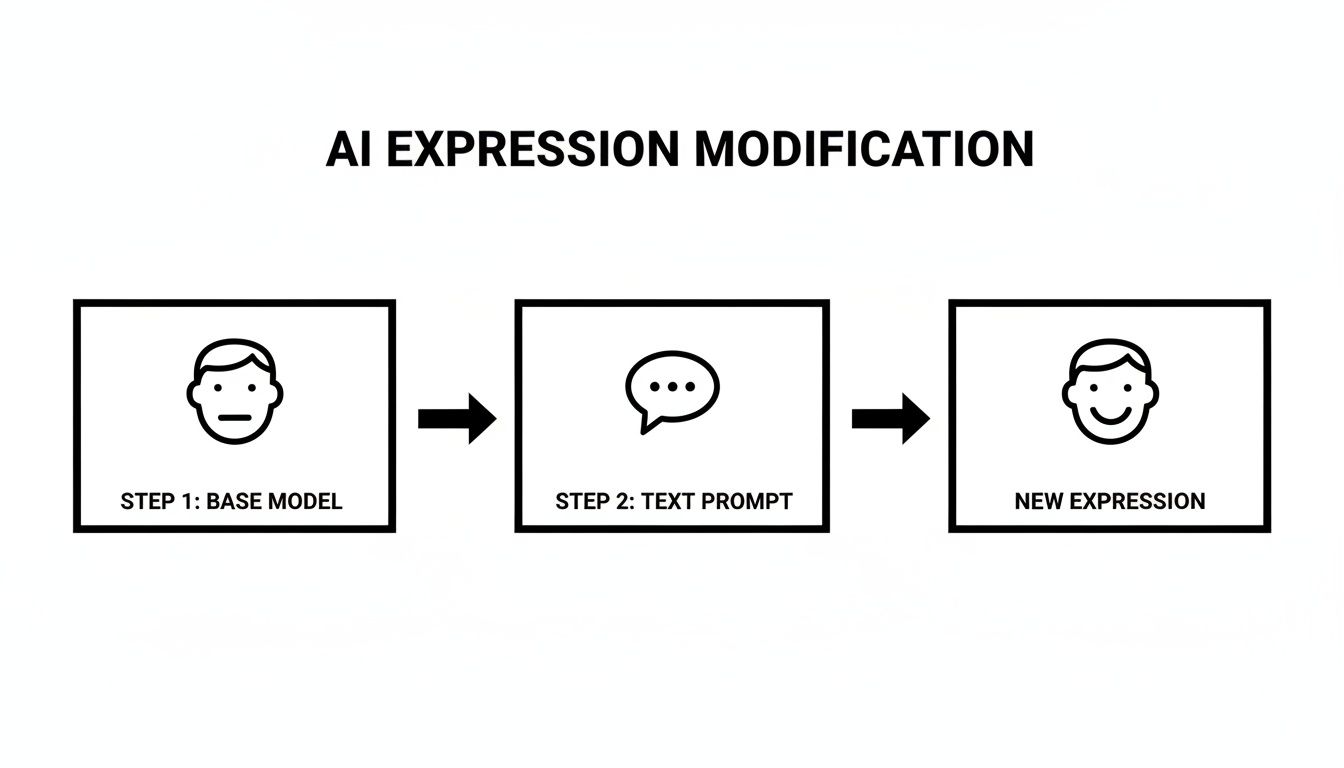
The workflow is pretty straightforward: you start with your base character, use a text prompt to define the new emotion, and let the AI generate the expressive result.
Creating Sequential Expressions for Video
To animate your AI influencer, you're not just aiming for one perfect image—you need a whole series of them. Think of it as creating a digital flipbook. You’ll generate the first frame with a neutral expression, then create the next frames by tweaking the prompt ever so slightly.
Let's say you want to create a subtle smile that grows over a few seconds. Your prompts might evolve something like this:
- Frame 1:
A woman with a neutral, calm expression, looking at the camera. - Frame 2:
A woman with the beginning of a smile, lips slightly upturned. - Frame 3:
A woman with a soft, gentle smile, eyes showing warmth. - Frame 4:
A woman with a confident, friendly smile, teeth barely visible.
By generating each frame in sequence, you build a natural emotional arc. When you line these images up in a video editor, they create the illusion of a smooth, lifelike change in expression. It's a fantastic method if you want to create a talking avatar that has real emotional depth.
Pro Tip: Keep the prompt for the character's appearance, clothing, and background identical across all frames. The only thing you should change is the part describing the facial expression. This consistency is absolutely critical to avoid a weird, flickering effect in the final video.
Maintaining Quality and Consistency
Getting believable results in video really boils down to two things: consistent character identity and stable lighting. If your AI's face shape or hairstyle suddenly shifts between frames, the final video will immediately look fake. Newer AI tools are much better at maintaining this consistency, but it's still something you need to keep an eye on.
Likewise, the lighting has to be completely locked in. Any change in shadows or highlights will shatter the illusion of a single, continuous shot. Make sure to define your lighting in the initial prompt and keep it the same for every single frame you generate. For those ready to dive in, checking out the best AI tools for video editing is the perfect next step to start assembling your final clips.
Real-World Scenarios for AI-Generated Expressions
Knowing how to change an AI’s facial expression is one thing, but knowing why is what separates the novices from the pros. This isn't just a neat party trick; it's a powerful tool that can give you a serious edge in a crowded digital space. The applications are surprisingly broad, touching everything from marketing to personal branding.
For social media managers, this is a game-changer for A/B testing ad creative. You could run the exact same ad campaign with two subtle variations of your AI influencer: one with a confident smirk and another with a warm, inviting smile. Tracking which one gets more clicks gives you hard data on what emotional cues your audience actually responds to, helping you fine-tune your campaigns and get more bang for your buck.
Forging Stronger Connections
Brand strategists can build entire campaigns around a specific emotional tone. If a company wants to be seen as trustworthy and reliable, they can ensure their AI persona consistently has a calm, reassuring expression across all their marketing materials. This kind of consistency is key to building a strong, memorable brand identity that people connect with.
And for digital creators building their own AI influencers, emotion is everything. An AI persona that can show a range of nuanced feelings—like a bit of mischief, thoughtful contemplation, or genuine surprise—feels far more real and relatable. That emotional depth is what builds a loyal audience that feels a genuine connection to your character.
The market is already catching on to this. The field of Emotion AI, which is the technology behind these dynamic facial changes, is expected to explode from USD 2,137.5 million to an astonishing USD 13,397.1 million by 2033. This massive growth is all about creating more personalized and human-like digital experiences. In fact, some marketing studies have found that ads tailored to micro-expressions can lift conversion rates by as much as 30%. You can dig deeper into the findings on the Emotion AI market to see just how fast this is moving.
Putting It Into Practice
So, what does this look like day-to-day? Here are a few concrete examples:
- E-commerce Product Shots: Imagine an AI model looking at a new handbag with an expression of "delighted surprise" or "impressed awe." That subtly influences how a potential customer feels about the product.
- Dating Profile Pictures: You could generate a set of photos that show different sides of a personality, from a "playful, witty smile" to a "thoughtful, introspective gaze."
- Content Thumbnails: A YouTube thumbnail featuring a face with an expression of "shocked disbelief" or "intense curiosity" is practically guaranteed to get more clicks.
This level of emotional control lets you tell a much more specific and compelling story. If you're also looking to bring new faces into your projects, our guide on the essentials of AI face swapping is the perfect next step.
Getting Hyper-Realistic Results and Dodging the Uncanny Valley
When you're working with AI to change facial expressions, you'll inevitably run into the "uncanny valley." It's that creepy feeling you get when something looks almost human, but a small, weird detail makes it feel completely wrong. The difference between a pro-level edit and an amateur one is learning how to climb out of that valley.
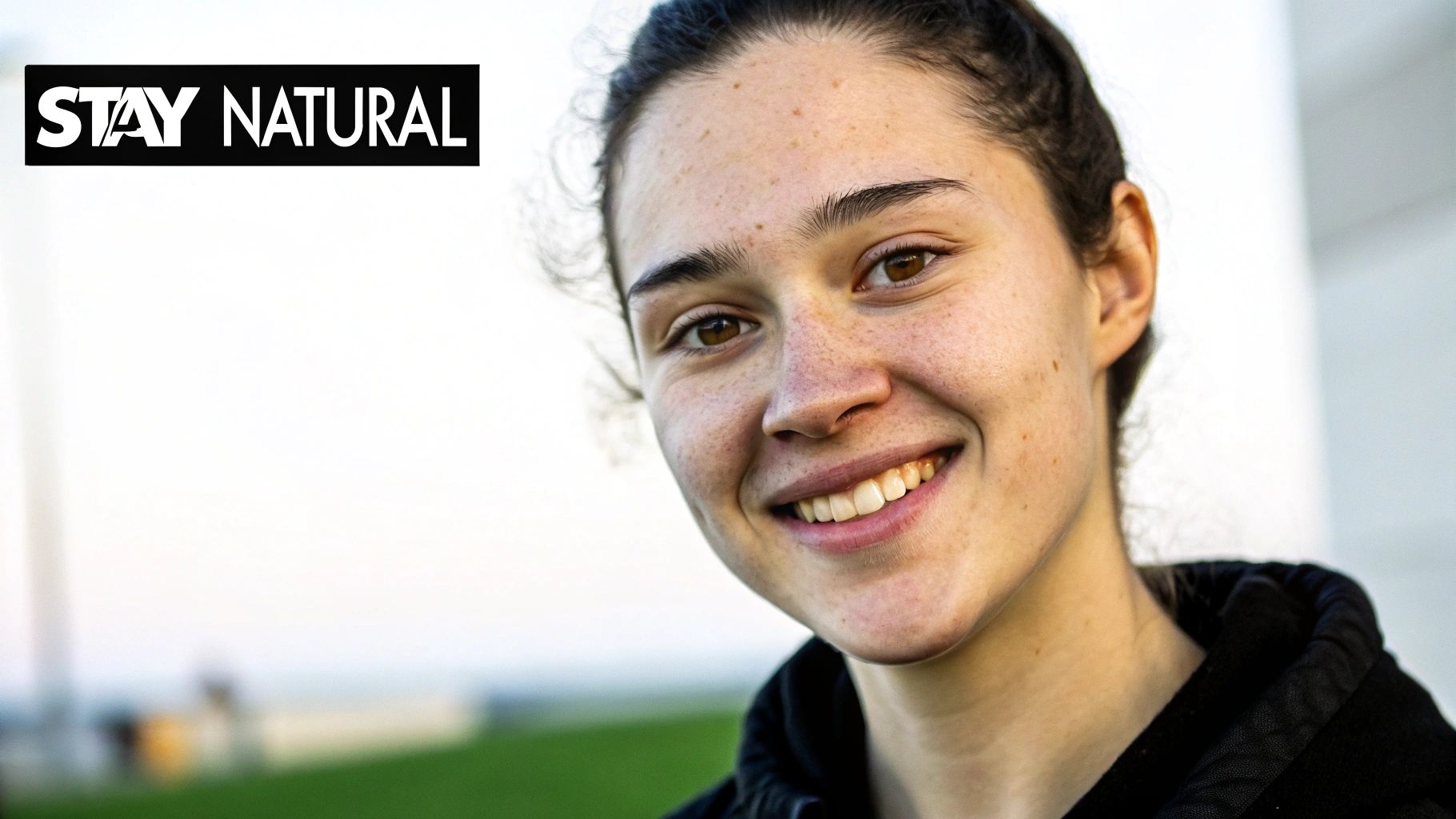
So, what’s the secret? It’s all in the details. Basic prompts like "happy" or "sad" will get you a generic, perfectly symmetrical, and totally fake-looking expression. Real human emotions are messy, subtle, and rarely symmetrical. That's what you need to aim for.
Prompting for Natural Emotion
To get believable expressions, you have to think more like a photographer directing a model and less like someone typing a command. Your prompts need nuance and specificity.
Here are a few prompting tricks I’ve picked up along the way:
- Go for Subtlety: Instead of asking for a huge emotion, dial it back. Use words like "subtle," "slight," or "a hint of." Try "a subtle, confident smile" instead of just "a wide grin." The difference is huge.
- Add Some Asymmetry: Real faces aren't perfect mirrors. Prompts like "a slight, asymmetrical smirk" or "one eyebrow slightly raised in curiosity" immediately break up that robotic symmetry AI loves to default to.
- It’s All in the Eyes: The eyes sell the emotion. A smile is just a mouth shape until the eyes get involved. Try adding phrases like "eyes crinkling with genuine warmth" or "a thoughtful, distant gaze" to bring the expression to life.
By moving past one-word commands, you're guiding the AI to build expressions that feel organic. It's this focus on the little things that's essential for creating truly realistic AI photos.
A key takeaway: A perfectly symmetrical face during a strong emotional moment is a dead giveaway of AI. The small imperfections are what make a digital human feel real.
Troubleshooting and Polishing Your Images
Even with the best prompts, you’ll run into problems—distorted features, weird artifacts, or inconsistencies between images. It happens. The good news is, there are ways to fix it.
If a specific feature looks off, like the eyes or mouth, don't give up on the whole image. Regenerate it with a slightly modified prompt or a new seed number. Sometimes, a tiny change is all you need to clear up the distortion. If you're trying to keep a character consistent across different emotions, lock in the base prompt describing their features and only change the keywords related to the expression.
Finally, don't forget to upscale. A good upscaling tool does more than just increase the resolution; it often cleans up minor flaws and adds that last bit of polish. As you push for more realism, it’s also good to know how tools can spot AI-generated content, which is covered well in this undetectable AI review. Understanding that side of the tech can make you a better creator.
Frequently Asked Questions About AI Facial Expression Editing
As you dive into changing facial expressions with AI, you'll naturally run into a few questions—both practical and ethical. Getting a handle on the finer points of this tech will help you use it better and more responsibly, making sure your creations are both impressive and respectful.
Let's break down some of the most common things people ask.
Can I Perfectly Replicate a Specific Person's Smile on My AI Avatar?
Getting a 100% perfect copy of a real person's unique smile is one of the toughest challenges. Think about all the tiny muscle movements that make a smile genuine—it's incredibly complex. While AI is powerful, it's not quite at the level of microscopic replication.
However, you can get incredibly close. The trick is to feed the AI high-quality source images and use very descriptive prompts. Instead of just saying "smile," describe its specific qualities. Is it "a gentle, closed-mouth smile" or "a wide, joyful grin that makes the eyes crinkle"? The AI is fantastic at capturing the feeling behind the expression, even if every muscle isn't a perfect match.
What’s the Best Way to Make My AI Influencer’s Expressions Look Natural?
The secret sauce for natural-looking expressions is subtlety and asymmetry. If you just use a simple prompt like "happy face," you're likely to get something that looks a bit robotic and perfectly symmetrical—which is a dead giveaway.
To get that touch of realism, you need to guide the AI with more detailed language.
- Try describing individual features: "eyes crinkling with genuine laughter."
- Introduce a little asymmetry: "a subtle, knowing smirk, slightly higher on one side."
- Use softer, more emotional words: "a look of quiet contentment."
Real human expressions are almost never perfectly balanced. By building those little imperfections into your prompts, you make the final image far more believable. Don't be afraid to experiment; it’s the best way to learn what works.
The goal isn't just to slap an expression on a face. It's to tell a story. True authenticity comes from those small, unique details that break the mold of perfect symmetry and generic emotional labels.
Are There Ethical Lines to Consider When Changing Facial Expressions with AI?
Yes, absolutely. The ethical side of this is crucial. If you're using an AI-generated persona for something like marketing or social media, transparency is key. You should never use this technology to create misleading deepfakes of real people without their crystal-clear consent.
When you're creating fictional characters or AI influencers, your goal is entertainment and storytelling. The ethical line gets crossed the moment you try to pass off a manipulated image of a real, non-consenting person as something authentic. Responsible creation means being upfront and respecting people's identities.
Ready to start directing the emotions of your own AI creations? With CreateInfluencers, you can generate lifelike avatars and dial in their expressions using simple text prompts. Begin crafting compelling, emotionally rich content today—head over to https://createinfluencers.com and sign up for free.