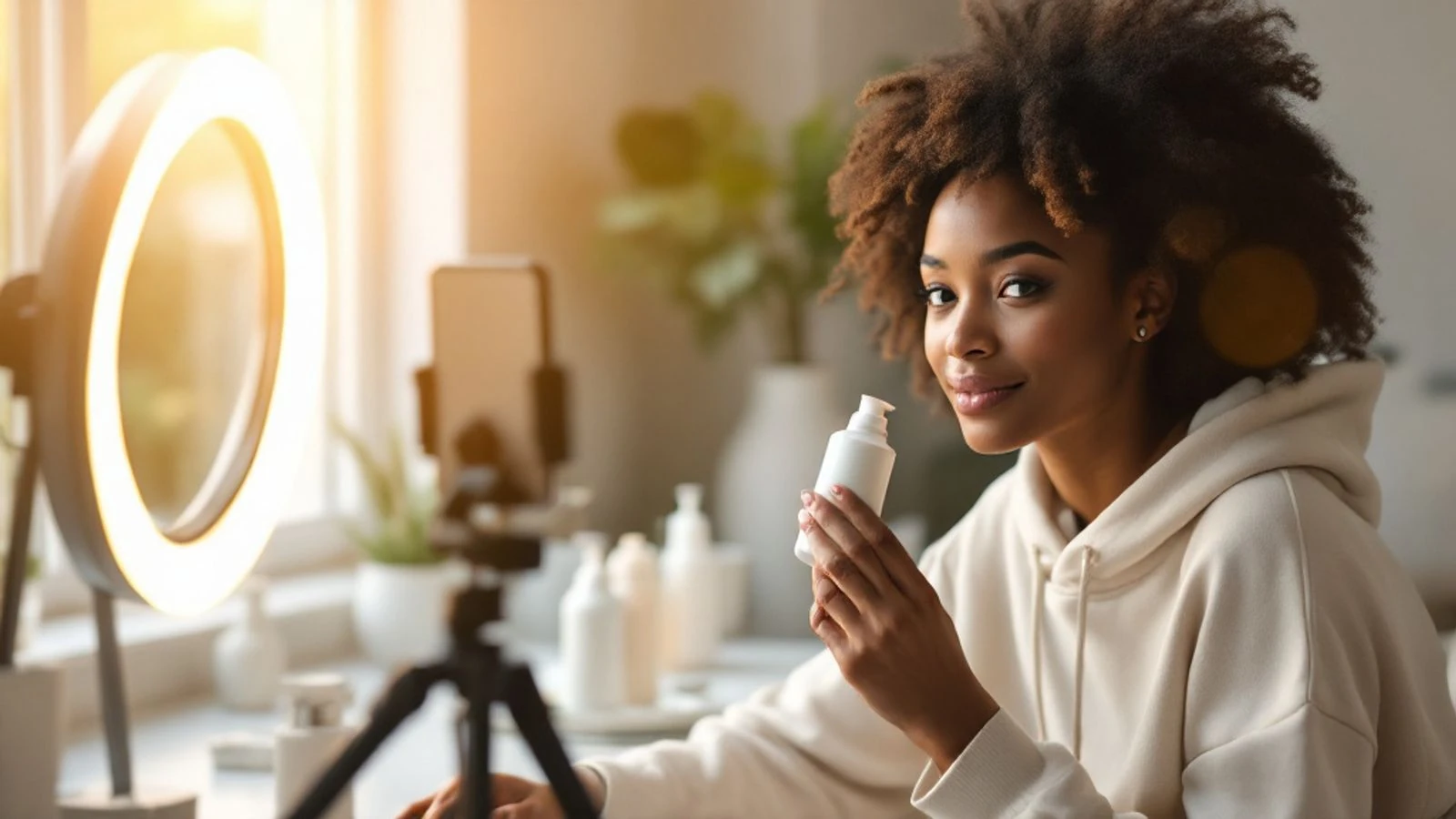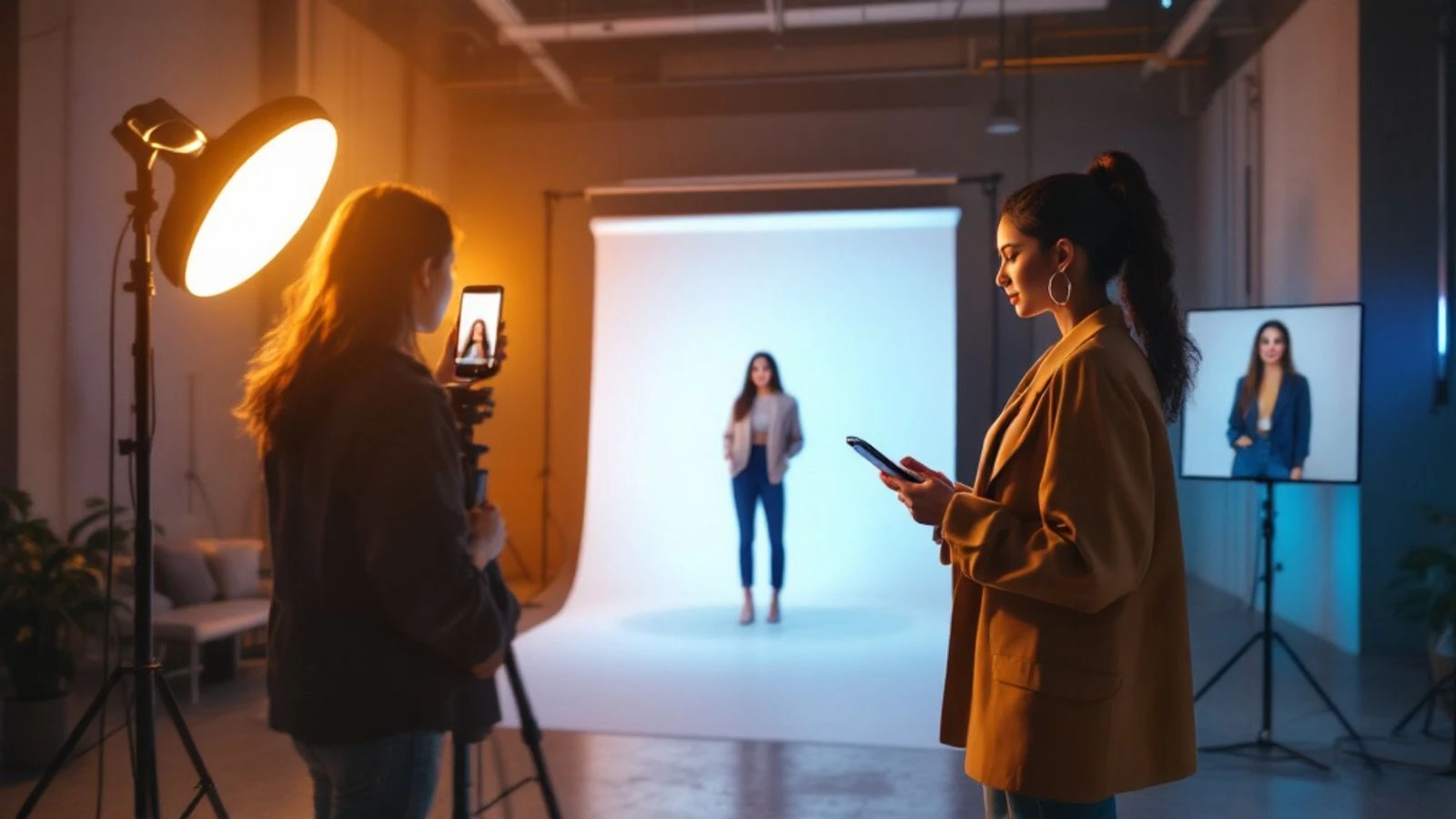
How to Create AI UGC Ads: Step-by-Step Guide for 2026
Learn how to create AI UGC ads with avatars, scripts, and products. Step-by-step tutorial for TikTok and Meta ads that convert. Start creating today.
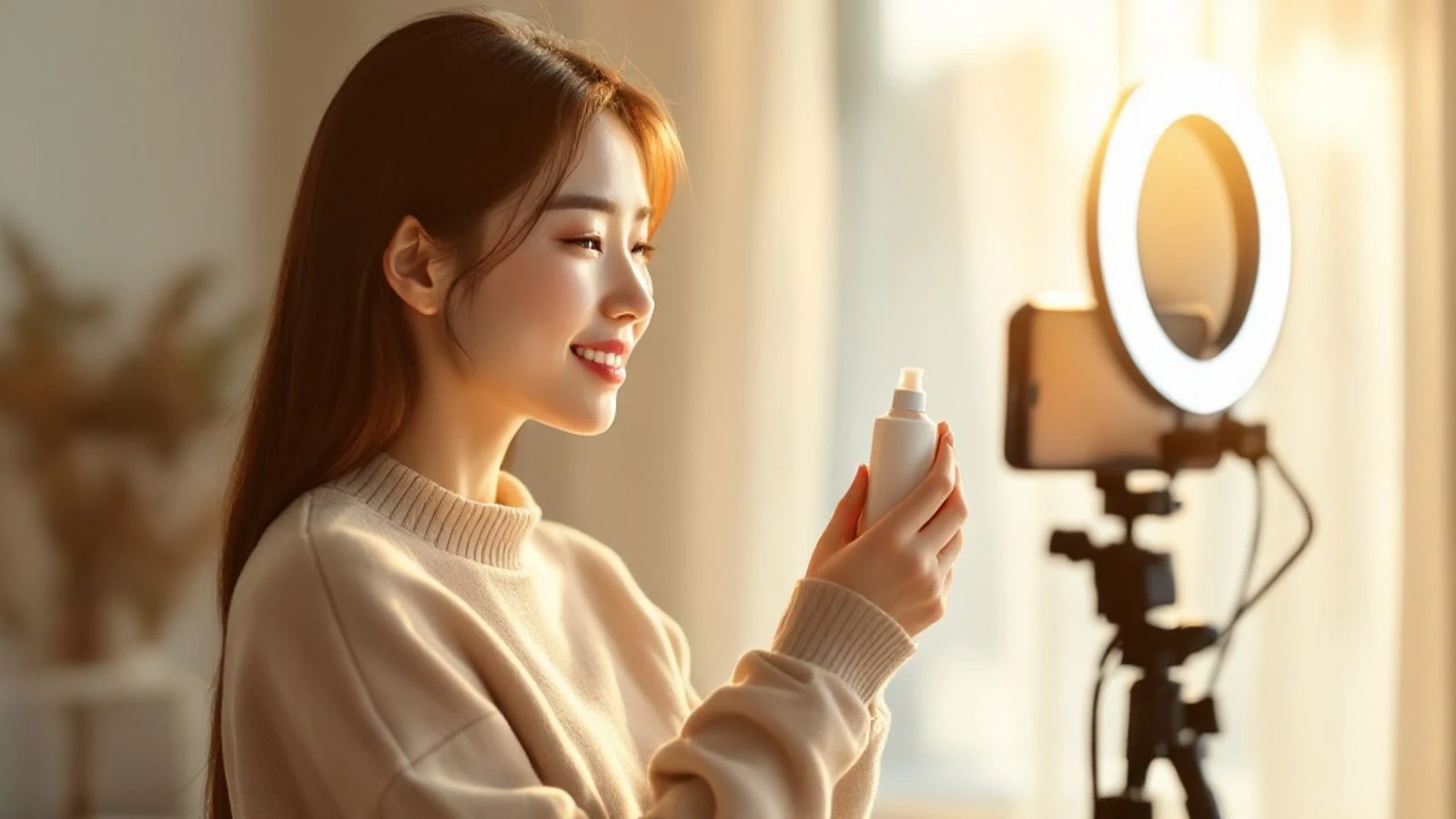
Creating AI UGC ads is faster and cheaper than hiring creators—you pick an AI avatar, write a script that sounds like a real person talking about your product, generate the video with a platform like CreateInfluencers, and edit it for TikTok or Meta ads. Instead of coordinating with influencers and waiting days for content, you can test dozens of ad variations in an afternoon and find winners before you scale your budget.
This guide walks you through every step: choosing or building an avatar that matches your audience, writing scripts that feel authentic instead of salesy, adding your product into the scene, generating the video, and optimizing the final file for each platform's specs. By the end you'll have a repeatable system to pump out fresh UGC-style ads whenever you need them.
Key takeaways
- AI UGC ads use synthetic avatars to deliver product messages in a casual, first-person style that mirrors organic creator content and often outperforms traditional studio ads.
- You can create a custom AI avatar from a photo or description, train it to stay consistent across videos, and generate talking-head clips with your script in minutes.
- Successful UGC scripts follow a hook-problem-solution-CTA structure, use conversational language (contractions, filler words, casual phrasing), and keep the pitch under 30 seconds for paid ads.
- TikTok favors vertical 9:16 video at 1080×1920, while Meta accepts 1:1 and 4:5 as well; both platforms require you to label AI-generated content and disclose paid partnerships clearly.
- Testing multiple avatars, hooks, and CTAs in parallel lets you find the winning creative fast, then iterate on that formula instead of guessing what will work.
What Are AI UGC Ads and Why They Work
AI UGC ads are user-generated-content-style videos featuring synthetic avatars instead of real people. They mimic the look and feel of an influencer or everyday customer casually recommending a product—shaky phone camera, natural lighting, direct-to-camera talking—but the "person" is an AI character you control.
Why do they work? Audiences scroll past polished brand ads but pause for content that looks like it came from a friend. The casual format lowers viewer defenses; it feels like a recommendation rather than an interruption.
AI versions give you the UGC aesthetic without the creator overhead. You don't negotiate rates, wait for revisions, or worry about an influencer's schedule. You write the script, generate the video, and have a testable ad in under an hour. That speed matters when you're running performance campaigns and need to refresh creative every few days to avoid fatigue.
Platforms do require disclosure. Both TikTok and Meta ask you to label realistic AI-generated content, and you must follow FTC guidelines on disclosing paid promotions. As long as you're transparent—"AI-generated" in the caption or platform toggle—you're good to run these ads at scale.
How to Choose or Create Your AI Avatar
Your avatar is the face of your ad, so it needs to match your target customer's expectations. Start by asking: who is my ideal buyer, and who would they trust to recommend this product? If you sell skincare to women in their twenties, a young female avatar with clear skin works. If you're pitching a productivity app to remote workers, a casual thirty-something in a home office feels right.
You have three main options for sourcing an avatar:
- Generate from a text description. Platforms like CreateInfluencers let you type a short prompt—"25-year-old woman, brown hair, casual style"—and the AI renders a character. This is the fastest route and gives you full creative control over age, ethnicity, and style.
- Upload reference photos. If you have a specific look in mind, you can create an AI avatar from a photo by uploading a few selfies. The system trains on those images so every video shows the same face. This works well if you want your avatar to resemble a real person (with permission) or if you're building a consistent "brand spokesperson" character.
- Use stock or library avatars. Some tools offer pre-made characters. These are quick but less unique—your competitor might pick the same face.
Once you have an avatar, train it by generating a few test images or videos. Check that the face stays consistent across different angles and lighting. Inconsistent features (eye color changing, face morphing) break the illusion and hurt trust. Most platforms let you lock in a character so every new generation uses the same trained model.
Also consider diversity and representation. If your audience is global or multicultural, test avatars of different ethnicities and see which perform better. A/B testing avatars is just as important as testing copy—sometimes a single face swap doubles your click-through rate because it better matches the viewer's self-image.
Writing Scripts That Convert for UGC-Style Ads
A great AI UGC ad lives or dies on the script. You want it to sound like a real person discovered your product and can't wait to share it—not like a brand wrote marketing copy. Here's the formula that works:
Hook (first 2 seconds): Grab attention with a relatable problem or surprising statement. Examples: "I used to wake up with back pain every single day…" or "Okay, this app literally saved me three hours this week." The hook should make the viewer think, That's me.
Problem (next 5–10 seconds): Expand on the pain point. "I tried every pillow on Amazon, nothing worked, and I was so tired of feeling stiff." Keep it brief but specific enough that your target audience nods along.
Solution (10–15 seconds): Introduce your product as the fix. "Then I found [Product]. It's designed with memory foam that actually supports your neck, and I noticed a difference the first night." Mention one or two key benefits—don't list ten features.
Social proof or demo (optional, 5 seconds): "My husband even stole mine, so I had to order a second one." Or show the product in use if you have a visual.
Call to action (final 3–5 seconds): "Link in bio" or "Use code SLEEP20 for twenty percent off." Be direct and give one clear next step.
Total script length for a paid ad: 25–35 seconds of talking. Organic posts can run longer, but ads need to deliver value fast before the skip button.
Language tips:
- Use contractions ("I'm" not "I am," "it's" not "it is").
- Sprinkle in filler words like "literally," "honestly," "actually"—they make it sound human.
- Avoid jargon or brand-speak. Say "it works" instead of "clinically proven efficacy."
- Read the script out loud. If it sounds like an essay, rewrite it like you're texting a friend.
Write three to five script variations for every concept. Change the hook, swap the benefit order, or try a different tone (excited vs. calm). You'll test them all and let the data pick the winner.
Adding Products and Props to Your AI UGC Videos
A talking head is fine, but showing the actual product makes the ad more concrete and boosts conversion. You have a few ways to integrate your product into an AI UGC video:
In-hand or on-screen during generation. Some AI video tools let you describe props in the scene prompt: "holding a blue water bottle" or "laptop open on desk showing app interface." The AI renders the object as part of the video. This works for generic items but can look off if your product has specific branding or details.
Overlay in post-production. Generate the avatar video first, then use video editing software (CapCut, Adobe Premiere, or even Canva) to overlay a photo or short clip of your actual product. For example, the avatar says "I love this serum" and you cut to a 2-second B-roll of the serum bottle, then back to the avatar. This gives you full control over product visuals and keeps your branding pixel-perfect.
Green screen or background swap. If your avatar is on a plain or green background, you can replace it with a photo of your product packaging, a lifestyle scene, or even your website. This is common in app ads—avatar talks in a small circle in the corner while the main frame shows the app interface.
Physical product in a separate clip. Record a quick phone video of your product (unboxing, pouring, using it) and splice it into the AI avatar footage. The avatar provides the voice-over while the B-roll shows the product in action. This hybrid approach feels very UGC because real creators do the same thing.
Whichever method you choose, make sure the product appears in the first five seconds if it's visually distinctive. Viewers need to know what you're selling before they decide to keep watching. If your product is boring to look at (software, a service), focus on the outcome or the person's reaction instead.
How to Generate AI UGC Ads with CreateInfluencers
CreateInfluencers offers a straightforward path from avatar to finished talking video. Here's the step-by-step:
Sign up and create your avatar. Go to CreateInfluencers and start free—no credit card required. Click "Create AI Character" and either describe your ideal avatar in text or upload a few photos to train a custom face. The platform generates a base character you can refine.
Train the character (optional but recommended). Generate a handful of test photos to lock in the face. Check that eyes, skin tone, and features stay consistent. If something looks off, adjust your description or re-upload clearer reference photos. Consistent faces build trust; viewers notice when a "person" morphs between shots.
Write your script. Open the talking-video tool and paste your script (the one you wrote in the previous section). Aim for 100–150 words for a 30-second clip. Choose a voice—most platforms offer multiple accents and tones. Preview a sentence to make sure it matches your avatar's vibe.
Generate the video. Hit generate and wait. The AI renders your avatar speaking the script with natural lip-sync, head movements, and micro-expressions. You'll get an MP4 file.
Review and iterate. Watch the output. Does the lip-sync look tight? Does the tone match your brand? If the avatar blinks weirdly or the pacing feels off, tweak the script (shorter sentences help) and regenerate.
Download and organize. Save the video with a clear filename: "Avatar_A_Hook_1.mp4" so you remember which version is which when you're split-testing. Keep a spreadsheet of script variations and file names—trust me, you'll lose track fast once you have twenty clips.
CreateInfluencers also lets you turn any photo into a short video (a few seconds of subtle motion, like a cinemagraph) if you want to create a static product shot that feels alive. You can layer those clips into your final edit for variety. For more background on the platform's capabilities, see our overview of AI UGC ads and how to make one in minutes.
Editing and Optimizing AI UGC Ads for TikTok
TikTok's algorithm loves native-feeling content, so your AI UGC ad should look like it was shot on a phone and uploaded straight from the app. Here's how to optimize:
Aspect ratio and resolution: TikTok is vertical-first. Export your video at 9:16 (1080×1920 pixels). If your AI platform outputs square or landscape, crop or pillarbox it in your editor. Horizontal videos get less screen real estate and lower engagement.
Length: Organic TikToks can run long, but ads perform best at 21–34 seconds. Front-load your hook in the first two seconds because users scroll fast.
Captions and text overlays: Add bold, easy-to-read captions that highlight key phrases. Many viewers watch with sound off, so the text should carry the message even in silence. Use TikTok's native text tool or burn-in captions during editing. Keep fonts casual (avoid corporate serif fonts) and use high-contrast colors (white text with a black stroke, or vice versa).
Sound and music: TikTok ads can use licensed music from the platform's library or original audio. If your avatar's voice is the main audio, consider adding a subtle background track to make it feel less sterile. Keep music volume low (around 20–30 percent of the voice level) so it doesn't compete with the script.
Labeling AI content: TikTok's AI-generated content policy requires realistic synthetic media to be labeled. When you upload the ad, toggle the "AI-generated" disclosure. Also add a line in your caption like "AI avatar • real product" so viewers know what they're seeing. Transparency builds trust and keeps you compliant.
Call to action: TikTok ads let you add a CTA button (Shop Now, Learn More, etc.). Use it. Also verbally state the CTA in your script and show it as on-screen text in the last frame. Triple redundancy (spoken + text + button) lifts conversions.
Testing matrix: Upload at least three versions with different hooks or avatars. TikTok's Campaign Budget Optimization will show each to a small audience and push budget to the winner. Track cost-per-click and cost-per-conversion, not just views—pretty videos that don't convert are expensive.
Adapting AI UGC Ads for Meta (Facebook and Instagram)
Meta's ad ecosystem (Facebook and Instagram) is more flexible on format but stricter on policy. Here's what changes when you move your AI UGC ad from TikTok to Meta:
Aspect ratios: Instagram feed and Facebook feed accept 1:1 (square) and 4:5 (vertical but not full-screen). Stories and Reels want 9:16, just like TikTok. If you're running a single campaign across placements, 4:5 is a safe compromise—it works in feed and can letterbox for Stories. Export multiple versions if budget allows; native sizing always performs better.
Video length: Meta recommends 15 seconds or less for feed ads, though you can go longer. Reels ads can run up to 60 seconds, but the first three seconds are critical. If your TikTok ad is 30 seconds, consider trimming it to 15 for feed and keeping the full version for Reels.
Text-on-video rules: Meta used to penalize ads with more than 20 percent text overlay; that rule is relaxed, but the principle remains—less text is better. Keep captions concise and don't plaster the screen with words. The algorithm still favors visually clean creative.
Labeling AI content: Meta's approach to labeling AI-generated content includes automatic detection and a manual toggle. When you upload, check "Digitally created or altered" if the system doesn't flag it. Also disclose in the caption ("This avatar is AI-generated"). Meta can reject or throttle ads that mislead viewers about synthetic content.
Ad copy and landing page: Unlike TikTok, Meta ads have separate text fields (primary text, headline, description). Write a short, benefit-focused primary text (125 characters or fewer shows fully on mobile) and a clear headline. Make sure your landing page matches the ad's promise—if the avatar says "20 percent off," the page should show that offer immediately. Meta's algorithm penalizes bait-and-switch.
Audience and placement: Use Meta's Advantage+ placements to let the system choose feed, Stories, Reels, and Audience Network automatically, or manually select if you want tight control. Test broad interest targeting first (let the algorithm find your buyers) before narrowing to lookalikes or retargeting.
A/B testing: Meta's built-in split-test tool is powerful. Test one variable at a time—avatar A vs. avatar B, hook 1 vs. hook 2—and let it run until you hit statistical significance (usually a few hundred conversions per variant). Once you have a winner, iterate on that creative and test the next variable.
| Platform | Optimal Aspect Ratio | Max Length (Ads) | Labeling Requirement | Key Metric to Watch |
|---|---|---|---|---|
| TikTok | 9:16 (1080×1920) | 21–34 seconds | Toggle + caption | Cost per conversion |
| Instagram Reels | 9:16 | 15–60 seconds | Toggle + caption | 3-second video plays |
| Instagram Feed | 4:5 or 1:1 | 15 seconds ideal | Toggle + caption | Link clicks |
| Facebook Feed | 1:1 or 4:5 | 15 seconds ideal | Toggle + caption | Cost per result |
FAQ
Can I use AI UGC ads if I don't have a product to show on camera?
Yes. If you sell software, services, or digital products, focus the video on the avatar explaining benefits and outcomes rather than holding a physical item. You can overlay screen recordings of your app, show before-and-after graphics, or use text animations to illustrate points. Many successful ads for SaaS and coaching programs are purely talking-head with graphics—no physical product required.
Do AI UGC ads perform as well as real influencer UGC?
Performance varies by niche and execution. In many direct-response tests, well-scripted AI UGC ads match or beat real creator content on cost-per-acquisition because you can iterate faster and test more hooks. Real influencers bring authentic personality and existing audiences, which helps for brand awareness and trust-building. For cold-traffic performance ads where you're optimizing every dollar, AI UGC often wins because of speed and cost. For warm audiences and community-building, a mix of both is smart.
How do I make my AI avatar look more realistic and less robotic?
Start with high-quality reference images if you're training a custom avatar—clear lighting, multiple angles, neutral expressions. Write scripts with natural pauses, filler words, and varied sentence lengths so the speech doesn't sound monotone. Choose a voice that matches the avatar's age and style. In post-production, add a subtle film grain or slight color grade to mimic phone camera footage; perfectly clean video can look synthetic. Finally, avoid overly smooth motion—real people fidget, blink unevenly, and shift their gaze. Some AI tools let you adjust these micro-movements.
What are the legal risks of using AI avatars in ads?
The main risks are misleading viewers and violating platform policies. Always disclose that your content is AI-generated, both in platform toggles and in captions, to stay compliant with FTC disclosure rules and platform guidelines. Don't create an avatar that impersonates a real person without permission—that can lead to lawsuits and account bans. Avoid making false claims about your product; the fact that the spokesperson is AI doesn't shield you from consumer protection laws. As long as you're transparent and honest, you're on solid legal ground.
Can I use the same AI UGC ad on TikTok, Instagram, and Facebook without changes?
You can, but you shouldn't. Each platform has different optimal specs (aspect ratio, length, caption style) and audience behavior. A 30-second vertical video might crush on TikTok and flop in Facebook feed because users there prefer shorter, square videos. Export platform-specific versions: 9:16 for TikTok and Reels, 4:5 or 1:1 for Instagram and Facebook feed. Tweak the hook and CTA to match each platform's tone (TikTok is casual and fast, Facebook skews slightly older and more benefit-focused). The extra hour of editing will double your return.
How many AI UGC ad variations should I test before scaling?
Start with at least three to five variations testing different hooks or avatars. Run them with equal budget until you have enough data to declare a winner (typically 50–100 conversions per variant, depending on your volume). Once you identify the top performer, create two to three new versions that iterate on that concept—change one element (the CTA, the background, the opening line) and test again. Keep the winner running while you test the challengers. This continuous testing cycle prevents ad fatigue and keeps your cost-per-acquisition low as you scale spend.
AI UGC ads give you the creative firepower of a full influencer team without the coordination headaches or the wait. You control the message, the face, and the pace, and you can spin up fresh concepts faster than any traditional production process. The key is treating your AI avatar like a real creator—write scripts that sound human, show the product clearly, label your content transparently, and test relentlessly. Platforms reward ads that feel native and deliver value, whether the person on screen is flesh or pixels.
Ready to build your first AI UGC ad? Create your AI influencer free and generate a talking video in the next ten minutes. Pick an avatar, paste your script, and see how fast you can go from idea to testable ad.