The 12 Best Tools for Social Media Content Creation in 2026
Discover the 12 best tools for social media content creation. This guide covers AI, video, design, and scheduling to level up your strategy now.
In the competitive world of social media, the tools you use directly impact your reach, engagement, and overall efficiency. Relying on outdated workflows or generic content is a recipe for being ignored. This guide is more than a simple list; it's a strategic breakdown of the best tools for social media content creation designed to help you automate, innovate, and captivate your audience. We've curated a definitive collection that addresses every stage of the creative process.
This resource will guide you through a handpicked selection of platforms, each thoroughly vetted for its specific strengths. We'll explore everything from groundbreaking AI-driven generators like CreateInfluencers, which can produce unique digital personas from scratch, to powerful video editors like DaVinci Resolve and versatile design suites such as Canva and Adobe Express. Our goal is to equip you with a modern, high-performance content creation stack.
For each of the 12 tools covered, we provide a detailed analysis, complete with screenshots and direct links. You'll find practical use cases, honest pros and cons, and clear pricing information. This structure allows you to quickly compare options and identify the perfect solutions for your specific needs, whether you're a solo influencer, a marketing agency managing multiple brands, or an adult content creator looking to innovate. Let's dive in and find the tools that will redefine your content strategy.
1. CreateInfluencers
Best For: All-in-one AI influencer and content generation at scale.
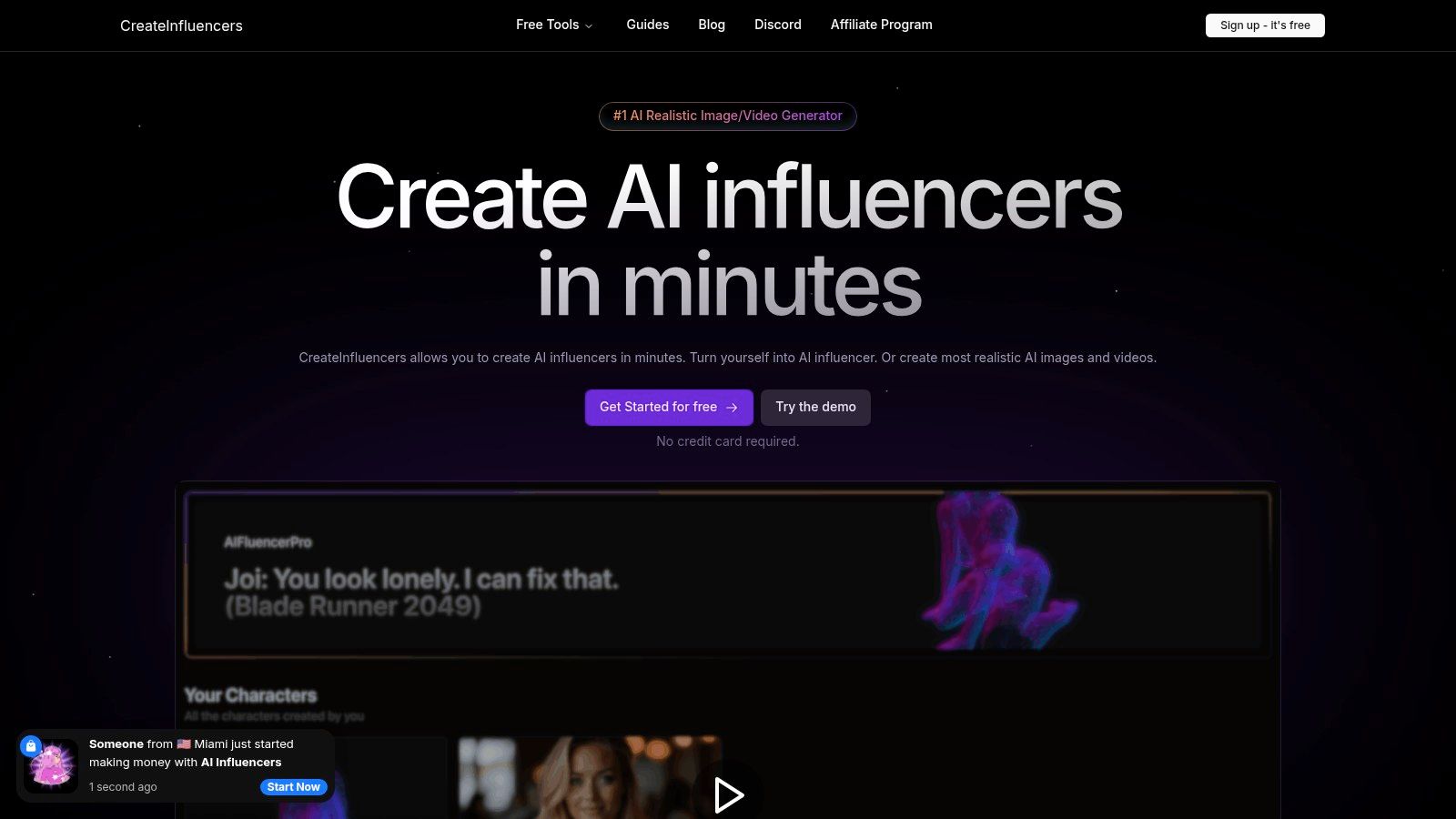
CreateInfluencers stands at the forefront of AI-driven content tools, offering a robust and comprehensive platform for generating fully customizable AI personas, high-resolution images, and dynamic videos. It distinguishes itself by consolidating a complex suite of features into an accessible, streamlined workflow, making it one of the best tools for social media content creation available today. The platform empowers users to go from a simple selfie to a complete, branded AI influencer in minutes.
This platform isn't just a simple image generator; it’s a complete content production studio. It allows for the creation of consistent characters using its "one-click" training feature, which can be applied across various content types. The real power lies in its versatility, catering to everyone from social media managers building brand mascots to adult content creators developing personas for platforms like OnlyFans and Fanvue.
Key Features and Use Cases
- AI Character Creation & Training: Train a consistent AI model using a selfie or body image. This is ideal for establishing a recurring character for Instagram, TikTok, or a brand marketing campaign.
- Advanced Generation Models: Access to state-of-the-art engines like Haiper 2.0, Kling Pro, and multiple FLUX variants ensures high-quality, diverse outputs for both images and videos.
- Specialized Content Packs: Generate themed photo sets for specific platforms and aesthetics, including Tinder, Instagram, Old Money, glamour, and polaroid styles, accelerating content production for niche audiences.
- HyperReal Upscaler: A standout feature that transforms pixelated or low-quality photos into crisp, high-definition images, perfect for reviving old content or enhancing AI-generated visuals.
For those just starting, the platform offers detailed guides and a supportive Discord community. If you're new to the concept, you can learn more about how to start content creation and leverage these AI tools effectively.
Pricing and Practical Considerations
CreateInfluencers operates on a flexible, credit-based system with tiered monthly plans:
- Basic: $47/month for 250 credits
- Pro: $79/month for 700 credits
- Enterprise: $149/month for 2,000 credits
The credit cost varies by action, from ~0.038 credits for a face swap to ~30 credits for training a new AI model. This structure allows users to pay only for what they use, though high-volume video generation can become costly.
Pros:
- Rapid, one-click character creation accelerates workflow significantly.
- Comprehensive toolset covers everything from face swaps to themed photo packs.
- Scalable pricing and multiple AI models offer flexibility for all user levels.
- Strong community and monetization opportunities via an affiliate program.
Cons:
- The credit-based system can be confusing for new users planning high-volume production.
- Realistic AI generation, especially for adult content, requires strict adherence to ethical guidelines and consent.
2. Adobe Express
Adobe Express is a powerful, all-in-one design app that stands as a top contender among the best tools for social media content creation. It’s built for speed and accessibility, empowering creators to produce high-quality graphics, simple videos, and web pages without the steep learning curve of professional Adobe software like Photoshop or Premiere Pro. Its core strength lies in its seamless integration of design, stock assets, and now, powerful generative AI.
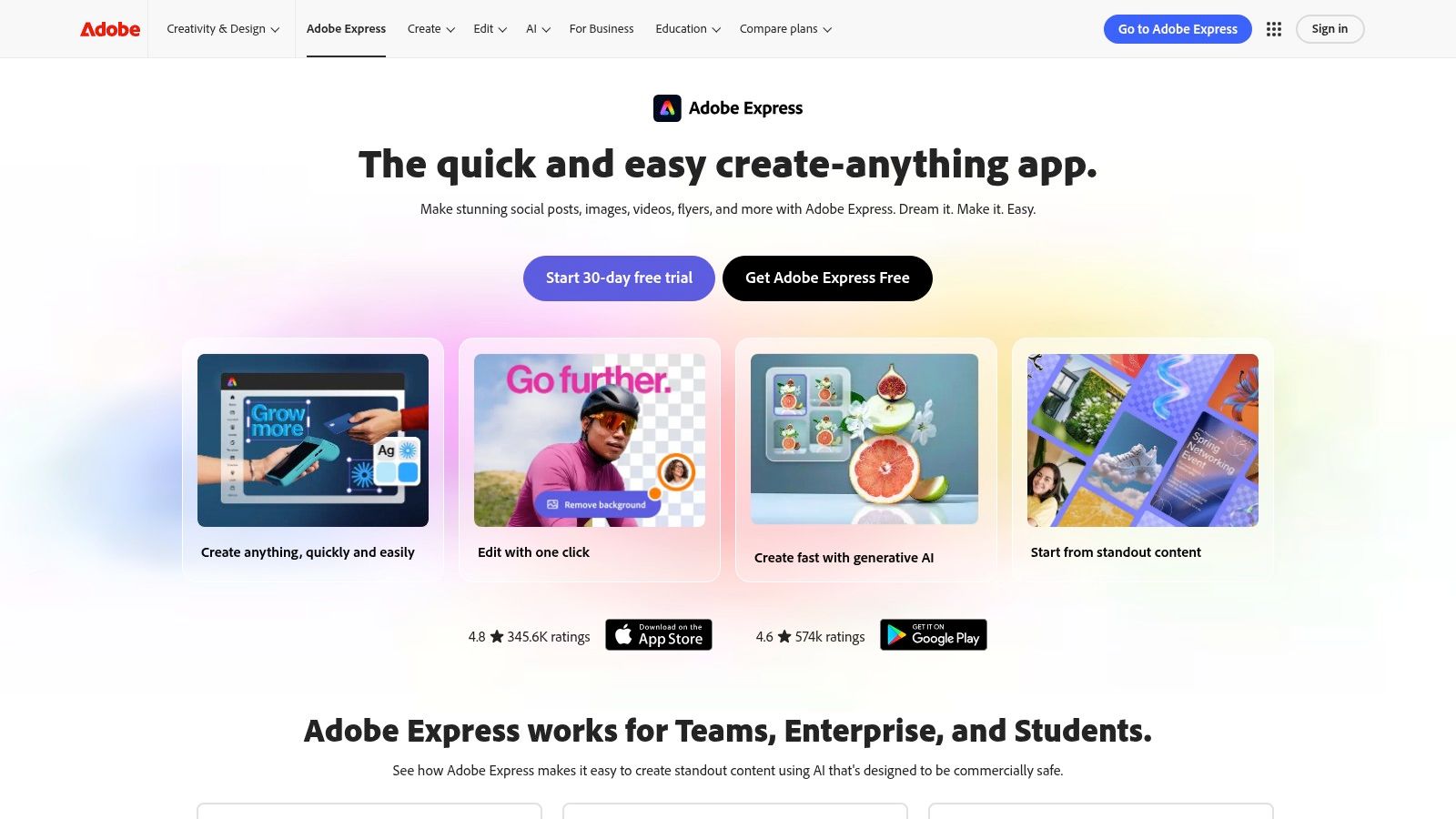
The platform is particularly effective for teams and solo creators who need to maintain brand consistency across multiple channels. The "Brand Kit" feature lets you pre-load logos, fonts, and color palettes, applying them instantly to any template. With one-click resizing, you can transform a single Instagram post into a Story, a Facebook banner, and a Pinterest Pin in seconds, drastically cutting down on repetitive work.
Key Features & Use Cases
- Generative AI by Firefly: Adobe's AI engine is built-in, allowing you to generate images from text prompts and apply text effects directly within your designs. While it excels at creative assets, those seeking to generate photorealistic human models may want to explore how to create more realistic AI photos with specialized platforms.
- Content Scheduler: Plan and schedule posts directly to Instagram, Facebook, X (Twitter), Pinterest, LinkedIn, and TikTok. This feature centralizes your workflow, removing the need for a separate scheduling tool.
- Massive Asset Library: Gain access to a vast collection of royalty-free Adobe Stock photos, videos, music, and design assets, all included with a Premium plan.
Best For: Solo creators and small business owners who need a professional, all-in-one tool for daily content creation and scheduling without a steep learning curve.
| Feature | Free Tier | Premium ($9.99/mo) |
|---|---|---|
| Templates | Thousands of free templates | 200,000+ premium templates |
| Adobe Stock | Limited collection of free photos | 195+ million royalty-free photos, videos, & music |
| Generative AI | 25 monthly credits | 250 monthly credits |
| Scheduling | 2 posts/month to 1 account per platform | Unlimited posts & accounts |
| Brand Kits | 1 Brand Kit | Unlimited Brand Kits |
Pros & Cons
- Pros: The free version is incredibly generous, providing a solid foundation for new creators. Its integration with the wider Adobe Creative Cloud ecosystem offers a clear upgrade path as your skills and needs grow.
- Cons: The generative AI credit limits on the free and standard premium plans can be restrictive for power users. While the video editor is great for quick clips and Reels, it lacks the advanced timeline and audio controls found in dedicated video editing software.
Website: https://www.adobe.com/express
3. Canva
Canva is a dominant force in the design world and a cornerstone among the best tools for social media content creation. It democratized design with its incredibly intuitive drag-and-drop interface, making it possible for anyone, regardless of skill level, to produce professional-looking graphics, carousels, presentations, and short videos. Its primary appeal is speed and an enormous ecosystem of templates and assets that eliminate the need to start from scratch.
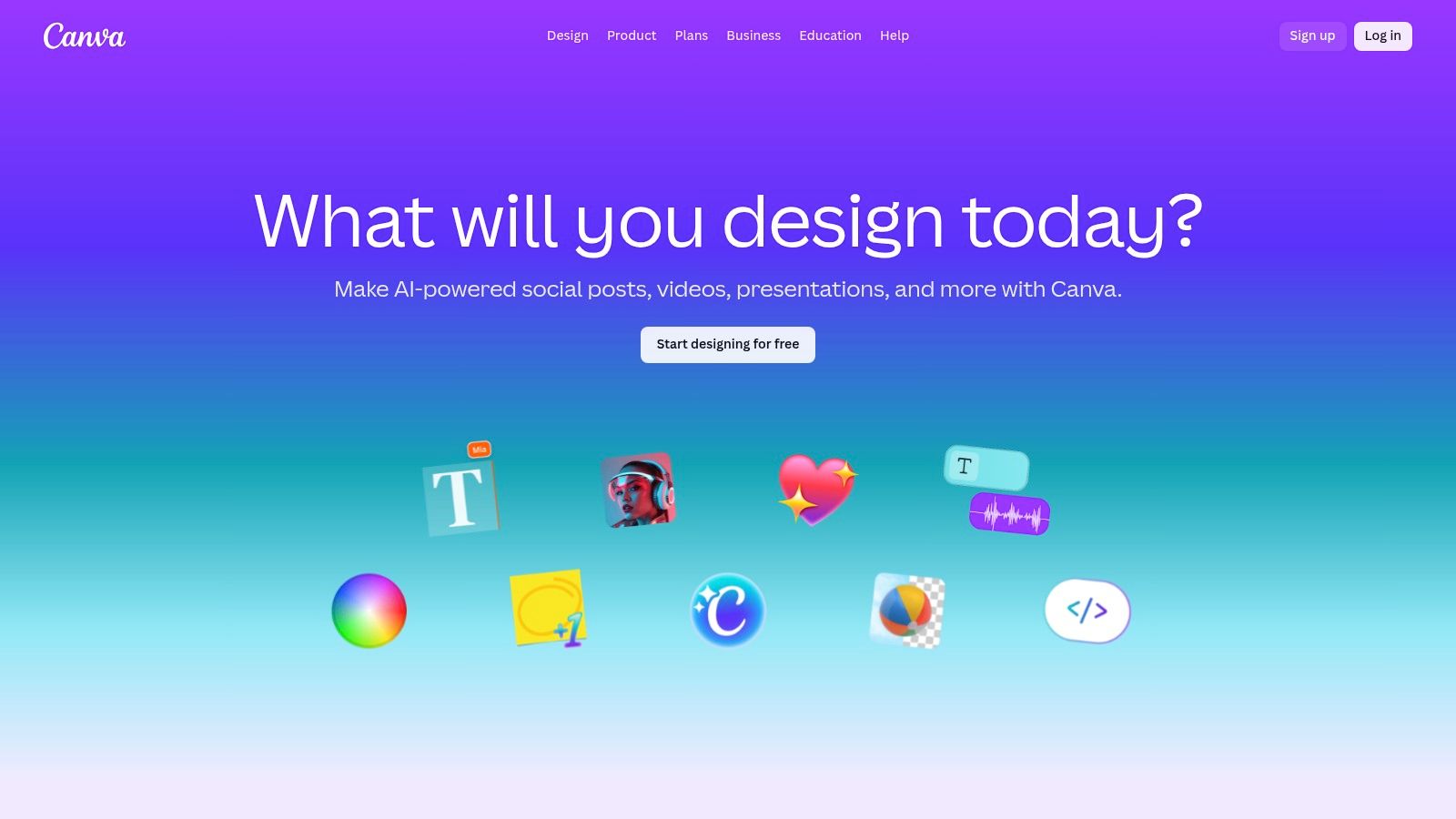
The platform thrives in collaborative environments, making it a favorite for agencies and teams. Brand Kits ensure consistency, while real-time commenting and editing features streamline the feedback process. With its recent push into AI-powered "Magic Studio" tools, Canva has further simplified content workflows, from writing copy and generating images to creating entire presentations from a single prompt. This blend of accessibility and powerful features makes it indispensable for rapid social media production.
Key Features & Use Cases
- Massive Template Library: Gain access to millions of templates for virtually any social media format, from Instagram Stories to LinkedIn carousels, which drastically accelerates the content creation process.
- Magic Studio (AI Tools): Utilize a suite of AI features for text generation (Magic Write), image creation (Magic Media), and even short video snippets. This allows for quick ideation and asset creation directly within your design.
- Content Planner & Scheduler: Schedule content directly to eight social media platforms, including Instagram, Facebook, and Pinterest. This feature is integrated directly into the design workflow, centralizing planning and creation.
- Team Collaboration: Work together on designs in real-time, leave comments, and manage brand assets like logos and color palettes in a centralized Brand Kit to ensure consistency across all team output.
Best For: Solo creators, marketing agencies, and mixed-skill teams that prioritize speed, collaboration, and a very low learning curve for producing high-volume social media content.
| Feature | Free Tier | Canva Pro ($14.99/mo for one person) |
|---|---|---|
| Templates | 250,000+ free templates | Millions of premium templates |
| Stock Assets | 1+ million free photos & graphics | 100+ million premium stock photos & assets |
| Magic Studio AI | Limited, credit-based usage | Increased credits & premium features |
| Scheduling | 8 platforms, scheduling available | Includes advanced features like auto-resize |
| Brand Kits | Limited to 3 colors in 1 palette | Store up to 100 Brand Kits |
Pros & Cons
- Pros: The platform has an extremely short learning curve, allowing non-designers to become productive almost immediately. Its deep template ecosystem is a massive time-saver for daily social media production.
- Cons: Recent changes to team pricing and entitlements have caused some confusion for users, particularly those on legacy plans. It's important to verify current seat-based pricing terms before committing a team.
Website: https://www.canva.com
4. CapCut
CapCut has rapidly become an essential tool for social media content creation, particularly for short-form vertical video. Originally a mobile-first app, it now offers robust desktop and web versions, making it a versatile choice for creators who produce content for TikTok, Instagram Reels, and YouTube Shorts. Its core advantage is speed, combining a user-friendly interface with powerful, trend-driven features that simplify what used to be complex editing tasks.
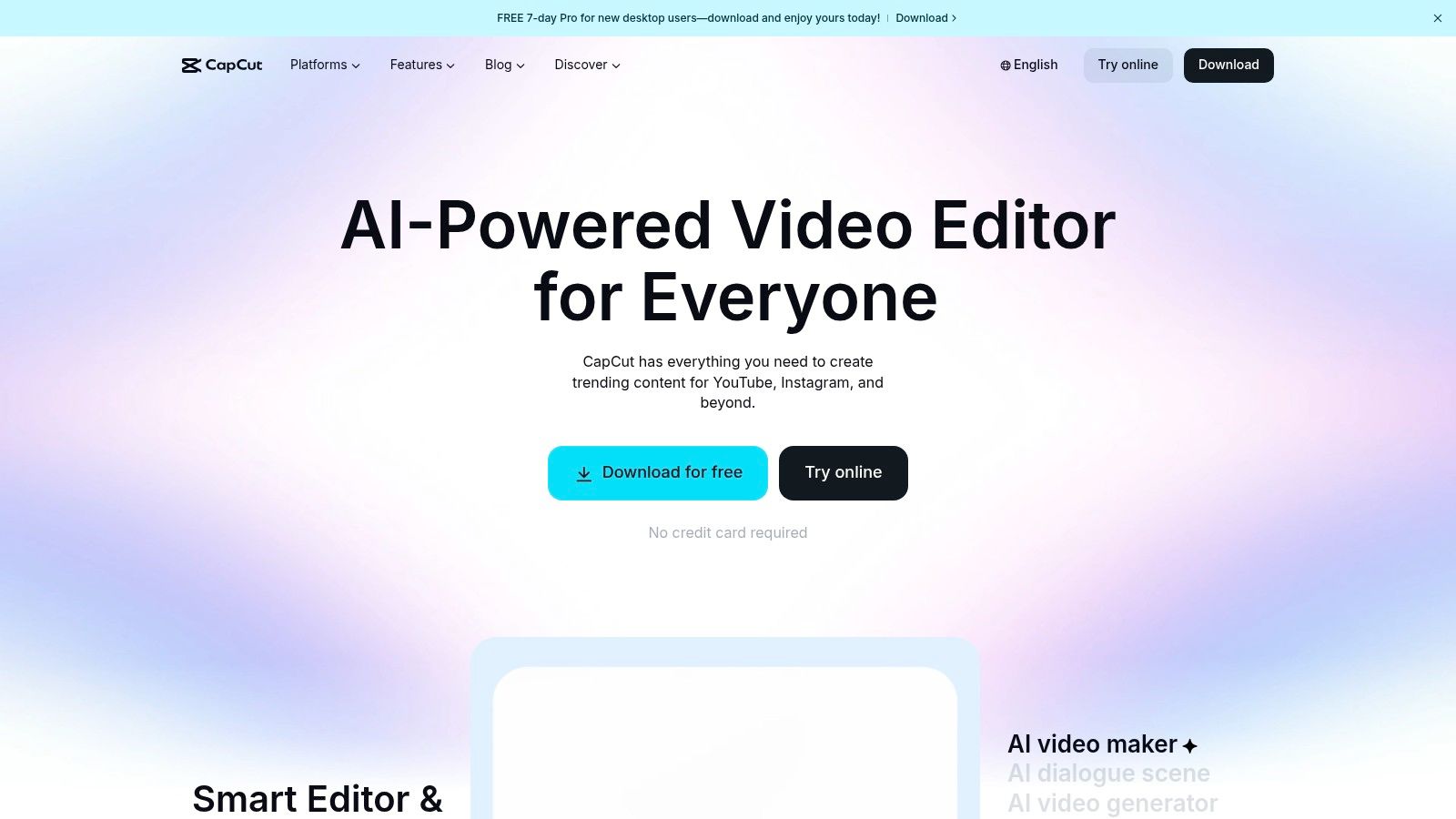
The platform excels at helping creators quickly jump on new trends. Its extensive template library is constantly updated with popular audio, effects, and transitions, allowing you to produce a high-quality, relevant video in minutes. For those crafting original content, its one-click AI features like auto-captions and background removal are invaluable, saving significant time and effort in post-production.
Key Features & Use Cases
- Auto-Captions & Subtitles: Instantly generate and style animated captions from your video's audio, a crucial feature for accessibility and viewer retention on platforms where many users watch with the sound off.
- Template Library: Access a massive, ever-growing library of pre-made video templates synced to trending sounds. Users can simply drop in their own clips to create a professional-looking video instantly.
- AI Editing Tools: Leverage AI for tasks like removing video backgrounds, retouching appearances, auto-reframing for different aspect ratios, and even scripting videos with the AI scriptwriter.
Best For: Creators and marketers focused heavily on TikTok and Instagram Reels who need to produce trendy, engaging vertical videos quickly and efficiently.
| Feature | Free Version | Pro (from $7.99/mo) |
|---|---|---|
| Export Quality | Up to 4K without watermark | Up to 4K without watermark |
| Templates & Effects | Large library of free assets | Access to all premium templates, effects, & filters |
| Cloud Storage | 1GB free | 100GB cloud storage |
| AI Features | Limited access to basic AI tools | Full access to all advanced AI features |
Pros & Cons
- Pros: The free version is incredibly powerful and sufficient for most creators' needs. Its focus on mobile-first, vertical video makes it one of the fastest editors for producing social-ready content.
- Cons: Pricing and feature availability can vary significantly depending on whether you subscribe via mobile app stores or the desktop version. Some users have reported occasional changes to plan entitlements which can cause uncertainty.
Website: https://www.capcut.com
5. Descript
Descript revolutionizes video and audio editing by transforming it into a process as simple as editing a text document. This makes it one of the best tools for social media content creation, especially for anyone producing podcasts, interviews, or talking-head videos. Instead of scrubbing through a timeline, you simply edit the auto-generated transcript, and the corresponding video or audio cuts are made automatically. This unique workflow drastically accelerates the creation of short-form social clips and captioned videos.
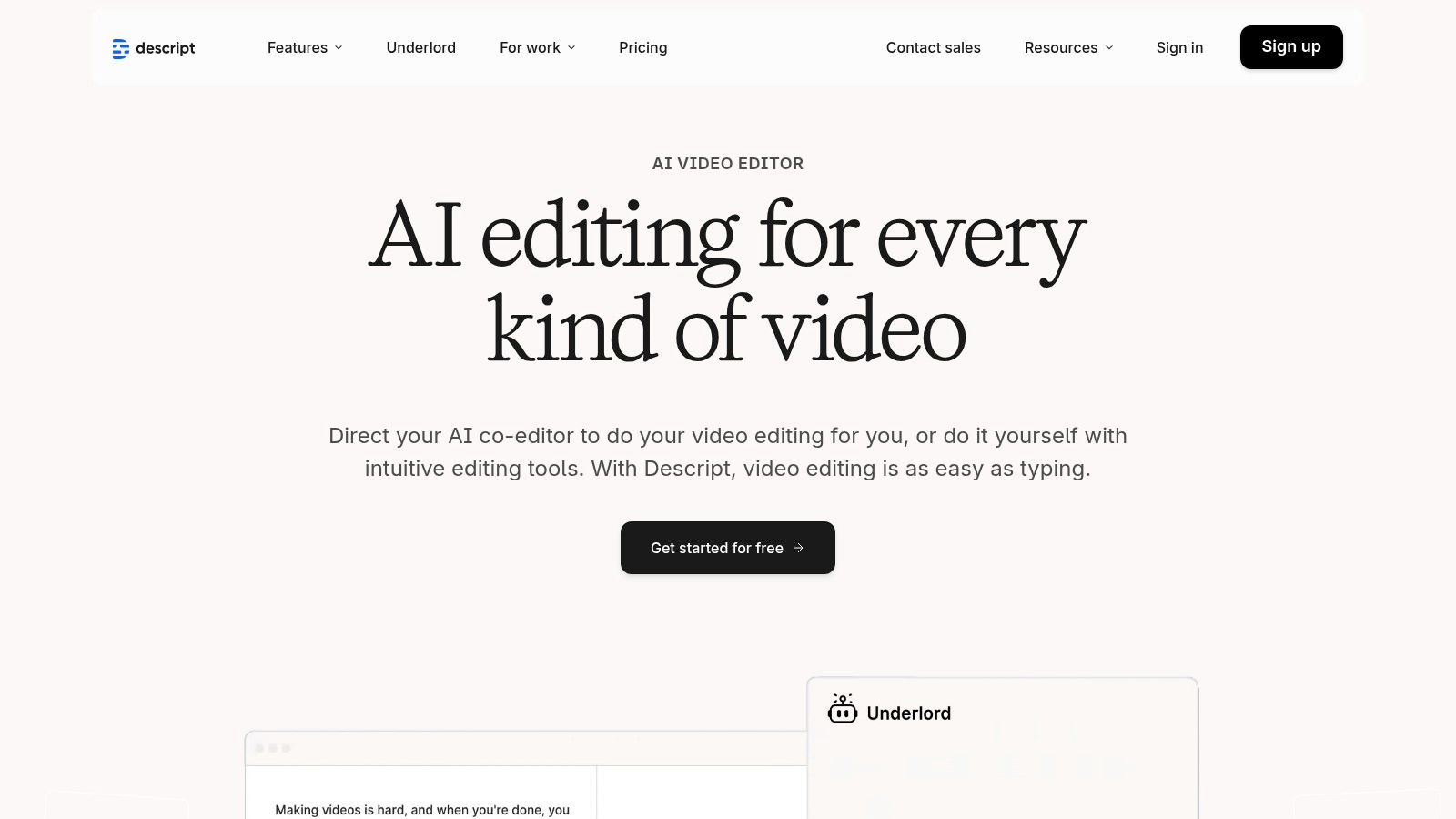
The platform’s power lies in its AI-driven features designed to clean up content effortlessly. With a single click, you can remove all filler words ("uhms" and "ahs") or use "Studio Sound" to eliminate background noise and enhance vocal clarity, making amateur recordings sound professionally produced. This script-based approach is a game-changer for creators focused on repurposing long-form content into bite-sized, shareable social media assets.
Key Features & Use Cases
- Text-Based Video Editing: Edit video up to 4K resolution by simply deleting or rearranging words in the transcript. This is ideal for quickly creating social media clips from longer webinars, podcasts, or tutorials.
- AI-Powered Cleanup: Automatically remove filler words and silences. The "Studio Sound" feature provides studio-quality audio enhancement, perfect for creators recording in imperfect environments.
- Overdub AI Voice Cloning: Correct audio mistakes or add new narration by simply typing the words. While Descript excels at audio, those looking to create video from text should explore a dedicated AI video generator free online for more visual options.
Best For: Podcasters, coaches, and interviewers who need to rapidly edit and repurpose audio and video content for social media without advanced editing skills.
| Feature | Free Tier | Creator ($12/mo) |
|---|---|---|
| Transcription | 1 hour/month | 10 hours/month |
| Video Export | Watermarked, 720p resolution | Watermark-free, up to 4K resolution |
| Studio Sound | Included | Included |
| Filler Word Removal | Pro words only ("um" & "uh") | 18 filler words & repeated words |
| Overdub | Limited vocabulary | Unlimited vocabulary |
Pros & Cons
- Pros: The text-based workflow is incredibly intuitive and offers one of the fastest ways to edit dialogue-heavy content. The pricing tiers are clear, and the audio enhancement tools are top-tier.
- Cons: While excellent for its niche, it is not a replacement for a full non-linear editor (NLE) like Premiere Pro for projects requiring heavy motion graphics or complex visual effects. Exceeding monthly transcription limits can lead to extra costs.
Website: https://www.descript.com
6. Kapwing
Kapwing is a collaborative, browser-based video editor that has carved out a niche as one of the best tools for social media content creation, especially for teams. It eliminates software installation headaches and empowers creators to quickly edit, subtitle, and resize videos. Its strength lies in its simplicity and focus on the core tasks required for social video, like clipping long-form content into engaging shorts or adding perfectly timed captions.
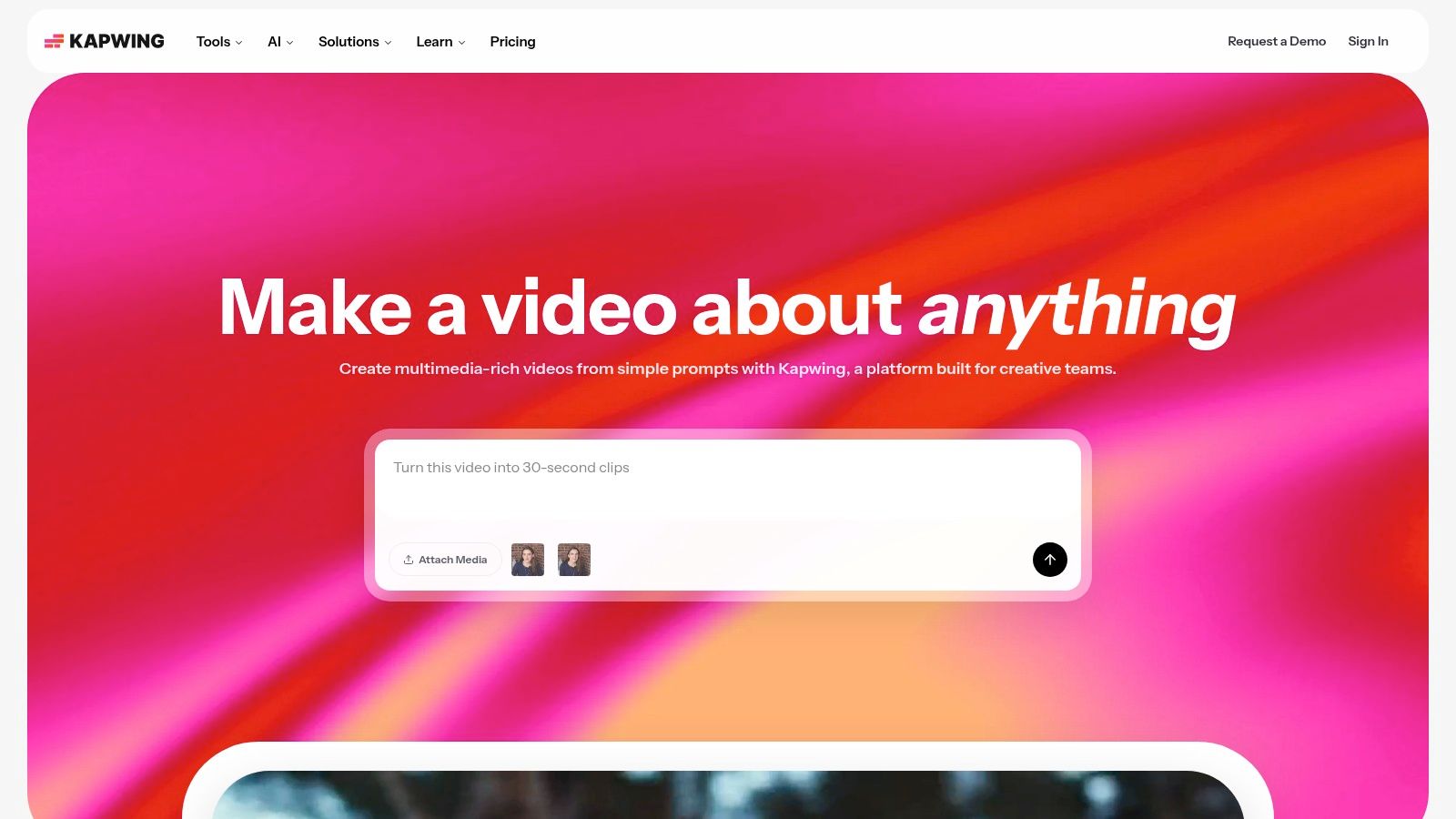
The platform is designed for speed and distributed workflows, making it ideal for agencies and marketing teams. Shared workspaces and brand kits ensure consistency, even when multiple editors are involved. Kapwing's AI-powered features are a major draw, streamlining tedious tasks and making it a go-to for creators who need to repurpose content efficiently. By simplifying complex video edits into a few clicks, it dramatically accelerates the content production pipeline.
Key Features & Use Cases
- AI-Powered Repurposing: Tools like "Repurpose Studio" automatically identify key moments in long videos and reformat them into vertical shorts. This is a core component of effective content repurposing strategies for maximizing reach.
- Auto-Subtitling & Dubbing: Generate accurate subtitles in seconds and translate your video's audio into multiple languages with AI dubbing, making your content globally accessible.
- Collaborative Workspace: Invite team members to a shared workspace to edit projects together in real-time, leave comments, and access shared brand assets.
Best For: Marketing teams and agencies that need a fast, collaborative video editor for repurposing long-form content into social media clips.
| Feature | Free Tier | Pro ($16/mo, billed annually) |
|---|---|---|
| Export Resolution | Up to 720p with watermark | Up to 4K without watermark |
| Video Length | Up to 4 minutes | Up to 120 minutes |
| Auto-Subtitles | 10 minutes/month | 300 minutes/month |
| AI Features | Limited access | 50 credits/month for AI tools |
| Storage | Limited | Unlimited cloud storage |
Pros & Cons
- Pros: The completely browser-based workflow is perfect for distributed teams and requires no powerful hardware. Its tools are purpose-built for the most common social media video tasks, especially repurposing.
- Cons: The free plan's watermark and export limitations are restrictive for professional use. While excellent for quick edits, it lacks the advanced timeline controls and effects found in dedicated desktop software like Premiere Pro.
Website: https://www.kapwing.com
7. Blackmagic Design DaVinci Resolve
For creators ready to move beyond template-based editors, Blackmagic Design's DaVinci Resolve is a Hollywood-grade post-production suite offered in a surprisingly accessible package. It's not just a video editor; it's a unified solution for professional editing, color correction, visual effects, and audio post-production. This makes it one of the best tools for social media content creation for those aiming for a cinematic, high-polish look for their YouTube videos, Instagram Reels, and short films.
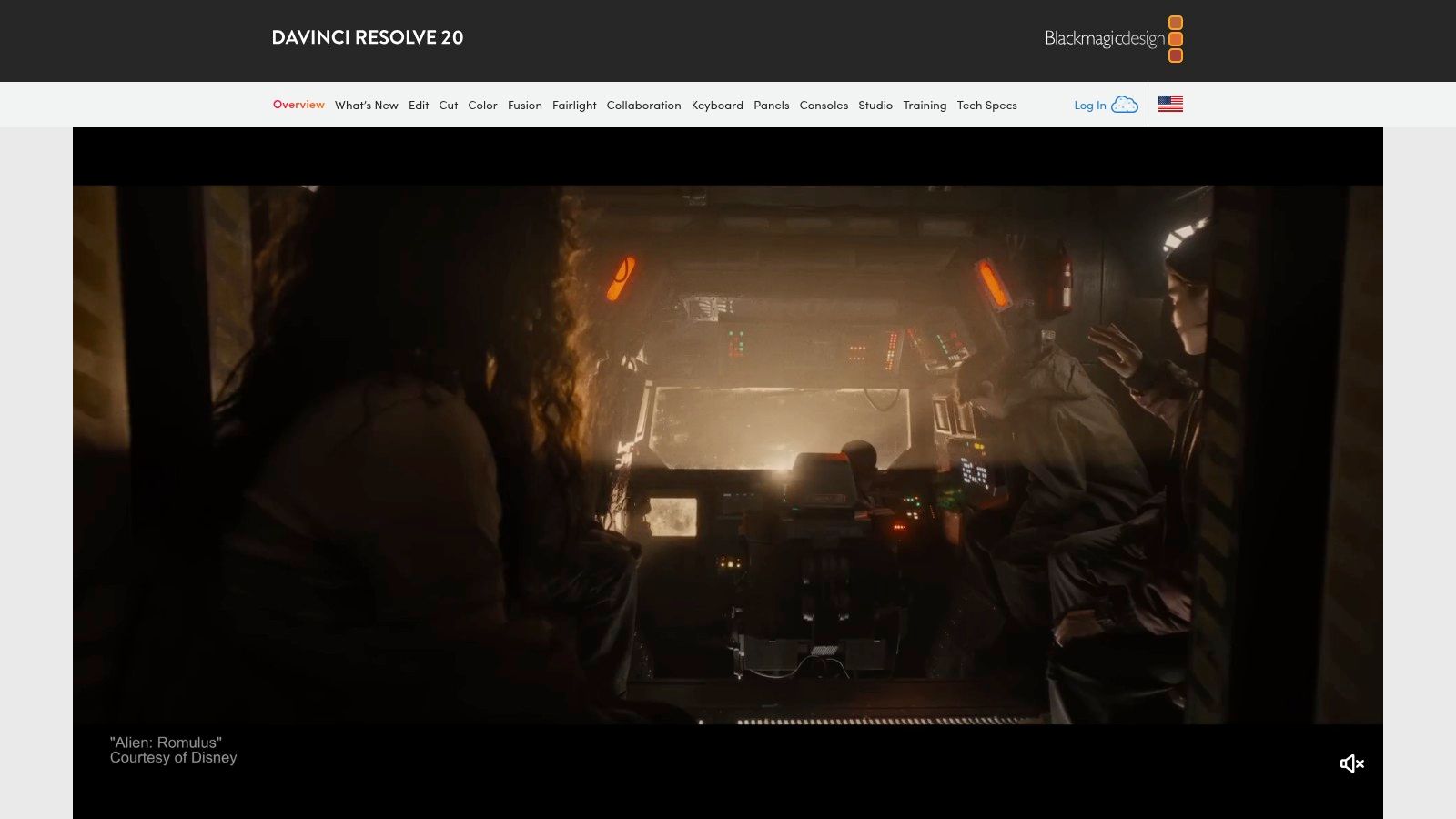
What sets Resolve apart is its node-based color grading page, which offers unparalleled control over the look and feel of your footage, allowing you to create signature styles that stand out. While the initial learning curve is steeper than cloud-based tools, its power is undeniable. The one-time purchase for the Studio version also appeals to creators who are tired of monthly subscriptions and want to own their software outright.
Key Features & Use Cases
- All-in-One Workflow: Seamlessly switch between editing, color grading (Color page), visual effects (Fusion page), and advanced audio mixing (Fairlight page) without ever leaving the application. This is ideal for creating complex YouTube videos or high-impact promotional content.
- Industry-Standard Color Correction: Utilize the legendary node-based color tools to achieve professional-grade looks, correct problematic footage, and develop a consistent visual brand aesthetic.
- Perpetual License Model: The paid Studio version is a one-time purchase, which is a cost-effective long-term investment compared to recurring subscription fees from competitors.
Best For: Ambitious YouTubers, short-form filmmakers, and advanced content creators who want to master professional post-production skills and achieve a cinematic quality without subscription fees.
| Feature | Free Version | Studio ($295 One-Time) |
|---|---|---|
| Resolution | Up to Ultra HD (3840x2160) at 60 fps | Up to 32K resolution at 120 fps |
| Core Tools | Editing, Color, Fusion VFX, Fairlight Audio | All free features included |
| AI Features | Limited AI tools | DaVinci Neural Engine for advanced AI tools |
| FX & Plugins | Standard set of Resolve FX | Dozens of additional GPU/CPU accelerated FX |
| Collaboration | Not available | Multi-user collaboration, remote grading & more |
Pros & Cons
- Pros: The free version is astonishingly powerful, providing more than enough features for most social media creators. The one-time purchase for the Studio version offers incredible long-term value.
- Cons: It has a significant learning curve compared to simpler editors like Canva or Kapwing. The software is resource-intensive and requires a powerful computer with a dedicated GPU for a smooth experience.
Website: https://www.blackmagicdesign.com/products/davinciresolve
8. Envato Elements
Envato Elements is an indispensable resource for creators who need a constant supply of high-quality assets. Instead of purchasing items individually, it offers an "all-you-can-eat" subscription model, providing unlimited downloads from a massive library of stock video, music, graphics, and templates. This makes it one of the best tools for social media content creation, especially for agencies and creators who produce a high volume of diverse content.
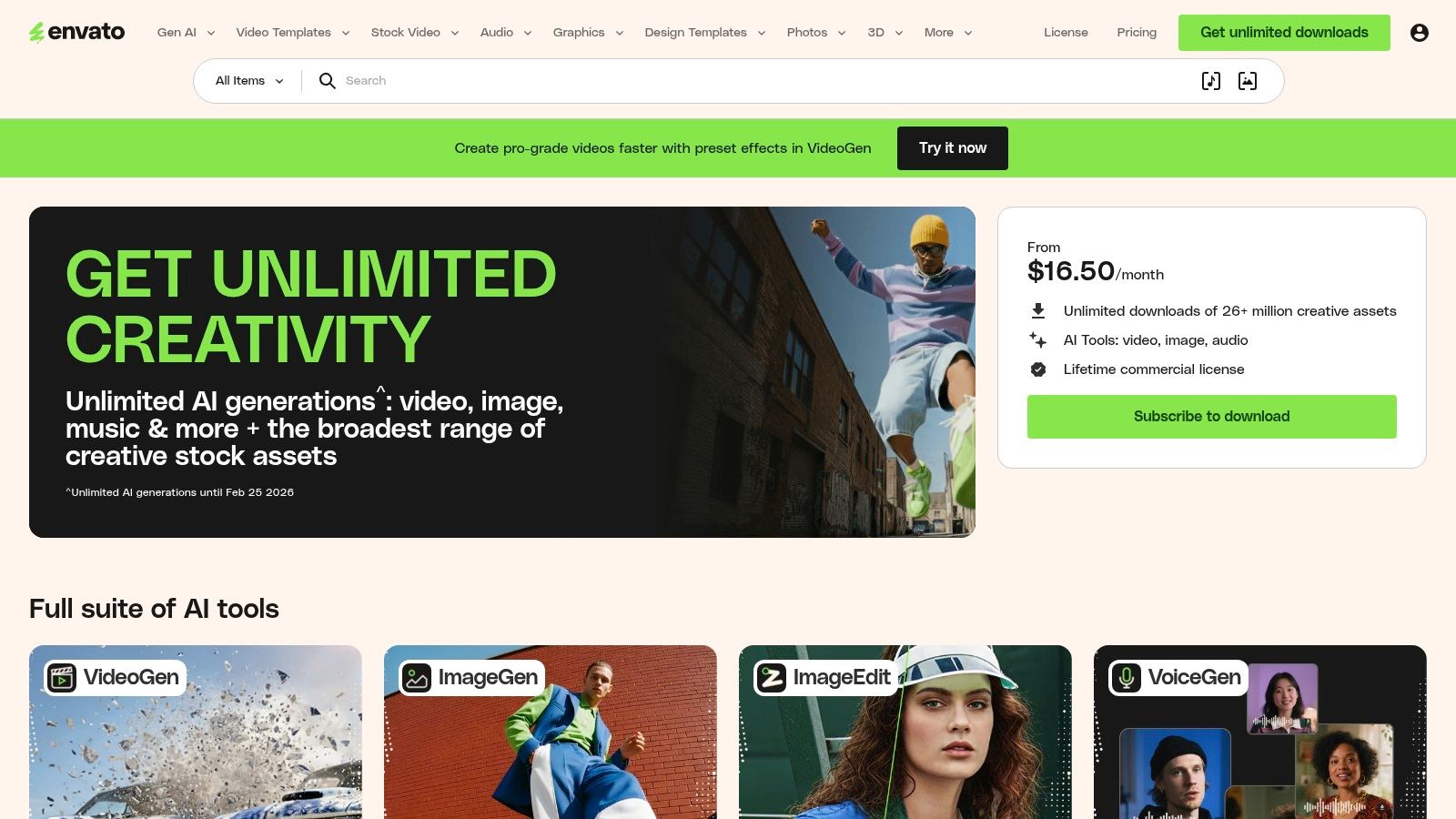
The platform's core strength is its simple, broad commercial license, which covers almost any use case a social media manager might encounter. Whether you need a dynamic video template for a Reel, background music for a YouTube short, or a professional mockup to showcase a product, you can find and download assets without worrying about complex licensing terms. This straightforward approach saves time and streamlines the production workflow significantly.
Key Features & Use Cases
- Massive Asset Library: With over 26 million assets, you can find everything from Premiere Pro and After Effects templates to unique fonts, sound effects, and Canva templates to speed up your design process.
- Simple Commercial Licensing: A single subscription covers all downloads for commercial use. Just register the asset to a project each time you use it, even after your subscription ends.
- High-Value for Volume Creators: The subscription model is perfect for producing varied and engaging content consistently, which is key if you want to learn how to improve social media engagement without a massive budget.
Best For: Agencies, freelancers, and high-volume content creators who need a cost-effective solution for accessing a vast range of creative assets under a simple commercial license.
| Feature | Individual Plan ($16.50/mo) | Teams Plan ($29.00/mo per member) |
|---|---|---|
| Downloads | Unlimited | Unlimited |
| Asset Library | Full access to 26M+ assets | Full access to 26M+ assets |
| Licensing | Simple commercial license | Simple commercial license |
| Team Management | N/A | Centralized management & billing |
Pros & Cons
- Pros: The value for money is exceptional for anyone producing content daily. A single subscription replaces the need to pay for separate stock photo, video, and music services.
- Cons: The quality of assets can be inconsistent, requiring some time to sift through and find the best items. The subscription does not include premium assets from the separate Envato Market.
Website: https://elements.envato.com
9. Motion Array
Motion Array is an all-in-one digital asset platform that serves as a secret weapon for serious video creators. It stands out among the best tools for social media content creation by offering an unlimited-download subscription to a massive library of video templates, stock footage, royalty-free music, sound effects, and powerful plugins. It is designed to streamline the workflow for editors using professional software like Adobe Premiere Pro and DaVinci Resolve.
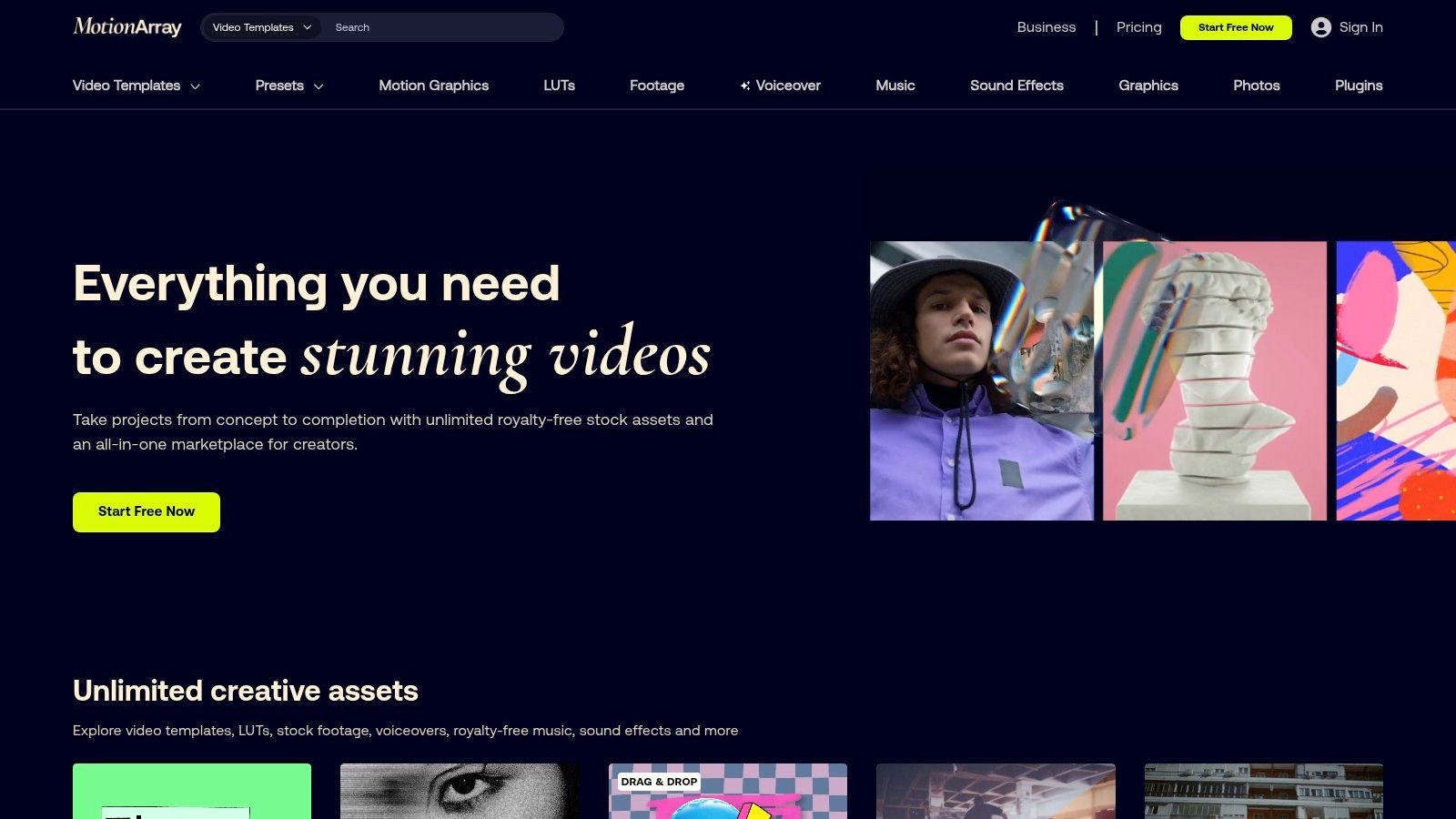
Unlike platforms focused solely on templates, Motion Array combines assets with utility, providing tools that enhance editing software directly. This makes it an invaluable resource for creators who need a constant supply of high-quality assets like motion graphics, LUTs, and transitions to keep their video content fresh and engaging without purchasing items individually. The simple, broad licensing covers commercial use, making it ideal for agency and freelance work.
Key Features & Use Cases
- Vast Template Library: Access thousands of templates for Premiere Pro, After Effects, Final Cut Pro, and DaVinci Resolve. This is perfect for creating professional intros, social media stories, and dynamic title sequences quickly.
- Unlimited Assets: The subscription model allows for unlimited downloads of stock video, music, and sound effects, which is crucial for creators producing a high volume of content.
- Plugins & Integrations: Motion Array offers a growing collection of plugins that add new capabilities directly into your editing software, speeding up tasks like creating transitions or effects.
Best For: Video editors and content creators who regularly use professional NLEs (non-linear editing software) and need a reliable, cost-effective source for unlimited high-quality assets and plugins.
| Feature | Free Tier | Annual Plan ($19.99/mo) | Monthly Plan ($29.99/mo) |
|---|---|---|---|
| Asset Downloads | Free downloads from a limited selection | Unlimited downloads from the entire library | Unlimited downloads from the entire library |
| Plugins | Limited free plugins | Full access to all premium plugins | Full access to all premium plugins |
| Video Collaboration | Not included | Video Review & File Transfer (100GB) | Video Review & File Transfer (100GB) |
| Portfolio Builder | Not included | Included | Included |
Pros & Cons
- Pros: The unlimited download model offers incredible value for prolific creators. The all-in-one nature of assets and plugins simplifies sourcing and licensing for video production.
- Cons: The platform requires a subscription, as there is no option to purchase assets individually. The library is vast, which can sometimes make finding the perfect asset a time-consuming process.
Website: https://motionarray.com
10. Epidemic Sound
High-quality audio can make or break social media video content, and Epidemic Sound is a leading platform designed to solve this problem. It offers a massive library of royalty-free music and sound effects, making it one of the best tools for social media content creation focused on audio. Its primary strength is its simple, creator-friendly licensing that eliminates the fear of copyright strikes and demonetization on platforms like YouTube, Instagram, and TikTok.
The platform is built for creators who need a constant supply of fresh, high-quality audio for their videos. Once you link your social media channels, any content published during your subscription is cleared for monetization forever, even if you cancel your plan later. This perpetual license for published content provides peace of mind that is often missing with other music services, making it a reliable choice for professional YouTubers, agencies, and full-time influencers.
Key Features & Use Cases
- Straightforward Social Licensing: Connect your YouTube, TikTok, Instagram, Facebook, and Twitch accounts to clear music usage automatically, preventing copyright claims and ensuring your content can be monetized safely.
- Extensive Music & SFX Library: Access over 40,000 tracks and 90,000 sound effects. The platform’s discovery tools, curated playlists, and search filters make it easy to find the perfect audio to match the mood of your content.
- Integrations & Plugins: Epidemic Sound integrates directly with popular video editing software, including Adobe Premiere Pro and DaVinci Resolve, allowing you to browse and add tracks without leaving your editing timeline.
Best For: Video creators, podcasters, and marketing agencies who need a reliable and extensive source of high-quality, royalty-free music and SFX without complex licensing hurdles.
| Feature | Personal Plan ($14.99/mo) | Commercial Plan ($29.99/mo) |
|---|---|---|
| Platform Coverage | 1 channel per platform (YT, FB, IG, etc.) | 3 channels per platform + client work |
| Monetization | Monetize on one channel per platform | Monetize on all channels & for clients |
| Library Access | Full music & SFX library | Full music & SFX library |
| Downloads | Unlimited downloads | Unlimited downloads |
| Licensing | Content published during subscription is cleared forever | Content published during subscription is cleared forever |
Pros & Cons
- Pros: The simple, worry-free licensing is a major advantage for creators who monetize their content. The audio quality and library variety are top-tier, and its strong reputation among professional YouTubers speaks for itself.
- Cons: It is an audio-only service, so you must pair it with a separate video or graphic design tool. The monthly subscription can feel costly compared to all-in-one platforms if you only need music occasionally.
Website: https://www.epidemicsound.com
11. Placeit by Envato
Placeit by Envato is a browser-based design powerhouse that excels at speed and simplicity, making it one of the best tools for social media content creation for those without a design background. Its primary strength is its massive library of mockups and templates, which allows users to quickly generate professional-looking product shots, branded graphics, and videos without ever opening complex software. It's built for creators and e-commerce brands that need to visualize products in real-world settings instantly.
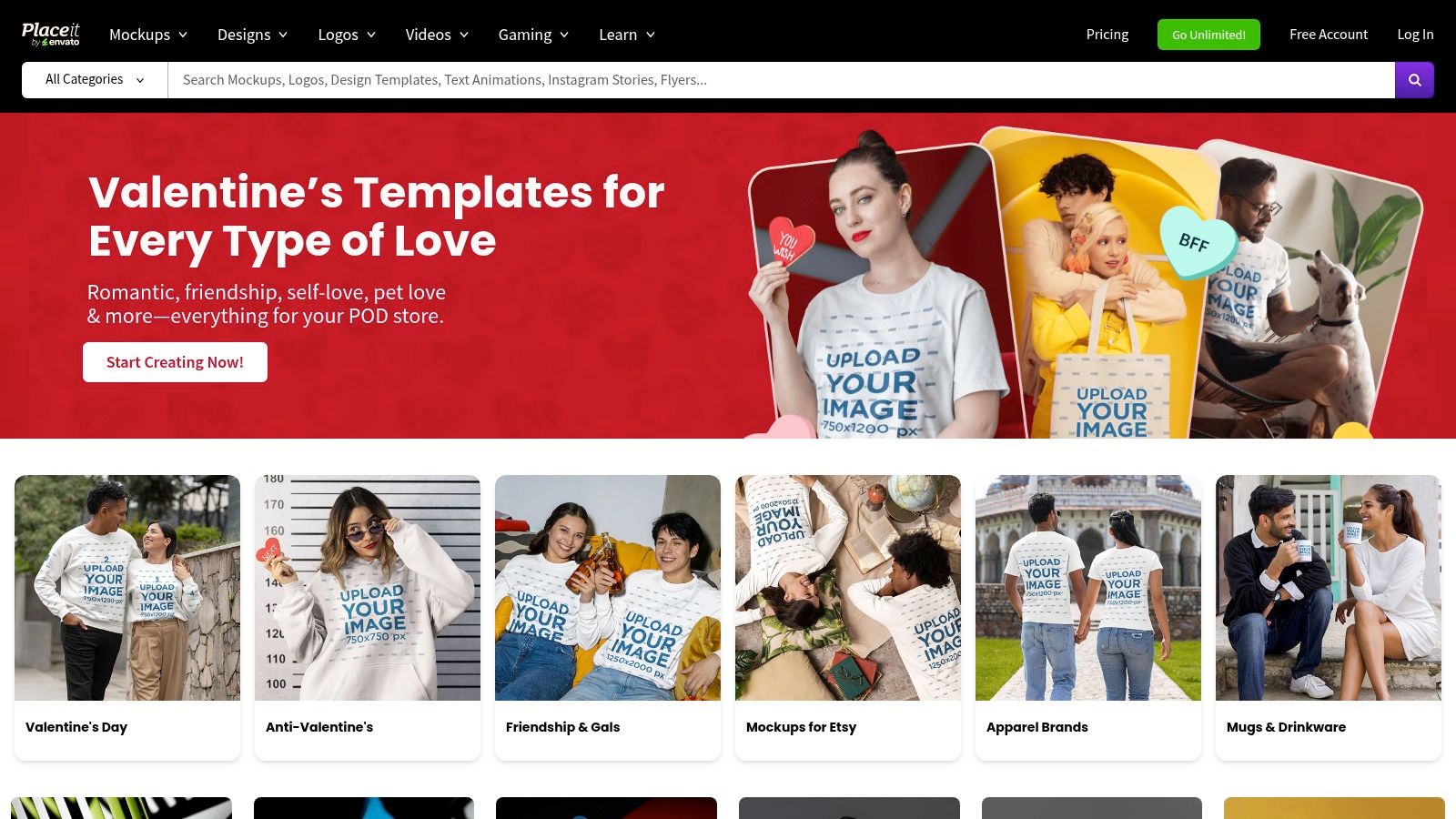
The platform is exceptionally effective for merchandise creators, social media managers, and marketers who need to produce a high volume of visual content. You can drop your logo onto a t-shirt worn by a model, place your app screenshot onto a phone in a lifestyle setting, or create a quick animated logo for a video intro in just a few clicks. This seamless browser-based workflow removes technical barriers and drastically accelerates content production.
Key Features & Use Cases
- Massive Mockup Generator: Placeit offers tens of thousands of mockups for everything from apparel and merchandise to digital devices and print materials. This is ideal for e-commerce stores wanting to showcase designs without expensive photoshoots.
- Ready-to-Post Templates: Access a huge library of social media templates, video intros, and logos that are already sized for specific platforms like Instagram Stories, Facebook posts, and YouTube banners.
- Quick Logo & Brand Asset Creation: Use the intuitive logo maker to generate branding assets quickly. While not as deep as a dedicated branding service, it's perfect for new projects or social media profiles needing a fast, professional identity.
Best For: E-commerce businesses, merchandise creators, and social media managers who need to produce high-quality mockups and promotional graphics quickly and without design expertise.
| Feature | Free Tier | Paid Subscription ($7.47/mo) |
|---|---|---|
| Templates | Limited selection of free templates | Unlimited access to all mockups, designs, & videos |
| Logo Maker | Create logos but download is low-res | High-resolution logo downloads |
| Commercial License | Included on free assets | Included on all downloaded assets |
| Watermarks | Free downloads are watermarked | No watermarks on any downloads |
| Video Templates | Limited free selection | Unlimited access to all video templates |
Pros & Cons
- Pros: The workflow is incredibly fast and user-friendly, making it perfect for non-designers. The sheer size of the mockup library is a major asset for e-commerce and merch creators.
- Cons: Because it's template-based, the final assets may lack the unique, fully custom feel of a ground-up design. It prioritizes speed and convenience over deep creative control.
Website: https://placeit.net
12. AppSumo
AppSumo is not a single tool but a marketplace that offers lifetime deals (LTDs) on a rotating selection of software, making it a strategic resource for finding the best tools for social media content creation at a fraction of the cost. It's an essential stop for freelancers, agencies, and creators looking to build a powerful software stack without committing to recurring monthly subscriptions. The platform vets emerging and established tools, offering everything from social media schedulers to AI video generators.
The primary value of AppSumo lies in discovery and long-term savings. You can find niche tools that solve very specific problems, such as a specialized video repurposing app or a unique AI design generator, before they become mainstream. For agencies, many deals offer stackable codes, allowing them to purchase higher tiers with more user seats, social accounts, or usage limits, providing significant value as the team scales.
Key Features & Use Cases
- Rotating Lifetime Deals: Access a curated selection of software for social media scheduling, design, video editing, and AI content generation for a one-time payment instead of a monthly fee.
- Stackable Tiers for Agencies: Many deals allow you to buy multiple codes to "stack" and unlock higher-level plans, perfect for managing numerous client accounts or accommodating larger teams.
- Generous Refund Policy: Most deals come with a 60-day money-back guarantee, allowing you to thoroughly test a tool and ensure it fits your workflow before committing.
Best For: Freelancers and agencies on a budget who want to build a diverse and powerful content creation toolkit without high recurring costs.
| Feature | Standard Deal | AppSumo Plus ($99/year) |
|---|---|---|
| Pricing | One-time payment for lifetime access | Annual membership fee |
| Discounts | Heavily discounted from retail price | An additional 10% off most deal purchases |
| Access | Access to all deals on the marketplace | Includes access to exclusive "Plus-only" deals |
| Community | Access to user reviews and Q&As on each product page | Access to "KingSumo" giveaway tool Pro account |
Pros & Cons
- Pros: The potential for substantial long-term savings is unmatched. It's an excellent way to discover and test multiple innovative tools to find the perfect fit for your tech stack.
- Cons: The limited-time nature of deals means you have to act fast, and not all software on the platform will survive long-term. It's crucial to research the seller's roadmap and support history before purchasing.
Website: https://appsumo.com
Top 12 Social Media Content Creation Tools — Feature Comparison
| Product | Core features | Quality (★) | Price/value (💰) | Target audience (👥) | Unique selling points (✨) |
|---|---|---|---|---|---|
| 🏆 CreateInfluencers | AI influencer characters, one‑click from selfies, face/body swap, video synth, HyperReal upscaling, themed packs | ★★★★☆ | 💰 Basic $47/mo (250c) · Pro $79/mo (700c) · Ent $149/mo (2000c) · credit‑based | 👥 Creators, marketers, adult‑content producers, agencies | ✨ Real‑time voice‑driven synthesis, HyperReal upscaling, multi‑model engines |
| Adobe Express | Templates, Firefly AI, light video editor, brand kits, post scheduler | ★★★★☆ | 💰 Free tier; paid via Adobe plans (AI credit limits) | 👥 Social creators, marketers, small teams | ✨ Adobe Stock + seamless Adobe ecosystem |
| Canva | Drag‑drop templates, team collaboration, AI "Magic" tools, scheduler | ★★★★☆ | 💰 Free + Pro subscription; team plans | 👥 Solo creators, agencies, non‑designers | ✨ Massive template library & ease of use |
| CapCut | Mobile/desktop video editor, trend templates, auto‑captions, AI tools | ★★★★☆ | 💰 Generous free features; in‑app purchases vary by region | 👥 Short‑form/vertical video creators, mobile users | ✨ Trend‑driven templates for Reels/TikTok |
| Descript | Text‑based editing, auto‑transcript, Overdub voice, Studio Sound | ★★★★☆ | 💰 Tiered subscriptions; clear pricing | 👥 Podcasters, talking‑head creators, repurposers | ✨ Edit‑by‑text + AI voice cloning |
| Kapwing | Browser editor, auto‑subtitling, AI dubbing, repurposing tools, team workspaces | ★★★★☆ | 💰 Free limited (watermark) · Paid removes limits; AI credits | 👥 Distributed teams, social repurposers | ✨ No install + transparent AI credit model |
| Blackmagic DaVinci Resolve | Full NLE, advanced color (nodes), Fusion VFX, Fairlight audio | ★★★★★ | 💰 Powerful free version · Studio one‑time license | 👥 Professional editors, filmmakers, advanced creators | ✨ Industry‑grade color & post‑production pipeline |
| Envato Elements | Unlimited downloads: templates, stock video, music, fonts, mockups | ★★★★☆ | 💰 Subscription (unlimited assets) — high value for volume | 👥 High‑volume creators, agencies | ✨ One subscription + simple commercial license |
| Motion Array | NLE templates, motion graphics, LUTs, stock footage, plugins, AI voiceovers | ★★★★☆ | 💰 Subscription (unlimited downloads) | 👥 Video editors needing templates & plugins | ✨ All‑in‑one plugin & asset library for editors |
| Epidemic Sound | Royalty‑free music & SFX with clear social licensing and integrations | ★★★★☆ | 💰 Monthly creator/pro plans; annual cheaper | 👥 YouTubers, social creators, agencies | ✨ Perpetual clearance & social‑safe licensing |
| Placeit by Envato | Mockup generator, logo maker, social/video templates, merch previews | ★★★★☆ | 💰 Subscription or per‑asset; browser‑based | 👥 Merch creators, small brands, non‑designers | ✨ Fast realistic mockups & branding assets |
| AppSumo | Vetted deals marketplace, lifetime discounts, stacked tiers for agencies | ★★★★☆ | 💰 Pay‑per‑deal (often big savings) | 👥 Freelancers, startups, agencies hunting value | ✨ Lifetime deals & discounted access to niche tools |
Building Your Ultimate Content Creation Toolkit
Navigating the expansive landscape of digital tools can feel overwhelming, but the journey to finding the best tools for social media content creation is about personalizing your workflow, not adopting every popular platform. We've explored a dozen powerful options, from the revolutionary AI-driven avatar generation of CreateInfluencers to the comprehensive design suite of Canva and the professional-grade video editing power of DaVinci Resolve. The goal isn't to master all of them, but to strategically assemble a stack that aligns with your specific content needs, technical skill level, and budget.
The most crucial takeaway is that there is no single "best" tool for everyone. Your ideal toolkit is a dynamic, customized assembly of platforms that work in harmony to bring your unique creative vision to life efficiently and effectively.
Key Insights and Strategic Takeaways
Reflecting on the tools we've covered, several core themes emerge for building an effective content creation process:
- Embrace Specialization: While all-in-one platforms like Adobe Express and Canva offer incredible value and convenience, specialized tools provide unparalleled depth. For creators building a brand around a unique digital persona or seeking photorealistic AI models for campaigns, a dedicated platform like CreateInfluencers is indispensable. Similarly, for professional-grade audio, Epidemic Sound offers a library and licensing model that a general-purpose editor simply cannot match.
- The Power of the "Stack": The most successful creators rarely rely on a single application. Instead, they build a "stack" or a workflow that combines the strengths of multiple tools. A powerful combination could involve generating unique, brand-aligned AI models with CreateInfluencers, animating them or adding effects in CapCut, designing polished promotional graphics in Canva, and sourcing high-quality B-roll from Envato Elements. This modular approach allows for maximum flexibility and quality at each stage of production.
- AI is a Co-pilot, Not a Replacement: AI-powered tools are fundamentally changing the content landscape. Platforms like CreateInfluencers demonstrate how AI can unlock creative possibilities previously out of reach, from crafting entirely new digital influencers to generating endless visual variations for marketing. The key is to view AI as a powerful creative partner that can handle repetitive tasks, spark new ideas, and accelerate your production schedule, freeing you up to focus on strategy and storytelling.
Actionable Next Steps: How to Choose Your Tools
Feeling inspired but unsure where to start? Follow this practical, step-by-step approach to build your personalized toolkit without getting overwhelmed.
- Identify Your Core Content Type: First, define your primary content format. Are you a video-first creator focused on TikTok and Reels? Prioritize tools like CapCut or DaVinci Resolve. Are you a brand manager creating static graphics and carousels for Instagram? Canva or Adobe Express should be your first stop. Are you an innovator looking to build a virtual influencer or unique brand avatar? Begin your journey with CreateInfluencers.
- Audit Your Current Workflow: What are your biggest bottlenecks? Do you spend hours searching for the right stock photo? A subscription to Motion Array could solve that. Is transcribing interviews and editing audio a major time sink? Descript will revolutionize your process. Pinpointing your main pain points will immediately highlight which tools will provide the highest return on investment.
- Start with Free Tiers and Trials: Nearly every tool on this list offers a free version or a trial period. This is your opportunity for hands-on research. Dedicate a week to testing the two or three tools that most closely match your needs. This practical experience is far more valuable than simply reading reviews.
- Master One Tool at a Time: Avoid the temptation to learn five new platforms at once. Choose one core tool from your list and commit to mastering its essential functions. Once you feel confident, integrate a second complementary tool into your workflow. This gradual approach prevents burnout and ensures you build a sustainable, efficient creative process.
As you curate your ultimate content creation toolkit, consider incorporating specialized resources like these 12 Best AI Tools for Content Creation, which can significantly boost your workflow. Ultimately, the right combination of tools will not only improve the quality of your content but also give you back your most valuable asset: time. By automating, simplifying, and inspiring, this curated stack becomes the engine that drives your social media growth and success.
Ready to revolutionize your visual content and build a truly unique online identity? The future of digital personas is here. Explore CreateInfluencers to generate stunning, photorealistic AI models and avatars that will captivate your audience and set your brand apart. Start creating with CreateInfluencers today