AI UGC for TikTok Shop: Formats, Testing & Compliance
Learn how TikTok Shop sellers use AI UGC videos to drive sales. Discover winning formats, disclosure rules, and a weekly testing routine to scale.
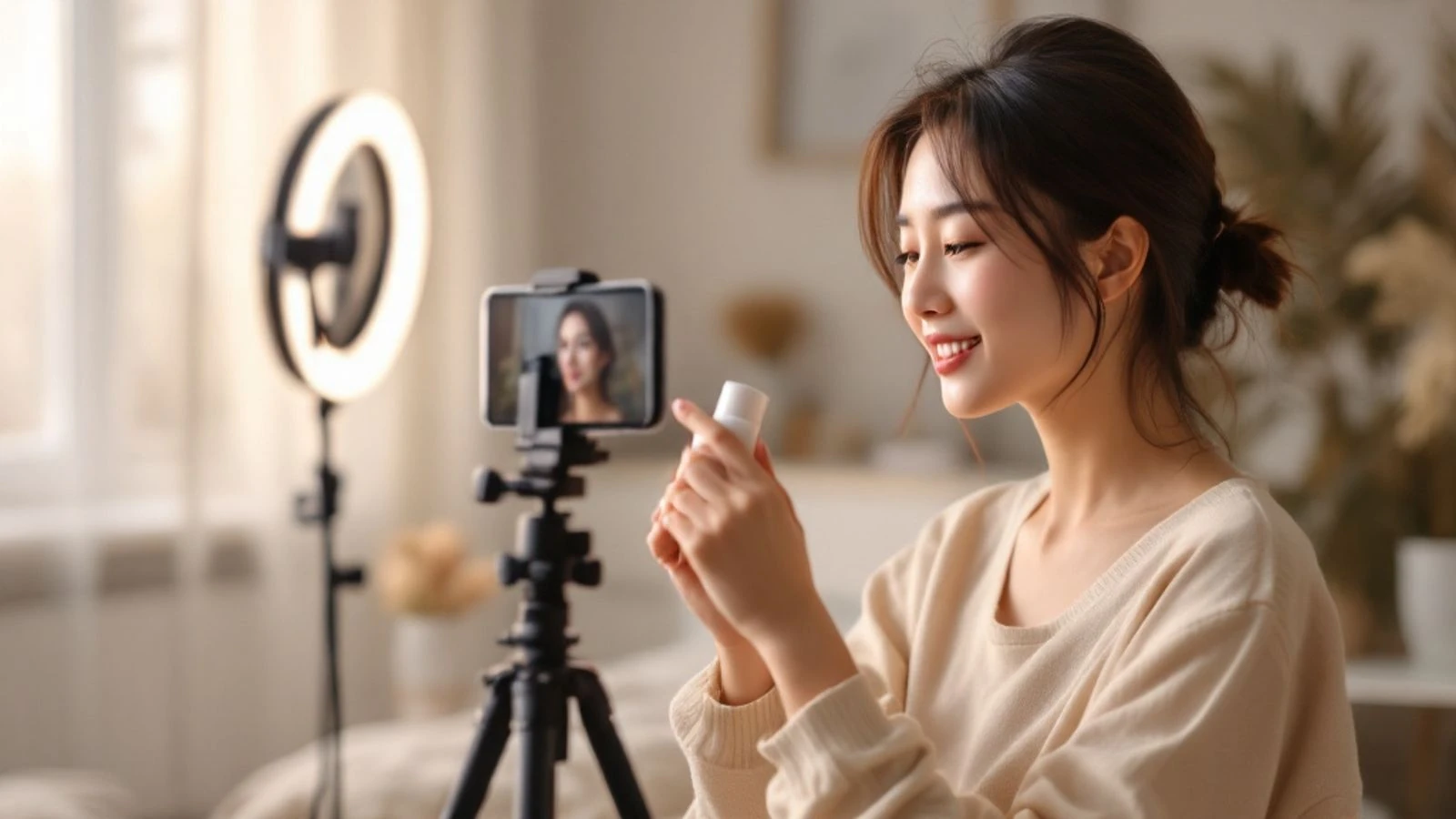
AI UGC for TikTok Shop is video content that looks like authentic creator reviews but uses AI-generated characters instead of hiring real influencers to showcase your products. TikTok Shop sellers are using these videos to test offers faster, scale creative production, and cut the cost of user-generated content campaigns while still getting the authentic, handheld style that drives conversions.
This guide walks you through the video formats that actually move products on TikTok Shop, the disclosure rules you need to follow, and a practical weekly testing routine you can start this week. You'll see how to create AI UGC videos, what mistakes kill performance, and how to stay compliant while scaling your campaigns.
Key takeaways:
- AI UGC videos use AI-generated characters to create authentic-looking product reviews and unboxing content at a fraction of traditional UGC costs
- TikTok requires labeling AI-generated content; failure to disclose can result in reduced reach or account restrictions
- The most effective TikTok Shop AI UGC formats are talking-head reviews (15-30 seconds), unboxing reactions, and problem-solution hooks
- A weekly testing routine of 3-5 video variants with different hooks and AI personas helps identify winning combinations faster
- CreateInfluencers' talking video feature lets you create spokesperson-style UGC videos from a script and AI character in minutes
Why TikTok Shop Sellers Are Switching to AI UGC
Traditional UGC campaigns require finding creators, negotiating rates, shipping products, waiting for content, and hoping the final video hits your brief. AI UGC compresses that timeline to hours and cuts costs significantly. You can generate a talking-head review video in the morning, launch it as a TikTok Shop ad by lunch, and have performance data by dinner. Sellers who run high-volume testing cycles can create numerous video variants per week, something that would be financially challenging with traditional creator partnerships.
Speed matters on TikTok Shop because product trends move fast. A skincare ingredient can go viral on Monday and be saturated by Friday. AI UGC lets you capitalize on trending topics and seasonal moments without the coordination overhead of traditional influencer campaigns.
What Is AI UGC and How Does It Work for TikTok Shop?
AI UGC combines AI-generated characters with scripts and video formats designed to mimic authentic user-generated content. Instead of hiring a creator to film themselves reviewing your product, you create an AI persona, write a script highlighting product benefits, and generate a talking video that looks like a real person recorded it on their phone.
The technology uses AI video models to animate a still image of an AI character, syncing mouth movements to your voiceover or text-to-speech audio. The result is a vertical video that follows TikTok's native format: direct eye contact, casual delivery, and the slightly imperfect aesthetic that signals "real person" rather than "corporate ad."
For TikTok Shop specifically, AI UGC works best when it replicates the content formats already driving sales on the platform. That means short testimonials (15-30 seconds), product demonstrations showing before-and-after results, and unboxing-style reveals. The AI character becomes your on-camera spokesperson, delivering the same hooks and calls-to-action a human creator would use.
The workflow is straightforward. You create or select an AI character that matches your target demographic, write a script that follows proven TikTok Shop formulas (hook in the first 3 seconds, problem-solution structure, clear call-to-action), and generate the talking video.
One important note: AI UGC is AI-generated content and must be labeled as such on TikTok and other platforms. This isn't optional, and we'll cover the specific disclosure requirements in detail below. When done correctly, disclosed AI content can perform well because viewers care about the product information and value provided.
AI UGC Video Formats That Drive TikTok Shop Sales
Not all video formats convert equally on TikTok Shop. These three formats are commonly used by sellers.
Talking-Head Testimonial (15-30 seconds)
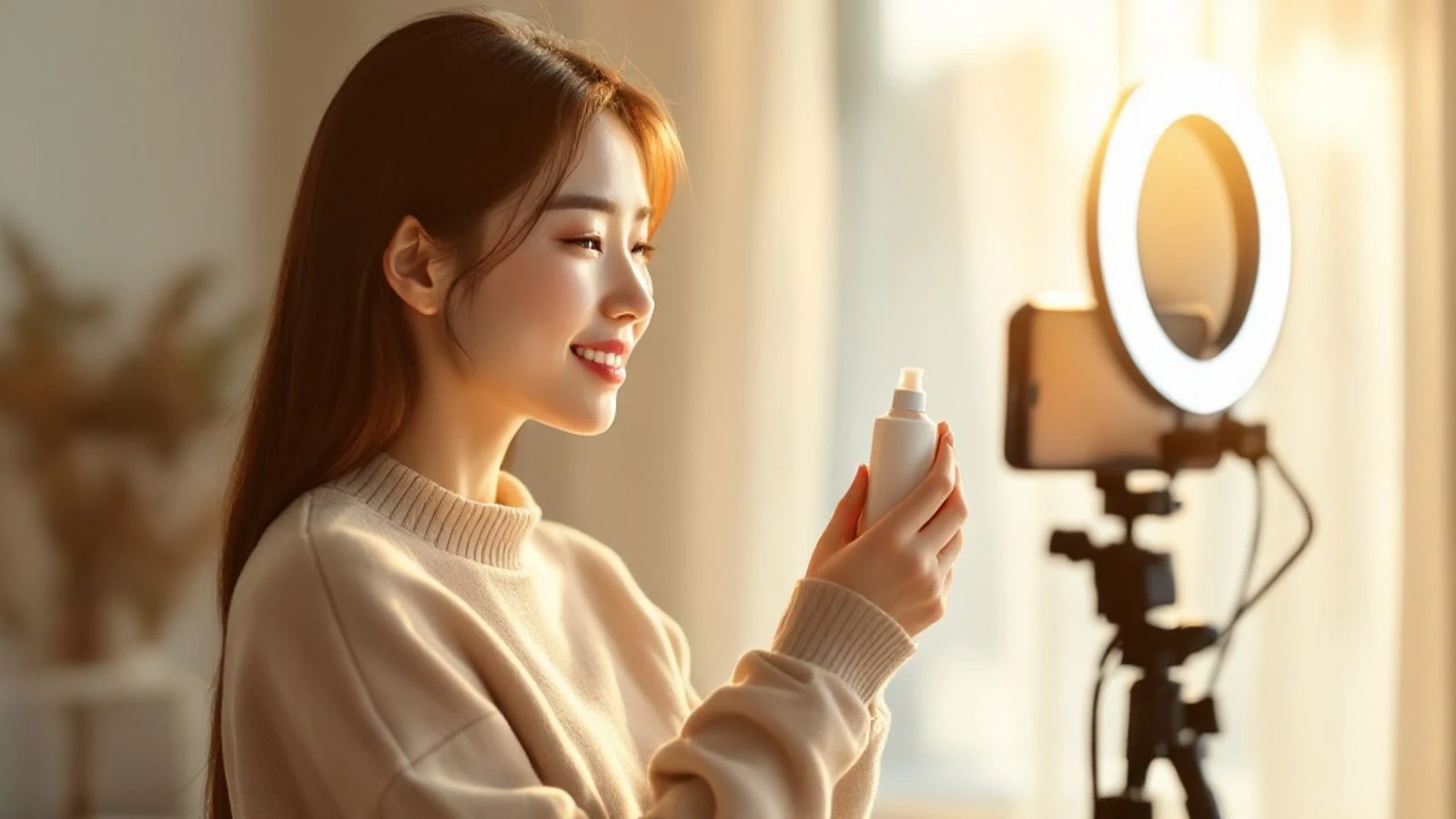
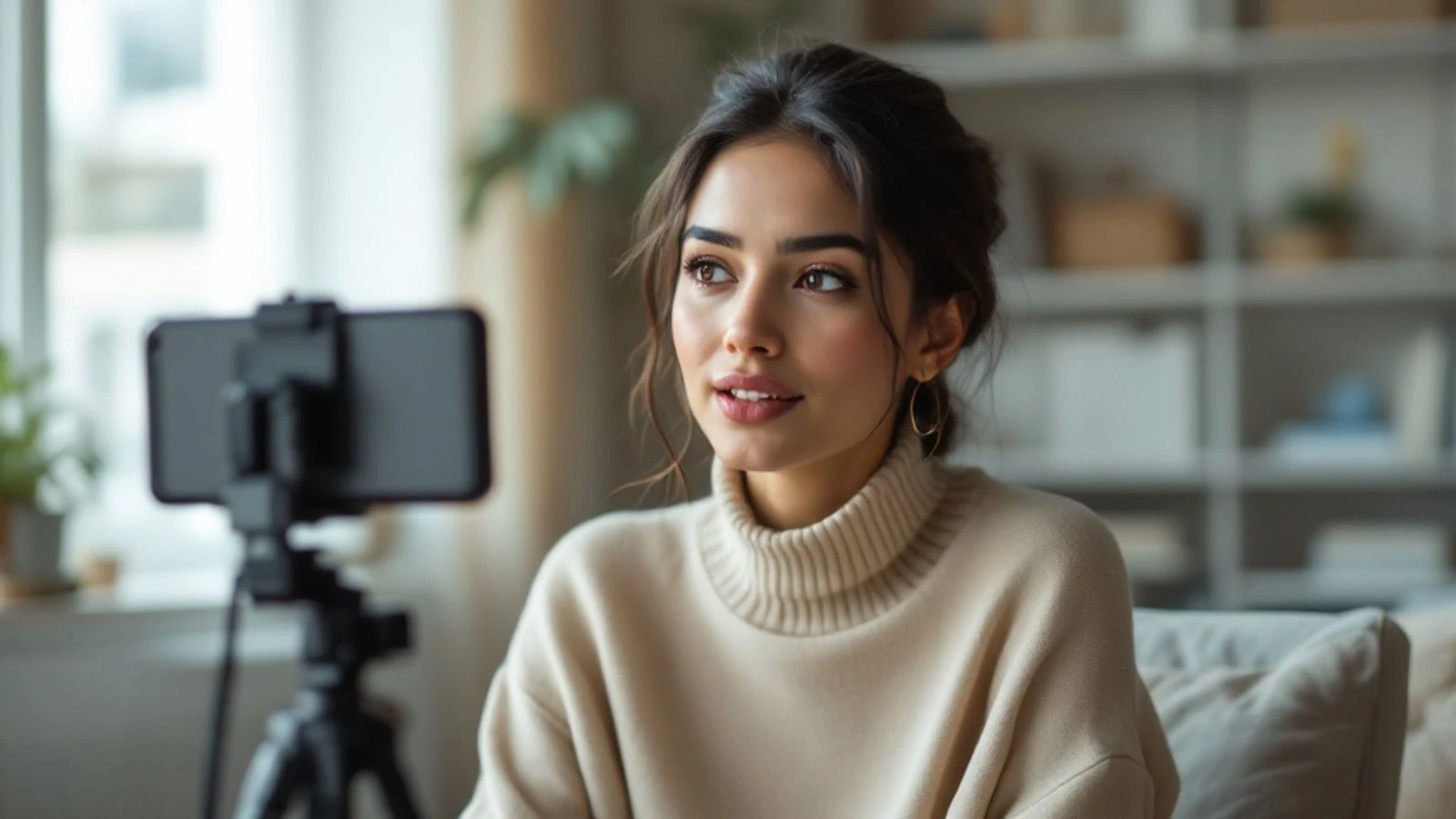
The most direct format: AI character looks at camera and delivers a personal story about the product. Script structure: hook that calls out the viewer's problem ("If your skin is dry no matter what moisturizer you use..."), brief personal experience ("I tried this ceramide serum and noticed a difference in three days"), specific result with a number ("my skin holds moisture 2x longer now"), and shop-now call-to-action.
This format works because it mirrors the testimonial videos that already dominate TikTok Shop's top performers. The AI character should match your target buyer demographic—age range, style, setting—so viewers see someone "like them" recommending the product.
Problem-Solution Hook with Product Demo
Start with a relatable problem shown visually (messy cables, chipped nail polish, tangled jewelry), then cut to the AI character explaining how your product solves it. The AI persona acts as the "friend who found the solution," walking through the before-and-after in 20-25 seconds.
This format benefits from b-roll or product footage layered with the AI character's voiceover. You can generate the talking video for the solution explanation, then edit in quick cuts of the product in use. TikTok's native editing tools or apps like CapCut make this assembly quick.
Unboxing Reaction Style
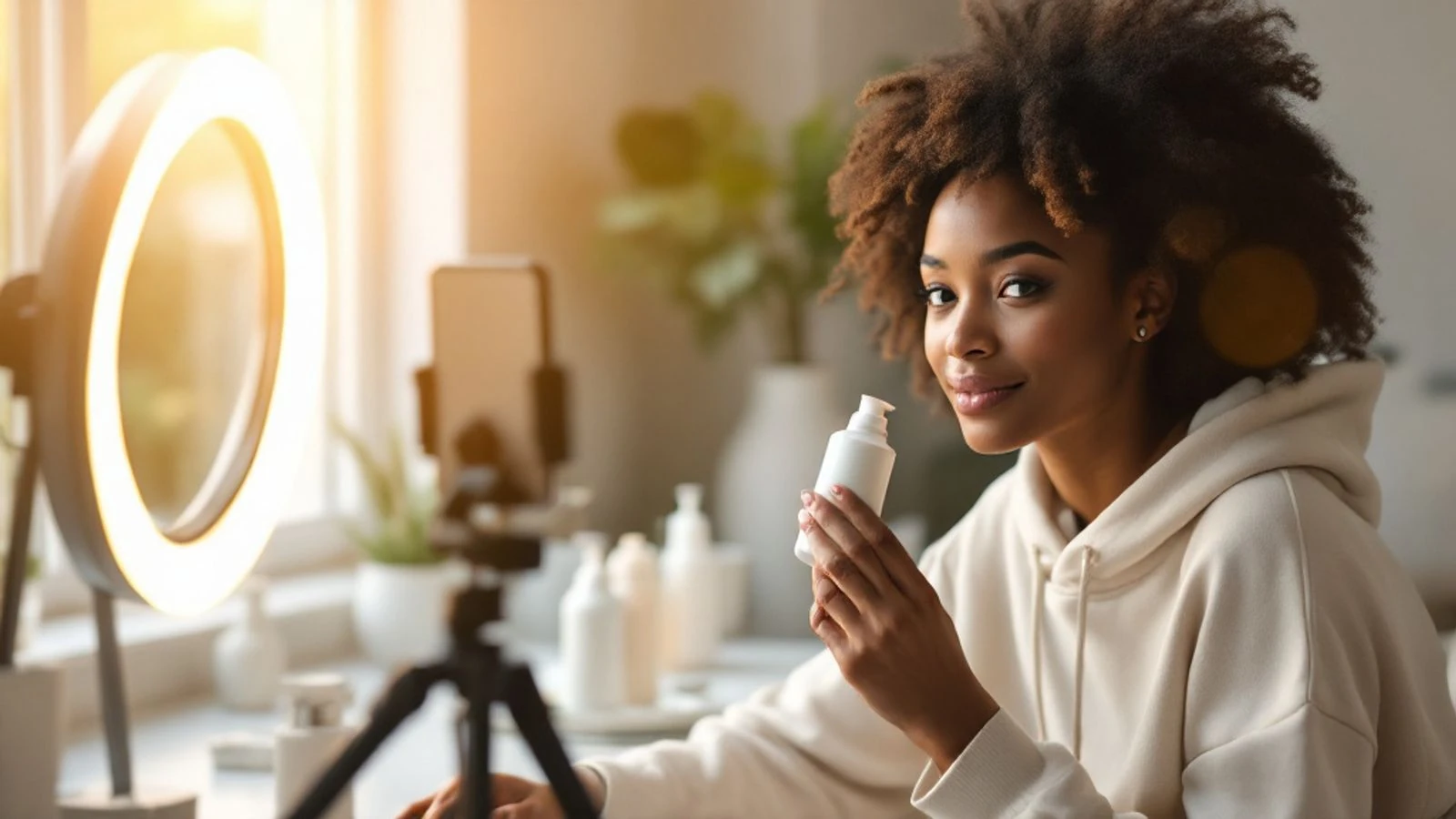
The AI character reacts to receiving and opening your product, highlighting 2-3 key features with genuine enthusiasm. Script focuses on tangible details: packaging quality, first impressions, one standout feature that surprised them. Keep it under 25 seconds and end with "link in bio" or "shop now" depending on your TikTok Shop setup.
Unboxing videos tap into TikTok's discovery culture—users scrolling for "things I didn't know I needed." The AI character's job is to create that moment of interest and urgency in the first 10 seconds.
| Format | Ideal Length | Best For | Hook Focus |
|---|---|---|---|
| Talking-Head Testimonial | 15-30 sec | Trust-building, high-consideration products | Personal transformation story |
| Problem-Solution Demo | 20-25 sec | Practical products, clear pain points | Relatable frustration moment |
| Unboxing Reaction | 20-25 sec | Impulse buys, gift items, new launches | Surprise and discovery |
For more on structuring these videos from scratch, check out our guide on how to create AI UGC ads with step-by-step scripting templates.
Disclosure Rules: How to Label AI-Generated UGC on TikTok
TikTok requires creators and advertisers to disclose when content is AI-generated, and this applies to AI UGC videos for TikTok Shop. The platform's AI-generated content policy expects realistic AI content—videos that could be mistaken for real people or real events—to carry a label.
When you upload a video to TikTok, you'll see a toggle or checkbox asking if the content is AI-generated. Check it. TikTok will add a label like "AI-generated" to the video, visible to viewers. This is automatic once you declare it, and it's the minimum compliance step.
For TikTok Shop ads specifically, include a text disclosure in the first 3 seconds of the video itself. Simple language works: "AI-generated review" or "Created with AI" as an on-screen caption. This ensures viewers see the disclosure even if they scroll quickly or watch without sound.
The FTC's guidance for social media influencers also applies when you're running paid campaigns. If your AI UGC video is a paid ad promoting your own TikTok Shop, that's advertising and should be clearly labeled. Using TikTok's "Promote" or "Spark Ads" features typically adds an "Ad" or "Sponsored" label automatically, but verify it appears on every promoted post.
Why this matters: TikTok's algorithm can reduce distribution for content that violates community guidelines, including authenticity rules. More importantly, viewers who feel misled by undisclosed AI content will leave negative comments and hurt your brand trust. Disclosed AI content, on the other hand, can perform well because viewers appreciate transparency and focus on the product information.
One practical tip: write your script so the AI character never claims to be a real person. Use language like "this product works great for dry skin" rather than "I've been using this for months as a real customer." The former is a product statement; the latter implies human experience you're not providing.
Creating AI UGC Videos with CreateInfluencers
CreateInfluencers makes the AI UGC workflow fast because everything happens in one platform: character creation, script-to-video generation, and export.
Step 1: Create or select your AI character. Start by describing the persona you want—age range, style, setting. For TikTok Shop, match your character to your target buyer. Selling skincare to women 25-40? Create a character in that demographic with a clean, well-lit setting that signals trustworthiness.
Step 2: Generate a base image. Use the character generator to create a realistic photo of your AI persona. This becomes the "face" of your UGC video. You can generate multiple expressions (smiling, surprised, neutral) and test which performs best in your videos.
Step 3: Write your script. Keep it under 100 words for a 20-30 second video. Follow the formats above: hook, problem or story, solution or result, call-to-action. Read it aloud to check pacing—TikTok viewers expect conversational speed, not formal narration.
Step 4: Create the talking video. Upload your AI character image and paste your script into CreateInfluencers' talking video feature. Choose a voice that matches your character's age and tone (enthusiastic, calm, friendly). Generate the video.
Step 5: Review and export. Watch the video to confirm lip-sync quality and pacing. If the delivery feels too fast or slow, adjust your script length or add pauses (ellipses in the script create natural breaks). Export as MP4 in vertical format (9:16 ratio) for TikTok.
CreateInfluencers' talking video feature is built for this use case—short, direct-to-camera spokesperson videos that look like organic UGC. You can create multiple versions with different hooks or AI characters, giving you the volume needed for effective testing.
For a broader look at AI video creation beyond UGC, see our guide on how to make AI videos covering different formats and tools.
Weekly Testing Routine for TikTok Shop AI UGC Campaigns
Consistent testing beats one-off campaigns. Here's a weekly routine that TikTok Shop sellers use to identify winning AI UGC videos and scale them.
Monday: Plan your test batch. Choose one product and write 3-5 different hooks for it. Each hook targets a different pain point, benefit, or audience angle. For example, a portable blender might have hooks around "quick breakfast," "gym nutrition," "small kitchen," "travel," and "picky kids." Write a 15-25 second script for each.
Tuesday: Generate videos. Create 3-5 AI UGC videos using your scripts. Test at least two different AI characters if your audience is broad (for example, one younger persona and one 35+ persona). This gives you 6-10 video variants if you're testing character and hook combinations.
Wednesday: Launch as organic posts and ads. Post 1-2 videos to your TikTok Shop account organically to see natural engagement. Promote 3-5 as TikTok Shop ads with small daily budgets. Run them for 48 hours to gather initial data.
Thursday-Friday: Monitor performance. Check which videos have the highest click-through rate (CTR) to your product page and which drive actual purchases. TikTok Shop analytics will show views, clicks, and conversion rate. Comments and shares also signal resonance—save any video with strong engagement for scaling.
Saturday: Scale winners, kill losers. Increase ad spend on the top 1-2 performers. Pause videos with low CTR or no conversions after 48 hours. Analyze why winners worked: was it the hook, the AI character, the pacing, or the call-to-action?
Sunday: Document learnings and plan next week. Note which hooks and formats performed best. Plan your next batch of tests, incorporating what you learned. Maybe a specific problem-focused hook crushed it, so you write three more variations on that angle. Or a particular AI character resonated, so you create more videos with that persona.
This routine creates a feedback loop. Each week you get smarter about what your TikTok Shop audience responds to, and your AI UGC library grows with proven assets.
One metric to watch closely: cost per purchase. If your AI UGC ad drives a sale and the ad spend fits within your profit margins, that's a good signal. Compare that to your average order value and customer lifetime value to determine how much you can spend to acquire a customer.
Common Mistakes to Avoid with AI UGC on TikTok Shop
Even with AI making production easy, several mistakes kill performance before your video gets a fair chance.
Mistake 1: Skipping the disclosure label. Unlabeled AI content risks account penalties and viewer backlash. Always use TikTok's AI-generated content toggle and add an on-screen disclosure in the first 3 seconds. Transparency builds trust; trying to hide AI use destroys it.
Mistake 2: Using the same AI character for every video. Your audience isn't monolithic. A 22-year-old viewer and a 45-year-old viewer respond to different personas. Test at least two distinct AI characters per product to see which demographic connects better. CreateInfluencers lets you create multiple characters, so use that flexibility.
Mistake 3: Writing scripts that sound like ads. TikTok users scroll past obvious commercials in milliseconds. Your AI UGC script should sound like a friend recommending something, not a brand selling something. Use conversational language, contractions, and specific details ("it fits in my gym bag" not "compact and portable design").
Mistake 4: Ignoring the first 3 seconds. If your hook doesn't grab attention immediately, viewers scroll. Start with a question, a bold statement, or a visual that stops the thumb. "Stop scrolling if you hate tangled necklaces" works. "Hi, I'm here to talk about our jewelry organizer" doesn't.
Mistake 5: Not testing enough variants. One video isn't a test. You need volume to find patterns. Aim for at least 3-5 videos per product per week. The winning video is often not the one you expected, and you'll only find it by testing multiple angles.
Mistake 6: Forgetting to add captions. Many TikTok users watch with sound off. Auto-generated captions or burned-in text ensure your message lands even in silent scroll mode.
Mistake 7: Overstuffing the script. A 25-second video should make one clear point: this product solves this problem. Don't try to list five features and three benefits. Pick the single most compelling reason to buy and build the entire video around that.
For more context on what makes AI UGC ads effective versus what tanks them, read our overview of AI UGC ads and common pitfalls.
FAQ
Can TikTok detect AI-generated videos automatically?
TikTok uses detection tools to identify AI-generated content and may add labels automatically in some cases. However, you're still required to self-disclose using the platform's toggle when uploading. Don't rely on automatic detection as a substitute for proper labeling—always declare AI content yourself to stay compliant.
Do AI UGC videos perform as well as real creator content on TikTok Shop?
Performance varies by product category and execution quality. The key is matching TikTok's native style and testing multiple variants to find what resonates with your specific audience.
How much does it cost to create AI UGC videos for TikTok Shop?
CreateInfluencers is free to start with no credit card required; generations use credits, with monthly plans available for higher volume. Check the current pricing page for details. This is significantly cheaper than hiring creators, making it practical to generate multiple test videos per week.
What should I do if viewers leave negative comments about AI content?
Respond transparently and focus on the product value. A simple reply like "Yes, this is an AI-generated review to show the product benefits quickly—happy to answer any questions about the actual product!" usually defuses concern. Viewers who leave negative comments about AI often move on if you're upfront and helpful. The majority of viewers care more about whether the product solves their problem than who presents it.
Can I use AI UGC videos for TikTok Shop ads or only organic posts?
You can use AI UGC videos for both organic posts and paid TikTok Shop ads (Promote, Spark Ads, etc.). Just ensure you've enabled the AI-generated content label and included an on-screen disclosure. TikTok's ad platform doesn't prohibit disclosed AI content.
How do I choose which AI character to use for my TikTok Shop videos?
Match your AI character to your target buyer demographic—age, style, and setting that your ideal customer would relate to. If you're unsure, create two personas (for example, one in their 20s and one in their 30s-40s) and test both with the same script. Performance data will quickly show which persona resonates better with your actual TikTok Shop audience.
AI UGC gives TikTok Shop sellers the speed and volume to test what actually sells, without the coordination overhead of traditional creator campaigns. Start with the formats and testing routine above, stay transparent with disclosures, and let performance data guide your creative decisions. Ready to create your first AI UGC video? Create your AI influencer free and generate a talking testimonial in the next 10 minutes.