Create a Talking Avatar Free A Practical Guide
Want to create a talking avatar free? This guide shares practical steps and pro tips to bring your digital character to life with the best free AI tools.
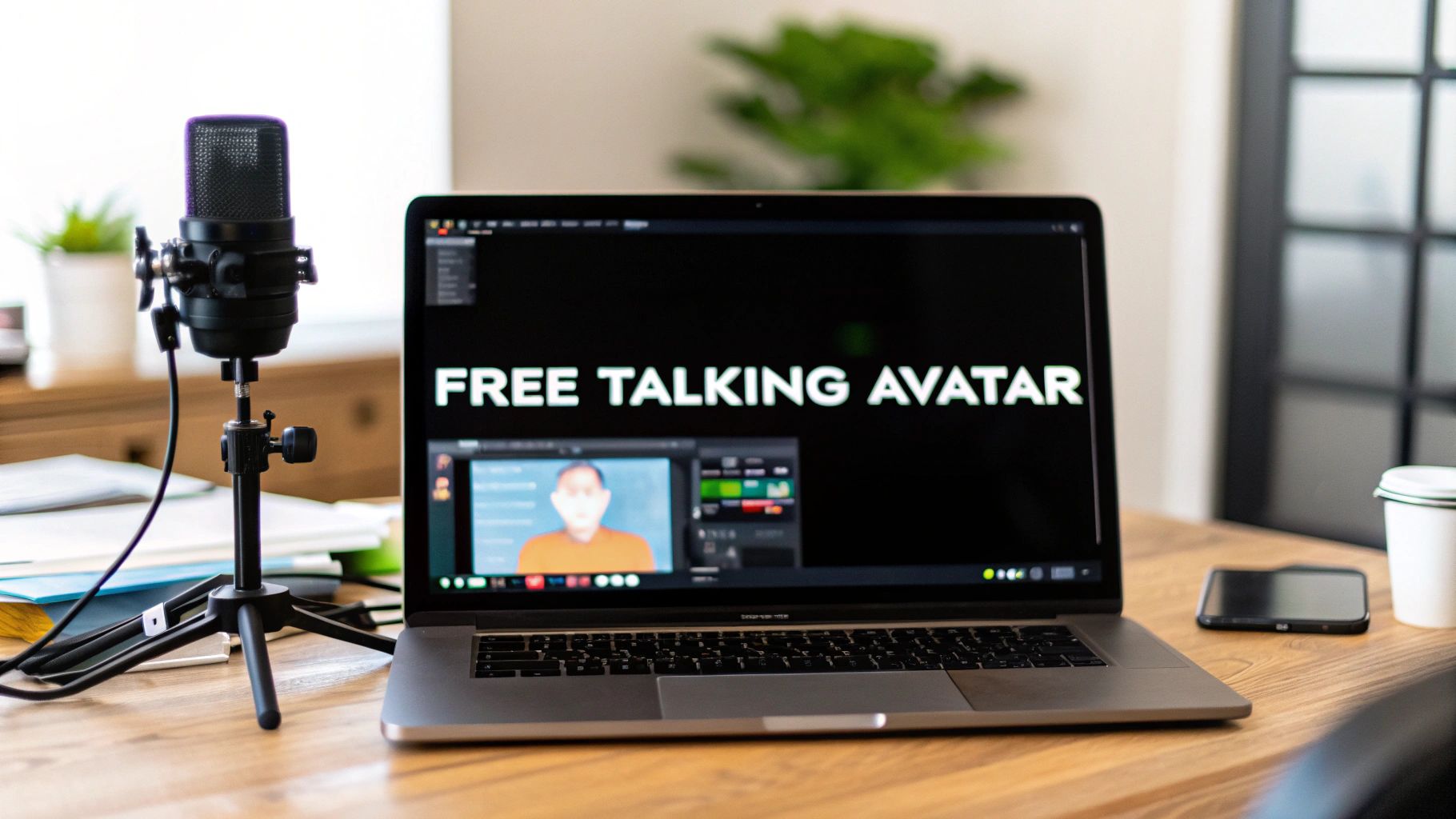
It’s a question I hear all the time: can you actually create a talking avatar for free? The answer is a resounding yes, thanks to a new wave of AI tools that are completely changing the game. These platforms can take a simple text script or an audio file and turn it into a full-fledged video with a digital person, all without you ever needing to touch a camera or open complicated editing software.
Why Talking Avatars Are Suddenly Everywhere
You've probably noticed realistic talking avatars showing up more and more. There's a good reason for that. They give businesses, creators, and even educators a powerful new way to get their message out there without the hassle of a physical film shoot. It's a fundamental shift that's making video accessible to everyone.
The biggest win here is pure efficiency. A process that used to eat up hours of filming, re-takes, and editing can now be knocked out in just a few minutes. This speed means you can pump out more content, experiment with different ideas, and keep up with the breakneck pace of social media. For a business, this could mean creating a whole library of training videos or marketing clips for a fraction of what it used to cost.
The Real-World Impact on Budgets and Engagement
The numbers don't lie. This isn't just a niche trend; it's a market that's absolutely exploding. It's projected to grow from USD 0.80 billion in 2025 to a massive USD 5.93 billion by 2032. Some companies are already reporting video production cost savings of over 80%—we're talking thousands of dollars saved on a single project.
Here's a peek at the kind of avatars you can create right off the bat with a tool like CreateInfluencers.
As you can see, you get a ton of creative flexibility, from photorealistic characters to more stylized ones, all ready to go.
The true power of talking avatars isn't just about saving a few bucks. It's about scaling a personality. A single person can now be the face of hundreds of videos, speak in different languages, and connect with a global audience, all without ever stepping in front of a camera.
Platforms like CreateInfluencers are leading this charge by offering free plans that let anyone jump in and start experimenting. You can bring any idea to life by simply:
- Creating an avatar from a photo or just by describing one with text.
- Giving it a voice with text-to-speech or by uploading your own audio.
- Generating the final video that's ready to be shared on social media or embedded on your website.
This kind of accessibility completely levels the playing field, putting high-quality video production within reach for absolutely everyone.
Finding the Right Free Avatar Tool for Your Project
Diving into AI tools to create a talking avatar free can feel like a maze. There are tons of options out there, but the trick is to find one that actually fits what you’re trying to do, whether it’s a quick TikTok or a more in-depth training video.
When you're comparing the free plans, pay close attention to the fine print. I've found that the most important things to check are video duration limits, the number of videos you can make each month, and whether they slap a watermark on your final product. Some platforms are great for short-form content, giving you plenty of credits but capping videos at 60 seconds. Others let you make longer videos but might only give you two or three a month.
How to Pick a Platform That Works for You
I often recommend starting with a tool like CreateInfluencers because its free tier hits a nice sweet spot. You get enough room to experiment and create a few short videos without dealing with an obnoxious watermark, which is a huge plus when you're just starting out.
Another big deal is the library of stock avatars and AI voices. A platform with a good variety of high-quality options saves you a ton of time and hassle.
This little decision tree sums it up perfectly—if you need video, an AI avatar is a smart move.
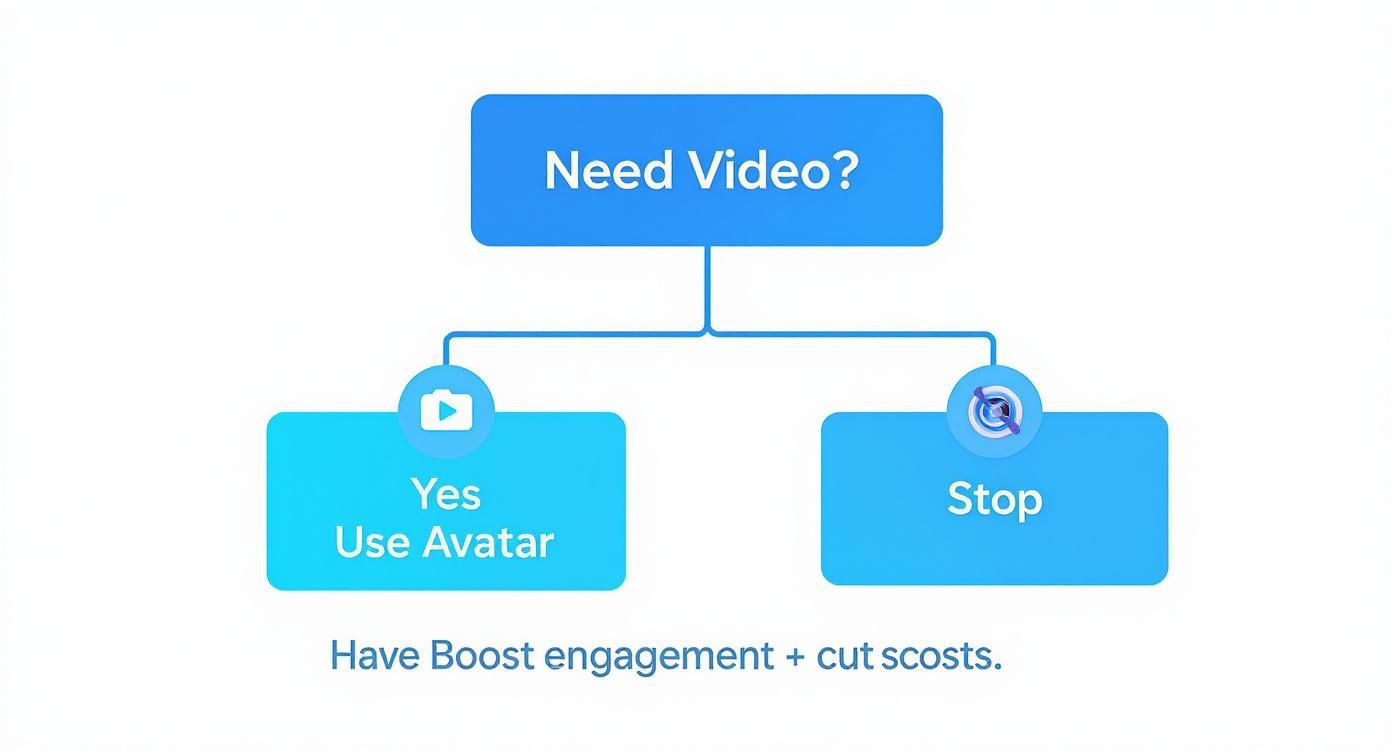
It really clarifies that for almost any video project, avatars are a direct route to better engagement without the high production costs.
The best free tool isn't the one with the most bells and whistles. It's the one whose free-tier limits you can actually work with to get a professional-looking result. Figure out your must-haves first.
Comparing Top Free Talking Avatar Platforms
To make your decision easier, let's look at how some of the popular free options stack up. This table breaks down the key features you should be looking at.
| Feature | CreateInfluencers (Free Tier) | Alternative Tool A | Alternative Tool B |
|---|---|---|---|
| Monthly Video Credits | 5 Minutes | 2 Minutes | 3 Videos (1-min max) |
| Max Video Length | 5 Minutes | 1 Minute | 1 Minute |
| Watermark | No Watermark | Small Watermark | Prominent Watermark |
| Stock Avatars | 70+ | 30+ | 25+ |
| AI Voices | 100+ in 40 languages | 50+ in 20 languages | 30+ in 10 languages |
As you can see, the limitations vary quite a bit. Your choice really depends on whether you prioritize video length, the number of videos, or a clean, watermark-free look.
Don't forget about the user experience, either. A simple, drag-and-drop interface means you'll get your video done in minutes, not hours. For more detailed walkthroughs and comparisons, check out our other resources at https://createinfluencers.com/guides.
And remember, talking avatars are just one piece of the puzzle. There are tons of other essential AI tools for content creators that can help you with everything from writing scripts to editing. By weighing these factors, you’ll be able to pick the right platform and start creating great content right away.
Bringing Your Avatar to Life: Image Uploads and Text Prompts
Alright, this is the fun part—where your idea for a character starts to become a reality. When you're ready to create a talking avatar free of charge using a platform like CreateInfluencers, you've got two main ways to go about it. You can either upload a photo you already have or create something entirely new from a text description.
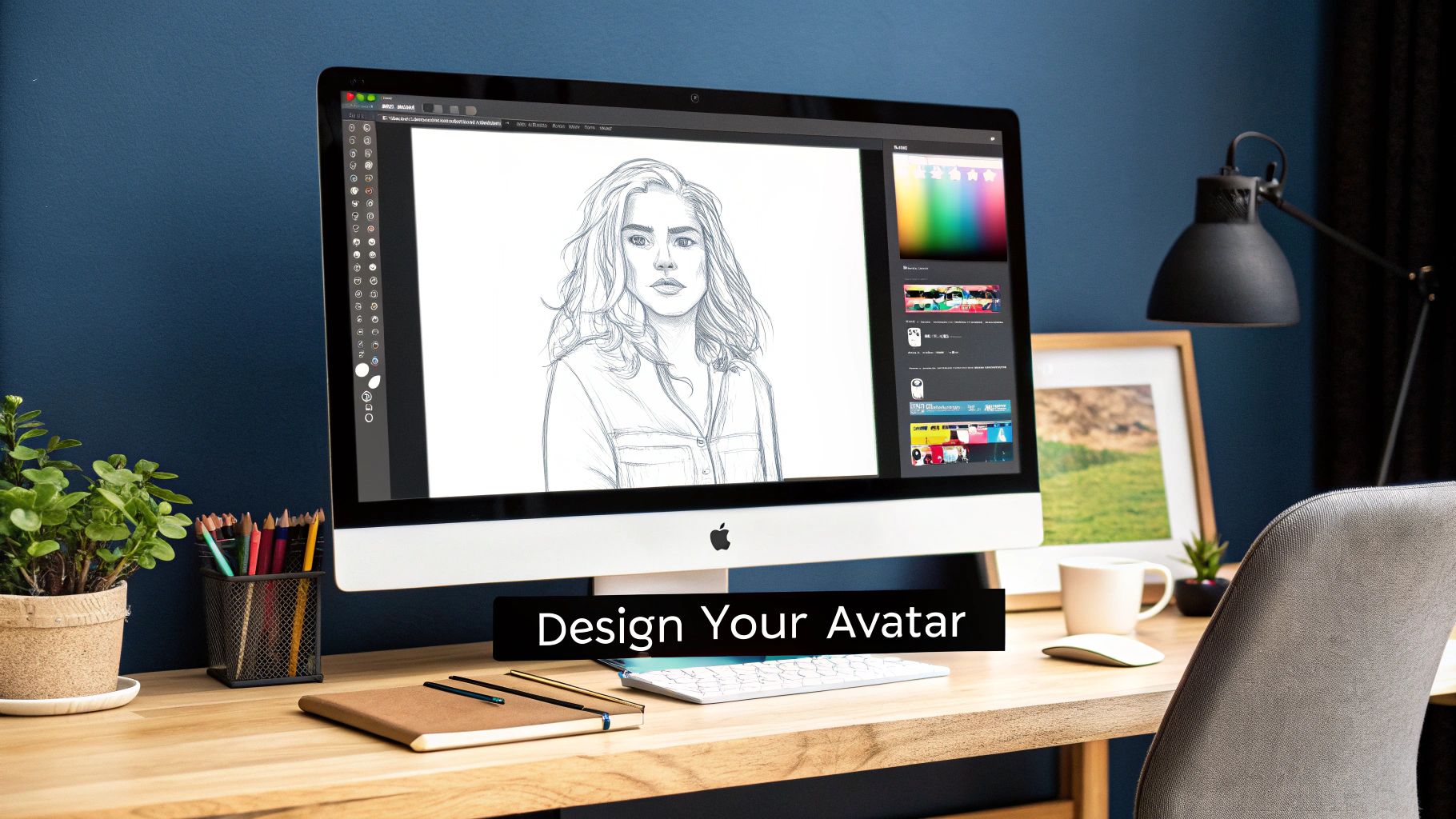
The quickest way to get started is by simply uploading a photo. This works brilliantly if you're looking to make a digital twin of yourself for a personal welcome video or maybe create an avatar for a team member who will act as a brand guide.
My advice? Use a high-quality, front-facing photo. Treat it like a passport photo or a professional headshot—good lighting, no shadows, and a clear view of the face. The better the source image, the smoother and more realistic the final animation will be.
On the other hand, maybe you need a character that doesn't exist yet. That's where text prompts come in, giving you a blank canvas to design the perfect persona for your brand.
Getting Creative With Text-to-Avatar Prompts
Think of yourself as a casting director. You're not just asking for "a person"—you're describing the exact character you need. Vague prompts give you vague, generic-looking people. The secret is to be specific.
I've seen people get amazing results by layering in small details. Instead of "a woman," try something with more personality.
Here are a few real-world examples that will give you a much better starting point:
- For a corporate training module: "A professional woman in her mid-30s, she has a warm, confident smile and is wearing a navy blue blazer. She's set against a slightly blurred office background."
- For a flashy social media campaign: "A young male influencer, maybe early 20s, dressed in stylish streetwear. He's in a dynamic pose against a bright, urban city background during sunset."
- For a friendly how-to video: "A female tutor who looks approachable, wearing glasses and looking right into the camera, with a bookshelf behind her."
The real magic happens when you stack descriptors. I always tell people to combine age, what they're wearing, their expression, and the background. It paints a much clearer picture for the AI and makes a world of difference in the final result.
Whether you choose to upload a photo or get creative with a prompt, this is the step that lays the groundwork for your entire video. It's surprisingly fast and takes you from a concept to a ready-to-use digital character in just a minute or two.
Giving Your Avatar a Voice and Personality
https://www.youtube.com/embed/f2Xxek8a_Jc
Your visual character is ready, but a silent avatar is just a static image. The real magic happens when you give it a voice—that's what transforms it from a picture into a genuine communication tool.
The quickest way to get your avatar talking is with the built-in text-to-speech (TTS) tools you'll find in platforms like CreateInfluencers. All you have to do is type or paste in your script, and the AI handles the rest, generating the audio in seconds. It's an incredibly efficient way to create content, especially if you're producing videos in bulk for social media or need to churn out a series of product demos.
But what if you want a more personal touch? That’s where uploading your own audio comes in. Just record a voiceover on your phone, save it as an MP3, and upload it. The AI will then perfectly sync your avatar’s lip movements to your own voice. This adds a layer of authenticity and personality that a generated voice sometimes can't quite match.
Choosing the Right Voice and Delivery
Don't just pick any voice; the right one is just as crucial as the avatar's appearance. Think about who you're talking to and what you want to say. A friendly, energetic voice could be perfect for a TikTok ad, but you'd probably want a calm, professional tone for a corporate training module.
Most free tools offer a surprising variety of voices, accents, and languages to choose from. In fact, many modern AI avatar platforms leverage natural language processing (NLP) to create incredibly human-like speech, with some supporting over 140 languages. This is huge because it means you can create content for a global audience without breaking the bank on translation. For a deeper dive into how these technologies are shaping the industry, you can read up on the latest market research from SNS Insider.
The key is to experiment. Don't settle for the default voice. Play around with a few different options. Try adjusting the speed and pitch until the delivery feels completely natural and fits the personality you've created for your avatar. This one small step can make a world of difference in the final result.
Tips for a More Polished and Realistic Avatar
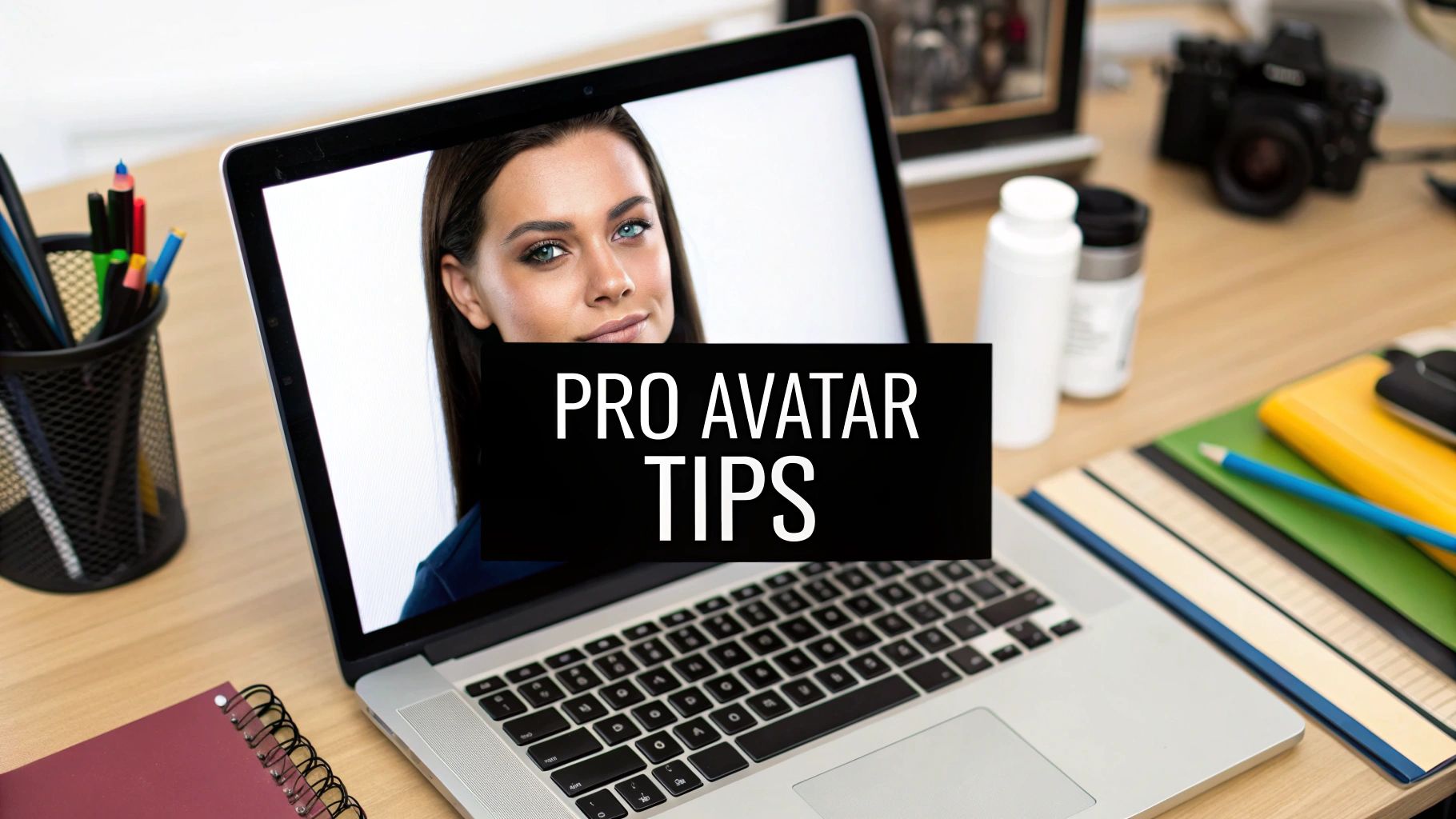
It’s the small details that take an avatar video from just "okay" to something genuinely impressive. After you've nailed the basics of how to create a talking avatar free, the next step is all about adding that professional polish. This is where you really start to transform a simple animation into a compelling, believable piece of content.
The most critical element, by far, is your script. It has to sound like a real person talking. Stiff, overly formal language is an instant giveaway. Read your script out loud before you generate the audio. Does it flow? Does it sound like something you'd actually say? A great script is the soul of a convincing avatar.
Another thing I see all the time is a visual mismatch. Your avatar's appearance, their clothes, and even the background need to fit the message. A character in a three-piece suit talking about video game walkthroughs just feels weird. So does an avatar in a hoodie delivering a financial report. Everything needs to feel cohesive.
Refining Your Visuals and Audio
Getting the look and sound right comes down to consistency. It’s the little things that add up to make a huge difference.
- Backgrounds Matter: Don't just pick the first background you see. Choose one that complements your message instead of distracting from it. For business content, a simple, slightly out-of-focus office is perfect. For a more direct message, a clean, solid color keeps all the attention on your avatar.
- Lighting and Quality: Always, always start with a high-resolution image. This is especially true if you're uploading your own photo. A grainy or poorly lit source picture will only lead to a blurry, amateur-looking final video. Garbage in, garbage out.
- Voice Pacing: Never just accept the default text-to-speech voice. Play around with the speed and pitch. You can add commas and periods to your script to create short, natural pauses. This small trick can completely change the rhythm of the delivery and make it sound so much more human.
A polished avatar isn't just about a high-quality image; it’s about creating harmony between the visual elements and the audio delivery. When the avatar's style, background, and voice all work together, your audience is more likely to connect with the message instead of being distracted by the medium.
This focus on realism is only getting more important as the tech gets better. Today's platforms are starting to use cognitive interfaces that mix language processing with synthetic media, which helps the avatars understand context and emotion better. You can actually explore the evolving AI avatar market to see where this is all heading.
At the end of the day, putting in a little extra effort on these refinements will make your free talking avatar look and feel leagues more professional.
Got Questions About Free Talking Avatars? Let's Clear Things Up.
Jumping into new creative tech always sparks a few questions. When you’re ready to create a talking avatar for free, you want straight answers so you can dive right in without getting bogged down by the technical stuff.
Let's tackle some of the most common things people ask.
Will My Video Have a Watermark?
This is usually the first question on everyone's mind. Can you actually make a professional-looking video for free without a distracting logo slapped across it? The short answer is yes. Many tools, including our free tier at CreateInfluencers, let you generate clean, watermark-free videos. It's a huge plus when you're trying to build a polished brand from day one.
Of course, free plans often have other trade-offs. You'll likely run into a monthly limit on video generation minutes, so it's always smart to check the fine print before you get too deep into a big project.
What Kind of Image Works Best for an Avatar?
If you want smooth, believable animation, you need to start with the right source image. A high-resolution, front-facing portrait is your golden ticket. Think of a classic headshot: the subject is looking directly at the camera with clear, even lighting.
Avoid anything that obscures the face, like heavy shadows, sunglasses, or even a hand resting on the chin. The AI needs a clear view of the person's facial features to map the animation correctly.
Can I Use My Own Voice?
Absolutely! In fact, I highly recommend it. Using your own voice is one of the fastest ways to make your avatar feel more authentic and personal. Most platforms let you upload an MP3 or WAV file of your own recording. The AI then syncs the avatar’s lip movements to your speech, creating a result that's far more compelling than a standard text-to-speech voice.
The biggest mistake I see people make is sticking with their first attempt. Don't hesitate to hit that "regenerate" button. Sometimes, just adding a comma to your script or trying a different AI voice can make a world of difference in the final video's rhythm and realism.
How Long Does It Take to Generate a Video?
It depends, but it's almost always faster than you think. The total time hinges on the length of your video and how busy the platform's servers are at that moment. For a quick, one-minute clip, you're usually looking at just a few minutes of processing time. That’s a fraction of the time traditional video production would take.
If you have more technical questions or run into specific issues, checking out a dedicated resource with answers to frequently asked questions can be a lifesaver.
And if you're hungry for more advanced techniques and creative inspiration, our team is always sharing new guides and tutorials. You can explore all sorts of topics on the CreateInfluencers blog to keep leveling up your skills.
Ready to bring your own characters to life? Sign up with CreateInfluencers today and start building your first talking avatar in minutes—no credit card required. https://createinfluencers.com