Create
Make photos of your influencer
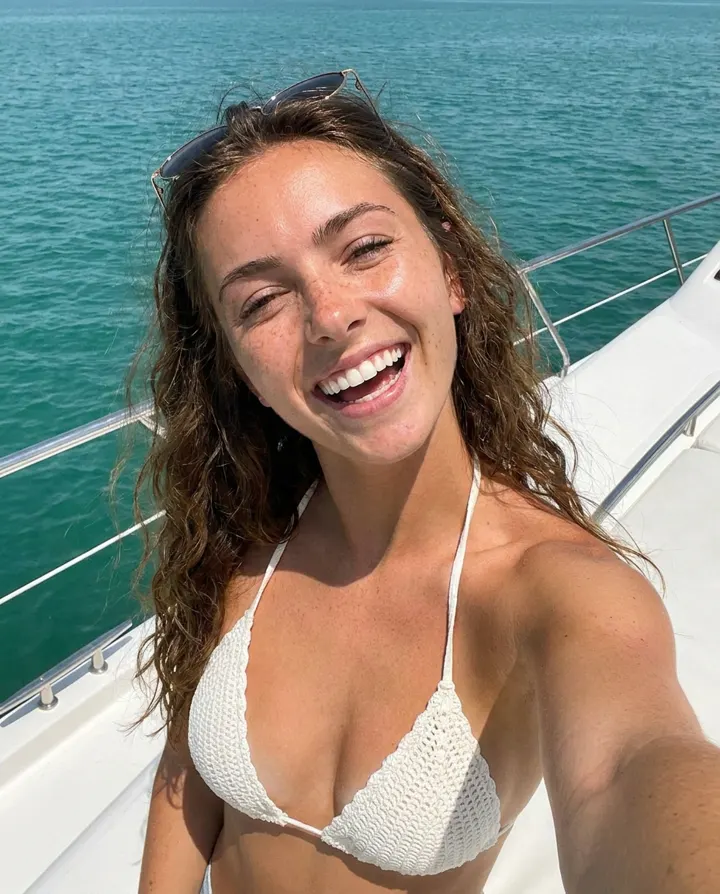
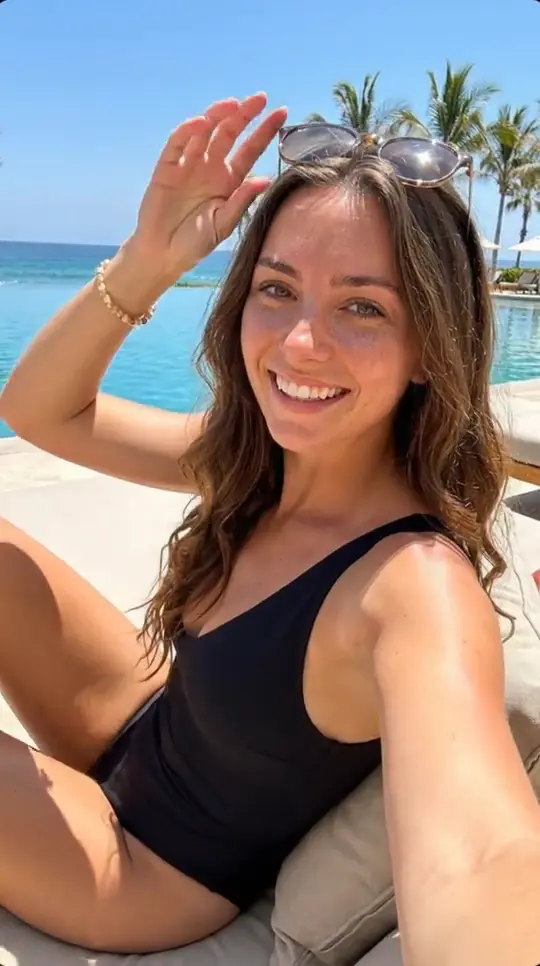
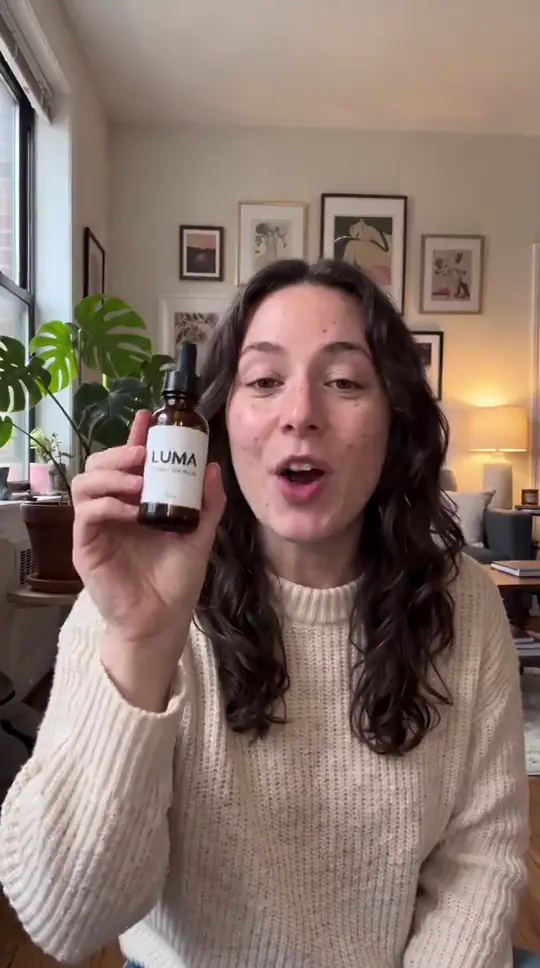
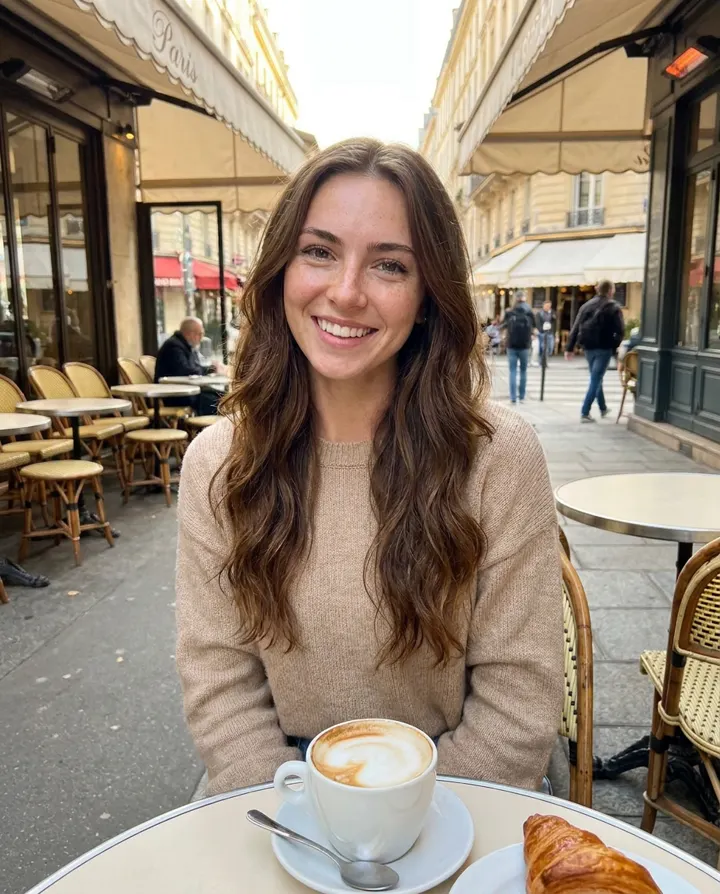
Describe a photo, pick a style, and get it of your influencer in seconds. Includes the spicy 18+ styles.
4 min read
Open "Images" in the menu (or "Make photos" on Home). The page walks you through four short steps.
- 1
Who's in the photo?
Pick your influencer with "Change influencer". For trained influencers every image is of them. For influencers made without training, keep the switch on the card turned on so the photo shows them; turn it off to get a new person.
- 2
Describe the photo
Write what you want to see: place, outfit, pose, light, camera. Stuck? "Write it for me" writes a prompt, "Improve it for me" polishes yours, and "Copy a photo" describes the scene of any photo you upload.
- 3
Pick a style
Choose a model from the "Everyday", "Spicy 18+" or "FLUX" tabs. Each one shows its price in credits per image (most are under 1 credit).
- 4
Size and references
Pick the shape: 9:16 for Reels, TikTok and Stories, 4:5 for Instagram posts, 1:1 square. Nano Banana and Seedream also take extra reference photos, for an outfit or a place you want copied.
Tap "Generate". Each tap makes one new image, ready in a few seconds, and it's saved to your Gallery.
Which style should I pick?
- Nano Banana and Nano Banana Pro: the best all-rounders for everyday, safe-for-work photos. Pro is sharper and costs more.
- Seedream 4.5: great for realistic photos. Turn on "Make a series" in Advanced to get several matching photos at once.
- Realistic AI: natural, phone-camera looking photos.
- Spicy 18+: the OnlyFans AI styles for suggestive content. You'll be asked to confirm you're over 18 the first time.
- FLUX: classic FLUX models, from the very cheap FLUX.1 Schnell to FLUX.1.1 Pro Ultra.
Spicy styles allow suggestive content. Explicit content is not allowed, and spicy photos can never be posted to Instagram, TikTok or X from the app.
Prompt tips
- Describe it like a real photo: "iPhone selfie", "Instagram story photo", "golden hour", "flash photo at night".
- Small imperfections look real: "slightly grainy", "casual", "candid".
- One idea per photo works better than a long list of things.
- Advanced has "Avoid in the image" for things you don't want, and "Seed" to make a close variation of a photo you liked.