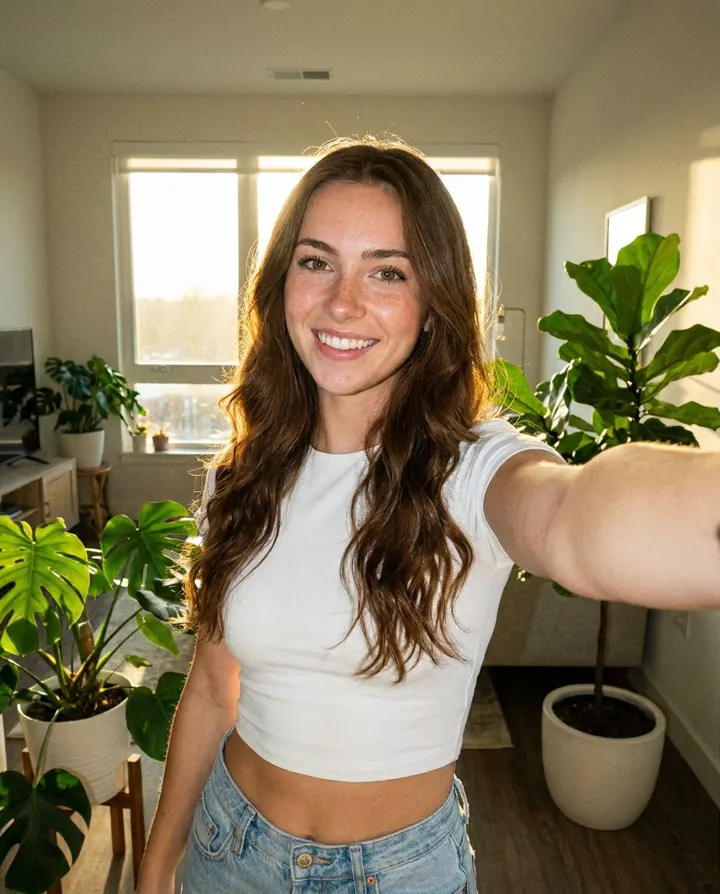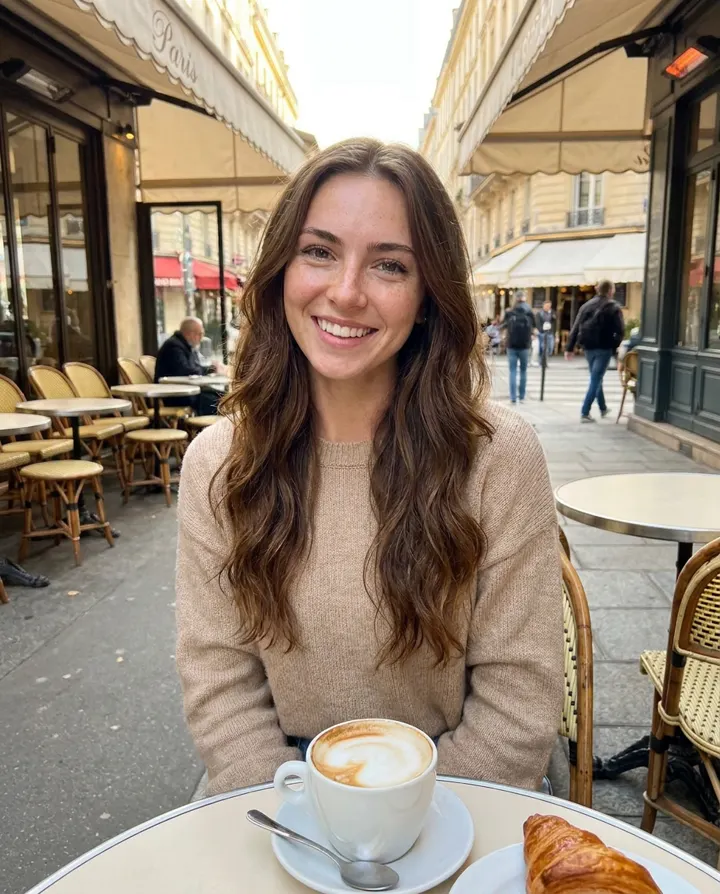
Autopilot
Put your AI model on autopilot with DFY Models
We create new photos, videos and captions every day and post them to Fanvue, Instagram, TikTok and X for you.
4 min read
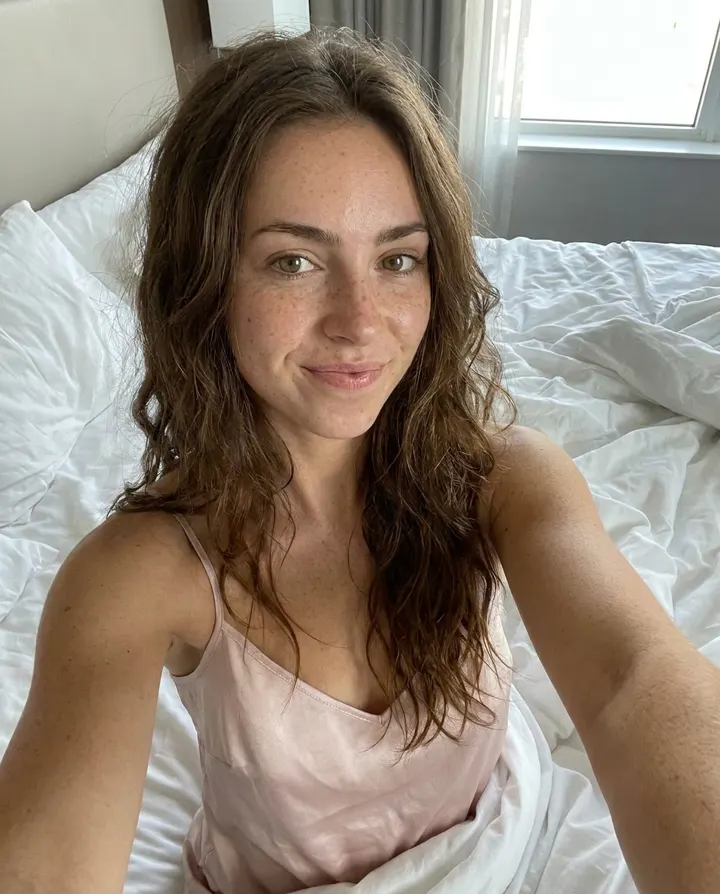
DFY (done for you) Models runs your AI model's accounts for you. Every day it creates a new photo and caption in your model's voice and posts it, plus 1 or 2 short videos a week sold as pay-to-view on Fanvue.
What you get
- A new photo and caption posted to Fanvue every day
- 1 to 2 short videos a week, sold as pay-to-view
- Safe-for-work daily photos on Instagram and X, plus TikTok drafts
- 250 credits a month for your own extra content
- $99/month for your first model, $50/month for each extra model. Autopilot posts don't use your credits.
Set it up
- 1
Create your model
Make an influencer first (see "Create your first AI influencer"). Train it if you want spicy posts: spicy autopilot posts need a trained influencer.
- 2
Connect where your model posts
Open "DFY Models" and tap "Connect" for Fanvue, Instagram (Business or Creator account), TikTok and X.
- 3
Set up autopilot
Each account gets its own card. Pick "Which influencer", the hour to "Post every day at" (your local time) and write a few lines "About this influencer" so captions sound like them. Turn the card on and tap "Save".
- 4
Fanvue settings
Choose "Spicy content (NSFW)", "Subscribers only" and a "Pay to view" price for photos, plus "Videos per week" (1 or 2) and their price. Prices start at $3.00.
Want to see it work right away? Tap "Post a photo now" (or "Post a video now" on Fanvue, which takes up to half an hour). Every autopilot post is listed under "Autopilot posts", where you can edit captions.
The rules
- Instagram, TikTok and X only ever get safe-for-work photos. Spicy content goes to Fanvue only.
- TikTok posts land in your TikTok drafts, where you add a sound and tap post.
- X posts never include links. Put your link in your bio.
- On Instagram you can turn on "Let me finish each post in Instagram" to post them yourself.