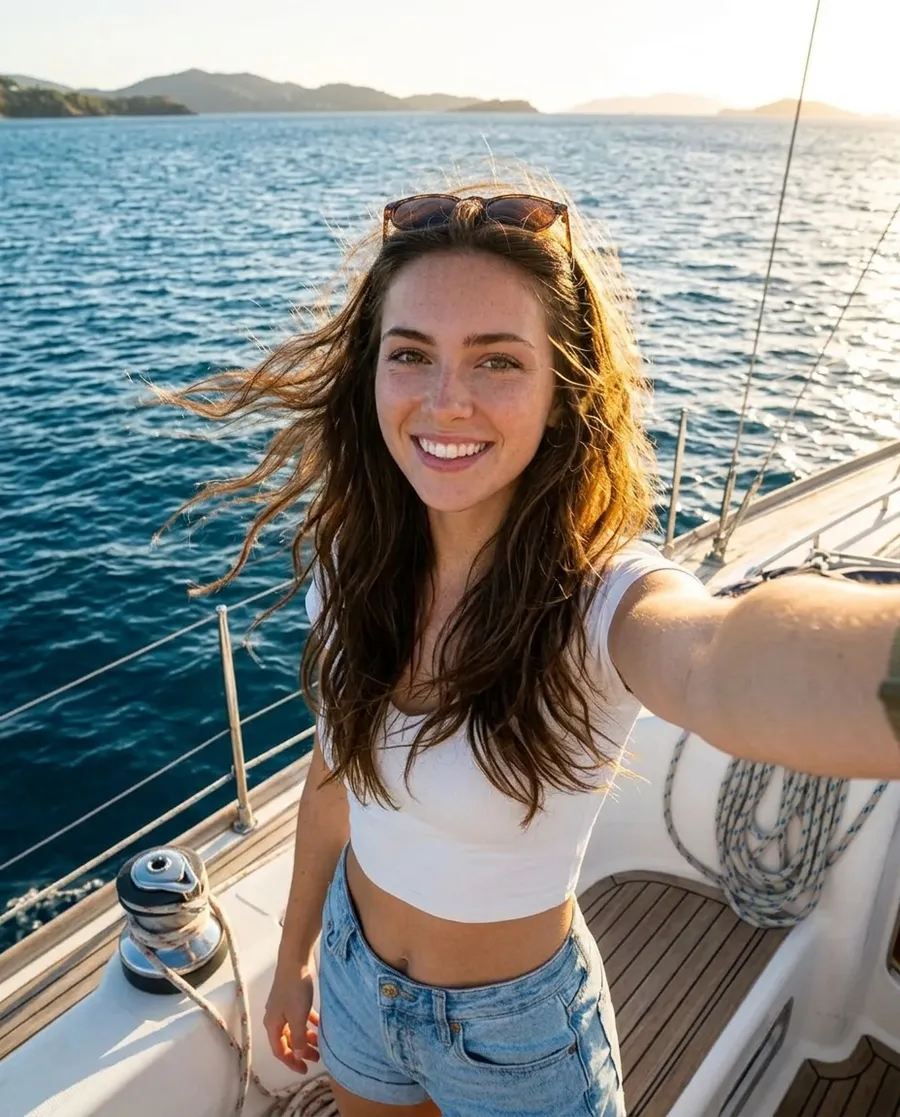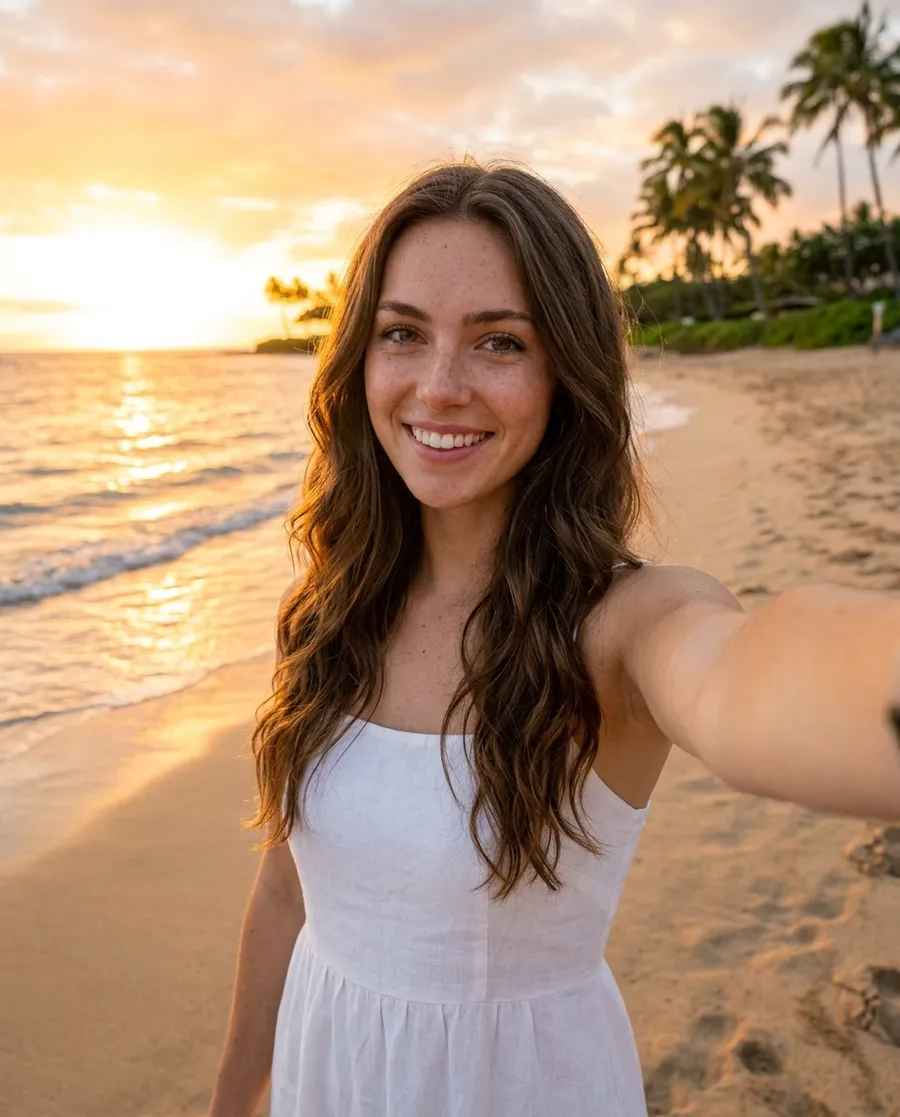
Prompts
How to write realistic AI photo prompts
The simple formula behind AI photos that look like real phone photos, for Nano Banana, Seedream, FLUX and the spicy styles.
5 min read
The secret to real-looking AI photos isn't the word "realistic". It's describing the photo the way a real person would take it: the camera, the place, the light and the little imperfections.
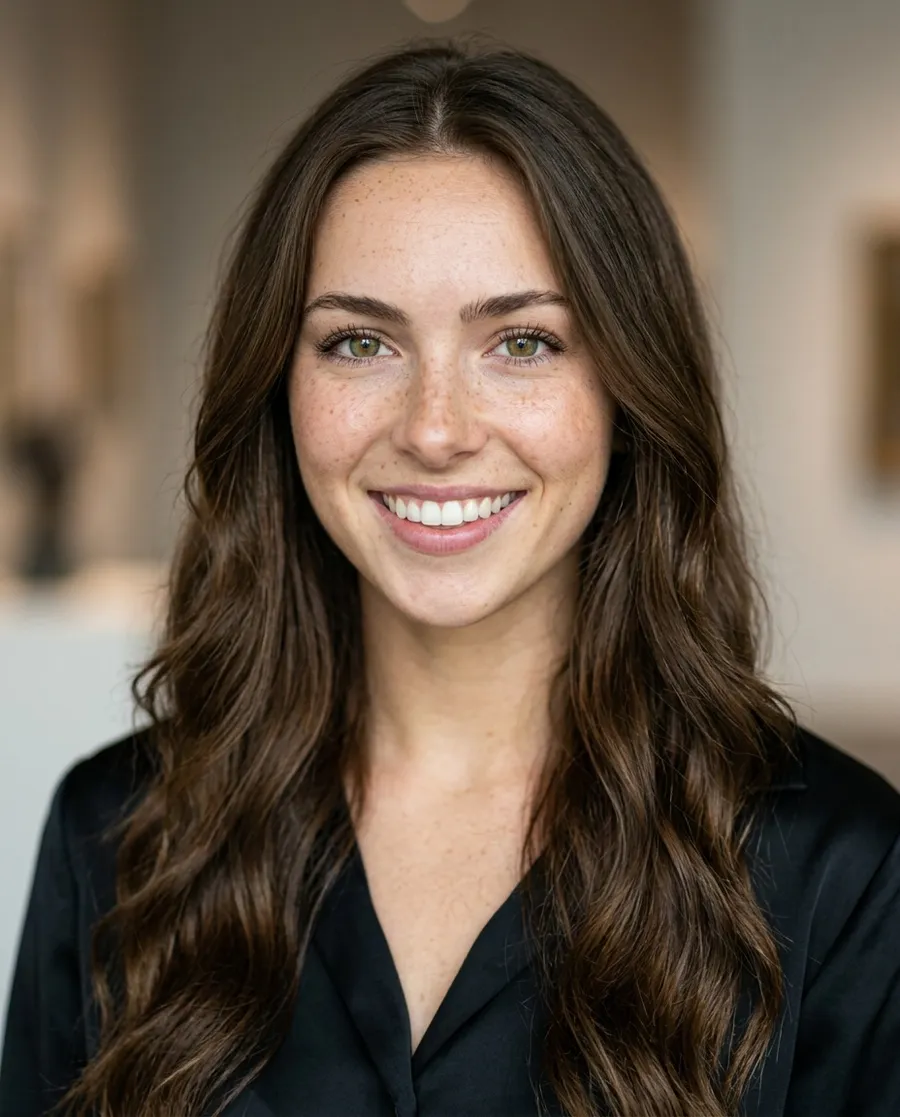
Weak prompt
Beautiful woman, realistic, 8k, masterpiece, ultra detailed, perfect skin, professional photo
Strong prompt
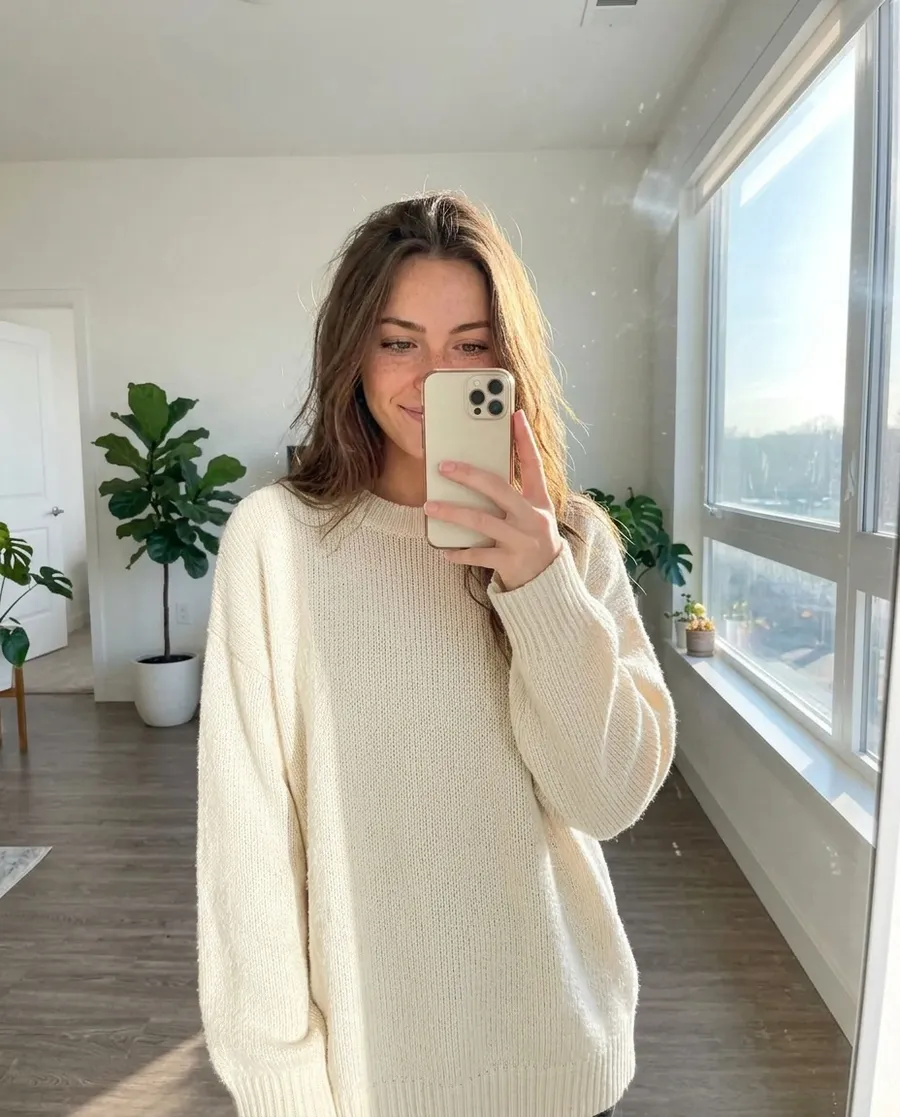
iPhone mirror selfie in a bright minimalist apartment, oversized cream sweater, morning light from a big window, slightly messy hair, phone covering part of the face
Both photos are the same influencer. The first prompt only says "make it good", so you get a generic, too-perfect stock photo. The second describes a real moment, so the photo looks like it came from someone's camera roll.
The formula
- 1
Camera
How was it taken? "iPhone mirror selfie", "flash photo at night", "shot from across the table", "wide-angle phone camera".
- 2
Action
What are they doing? "laughing", "walking and looking back", "holding a coffee". A real moment beats a pose.
- 3
Outfit
One or two clear pieces: "oversized cream sweater", "black satin dress".
- 4
Place
Where are they? Be specific: "sidewalk cafe in Paris", "hotel balcony in Bali".
- 5
Light
"morning light from a big window", "golden hour", "neon signs", "candle light".
- 6
Imperfections
"slightly grainy", "messy hair", "people blurred in the background". Small flaws make it believable.
Six prompts built with the formula
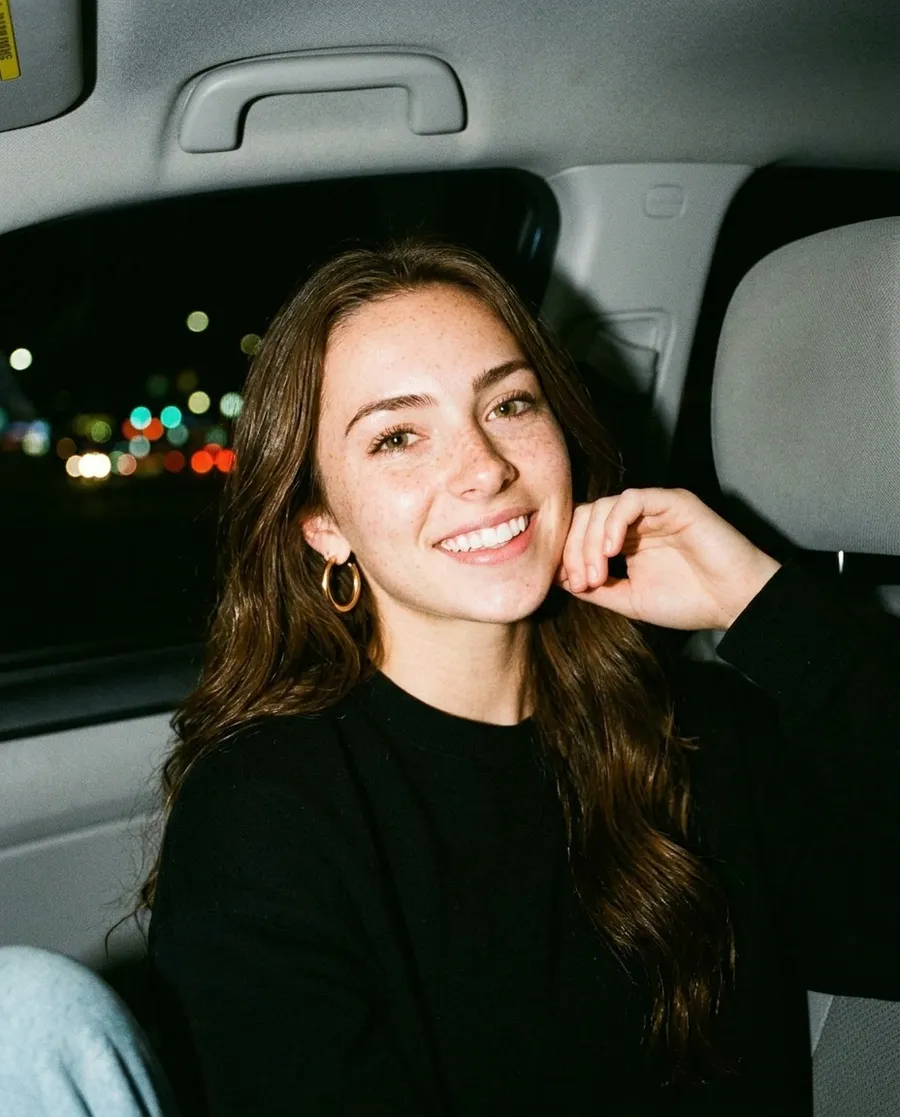
Flash photo at night in the passenger seat of a car, gold hoop earrings, black top, city lights blurred through the window, slightly grainy
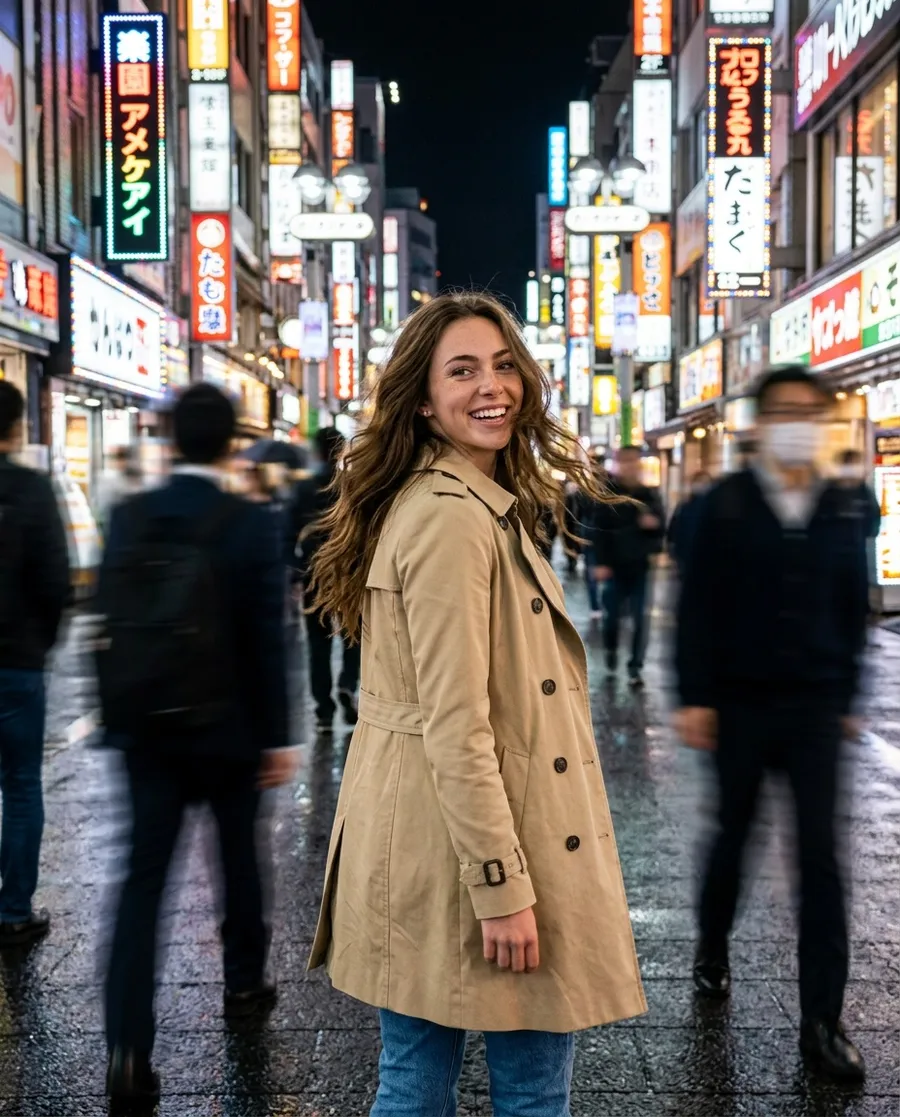
Walking down a Tokyo street at night, neon signs, beige trench coat, looking back over her shoulder, people blurred around her
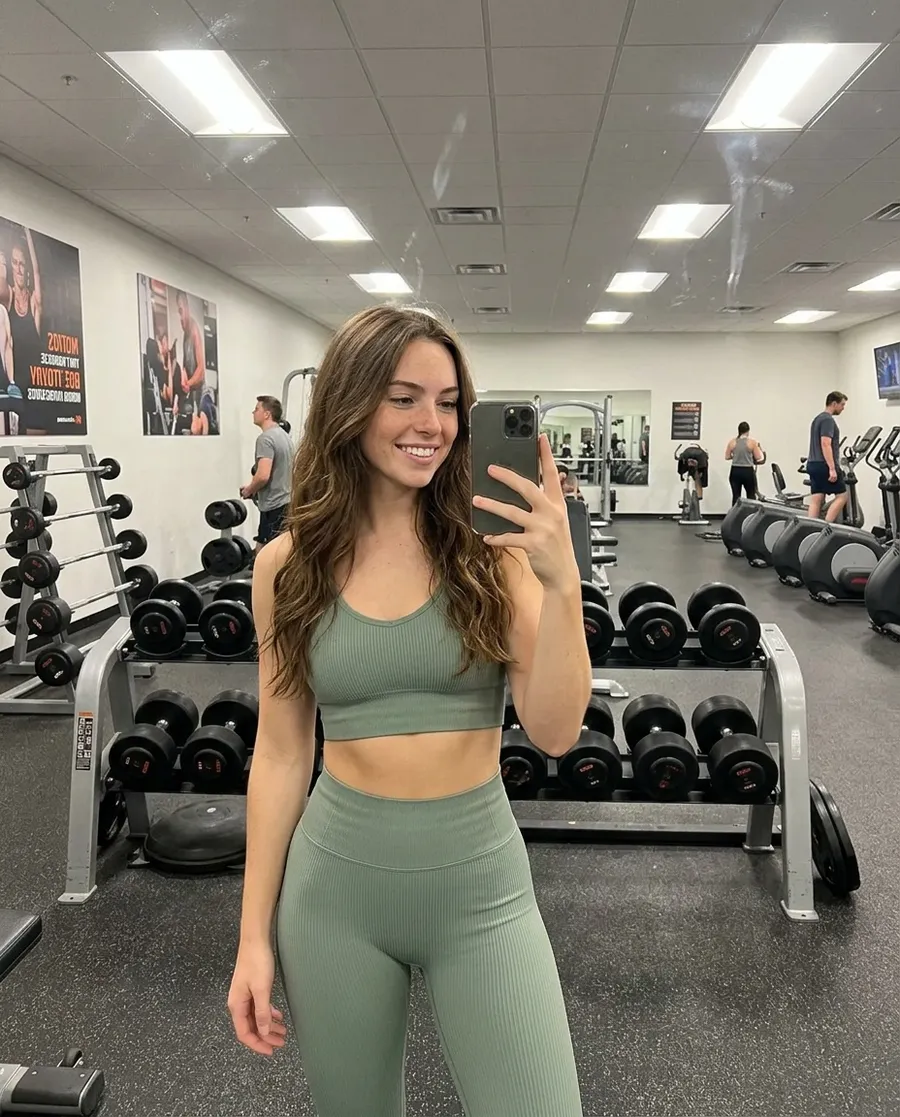
Gym mirror selfie in a matching sage green workout set, dumbbell rack behind, bright overhead lights
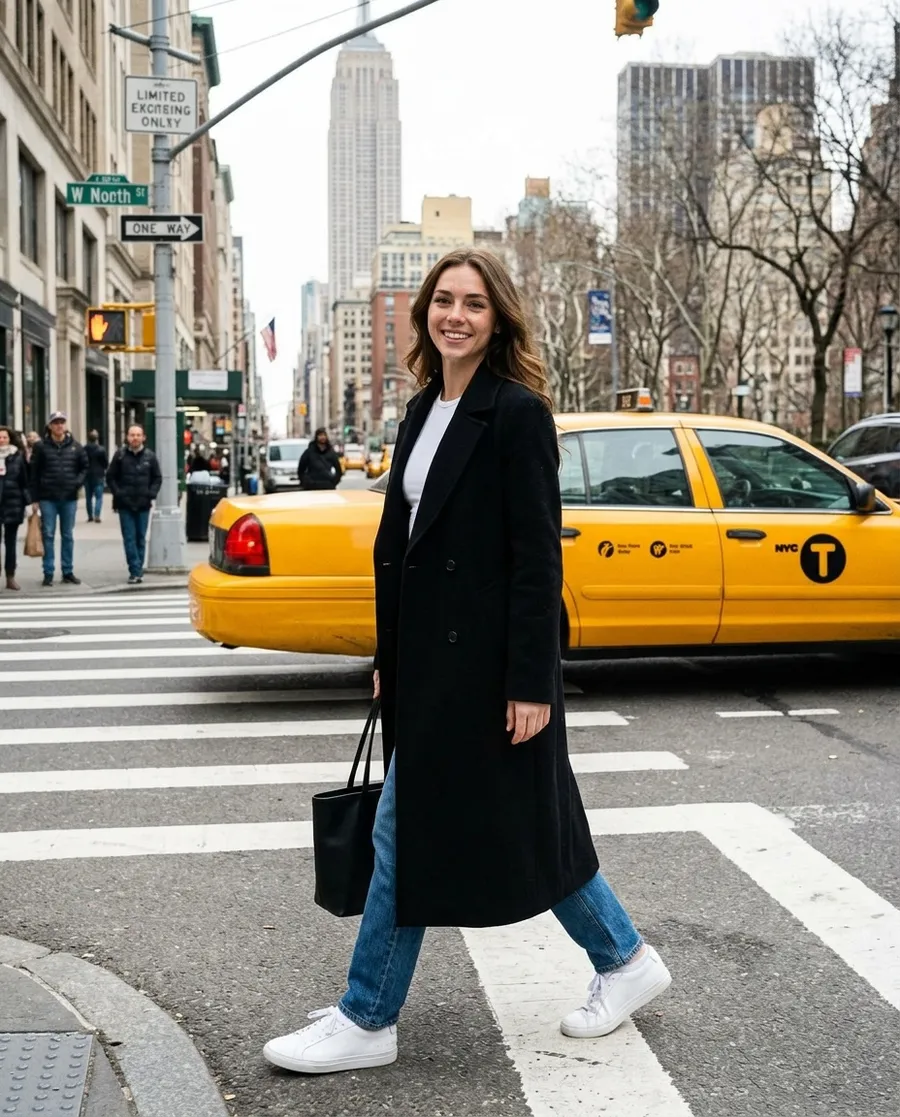
Street style photo in New York, long black coat, white sneakers, crossing the street, yellow taxi behind, shot from across the street
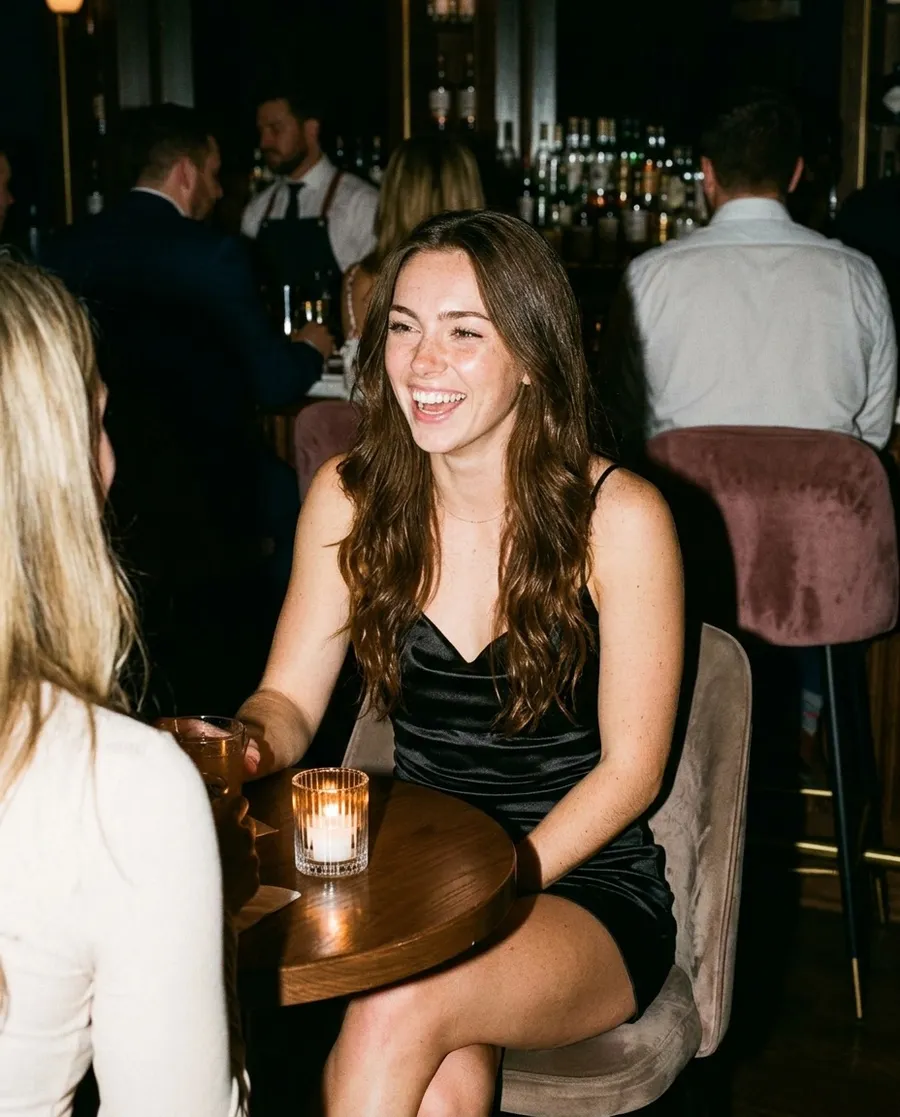
Photo in a dimly lit cocktail bar, black satin dress, candle light, laughing at someone off camera, flash photo
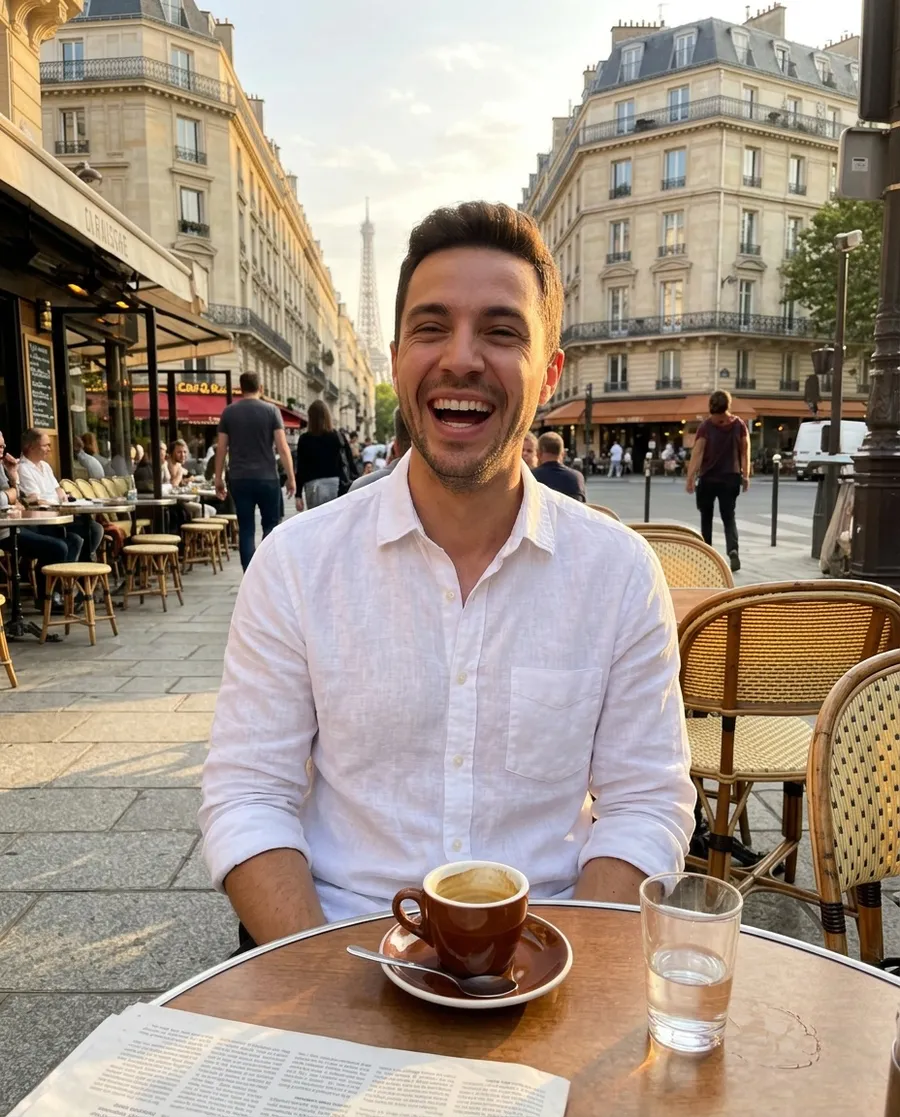
Candid photo of him laughing at a sidewalk cafe in Paris, white linen shirt, espresso on the table, late afternoon sun, shot from across the table on a phone
Tips for each style
- Nano Banana and Nano Banana Pro: write full sentences, like you're briefing a photographer. They follow long, detailed prompts well and keep your influencer's face from the reference photo.
- Seedream 4.5: great for realism and series. Turn on "Make a series" in Advanced and describe the set, for example "4 photos from the same beach day".
- FLUX models: shorter prompts with the camera and light up front work best. FLUX.1.1 Pro Ultra is the sharpest.
- Realistic AI and the Spicy 18+ styles (trained influencers): you don't need a code word, the app adds it for you. Just describe the photo.
- Use "Avoid in the image" in Advanced for things you keep getting and don't want, like "sunglasses" or "text".