Top 12 Talking Avatar Creator Free Tools to Animate Your Ideas in 2025
Discover the 12 best talking avatar creator free tools in 2025. Animate photos & create AI videos for marketing, social media, & more with our detailed guide.
Imagine creating captivating video content for social media, training modules for your team, or even a digital influencer persona without ever stepping in front of a camera. The technology to do just that has arrived and is more accessible than ever. The demand for engaging, scalable video has exploded, and AI-powered talking avatars are the answer. They save time, cut production costs, and open up creative possibilities that were once reserved for professional studios. But with so many options flooding the market, finding the right tool can feel overwhelming.
This guide cuts through the noise. We have compiled and rigorously tested the ultimate list of the 12 best talking avatar creator free and freemium platforms available today. We go beyond surface-level features to provide a comprehensive breakdown of what truly matters: realistic lip-syncing, voice customization, ease of use, and the limitations of their free tiers. Whether you are a marketer aiming to produce videos at scale, an educator creating training materials, or an influencer building a unique digital identity, this resource is designed to help you make an informed decision.
Each entry includes a direct link to the platform, screenshots of the interface, and a clear analysis of its pros and cons. Understanding the financial commitment is also crucial; as you explore these tools, it helps to compare various AI avatar creator pricing models to see how different platforms structure their free and paid plans. Our goal is to equip you with all the information needed to select the perfect tool to animate your vision, transforming your text or audio into a compelling, AI-driven video presentation. Let's find the right creator for your project.
1. CreateInfluencers: Best for Photorealistic AI Influencers and Monetization
CreateInfluencers stands out as a premier AI-powered creator studio, specifically engineered for generating photorealistic digital influencers and dynamic talking avatars. It offers a robust suite of tools that cater to social media creators, marketing agencies, and adult content producers, blending ease of use with powerful, high-fidelity output. Its core strength lies in its ability to rapidly transform ideas, or even user selfies, into polished, monetizable digital personas.
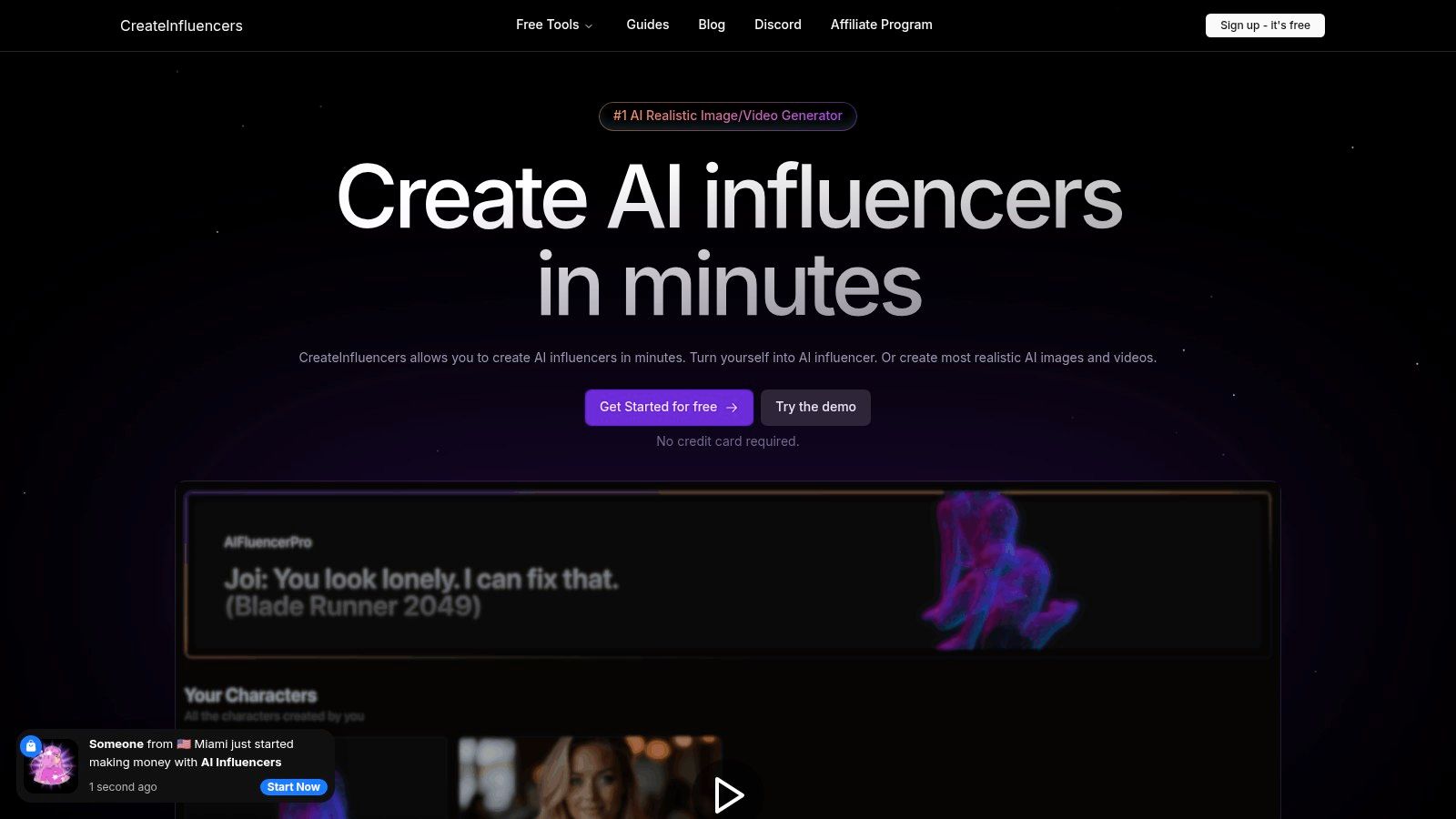
The platform’s HyperReal engine is a significant advantage, upscaling images to HD quality for professional results. Users can leverage a diverse array of advanced video and image models, including Haiper and Kling Pro, alongside specialized themed photo packs. These presets, ranging from "Old Money" aesthetics to "Tinder/dating" and "OnlyFans-ready" content, dramatically accelerate the production of niche-specific visuals.
For those serious about building a brand around their digital creations, CreateInfluencers provides scalable tools like face lock for character consistency and options to train your own custom AI models. This ecosystem supports long-term growth and brand development. As you build an audience, understanding different community monetization models becomes crucial for turning engagement into revenue.
Key Features & User Experience
| Feature | Description | Best For |
|---|---|---|
| One-Click Character Creation | Instantly generate a unique AI influencer from a text prompt or a single user selfie. | Quick-starting new social media profiles or marketing campaigns. |
| HyperReal Upscaling Engine | Proprietary technology that enhances low-resolution photos into crisp, HD-quality images. | Ensuring all visual content meets professional standards. |
| Themed Content Packs | Pre-configured style packs for verticals like Instagram, dating apps, and adult content. | Rapidly producing consistent, on-brand content for specific niches. |
| Advanced Video Models | Access to multiple cutting-edge models for creating talking avatar videos. | Producing engaging video content for platforms like TikTok and YouTube. |
Pricing and Access
CreateInfluencers operates on a credit-based system with a free sign-up that requires no credit card. This allows new users to explore the platform's capabilities before committing. For more intensive use, it offers tiered monthly subscriptions:
- Basic: $47/month for 250 credits
- Pro: $79/month for 700 credits
- Enterprise: $149/month for 2000 credits
The platform maintains transparency by listing the credit cost for each action. For example, a realistic image may cost around 0.5 credits, while video generation costs can range from 0.45 to 7.5 credits per second depending on the model used. This structure allows users to effectively estimate and manage their expenses based on their content production needs.
- Website: https://createinfluencers.com
2. HeyGen
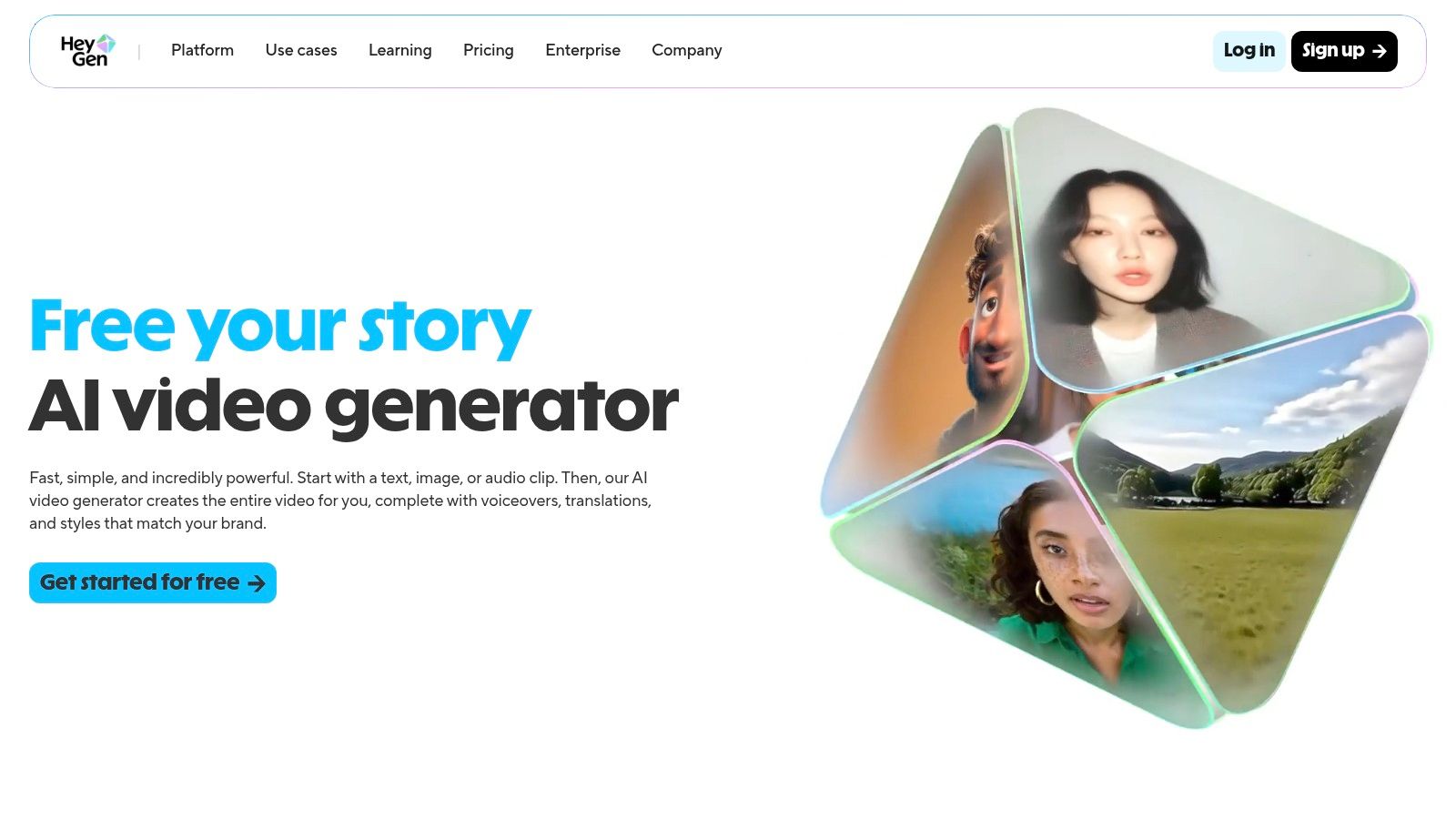
HeyGen is a powerful and popular AI video generator that excels as a talking avatar creator free of charge, offering a robust platform for both beginners and professionals. Its standout feature is the "Avatar IV" technology, which allows users to upload a single still photograph and animate it with stunningly realistic lip-sync, effectively turning any portrait into a dynamic, speaking presenter. This makes it an invaluable tool for creating professional-looking content without the need for a camera or complex editing software.
The platform boasts a vast library of over 500 stock avatars and supports more than 30 languages on its free tier, making it highly versatile for global marketing campaigns or multilingual social media content. For those looking to create more personalized content, the option to design a custom avatar provides even greater flexibility. Its user-friendly interface simplifies the video creation process, allowing you to generate polished results in just minutes.
Key Features & Limitations
HeyGen’s free plan is quite generous, making it an excellent starting point. However, it's important to understand the specific limits before committing to a project.
Pros:
- Generous Free Plan: You receive 3 free video credits per month, with each video up to 3 minutes long. This is perfect for testing workflows and creating short-form content.
- Strong Language Support: The free tier includes access to over 30 languages and a wide variety of voices, enhancing its utility for international audiences.
- High-Quality Photo Animation: The Avatar IV feature produces impressive and natural-looking lip-sync from a single image.
Cons:
- Resolution and Watermark: Free exports are limited to 720p resolution and include a HeyGen watermark.
- Gated Premium Features: Advanced functionalities like 1080p exports, faster processing, and custom avatar creation are reserved for paid tiers.
You can delve deeper into how platforms like this are changing content creation by checking out the latest insights on the CreateInfluencers blog. For those ready to start, visit the HeyGen website to explore its features firsthand.
Website: https://www.heygen.com
3. Synthesia
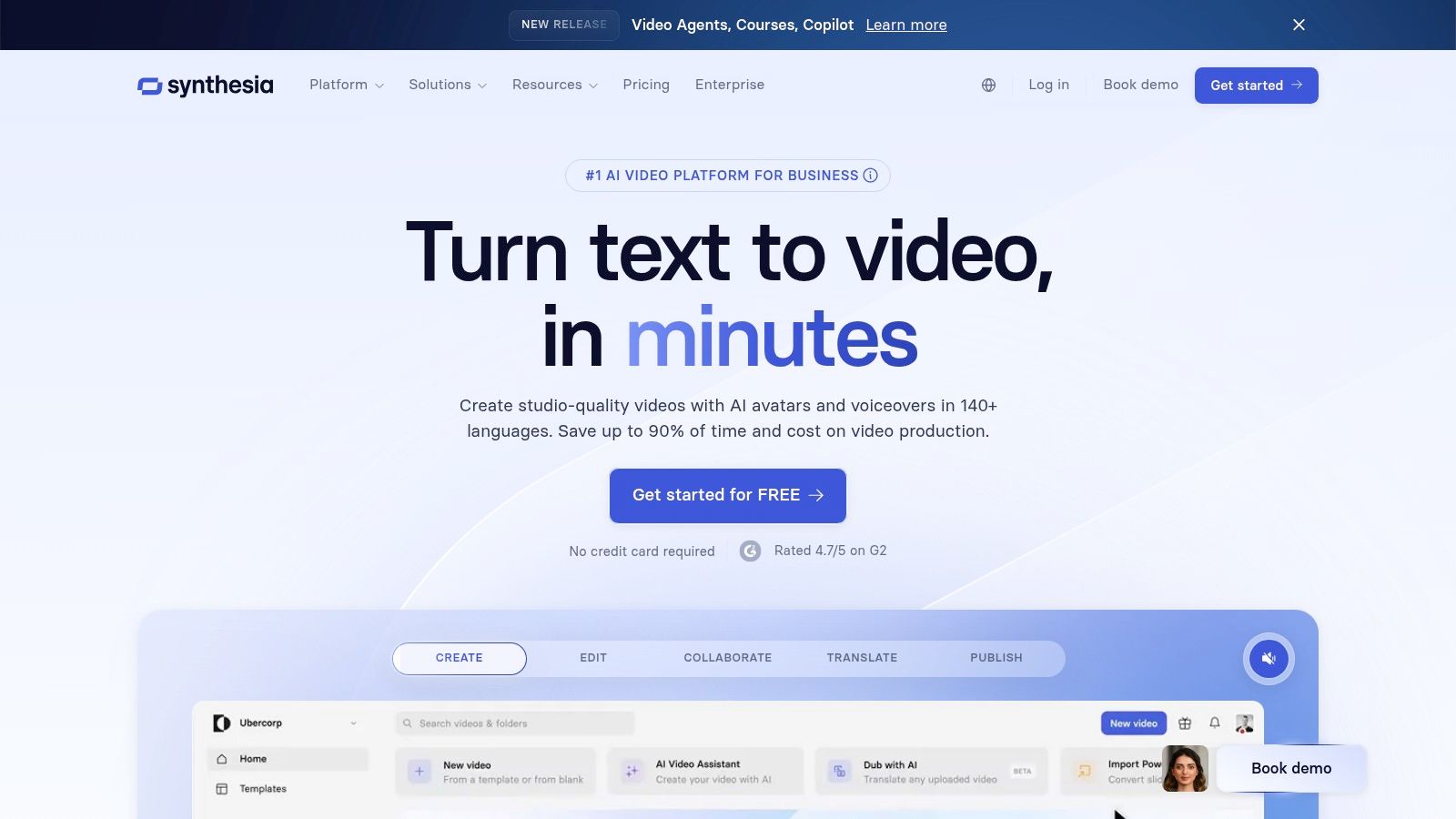
Synthesia is an enterprise-grade AI video generator that also serves as a high-quality talking avatar creator free for users looking to test the waters. It is renowned for its stability and polish, making it a top choice for corporate training, marketing, and professional presentations. While geared towards teams, its free "Basic" tier and one-click demo provide an excellent opportunity to experience the platform's powerful, high-fidelity avatar generation.
The platform stands out with features like multi-avatar scenes and interactive video options available on its higher-tier plans, which are ideal for creating complex and engaging content. For those starting out, the free plan offers a solid introduction with access to 9 distinct stock avatars, allowing you to produce short, professional-looking videos with minimal effort. Its clean interface and clear minutes-based credit system make it accessible even for those new to AI video creation.
Key Features & Limitations
Synthesia's free offering is designed as a trial, giving you a taste of its premium capabilities while imposing certain restrictions.
Pros:
- High Output Quality: Known for producing stable and professional-grade avatar videos with natural movements and lip-syncing.
- Free Trial Tier: The "Basic" free plan allows users to test the platform's core functionality with a limited number of avatars and video minutes.
- Team-Oriented Features: Higher plans include collaboration tools, custom avatars, and API access, making it scalable for business use.
Cons:
- Confusing Credit System: The minutes/credits model can be initially confusing for new users trying to gauge project costs.
- Significant Free-Tier Limits: The free version includes a watermark and has heavy restrictions on features like avatar selection and video length.
You can learn more about how to leverage platforms like Synthesia for your content strategy on our blog. To try it for yourself, head over to the Synthesia website.
Website: https://www.synthesia.io
4. Colossyan
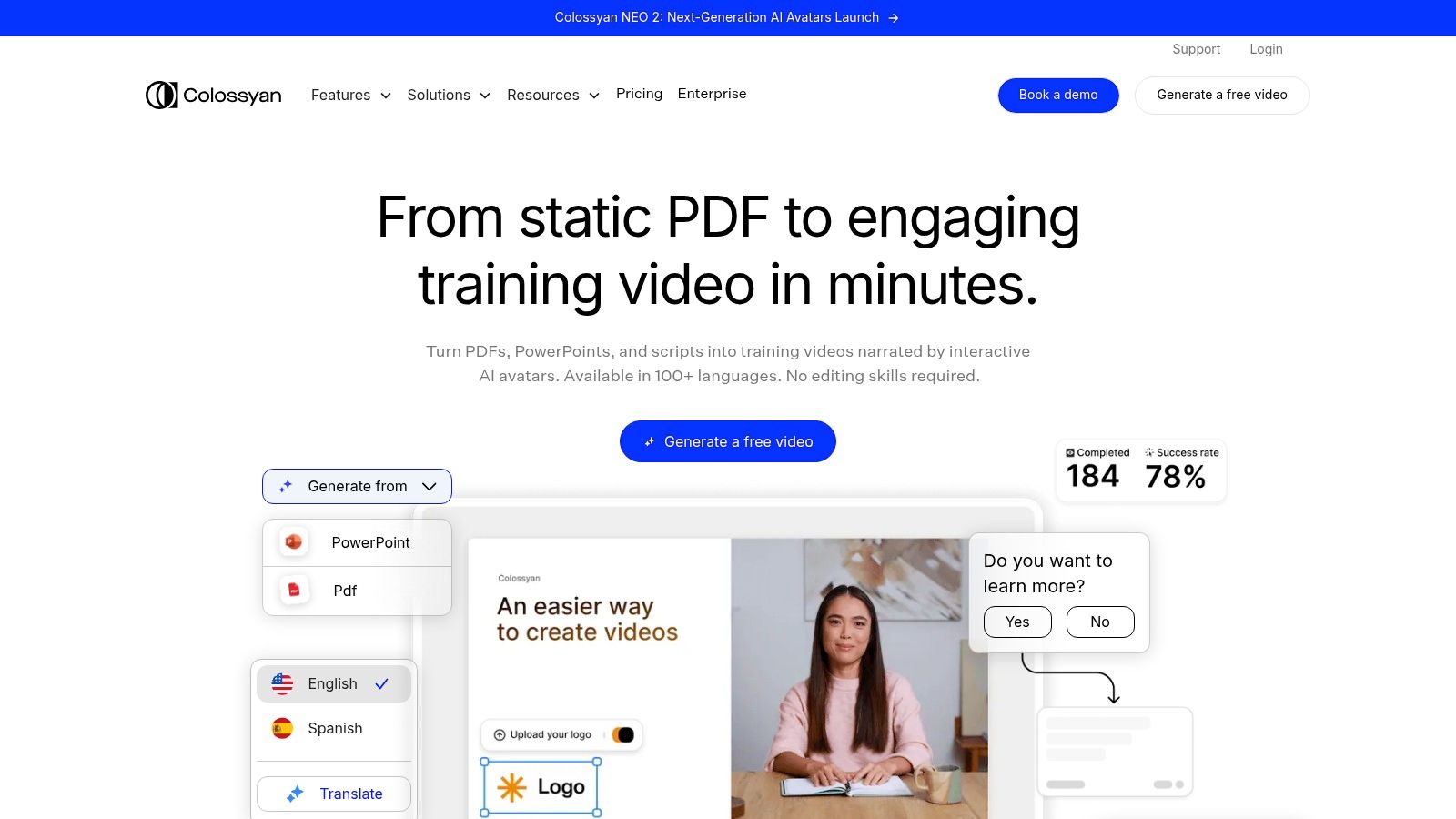
Colossyan is a sophisticated AI video platform that doubles as a highly effective talking avatar creator free of charge, with a strong focus on professional and corporate use cases like training and learning content. The platform allows users to create videos with professional presenters without any filming. A notable feature is the "Instant Avatar" option, which lets you generate a custom avatar simply by recording a short clip on your phone, making personalization incredibly accessible.
The platform is designed for scalability, enabling the creation of consistent, high-quality video content efficiently. Features like placing multiple avatars in a single scene and auto-translation on higher tiers make it a powerful tool for teams creating educational or corporate communications. Its user-friendly interface ensures a smooth creation process, even for those new to AI video generation.
Key Features & Limitations
Colossyan’s free plan is designed as a trial to let users experience the platform's core capabilities before committing to a paid plan.
Pros:
- Sufficient Free Trial: The free plan includes 3 minutes of video generation, which is adequate for testing the avatar quality and workflow.
- Focus on Training Content: It excels at creating scalable learning and development materials, a key differentiator from more entertainment-focused platforms.
- Accessible Custom Avatars: The "Instant Avatar" feature provides an easy entry point for creating a personalized digital presenter.
Cons:
- Use-It-or-Lose-It Credits: The free minutes do not roll over, so you must use them within the trial period.
- Costly Add-ons: Advanced options, such as premium studio-quality avatars, are available but come at an additional cost on top of subscription fees.
For those interested in exploring its features for corporate or educational content, you can start creating immediately by visiting the Colossyan website.
Website: https://www.colossyan.com
5. Elai.io
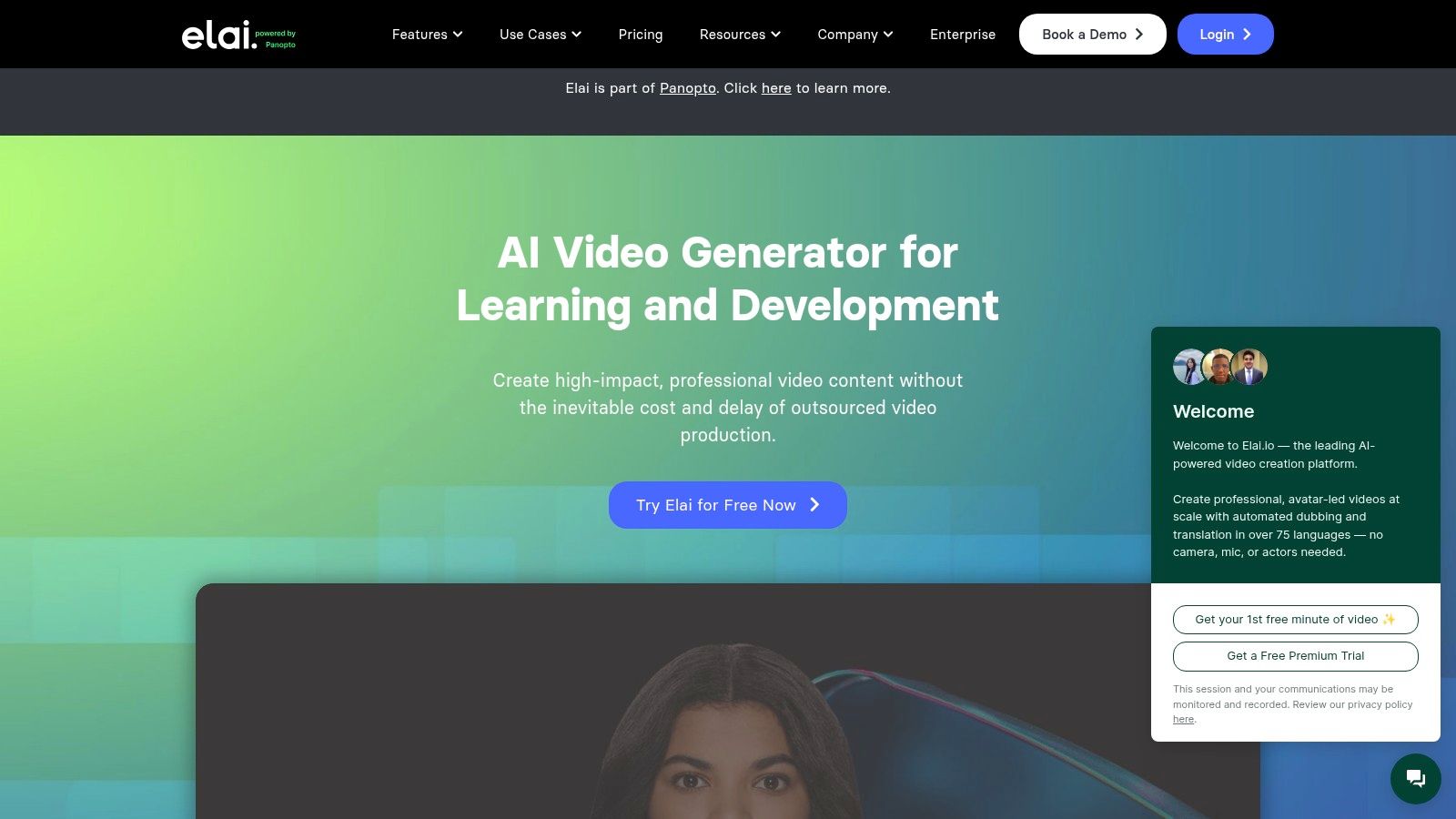
Elai.io is a browser-based AI video platform that serves as a straightforward talking avatar creator free for users wanting to test the waters of avatar-led content. It stands out by offering a true, albeit limited, free plan rather than just a demo, allowing users to generate and download a short video without a credit card. The platform is designed for quick content generation, making it ideal for creating proofs-of-concept, short social media updates, or simple instructional clips before committing to a paid subscription.
The service provides access to over 80 stock avatars and supports more than 75 languages, offering decent variety for initial projects. Its user interface is clean and easy to navigate, which helps streamline the creation process for beginners. While more advanced features like custom selfie avatars, voice cloning, and high-resolution exports are reserved for paid tiers, the free offering is a valuable entry point for anyone curious about AI video generation.
Key Features & Limitations
Elai.io’s free plan provides a functional, no-cost way to experiment with its core technology, but it comes with significant restrictions that encourage upgrading for any serious use.
Pros:
- Actual Free Plan: You receive a one-time credit for 1 minute of video generation, which you can download.
- Simple User Interface: The platform is very intuitive, allowing new users to create their first video quickly without a steep learning curve.
- Good Avatar & Language Selection: Access to 80+ avatars and 75+ languages on the free tier provides solid options for testing.
Cons:
- Very Limited Free Credit: The 1-minute total credit is a one-time allowance and is not refreshed, making it suitable only for a single test.
- Gated Advanced Features: Key functionalities like 4K exports, custom "Selfie Avatars," and voice cloning are locked behind paid plans and add-ons.
To see if Elai.io's simple approach fits your needs for creating quick avatar videos, you can sign up for the free plan on their website.
Website: https://elai.io
6. D-ID (Creative Reality Studio)
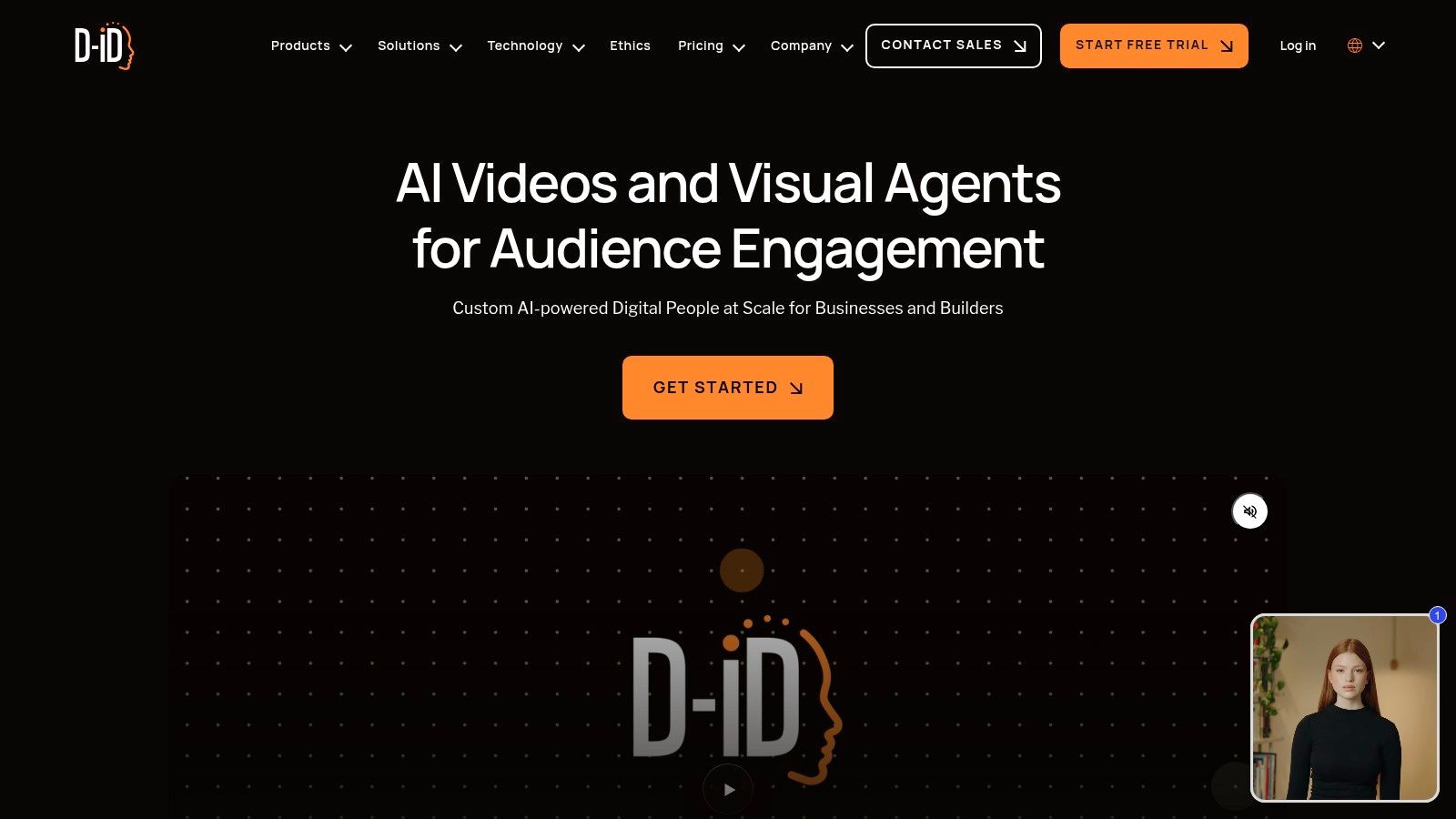
D-ID's Creative Reality Studio is a premier platform and a top contender as a talking avatar creator free for users needing high-fidelity results. It stands out for its exceptionally realistic lip-sync technology, which seamlessly animates still photos into captivating talking-head videos. The platform is designed for a wide range of applications, from professional presentations to dynamic social media content, thanks to its powerful integrations and user-friendly interface.
A key differentiator for D-ID is its direct plugins for popular tools like Canva and PowerPoint, allowing creators to generate and embed talking avatars directly within their existing design workflows. The platform also introduces "Agents," which are interactive talking avatars capable of real-time conversations, offering a glimpse into the future of digital human interaction. Its free trial provides a solid hands-on experience for new users to test its capabilities.
Key Features & Limitations
D-ID offers a 14-day free trial that includes a set number of credits, allowing you to thoroughly evaluate its core features before committing to a paid plan.
Pros:
- Exceptional Lip-Sync Realism: D-ID is widely recognized for producing some of the most natural and accurate lip movements in the industry.
- Powerful Integrations: The Canva and PowerPoint plugins streamline content creation by bringing the avatar generator into familiar environments.
- Interactive Agent Feature: The trial includes starter sessions for creating conversational AI agents, a unique feature for engaging audiences.
Cons:
- Watermarks Included: Videos created during the trial and on lower-tier plans will feature a D-ID watermark.
- Complex Credit System: The way credits are consumed can vary based on the features used (e.g., premium presenters cost more), which may require careful management.
For more in-depth tutorials on using these tools, explore the various resources available in the CreateInfluencers guides. To test the platform's advanced features, visit the D-ID website.
Website: https://www.d-id.com
7. CapCut (Talking Photos)
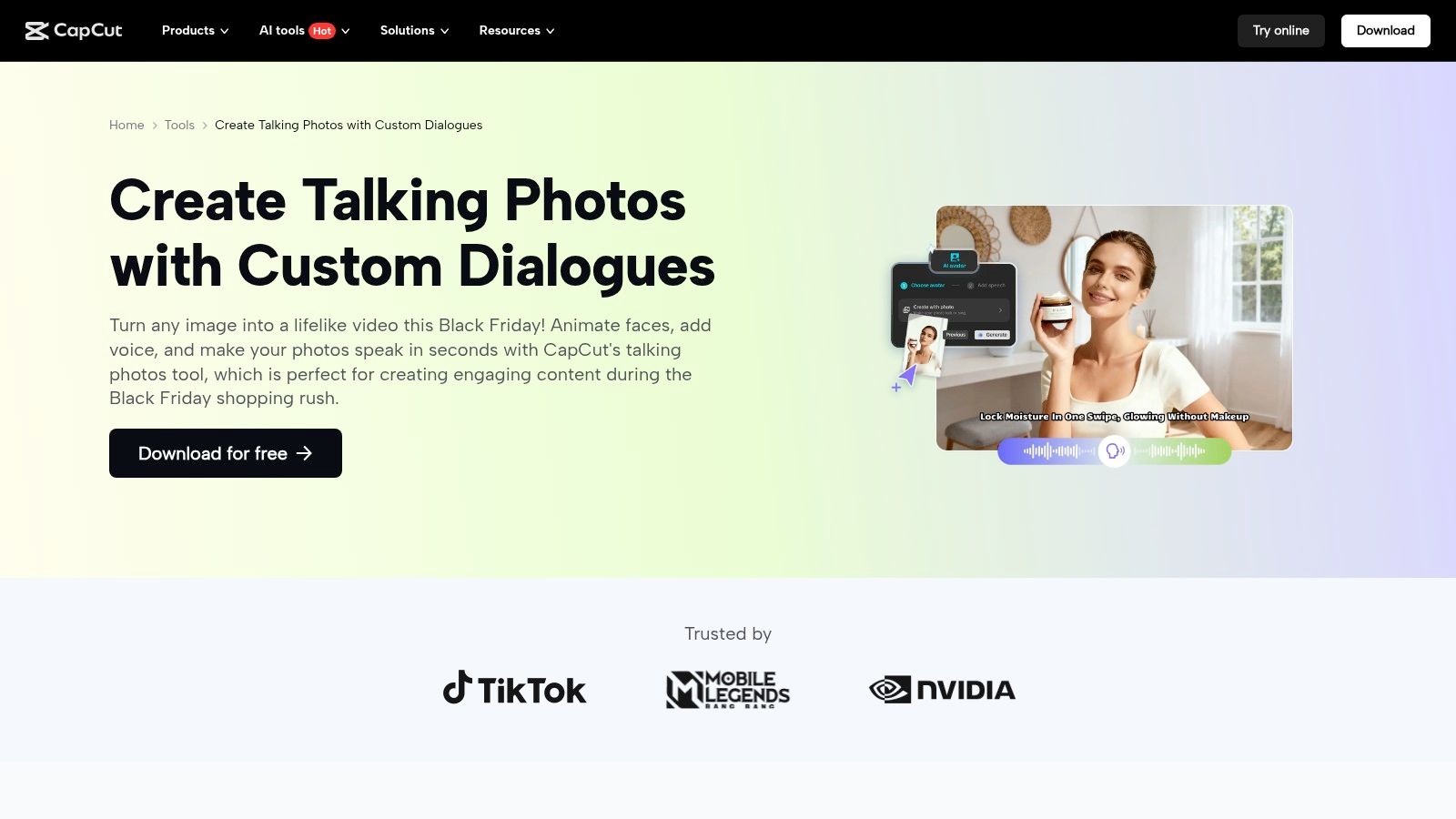
CapCut, the popular video editor from ByteDance, offers an accessible and effective talking avatar creator free of charge through its "Talking Photos" feature. This tool is designed for speed and social media integration, allowing users to upload a still image and bring it to life with either AI text-to-speech or their own uploaded audio. Because it's built into a full-featured editor, it's incredibly convenient for creating quick, engaging content ready for platforms like TikTok and Instagram.
The platform's strength lies in its simplicity and the seamless workflow it provides. After animating your photo, you can immediately add captions, apply effects, trim the clip, and export a polished video without ever leaving the app. This integrated approach makes it a standout choice for content creators who need to produce short-form videos quickly and efficiently on the go.
Key Features & Limitations
While CapCut is powerful for social content, it's important to know its boundaries compared to dedicated AI avatar suites.
Pros:
- Completely Free & Easy: The Talking Photos tool is free to use within the app, and its intuitive interface makes it perfect for beginners.
- Integrated Video Editor: Users can leverage a full suite of editing tools, including trimming, captions, and effects, for a social-ready export.
- Multilingual Support: The text-to-speech function supports various languages, making it useful for creators with a global audience.
Cons:
- Fewer Pro Controls: Lacks the advanced customization and fine-tuning options found in specialized avatar platforms.
- Regional Limitations: Some features may have regional availability restrictions or require an account to access.
For a deeper look into leveraging AI tools for content creation, you can find valuable resources on the CreateInfluencers blog. If you're ready to create, head over to the CapCut website to try the tool yourself.
Website: https://www.capcut.com/tools/talking-photos
8. Adobe Express (Animate characters from audio)
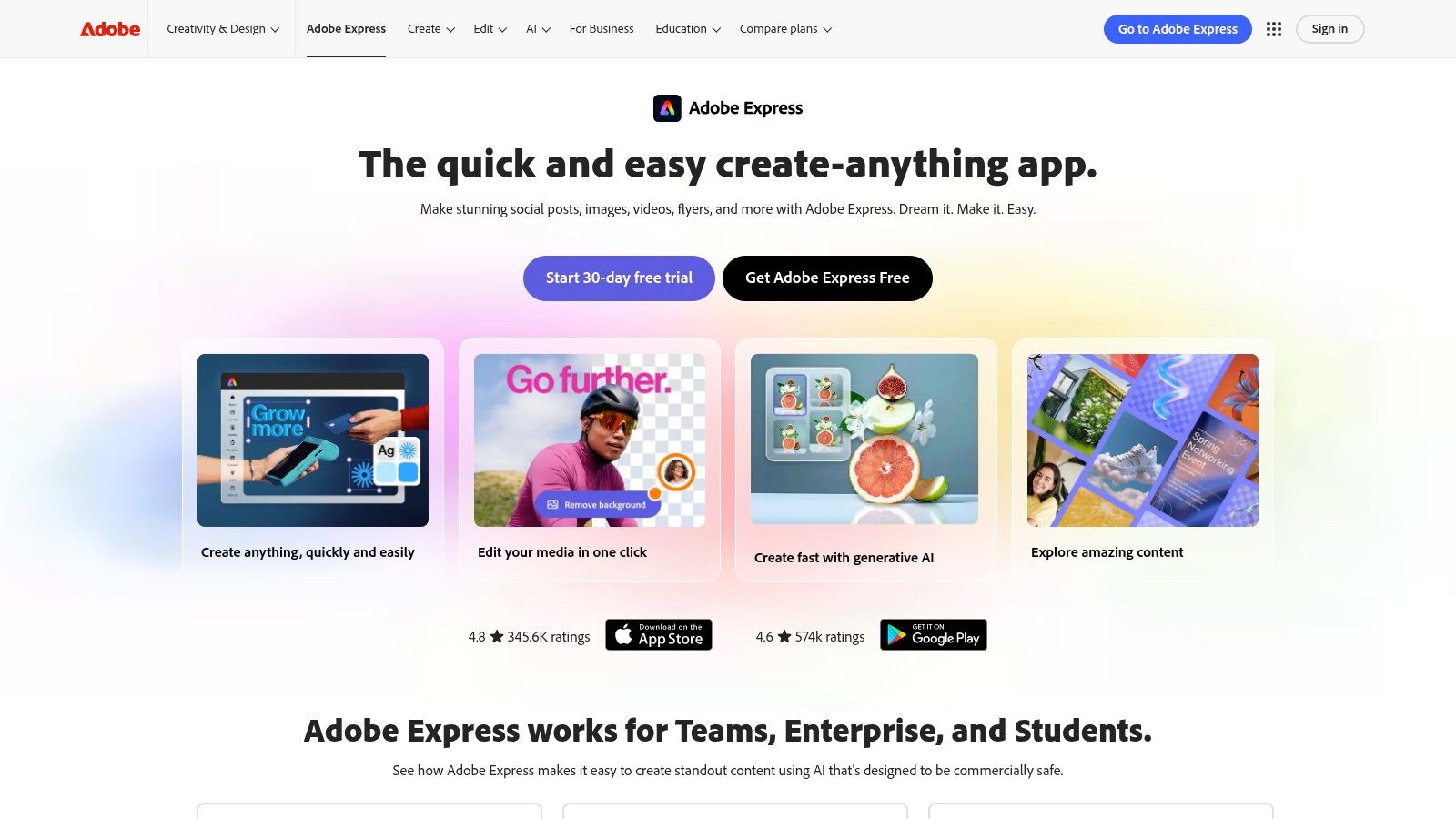
While not a dedicated AI avatar platform, Adobe Express offers a powerful and accessible feature called "Animate characters from audio" that serves as an excellent talking avatar creator free of charge. This tool is designed for simplicity and speed, allowing you to upload an audio file or record your voice directly to animate a predefined character. The software automatically syncs mouth movements, expressions, and simple gestures to the audio, making it perfect for creating engaging explainers, social media clips, and educational content without a steep learning curve.
It leverages the power of the Adobe ecosystem, providing a browser-based workflow that is incredibly easy to navigate. You can choose from a diverse library of cartoonish characters, place them on various backgrounds, and export the final video in minutes. This makes it an ideal choice for users who need a quick, character-driven animation for intros, announcements, or simple storytelling without getting into the complexities of photorealistic avatar generation.
Key Features & Limitations
The free plan for Adobe Express is robust, providing full access to this animation feature with some reasonable limitations on overall platform assets.
Pros:
- Completely Free & Easy: The animate-from-audio feature is available on the free plan, and its intuitive interface makes it one of the easiest tools to learn and use.
- Good for Education & Intros: It excels at producing quick explainers, classroom content, and simple video introductions that are more engaging than static text or images.
- Browser-Based Workflow: No software installation is required, and you can easily integrate your animated character into other Adobe Express projects.
Cons:
- Limited to Predefined Characters: You cannot upload your own photo or create a custom avatar; you must use the characters provided in the Adobe library.
- Not Photorealistic: The output is cartoon-style animation, not the realistic talking heads produced by dedicated AI avatar generators.
To try this quick and fun animation tool, visit the Adobe Express website and look for the "Animate characters from audio" quick action.
Website: https://www.adobe.com/express
9. VEED.IO
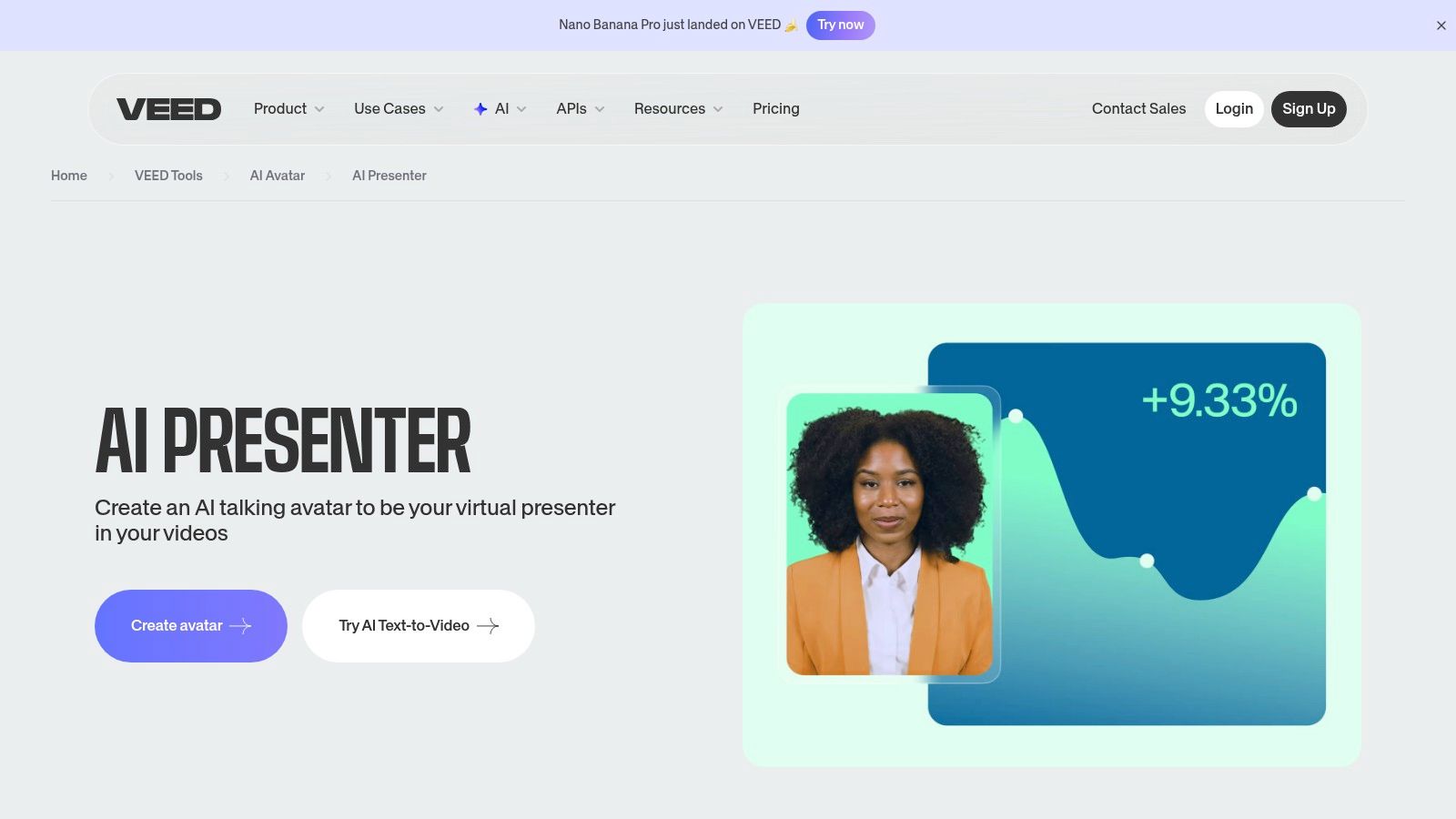
VEED.IO stands out by integrating a talking avatar creator free of charge directly into its comprehensive online video editing suite. Rather than being a standalone tool, its "AI Presenters" feature allows users to generate talking-head segments from text and immediately incorporate them into a larger video project. This all-in-one approach is ideal for creators who need to produce polished videos with intros, outros, and other edits without switching between different software.
The platform provides a library of stock avatars and includes built-in text-to-speech, dubbing, and a full editor pipeline. This makes it a powerful solution for quickly creating explainer videos, social media updates, or training content. VEED.IO positions its AI avatars as just one component of a complete video creation workflow, appealing to users who value efficiency and an integrated toolset.
Key Features & Limitations
VEED.IO's free offering is designed more as a trial, giving you a taste of the avatar functionality before requiring a paid plan for continued use. Understanding this is key to managing expectations.
Pros:
- All-in-One Editor: The biggest advantage is having an AI avatar generator inside a full-featured video editor, streamlining the entire creation process.
- Single Free Trial: You can test the AI presenter feature once on the free tier to see if the quality and workflow meet your needs.
- Extensive Toolset: Access to a wide range of editing tools like subtitles, transitions, and stock media in one place.
Cons:
- Very Limited Free Use: The AI avatar feature is largely gated behind paid plans after the initial trial, making it less of a truly free solution for ongoing projects.
- Potential Credit Confusion: Some users find the credit and pricing system for advanced features on paid tiers to be complex.
For more insights into how integrated tools like VEED.IO are shaping modern content, explore the latest trends on the CreateInfluencers blog. To test its unique workflow, head over to the VEED.IO website.
Website: https://www.veed.io/tools/ai-avatar/ai-presenter
10. DeepBrain AI Studios (AI Studios)
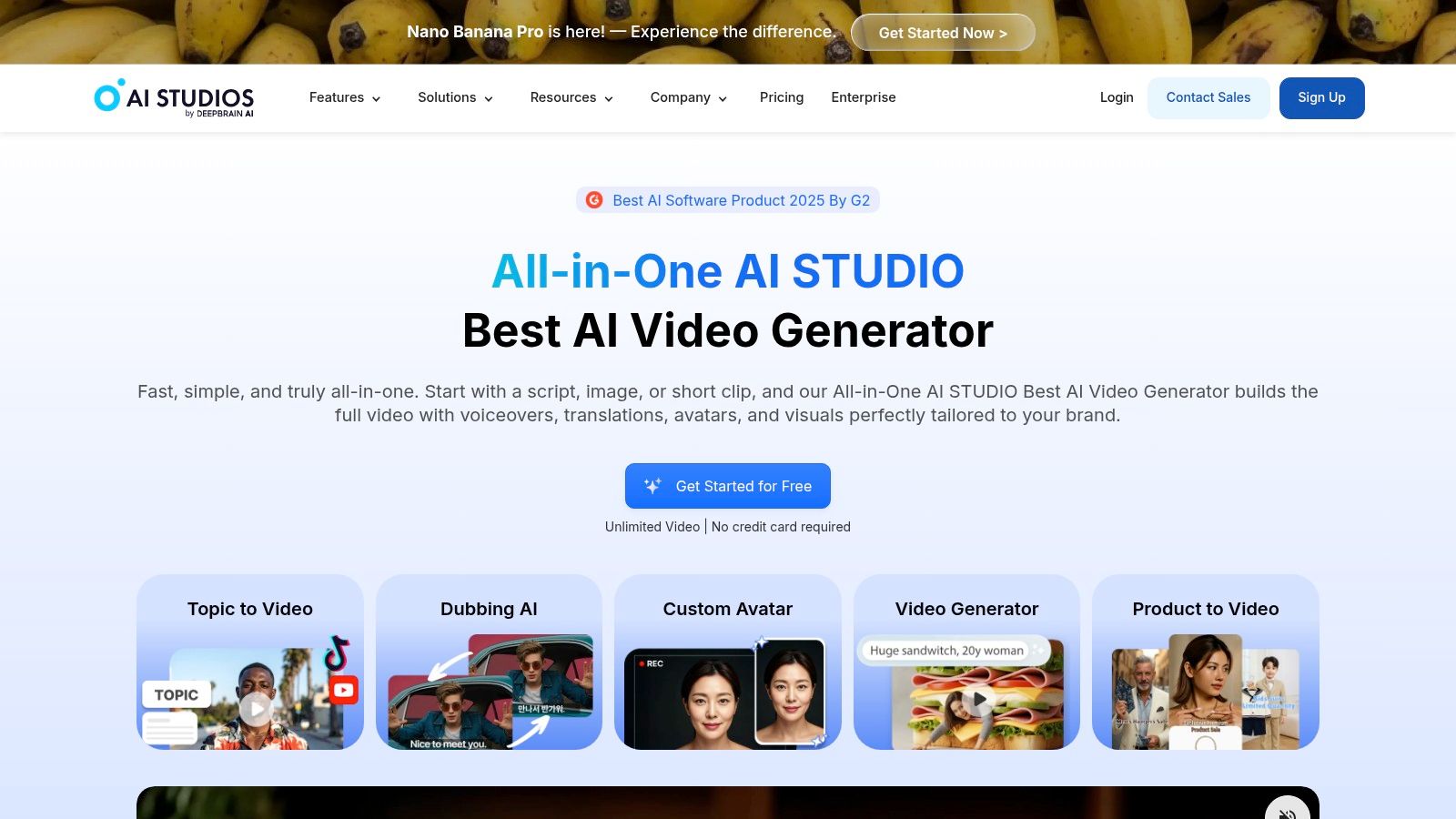
DeepBrain AI Studios, often shortened to AI Studios, is a full-featured AI video platform that doubles as a powerful talking avatar creator free of charge on its introductory tier. It stands out with its production-ready features, including a massive library of generated avatars and sophisticated controls like gesture tags, which allow users to direct an avatar’s non-verbal cues for more dynamic presentations. This makes it an excellent choice for creating polished, professional-grade marketing or educational content.
The platform supports creating videos with multiple avatars in a single scene, photo-to-avatar animation, and the ability to design completely custom avatars. Its interface is designed to streamline the production process, making high-quality avatar videos accessible even to those without technical expertise. The emphasis on realistic gestures and expressions helps elevate content beyond a simple talking head, offering a more engaging viewer experience.
Key Features & Limitations
AI Studios provides a robust free plan for users to test its capabilities, but its true power is unlocked in the paid tiers, which are designed for serious content creation.
Pros:
- Generous Free Plan: The starter plan includes 3 free videos per month, each up to 3 minutes long, which is ample for testing the platform's quality and features.
- Advanced Avatar Control: Features like gesture control tags and multi-avatar scenes provide a level of production quality not commonly found in free tools.
- Unlimited Video on Paid Tiers: For high-volume creators, the option for unlimited video generation on paid plans is a significant advantage.
Cons:
- Watermark on Free Videos: As with most freemium models, videos created on the free plan will contain an AI Studios watermark.
- Costly for Teams: Pricing for team and enterprise plans can become expensive, especially when adding multiple user seats and premium add-ons.
Website: https://www.aistudios.com
11. TokkingHeads (Rosebud AI)
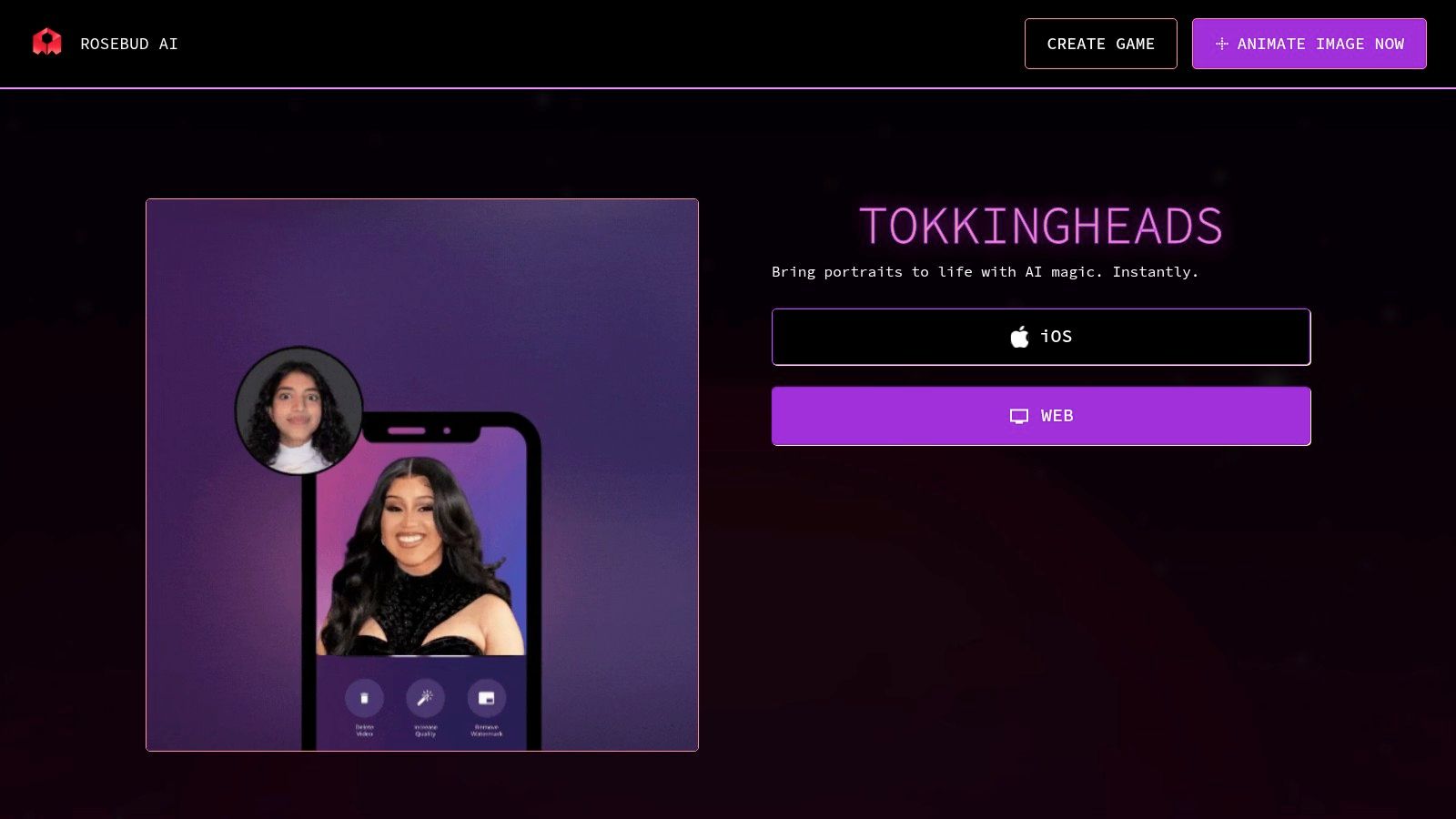
TokkingHeads, developed by Rosebud AI, is a fun and fast talking avatar creator free app designed primarily for viral social media content. It excels at turning any portrait photo into an animated, talking head, making it perfect for creating memes, short social clips, and engaging stories. Users can animate images using text-to-speech, uploaded audio files, or by recording a "driver video" to puppet the avatar's movements and expressions.
The platform is incredibly accessible, with both web and iOS versions that lower the barrier to entry for quick, creative projects. Its standout feature is the real-time 'puppet' mode on the iOS app, which allows for immediate, interactive animation. The focus is less on professional, long-form videos and more on generating shareable GIFs and video snippets using a library of community-driven templates.
Key Features & Limitations
TokkingHeads is built for speed and social sharing, but this comes with trade-offs compared to more corporate-focused tools.
Pros:
- Speed and Simplicity: It is exceptionally easy to use, allowing for the rapid creation of animated content ideal for TikTok, Instagram Reels, and memes.
- Multiple Animation Methods: Offers flexibility with text-to-speech, audio uploads, and unique video-driven puppeteering for more dynamic results.
- Mobile-First Design: The iOS app provides a seamless and intuitive experience for creating content on the go.
Cons:
- Watermarked Free Version: Free exports include a TokkingHeads watermark, and the highest quality is reserved for subscribers.
- Limited for Professional Use: The tool is not designed for creating polished, multi-scene business or training videos.
Its simplicity and focus on viral-style content make it a go-to for social media enthusiasts looking to quickly animate a photo.
Website: https://lab.rosebud.ai/tokkingheads
12. Microsoft Azure AI Speech Avatars (Speech Studio / Foundry)
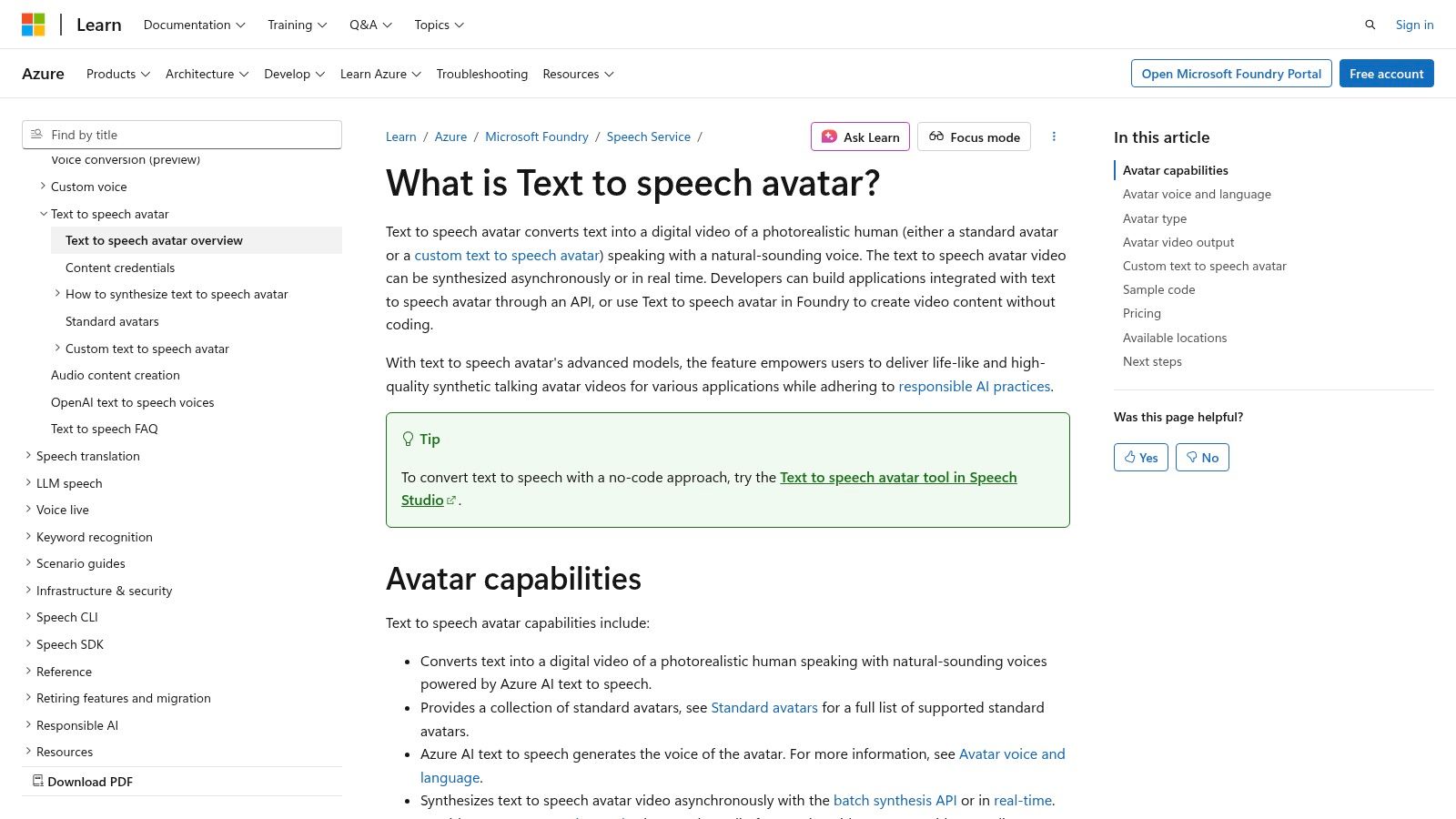
Microsoft Azure AI Speech Avatars is an enterprise-grade solution for developers and businesses needing to integrate high-fidelity talking avatars into applications. While not a typical talking avatar creator free for consumers, it provides the powerful backend technology for creating real-time interactive agents, digital assistants, or batch-processed video content. Its core strength lies in its scalability and deep integration with the broader Azure ecosystem.
This platform is uniquely suited for building conversational agents, such as in-store kiosks or advanced customer support bots, by combining it with Azure OpenAI services. It offers both prebuilt avatars and the ability to train a custom photorealistic avatar based on your own video footage, ensuring brand consistency and a personalized user experience. The technology is designed for reliability and responsible AI usage, with clear guidelines for implementation.
Key Features & Limitations
Azure's offering is a developer-focused tool, so its access and usability differ significantly from simple web-based creators. Understanding its structure is key for anyone considering it for a project.
Pros:
- Highly Scalable & Configurable: Built for enterprise-level deployment, it can handle large-scale use cases and offers extensive configuration options through its APIs.
- Real-Time Interaction: Supports live, interactive avatar generation, making it ideal for dynamic conversational applications.
- Custom Avatar & Voice Training: Provides options to create a completely custom avatar and personal voice for a unique and branded presence (eligibility requirements apply).
Cons:
- Requires Technical Expertise: This is not a plug-and-play tool for casual users; it requires an Azure account, billing setup, and programming knowledge to integrate.
- Usage-Based Pricing: While you can start with Azure's free credits, the service operates on a pay-as-you-go model, which can become costly for high-volume use.
- Limited Access Features: Advanced capabilities like custom avatar training are gated and require an application and approval process to ensure responsible use.
Top 12 Free Talking Avatar Creators — Comparison
| Platform | Core features ✨ | Quality ★ | Pricing / Value 💰 | Target audience 👥 | USP ✨/🏆 |
|---|---|---|---|---|---|
| CreateInfluencers 🏆 | One‑click selfie→avatar, face/body swap, multi video/image models, HyperReal upscaling | ★★★★☆ — photoreal, model variety | 💰 Basic $47/250c · Pro $79/700c · Ent $149/2000c · per-action credits | 👥 Creators, marketers, agencies, adult-content producers | ✨ Themed photo packs, fast studio workflows, affiliate & train‑your‑AI |
| HeyGen | 500+ stock avatars, Avatar IV photo→video, multi‑lang voices | ★★★★☆ — strong lipsync | 💰 Generous free (3 vids/mo, 3min,720p); paid tiers for higher res/features | 👥 Social creators, marketers, multilingual users | ✨ Broad language/voice support; generous trial |
| Synthesia | 100+ avatars (paid), custom avatars, API, multi‑avatar scenes | ★★★★★ — enterprise stability | 💰 Free Basic demo (minutes); enterprise pricing for teams | 👥 Teams, enterprises, training/content studios | ✨ High‑quality, stable output + multi‑scene support |
| Colossyan | Instant selfie avatars, 20+ free avatars, multi‑avatar scenes, auto‑translation | ★★★★☆ | 💰 Free 3min eval; paid tiers & studio add‑ons | 👥 E‑learning, training teams, marketers | ✨ Phone-record instant avatars + scale for learning |
| Elai.io | 80+ avatars, 75+ languages, selfie avatars, 1min true free plan | ★★★☆☆ | 💰 Free 1min; paid for 4K/advanced avatars & voice cloning | 👥 Quick proofs, short social clips | ✨ Actual $0 free plan for quick tests |
| D‑ID (Creative Reality Studio) | Photo→video talking avatars, agents, PPT/Canva plugins | ★★★★★ — top lip‑sync realism | 💰 Time‑limited free trial; paid tiers | 👥 Creators, educators, enterprises | ✨ Best lip‑sync + strong integrations |
| CapCut (Talking Photos) | Photo→talking avatar via TTS/uploaded audio; editor tools | ★★★☆☆ | 💰 Free app; some regional/account limits | 👥 Casual creators, social users | ✨ Free integrated editor for social exports |
| Adobe Express | Animate stock characters from audio; browser workflow & templates | ★★★☆☆ | 💰 Free tier; paid Adobe features unlock more | 👥 Educators, quick explainer creators | ✨ Easy Adobe asset/template integration |
| VEED.IO | AI Presenters + full video editor, TTS & dubbing pipeline | ★★★☆☆ | 💰 Limited free trial; upgrades for full features | 👥 Small teams, creators needing editor + avatars | ✨ All‑in‑one editor with avatar tools |
| DeepBrain AI Studios | 2,000+ generated avatars, photo/custom avatars, gesture tags | ★★★★☆ | 💰 Free 3 vids/mo; unlimited paid tiers available | 👥 Enterprises, production teams | ✨ Huge avatar library + production controls |
| TokkingHeads (Rosebud AI) | Animate portraits via TTS/upload/driver, real‑time puppet mode | ★★★☆☆ | 💰 Free start; watermark on free outputs | 👥 Social/meme creators, mobile users | ✨ Fast viral outputs & real‑time mobile puppet mode |
| Microsoft Azure AI Speech Avatars | Real‑time & batch avatars, custom avatar/voice training, Azure integrations | ★★★★★ — enterprise grade | 💰 Usage‑based Azure billing; enterprise pricing | 👥 Developers, enterprises, app integrators | ✨ Scalable, configurable + responsible‑AI tooling |
Choosing Your Voice: The Future of AI-Driven Content is Here
The journey through the landscape of free talking avatar creators reveals a powerful and democratizing shift in digital content creation. We've moved beyond the realm of expensive, complex animation software and into an era where anyone with a clear idea can produce compelling, human-centric video content. From the all-in-one AI influencer ecosystem of CreateInfluencers to the quick, accessible animations of CapCut and Adobe Express, the tools available today are as diverse as the creators they serve.
This exploration has shown there is no single "best" talking avatar creator free platform; instead, the ideal choice is deeply connected to your specific project needs, technical comfort level, and long-term goals. The key is to move from passive curiosity to active experimentation.
Synthesizing Your Options: Key Takeaways
Our deep dive into over a dozen platforms has highlighted several critical decision points. For creators aiming to build a brand, especially in the influencer or adult content space, photorealism, monetization features, and brand consistency are paramount. Tools like CreateInfluencers and HeyGen shine here, offering high-fidelity avatars and features geared toward building a sustainable digital persona.
Conversely, marketers and educators often prioritize efficiency, ease of use, and seamless integration into existing workflows. Platforms like VEED.IO and Elai.io, with their built-in video editing suites and template libraries, provide immense value for creating training materials, social media updates, and marketing snippets quickly. The "freemium" model is your playground; use the free tiers to test lip-sync accuracy, audio cloning quality, and the overall user experience before committing.
Strategic Selection: Matching the Tool to the Task
To make your final decision, consider these core factors:
- Primary Use Case: Are you creating a one-off explainer video or building a long-term AI influencer? Your answer will steer you toward either a simple animation tool (Adobe Express) or a comprehensive avatar platform (CreateInfluencers, Synthesia).
- Realism vs. Style: Do you need a photorealistic digital human to build trust and connection, or is a stylized or cartoon avatar sufficient for your brand's voice? This will narrow your choices between platforms like D-ID and more artistic options.
- Technical Skill: Some platforms offer a near-instant, template-driven experience, while others provide more granular control that requires a slight learning curve. Be honest about how much time you're willing to invest in learning a new tool.
- Scalability and Limits: Carefully examine the limitations of the free plans. Pay attention to video duration, watermarks, and the number of credits or minutes you receive. Think about your future needs; a tool that works for a single test video might not be viable for a full content series.
Your Next Step in the AI Revolution
The technology powering these AI talking avatars is advancing at an exponential rate. What seems cutting-edge today will be the standard tomorrow. The most significant advantage you can give yourself is to start now. By familiarizing yourself with these platforms, you are not just creating content; you are developing a fluency in the next generation of digital communication.
The power to create an engaging, expressive digital spokesperson is no longer locked away in specialized studios. It's available right on your desktop, waiting for your script, your voice, and your vision. Embrace the learning process, experiment with different styles, and find the tool that best amplifies your message. The future of content isn't just watching; it's interacting with AI-driven personalities that inform, entertain, and connect on a whole new level. Your voice is ready to be heard.
Ready to move beyond simple animations and build a complete, monetizable AI influencer? CreateInfluencers offers a comprehensive suite of tools designed specifically for creators who want to generate photorealistic avatars, manage their persona, and tap into new revenue streams. Start building your digital legacy today by exploring the powerful, free features at CreateInfluencers.