Top 12 Best Face Swap AI App Choices for 2025
Discover the ultimate face swap AI app for your needs. We review the top 12 tools for quality, features, and safety, from mobile apps to pro platforms.
Face swap technology has evolved from a simple social media gimmick into a powerful creative tool. Whether you're an influencer aiming for viral content, a marketer crafting a unique campaign, or an adult creator exploring new digital personas, the right face swap AI app is essential. But with a saturated market of options ranging from basic filters to sophisticated platforms, choosing the best one can be daunting. This guide cuts through the noise, providing a detailed, comparative roundup of the top 12 apps available today.
We'll analyze key features like swap quality, customization options, video capabilities, and crucial privacy policies. Our goal is to equip you with the insights needed to select the perfect tool, whether you need a quick mobile app for fun or a professional-grade platform like CreateInfluencers for building entire AI-driven brands. As you explore the capabilities of these advanced applications, it's useful to understand the broader category of content they create, known as synthetic media.
This comprehensive resource will help you find the ideal solution for your specific creative vision. Each entry includes a direct link, key feature analysis, and practical use-case scenarios to help you make an informed decision quickly and confidently.
1. createinfluencers Homepage
CreateInfluencers stands out as a comprehensive AI influencer studio rather than just a simple face swap AI app. It provides a robust, professional-grade platform designed for creators, marketers, and agencies who require more than a basic tool. Its strength lies in its one-click character creation and selfie-to-avatar pipeline, which transforms concepts into polished, social-media-ready personas with remarkable speed and quality. This makes it an ideal choice for users aiming to build and manage a consistent digital identity from the ground up.
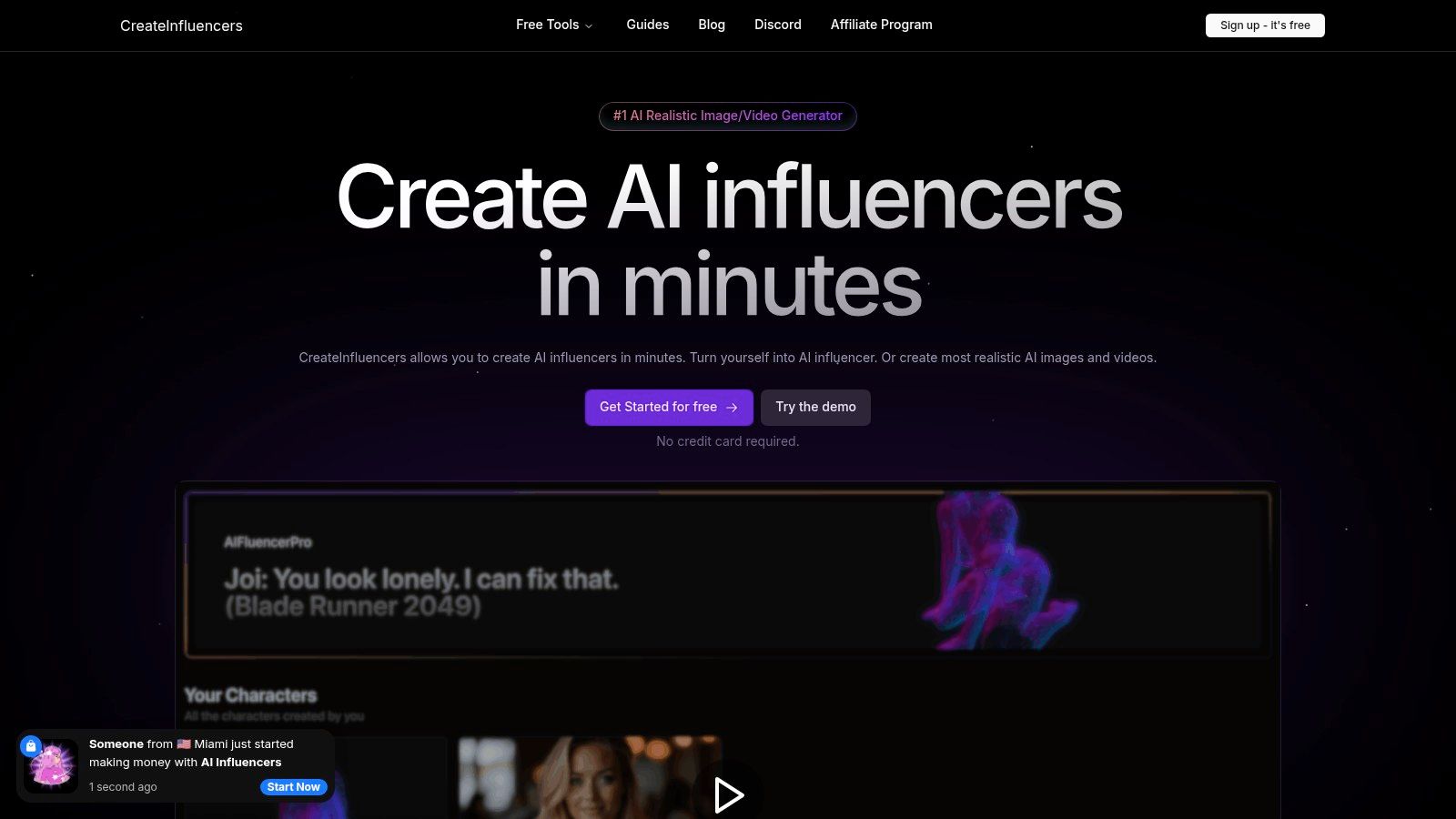
The platform distinguishes itself with a suite of versatile creative tools that go far beyond standard face swapping. Users can generate HD images and videos, perform both face and body swaps, and even synthesize images in real-time using voice commands. One of its most practical features is the themed photo packs (e.g., Instagram, Tinder, Old Money), allowing creators to instantly generate entire photoshoots tailored to a specific aesthetic or platform need. This is particularly valuable for influencers and marketers needing consistent, high-volume content. Furthermore, its HyperReal upscaling technology ensures that all outputs are high-definition and commercially viable.
Key Features & Use Cases
| Feature | Best Use Case |
|---|---|
| Selfie-to-Avatar Creation | Building a consistent AI influencer persona from a single photo. |
| Face & Body Swapping | Placing a consistent face or body onto diverse backdrops and scenarios. |
| Voice-Driven Synthesis | Real-time, interactive image creation for dynamic content generation. |
| HyperReal Upscaling | Enhancing image quality for professional profiles and marketing materials. |
| Themed Photo Packs | Quickly generating content for specific platforms like Instagram or Tinder. |
The service explicitly supports workflows for adult content creators on platforms like OnlyFans and Fansly, a niche often underserved by mainstream AI tools. Pricing is flexible, with tiered plans (Basic, Pro, Enterprise) and credit packages that cater to everyone from hobbyists to high-volume agencies. While the power of these tools requires users to be mindful of ethical and legal responsibilities, the platform offers an unparalleled level of creative control. You can explore the full feature set on the createinfluencers Homepage.
2. Reface
Reface is a heavyweight in the mobile face swap AI app space, known for its polished user experience and vast library of ready-to-use video and GIF templates. It excels at creating quick, shareable content for social media, allowing users to easily insert their face into popular movie scenes, music videos, and viral memes. The mobile-first design makes it incredibly accessible for on-the-go content creation.
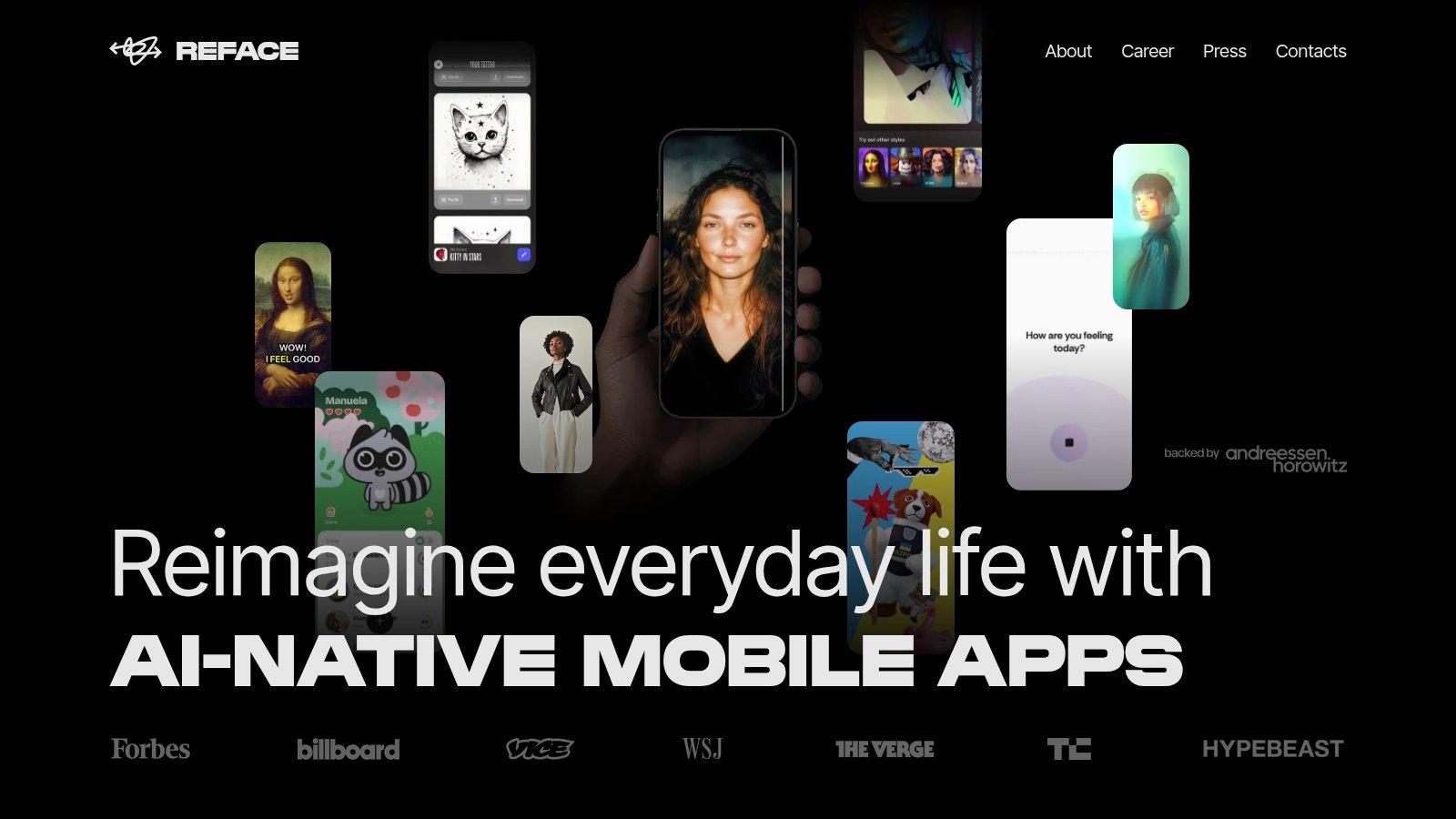
The platform has expanded beyond simple face swaps to include AI avatar and professional headshot generation, broadening its appeal. While the free version is functional, it includes ads and watermarks. Unlocking the best features requires a subscription, which provides priority processing, no ads, and access to the full template library. The app's strength lies in its simplicity and entertainment value, making it ideal for casual users and social media influencers looking for fun, engaging content. While not as customizable as other tools, its ease of use is a major selling point. For a deeper look into a variety of content creation tools, see what we discuss in our CreateInfluencers blog.
Key Features and Pricing
| Feature | Details |
|---|---|
| Best For | Quick social media content, viral memes, and AI avatars. |
| Key Features | Large template library, video face swapping, AI avatars, headshots. |
| User Experience | Very intuitive and mobile-friendly interface. |
| Pricing | Freemium model; Pro subscription starts around $12.99/month. |
| Pros | Easy to use, frequent content updates, high entertainment value. |
| Cons | Watermarks and ads in free version, less customization control. |
| Website | https://reface.ai |
3. Swapface
Swapface shifts the focus from mobile entertainment to a powerful, privacy-centric desktop experience. As a dedicated face swap AI app for Windows and macOS, it performs all processing locally on your machine, meaning your photos and videos are never uploaded to the cloud. This approach is ideal for streamers and content creators who prioritize data security and want high-quality results powered by their computer's GPU.
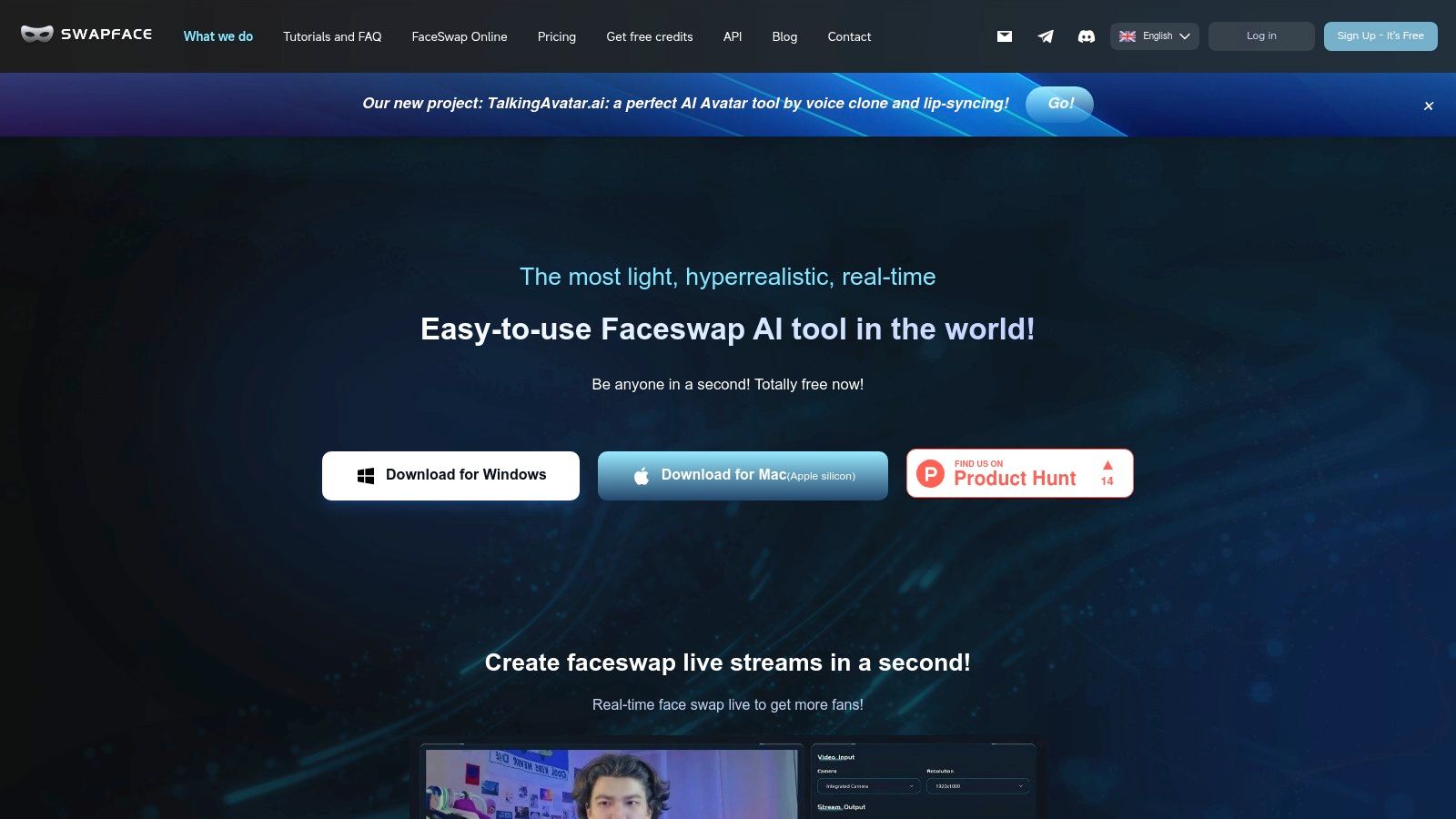
The platform's standout feature is its real-time, live-stream mode, which allows users to swap faces live during broadcasts on platforms like Twitch or YouTube. Swapface is engineered for performance, leveraging local Nvidia GPU acceleration to deliver fast and realistic swaps for both pre-recorded videos and live feeds. While it requires a capable computer to run smoothly, it offers a level of control and privacy that mobile apps cannot match, making it a top choice for serious creators and professionals who prefer a desktop-based workflow.
Key Features and Pricing
| Feature | Details |
|---|---|
| Best For | Live streamers, YouTubers, and users prioritizing privacy. |
| Key Features | Real-time live-stream swaps, local processing, HD video swaps. |
| User Experience | Desktop software interface; requires some technical setup. |
| Pricing | Flexible model with pay-as-you-go credits or subscriptions. |
| Pros | High privacy (no cloud uploads), GPU acceleration for speed. |
| Cons | Requires a powerful computer, no native mobile application. |
| Website | https://www.swapface.org |
4. Faceswap (open-source)
For users who demand complete control and are comfortable with a more technical approach, Faceswap stands out as a powerful open-source face swap AI app. Unlike polished mobile apps, this is a full-fledged software project built on TensorFlow and Keras, offering an end-to-end pipeline for extracting, training, and converting faces. It’s the ideal choice for developers, researchers, and advanced hobbyists who want to dive deep into the technology without the limitations or costs of a commercial service.
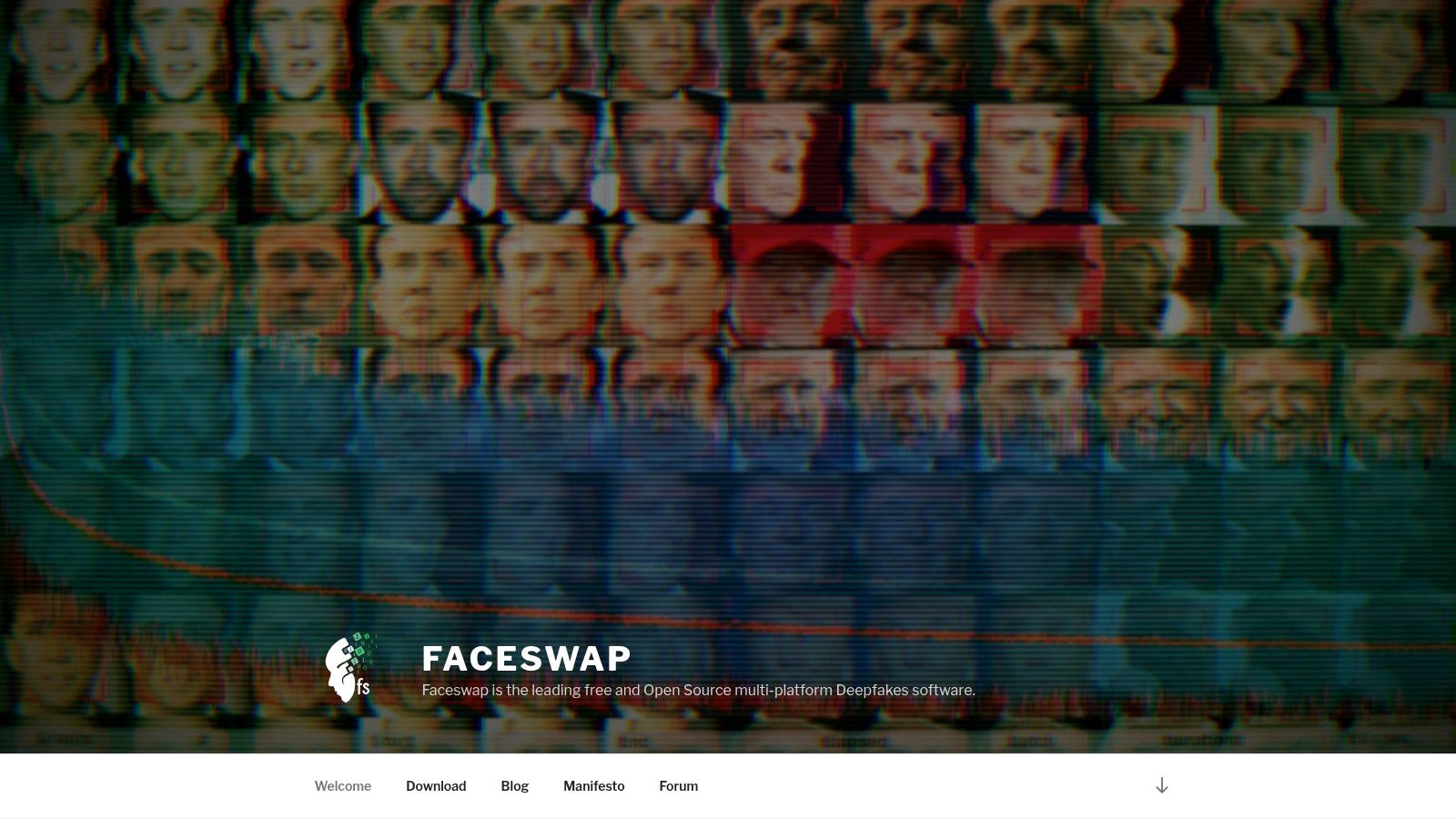
The platform’s strength lies in its limitless customization and robust community. Users are not bound by templates or processing queues; instead, they control the entire training process, which can yield incredibly high-quality and realistic results with enough time and computing power. This makes it a go-to for bespoke projects where precision is paramount. The learning curve is steep and requires decent hardware, but the payoff is unparalleled flexibility and a truly free, extensible tool for creating sophisticated deepfakes.
Key Features and Pricing
| Feature | Details |
|---|---|
| Best For | Advanced users, developers, and creators wanting maximum control. |
| Key Features | End-to-end deepfake pipeline, extensive customization, community support. |
| User Experience | Technical and command-line oriented; requires a steep learning curve. |
| Pricing | Completely free and open-source. |
| Pros | No subscription fees, highly flexible and extensible, active community. |
| Cons | Requires powerful hardware, significant time investment to learn and process. |
| Website | https://faceswap.dev/ |
5. FaceHub
FaceHub offers a purely web-based face swap AI app experience, focusing on a direct and uncomplicated workflow. It stands out by eliminating the need for software installation, allowing users to perform image and video face swaps directly in their browser. The process is streamlined: upload your source image or video, upload the face you want to use, and let the AI process the result for download.
This platform is ideal for users seeking quick, one-off swaps without committing to a mobile app subscription or downloading complex software. The service prominently advertises a no-watermark output option and showcases clear examples on its homepage, which builds user confidence in the final quality. However, the pricing structure isn't immediately transparent on the main pages, which may require some digging to understand usage limits. As a web tool, it can also experience processing queues during high-traffic periods, potentially delaying results.
Key Features and Pricing
| Feature | Details |
|---|---|
| Best For | Quick, no-installation image and video swaps. |
| Key Features | Browser-based image & video face swap, advertised no-watermark output. |
| User Experience | Simple upload-process-download workflow, very straightforward. |
| Pricing | Primarily web-based with credit packages; pricing details can be unclear. |
| Pros | No software to install, easy to use, sample results are visible upfront. |
| Cons | Pricing tiers and limits not clearly presented, web tool can have queue times. |
| Website | https://www.face-hub.com/ |
6. Snapchat Lenses (Face Swap via Lens Studio and in-app)
Snapchat pioneered real-time augmented reality filters, and its classic face swap Lens remains a cornerstone of the platform. This face swap AI app functionality is integrated directly into the user experience, allowing for instant, live swaps with friends or from photos in your camera roll. It’s built for immediate social sharing and entertainment, leveraging a massive existing user base to make content instantly viral within its ecosystem. The experience is seamless and optimized for quick, fun interactions rather than high-fidelity, professional edits.
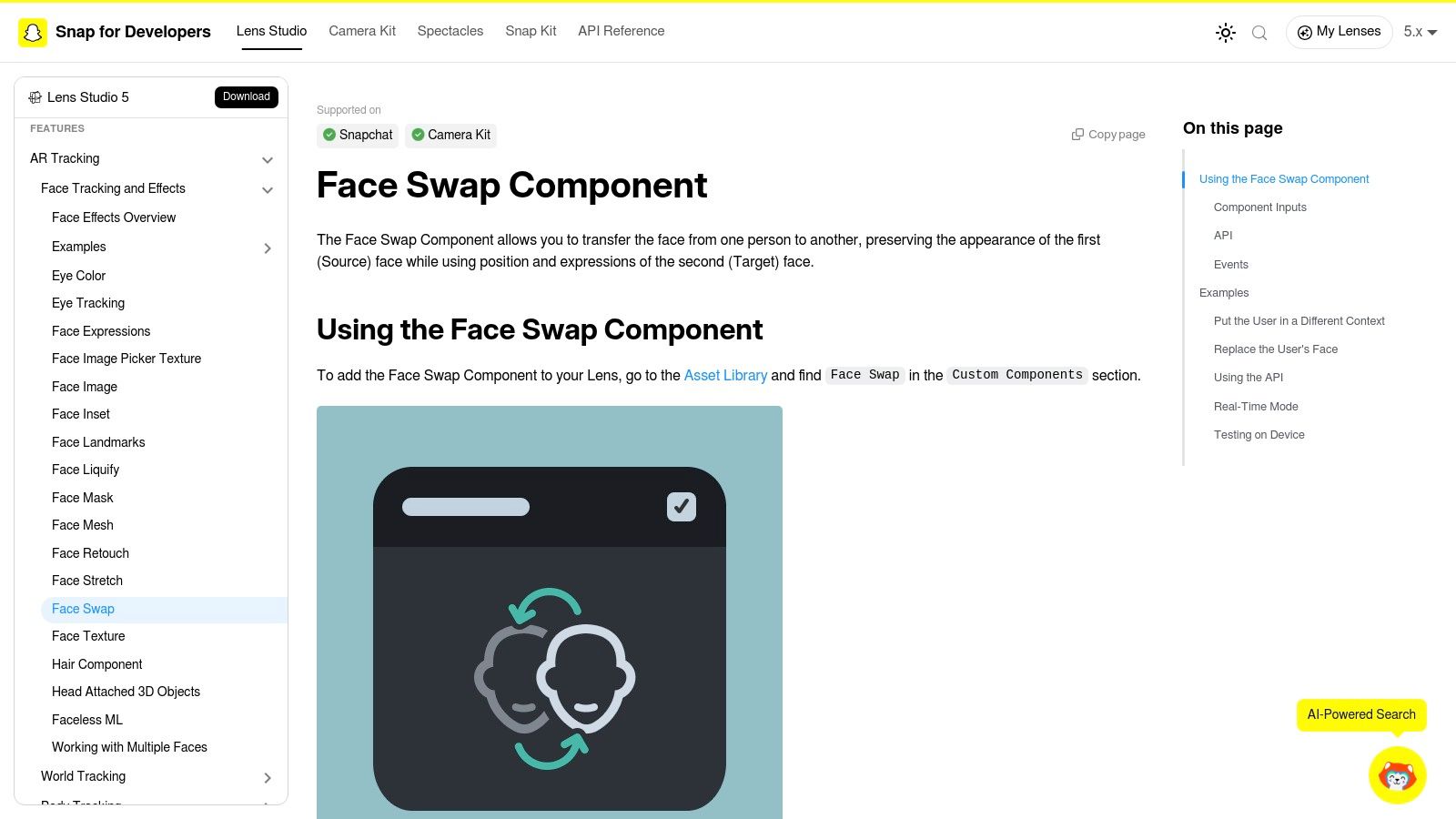
Beyond the in-app feature, Snapchat empowers creators through Lens Studio, a powerful desktop application for building custom AR experiences. Developers and creators can use the Face Swap component to design their own unique Lenses, offering a deeper level of customization for brands and influencers looking to engage their audience. While the basic Lenses are free, the platform's focus is on real-time, in-the-moment content creation and sharing directly within the Snapchat app, making it less of a tool for saving and exporting high-resolution media for other platforms.
Key Features and Pricing
| Feature | Details |
|---|---|
| Best For | Real-time social media swaps, creating custom AR Lenses. |
| Key Features | Live face swap filter, camera roll swaps, Lens Studio for developers. |
| User Experience | Extremely intuitive and integrated directly into the social app. |
| Pricing | Free for core features; some premium Lenses require a subscription. |
| Pros | Massive built-in audience, easy to share, reliable AR technology. |
| Cons | Outputs are optimized for the Snapchat ecosystem, less control over exported quality. |
| Website | https://developers.snap.com/lens-studio/features/ar-tracking/face/face-swap |
7. Icons8 Face Swapper
Icons8 Face Swapper is a straightforward, web-based tool that also offers a powerful API for developers, making it a unique hybrid in the face swap AI app landscape. It’s designed for both casual users needing a quick online swap and developers looking to integrate face-swapping technology into their own applications. The platform emphasizes simplicity and functionality, allowing users to upload images and perform swaps directly in their browser without any software installation.
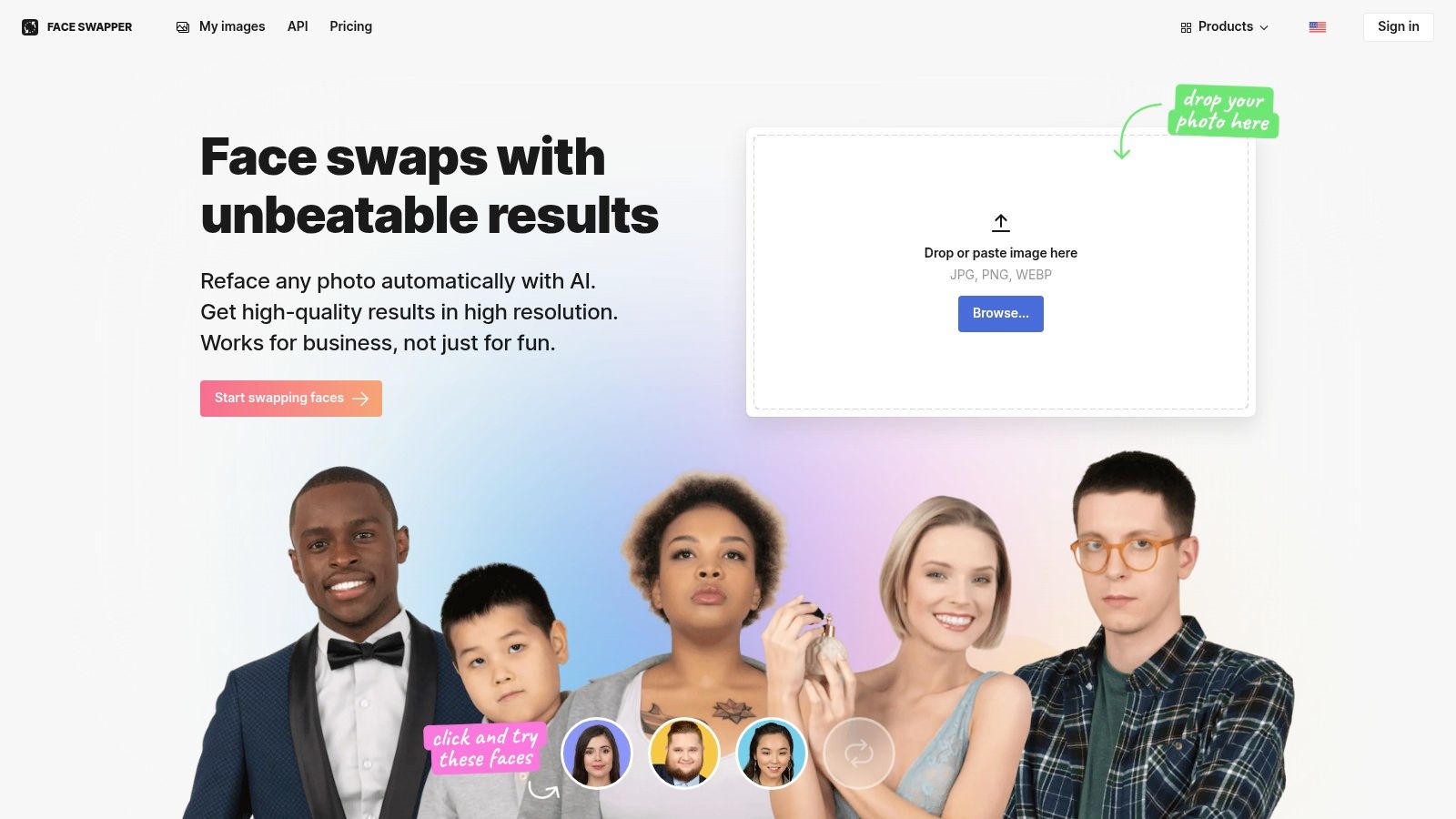
This tool stands out due to its developer-first approach, providing clear documentation and pricing for its API. The results tend to be more blended rather than a direct cut-and-paste, which can create more natural-looking composites depending on the source image quality. While a free trial is available, it requires a credit card and careful management to avoid being charged. For those needing batch processing or API access for creative projects or apps, Icons8 provides a robust and well-documented solution.
Key Features and Pricing
| Feature | Details |
|---|---|
| Best For | Developers, quick web-based swaps, and batch processing. |
| Key Features | Web-based tool, developer API, batch swapping, body swap options. |
| User Experience | Simple, functional web interface with clear API documentation. |
| Pricing | Free trial available; API plans start from $9/month. |
| Pros | Developer-friendly API, clear and transparent pricing, no software needed. |
| Cons | Output quality is highly dependent on input images; trial requires credit card. |
| Website | https://icons8.com/swapper |
8. Fotor Face Swap
Fotor integrates a powerful face swap AI app directly into its well-known online photo editing suite, offering a seamless experience for users already familiar with the platform. This tool stands out by providing both image and video face swapping capabilities governed by a granular, credit-based system. This approach allows users to pay for exactly what they use, making it a cost-effective choice for those who need occasional swaps without committing to a monthly subscription.
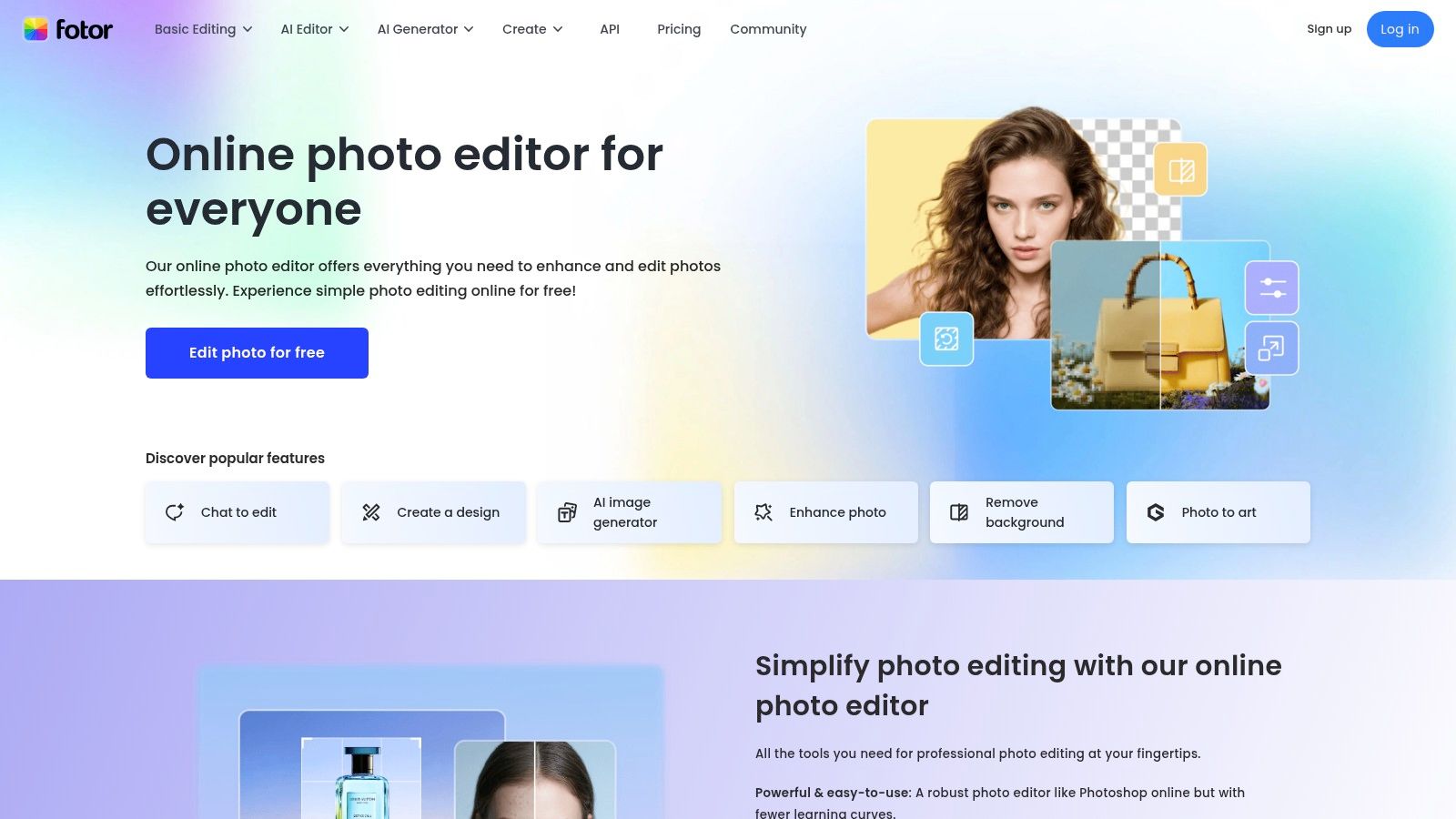
The platform supports both single-person and multi-person swaps in images and bills video swaps by the second. A key user-friendly feature is the ability to preview results before spending credits, ensuring you're satisfied with the outcome. Since it's part of a comprehensive editor, you can immediately refine your swapped images with Fotor's full range of editing tools. However, the credit system can become complex, and costs may escalate for longer video projects. Web-based processing times can also vary depending on server load.
Key Features and Pricing
| Feature | Details |
|---|---|
| Best For | Users of the Fotor suite, granular pay-as-you-go projects. |
| Key Features | Single/multi-person swaps, video swaps, preview before credit use, integrated photo editor. |
| User Experience | Straightforward, especially for existing Fotor users. |
| Pricing | Credit-based system; packs start from $8.99 for 100 credits. |
| Pros | Clear pricing for images vs. videos, part of an all-in-one editor. |
| Cons | Credit system can be complex, costs can add up for videos, processing speed varies. |
| Website | https://www.fotor.com/ |
9. Vidnoz
Vidnoz is more than just a face swap AI app; it's a comprehensive AI-powered video creation suite designed for marketers, businesses, and creators. While it offers robust face swapping for both images and videos, its primary strength lies in integrating this feature within a broader ecosystem of tools. Users can create talking avatars, utilize text-to-speech, and leverage a wide array of video templates, making it ideal for producing polished marketing or educational content.
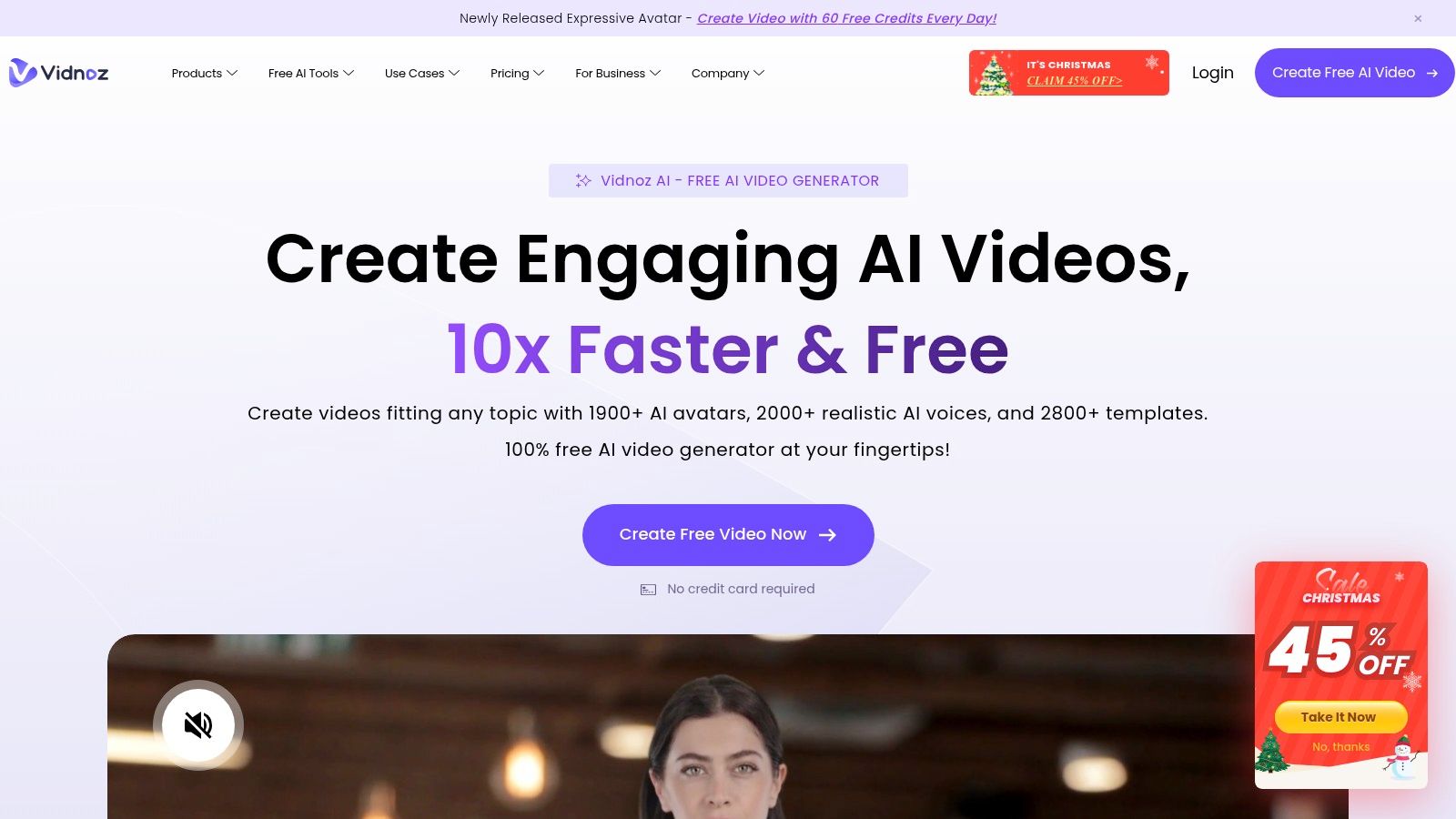
The platform operates on a credit-based system, with higher-tier plans offering benefits like 1080p exports, watermark removal, and API access for seamless workflow integration. This positions Vidnoz as a powerful solution for teams needing an all-in-one content creation hub rather than a standalone face swap tool. The trade-off is that casual users may find the pricing model less straightforward if they only need the face swap functionality. However, for those looking to scale their video production with AI, Vidnoz provides a compelling and feature-rich environment.
Key Features and Pricing
| Feature | Details |
|---|---|
| Best For | Marketers, business teams, and creators needing an all-in-one AI video suite. |
| Key Features | Image and video face swap, AI talking avatars, video templates, API access. |
| User Experience | Web-based interface focused on a comprehensive video creation workflow. |
| Pricing | Freemium with credit-based system; Paid plans start from $29.99/month. |
| Pros | A full suite of AI video tools, API available for automation, business-oriented features. |
| Cons | Pricing is geared towards the entire suite, not just face swapping; HD exports are on higher tiers. |
| Website | https://www.vidnoz.com/ |
10. CapCut
CapCut has become the go-to video editor for short-form content, and while it's a comprehensive tool, it also serves as an effective face swap AI app through its vast template library. Rather than offering a dedicated face swap function, CapCut's strength lies in its community-driven ecosystem where creators share templates that incorporate face swapping effects. This makes it perfect for quickly jumping on viral trends without needing a separate application.
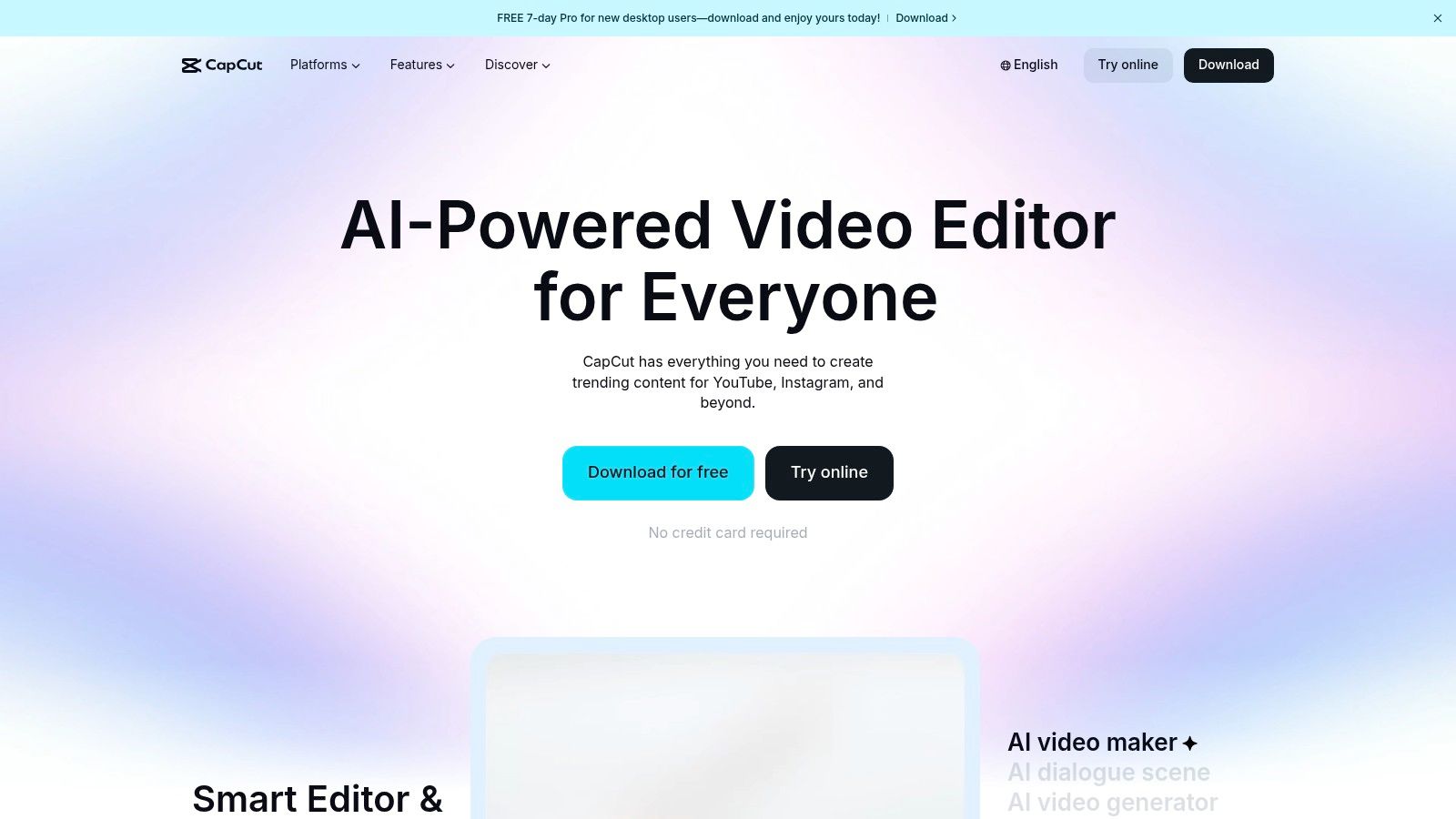
The platform is ideal for creators who want an all-in-one solution for editing and applying trendy effects. Its seamless integration with TikTok streamlines the entire content creation workflow from editing to publishing. The quality of the face swap can vary depending on the template, and some of the best ones may require a Pro subscription. However, the sheer volume of free options makes it an incredibly accessible starting point for social media enthusiasts. To master this versatile tool, check out our in-depth CapCut guides for advanced tips.
Key Features and Pricing
| Feature | Details |
|---|---|
| Best For | Participating in social media trends and all-in-one video editing. |
| Key Features | Template-based face swapping, extensive free video editor, community-generated content. |
| User Experience | Intuitive and built for a mobile-first, short-form video workflow. |
| Pricing | Freemium; Pro version unlocks premium templates and features for around $7.99/month. |
| Pros | Free core editor, massive template library, ideal for TikTok and Reels creators. |
| Cons | Swap quality is template-dependent, best features are often behind a paywall. |
| Website | https://www.capcut.com/ |
11. DeepSwap
DeepSwap is a dedicated web-based face swap AI app that focuses on delivering high-quality swaps for both images and videos directly in your browser. Its primary distinction is its capacity to handle longer video files, a feature often limited in mobile-centric applications. This makes it a strong contender for users looking to create more substantial video content, such as short films or detailed clips, without being constrained by the typical 15-30 second limits.

The platform operates on a subscription and credit-based model, offering flexibility for both regular and occasional users. Premium tiers provide priority processing and access to the full suite of features. While the web interface is straightforward, processing is done on their servers, requiring users to upload their media. It's a powerful tool, but it's wise to evaluate its output for your specific needs before committing to a long-term plan, as user feedback can be varied. You can explore a variety of tools in our CreateInfluencers affiliate program.
Key Features and Pricing
| Feature | Details |
|---|---|
| Best For | Longer video projects and browser-based editing. |
| Key Features | Video and image face swapping, support for longer video clips, credit packs. |
| User Experience | Simple web-based uploader and processing queue. |
| Pricing | Subscription model; monthly plans start at $9.99/month. |
| Pros | Handles longer video lengths well, clear pricing model. |
| Cons | Web processing requires uploading content, mixed user feedback online. |
| Website | https://www.deepswap.ai/ |
12. PhotoFiltr
PhotoFiltr is a browser-based face swap AI app that stands out with its transparent, token-based pricing system. This approach gives users granular control over their spending, making it ideal for those who need predictable costs for image, GIF, and video swaps. The platform operates entirely online, eliminating the need for software installation and offering a straightforward workflow for quick edits.
The service is particularly useful for creators who want to calculate costs precisely, as the token system clearly breaks down pricing per second of video. While it is a newer player in the market, its pay-as-you-go model is a compelling alternative to subscription commitments. PhotoFiltr also offers temporary storage for your swap history, allowing you to access recent creations. For anyone hesitant about monthly fees, this platform provides an accessible entry point into high-quality face swapping.
Key Features and Pricing
| Feature | Details |
|---|---|
| Best For | Users seeking predictable, pay-as-you-go pricing for video swaps. |
| Key Features | Image, GIF, and video head swaps, Transparent token system, Swap history. |
| User Experience | Simple, web-based interface with a clear upload-and-process workflow. |
| Pricing | Token-based; pricing is granular, for example, 1000 tokens for $10. |
| Pros | No installation required, clear and predictable pricing model. |
| Cons | Requires file uploads, newer platform so quality should be tested first. |
| Website | https://photofiltr.com/ |
Face Swap AI Apps — 12-Tool Comparison
| Product | Core features ✨ | UX / Quality ★ | Value / Price 💰 | Target audience 👥 |
|---|---|---|---|---|
| CreateInfluencers Homepage 🏆 | ✨ One-click character creation, selfie→avatar, HyperReal HD upscaling, video + voice-driven synthesis, themed photo packs, adult workflows | ★★★★★ — high-fidelity, fast pipeline | 💰 Free signup; Basic/Pro/Enterprise + credit packs | 👥 Creators, marketers, agencies |
| Reface | ✨ Mobile-first face swap, AI avatars, large template library, easy sharing | ★★★★☆ — polished mobile UX | 💰 Freemium + in-app purchases / subscriptions | 👥 Social creators, casual users |
| Swapface | ✨ Local GPU-accelerated swaps, real-time live-stream mode, desktop apps | ★★★★☆ — high-quality, privacy-focused | 💰 Paid/downloads + credits/subs | 👥 Power users, streamers, privacy-conscious creators |
| Faceswap (open-source) | ✨ End-to-end pipeline (extract/train/convert), cross-OS, community guides | ★★★★☆ — very flexible, steep learning curve | 💰 Free (open source) | 👥 Developers, researchers, advanced creators |
| FaceHub | ✨ Browser-based image & video swaps, no-watermark option, simple workflow | ★★★☆☆ — convenient but may queue | 💰 Unclear tiers; pay-per-use likely | 👥 Quick-use web users |
| Snapchat Lenses | ✨ Real-time AR face swap, Lens Studio dev tools, massive sharing | ★★★★☆ — realtime, social-native | 💰 Free app; some premium lens features | 👥 Social-first creators, AR developers |
| Icons8 Face Swapper | ✨ Web swap + developer API, batch/body swap, clear pricing | ★★★★☆ — reliable API & web UX | 💰 Trial + paid plans (clear pricing) | 👥 Developers, creatives, businesses |
| Fotor Face Swap | ✨ Integrated editor, single/multi-person swap, credits per second (video) | ★★★☆☆ — editor-integrated, queue possible | 💰 Credit-based pricing (image vs video) | 👥 Photo editors, casual creators |
| Vidnoz | ✨ Multi-tool suite (swap, avatars, TTS), API, templates, 1080p on higher tiers | ★★★★☆ — full creator stack | 💰 Credit-based + tiers for teams | 👥 Marketers, teams, agencies |
| CapCut | ✨ Free video editor with face-swap templates, huge template ecosystem | ★★★★☆ — fast for short-form trends | 💰 Free core; some region/features limited | 👥 TikTok/Reels creators, trenders |
| DeepSwap | ✨ Browser-based long-video support, credits & subscriptions, priority processing | ★★★☆☆ — longer clip support, mixed reviews | 💰 Subs + pay-as-you-go / credit packs | 👥 Users needing longer browser swaps |
| PhotoFiltr | ✨ Token-based pricing with per-second clarity, image/GIF/video support, history | ★★★☆☆ — transparent pricing, newer entrant | 💰 Token pricing (clear seconds-per-$) | 👥 Predictable-pay users, short-term projects |
Choosing Your Ideal Creative Partner
Navigating the vibrant landscape of AI-powered creative tools can feel overwhelming, but this detailed exploration should clarify which face swap AI app aligns best with your unique ambitions. We've journeyed from simple, mobile-first applications perfect for a quick laugh to powerful, professional-grade platforms designed for serious brand building. The key takeaway is that the "best" tool is entirely subjective, defined by your specific project requirements, technical comfort level, and long-term goals.
Your choice ultimately hinges on a crucial question: are you looking for a temporary effect or a permanent digital identity? For casual users aiming to create funny memes or one-off social media posts, apps like Reface, Snapchat Lenses, and CapCut offer an accessible and entertaining entry point. They prioritize speed and ease of use, delivering immediate results with minimal learning curves.
Matching the Tool to Your Goal
For creators who need more control and higher fidelity, the decision becomes more nuanced. Consider these scenarios to guide your selection:
- For Real-Time Streamers and Privacy Advocates: Desktop applications like Swapface provide the low-latency performance and local processing needed for live content and secure, offline use. Open-source solutions like Faceswap offer unparalleled customization for those with the technical expertise to manage complex setups.
- For Digital Artists and Photographers: Tools like Fotor or Icons8 Face Swapper, which integrate face swapping into broader photo editing suites, are excellent for artistic projects and professional retouching where precision is key.
- For Video Content Creators: Platforms such as Vidnoz and DeepSwap are specifically engineered for video, handling motion and multiple frames with greater accuracy than static image tools, making them ideal for creating dynamic video content.
Beyond a Simple Swap: Building an AI-Powered Brand
However, for the ambitious influencer, marketer, or adult content creator, the objective transcends simple face replacement. The real goal is to build a consistent, recognizable, and high-quality AI persona that can be monetized and scaled. This requires more than a basic face swap AI app; it demands a comprehensive creation studio. This is the specific need that a platform like CreateInfluencers is built to address.
It moves beyond the single-function utility of swapping a face onto a photo. Instead, it offers an end-to-end workflow for generating an entire AI model from a single reference image and then deploying that model across countless high-resolution, professionally curated themed photo packs. The emphasis on HD upscaling, one-click character consistency, and a library of ready-to-use scenarios makes it an invaluable asset for anyone serious about building a sustainable digital brand or producing premium content for platforms like Fanvue and OnlyFans efficiently. Your ideal creative partner is the one that not only meets your current needs but also empowers your future growth.
Ready to move beyond basic swaps and build a complete AI influencer brand? CreateInfluencers provides the all-in-one platform to turn your concept into a high-resolution reality. Explore our suite of tools and start creating your unique digital persona today at CreateInfluencers.