Discover discord profile picture maker: Create a Standout Avatar in Minutes
Use a discord profile picture maker to craft a unique, eye-catching avatar and upload it to your Discord profile in minutes.
Using a dedicated Discord profile picture maker is really the quickest way to get a unique avatar that actually looks like you—or the version of you that you want to be online. Instead of endlessly scrolling for a generic image, you can use AI to cook up a custom PFP that helps you stand out and connect with people in any community.
Why Your Discord PFP Is Your Digital Handshake
On any server, that little circle with your picture is the first thing anyone sees. It's not just an image; it’s a huge part of your online identity. It says a lot about your personality, your interests, and even your role in the community before you've even typed a word.
A generic or low-effort PFP can make you fade into the noise, but a custom-made one makes your messages pop and your presence feel more distinct. This is especially true if you're a streamer, content creator, or community manager trying to build a recognizable brand. A consistent, high-quality PFP across all your platforms really cements that identity.
Making a Lasting First Impression
Think of your PFP as your digital handshake. A strong, clear, and interesting avatar encourages people to engage and makes them more likely to remember you in a chat that’s flying by. It's a visual cue that tells everyone you're an active, invested member of the server.
With Discord's user base exploding, the need to stand out is more important than ever. The platform's registered users jumped by over 13% in a single year, hitting around 585 million globally by 2024. In such a massive and diverse crowd, a unique PFP is a vital tool for expressing yourself and getting noticed.
The Power of a Custom Avatar
Jumping into an AI-powered tool like a Discord profile picture maker hands you the creative keys. You’re not stuck with found images or basic cartoons anymore. You can generate an avatar that perfectly nails the aesthetic you’re going for.
- Reflect Your Niche: Want a cyberpunk look for a tech server? Easy. Or maybe a fantasy-themed portrait for your D&D group? Done.
- Strengthen Your Brand: Keep your PFP consistent with your branding on Twitch, YouTube, or anywhere else you hang out online.
- Showcase Your Creativity: This is your chance to play with art styles, themes, and concepts that a simple selfie could never capture.
The best PFPs do more than just show a face; they tell a story. An AI avatar generator lets you craft that story in minutes, giving you a visual identity that resonates with the communities you actually care about.
Training Your Personal AI Model
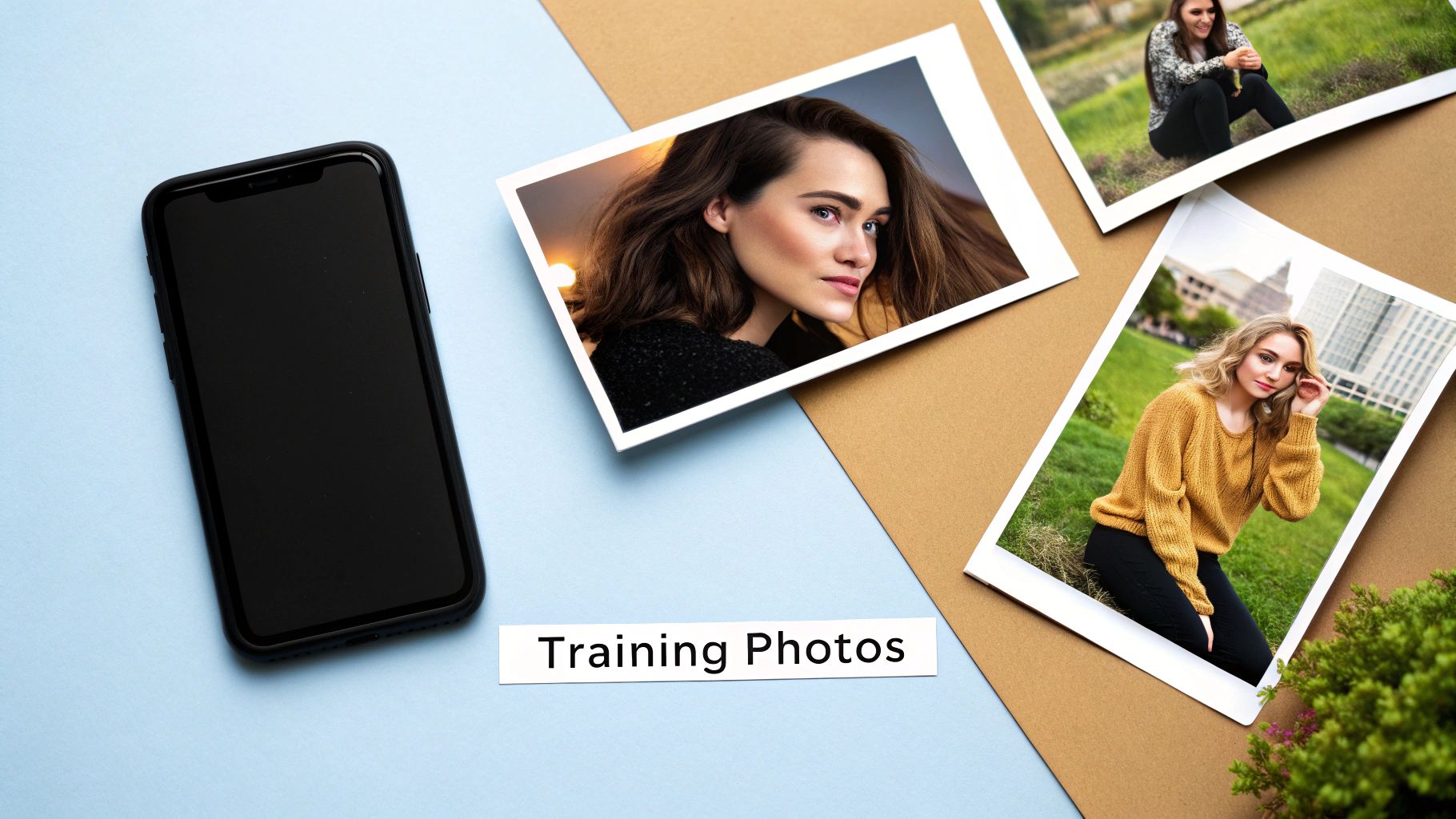
The real magic behind a killer AI-generated avatar isn't the prompt you write; it's the photos you feed the machine. Think of it like giving an artist a stack of reference photos—the better and more varied the photos, the more the final portrait actually looks like you. This is the very first thing you’ll do with any solid Discord profile picture maker: give the AI a curated set of your own pictures to learn from.
Fortunately, tools like CreateInfluencers have made this incredibly easy. You don't need to know a single line of code; you just need to upload some selfies. But here's the catch: the quality of the avatar you get out is directly tied to the quality of the photos you put in. "Garbage in, garbage out" is the golden rule.
Your main goal is to give the AI a full, 360-degree understanding of your face. It needs to see you from different angles and in different conditions to avoid spitting out a flat, generic-looking image that could be anyone.
Best Practices for Training Photos
To get an avatar that’s both cool and recognizably you, be deliberate with the photos you pick. Don't just dump the first ten pictures from your camera roll. A little prep work here goes a long way.
Here’s what I’ve found works best:
- Diverse Angles: Make sure you include photos from the front, a three-quarter view, and a side profile. This is how the AI learns the actual structure of your face.
- Varied Expressions: A mix of smiling, neutral, and even a few surprised expressions gives the model more to work with. It helps the AI understand how your face moves and emotes.
- Different Lighting: Try to include photos taken in natural light (like outside on a cloudy day) and some with indoor, artificial light. This shows the AI how shadows and highlights naturally fall on your features.
A common mistake I see is using photos with a totally inconsistent look. If you have a beard in half the photos and are clean-shaven in the others, the AI will get confused and might try to merge both looks. It's awkward. Stick to a consistent style for the best results.
What to Avoid in Your Uploads
What you don't include is just as important as what you do. Certain types of photos can seriously throw off the training process, leaving you with bizarre avatars that look nothing like you.
With AI art communities on Discord like Midjourney—which blew past 20 million members by April 2024—the pressure is on to have a unique PFP. A great one starts with clean data.
To save yourself a lot of frustration, make sure you avoid these:
- Sunglasses or Hats: Anything that hides your key features is a no-go. The AI needs to see your eyes, forehead, and hairline clearly.
- Group Photos: Never upload photos with other people in them. The AI has no way of knowing which face it's supposed to be learning.
- Heavy Filters: That cool Instagram filter that reshapes your jawline or smooths your skin? It will completely confuse the AI. Stick to unfiltered, natural shots.
By providing a clean, varied set of training photos, you’re setting the stage for success. This foundation helps the AI create a Discord PFP that isn't just a generic image, but one that truly captures your likeness. If you're curious, you can learn more about the broader impact of AI on digital content creation and how it’s changing online personas.
Bringing Your Perfect Avatar to Life
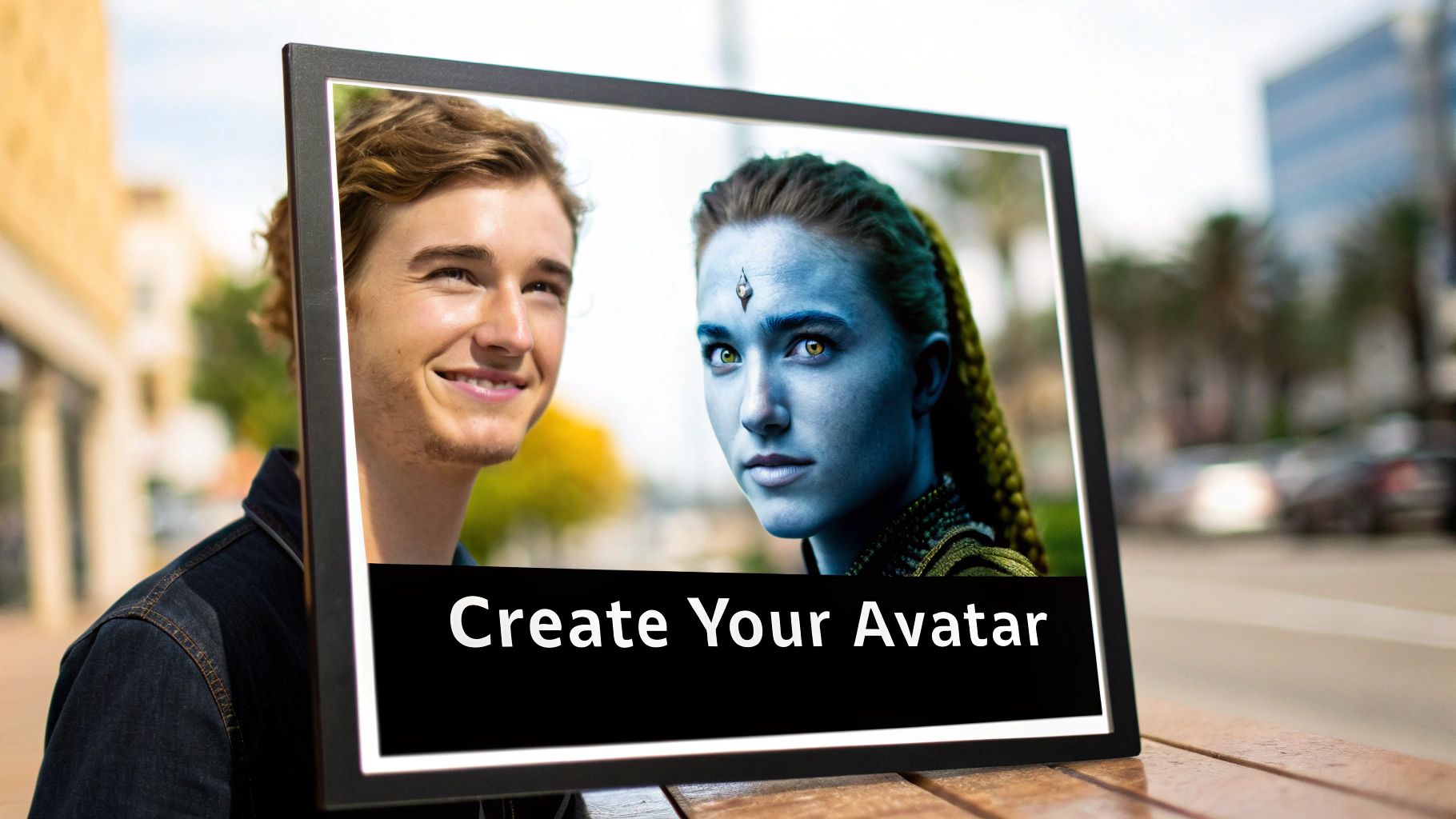
Alright, your AI model is trained and ready to go. Now the real fun begins. This is the stage where you shift from being a data provider to an art director. A quality Discord profile picture maker puts you in the driver's seat, letting you steer the creative process to match the vibe of your online persona or a specific server you’re joining. It’s less about blindly hitting "generate" and more about making deliberate, creative choices.
The simplest way to dive in is by checking out the character presets and thematic style packs. Think of these as professionally curated templates that give you an immediate artistic direction. Instead of fumbling around trying to describe a complex aesthetic from scratch, you can just pick a style that catches your eye.
This is a ridiculously practical approach. Let's say you're joining a new Dungeons & Dragons server. You could select a "Fantasy" or "Elven" character preset, and the AI will instantly imagine your likeness as a ranger or a mage, complete with themed armor and a mystical backdrop. It saves a ton of time and guesswork.
Finding Your Character with Presets and Style Packs
My advice? Experiment. Don't be afraid to try packs that seem a little wild or outside your usual style; the results can be surprisingly cool.
Here’s where presets really come in handy:
- For Gaming Communities: Jump into a cyberpunk-themed pack to create a slick, neon-drenched hacker avatar for a server dedicated to games like Cyberpunk 2077.
- For Creative Servers: Use an "Anime" or "Manga" style pack to create a PFP that feels right at home in an art or illustration community.
- For Professional or Tech Groups: A "Minimalist" or "Professional Headshot" preset can give you a clean, polished look that fits more serious servers.
The speed is what makes this so powerful. In 2025, AI-powered tools have exploded in popularity, with over 60% of Discord users now using them for their avatars. The best platforms can generate a batch of PFP options in under 30 seconds. And considering users with a unique profile picture are 40% more likely to be remembered in a busy chat, that speed gives you a serious edge.
Mastering Face and Body Swapping
If you want to take your avatar to the next level, look for tools that offer face and body swapping. This feature is a game-changer. It lets you take the face your AI model learned and apply it to a completely different, often more detailed or professionally rendered body and scene.
Honestly, this is my go-to technique for getting truly incredible results. The AI model is fantastic at nailing your facial features, but the pre-designed characters act as a perfect canvas. They come with dynamic poses, dramatic lighting, and intricate outfits that would be a nightmare to try and describe in a text prompt.
By merging your trained face with a high-quality character preset, you get the best of both worlds: deep personalization and a polished, professional finish. It’s the fastest way to get a PFP that looks like it was custom-made by a digital artist.
This feature opens up so many possibilities. You can drop yourself into the cockpit of a sci-fi fighter, a wizard’s dusty library, or a chill café scene with a single click. It gives you endless creative freedom, no artistic skill required.
If you want to dig deeper into getting the most out of these features, you can find more helpful information in our other AI content creation guides.
Polishing Your PFP to Perfection
You've generated an image you love, and that's 90% of the battle won. But that last 10%—the final polish—is what separates a good avatar from an iconic one. A raw image from a Discord profile picture maker is a great starting point, but a few small, deliberate tweaks can make it stand out in a sea of server icons.
Think of it less like a complete overhaul and more like fine-tuning. For example, if you've got a composition you like but want to change the shirt color, just add "wearing a red hoodie" to your prompt and run it again. Maybe you want to add an accessory? Try tacking on "with gold hoop earrings." These little edits give you surgical control over the final look without having to go back to square one.
But honestly, the single best thing you can do for your PFP is to nail the background. Remember, your profile picture lives inside a tiny circle. A busy, cluttered background will turn your carefully designed character into an indecipherable smudge.
Optimizing Your Background for Discord
The whole point here is to make your character pop. You need to create a clear visual separation between your avatar and whatever is going on behind it. Your face should be the star of the show, instantly recognizable even at a quick glance.
Here are a few tricks I've picked up that work every time:
- Keep It Simple: A solid color or a very subtle gradient is often the most powerful choice. It strips away all distractions, forcing the viewer's eye right to your character. Pro tip: pick a color that contrasts nicely with your avatar's hair or clothing.
- Go Thematic: Instead of a plain color, you could use a background that supports your theme. A soft-focus, neon-drenched alleyway is perfect for a cyberpunk avatar. A magically blurred forest behind a fantasy elf? Chef's kiss.
- Use the Bokeh Effect: This is a classic photography technique for a reason. By blurring the background, you create a gorgeous depth-of-field effect that makes your subject leap off the screen. Most AI tools can mimic this look, and it’s a surefire way to make your PFP look professional.
A great PFP tells you exactly where to look. By simplifying or stylizing the background, you’re essentially pointing a big neon sign at your avatar's face. This makes it far more memorable and effective within the Discord interface.
Even though we're talking about Discord, the core principles of what makes a good profile picture are universal. It's surprising how much you can learn from resources like these dating profile photo tips, as many of the same rules apply to creating an engaging avatar.
Ensuring Crystal Clear Quality with Upscaling
This last step is absolutely crucial. A pixelated PFP is a deal-breaker. When someone clicks your profile or views it on a high-res monitor, you want it to be sharp, not a blurry mess of compression artifacts.
That's where upscaling comes in. Tools like CreateInfluencers often have a built-in feature for this, sometimes called HyperReal. It uses AI to intelligently increase the image resolution, sharpening details and smoothing out any minor flaws from the initial generation. The result is a crisp, clean image that looks professionally made.
Taking a moment to upscale your PFP ensures it looks fantastic on every screen, from a tiny phone to a massive 4K monitor. It's the final touch that makes your digital first impression a strong one.
And hey, if you find yourself recommending these tools to others, you might as well get paid for it. Check out our affiliate program to learn more.
https://createinfluencers.com/affiliate
Getting Your New PFP Live on Discord
You’ve done the creative work and generated the perfect avatar with an AI-powered Discord profile picture maker. Now for the fun part: showing it off on your profile.
This final step is pretty straightforward, but a little prep goes a long way. Understanding Discord’s technical quirks beforehand means your new PFP will look exactly as you intended—crisp, clean, and perfectly framed.
Discord Profile Picture Technical Specifications
To make sure your upload goes off without a hitch, it's best to aim for the sweet spot in Discord's requirements. This table breaks down exactly what you need for a flawless result.
| Specification | Recommended Value | Why It Matters |
|---|---|---|
| Minimum Dimensions | 128x128 pixels | This is the absolute smallest size Discord will accept. Anything less will be rejected. |
| Optimal Dimensions | 512x512 pixels (or higher) | A larger image ensures your PFP looks sharp and detailed on high-resolution displays. |
| Supported Formats | PNG, JPG, GIF (Nitro) | PNG is ideal for static images with transparency, while JPG works well for photos. |
| Maximum File Size | 8 MB | This is a generous limit, easily accommodating high-quality, upscaled AI avatars. |
| Display Shape | Circle | Discord automatically crops all profile pictures into a circle, so center your subject. |
Following these guidelines ensures that all the time you spent fine-tuning your avatar in the generator pays off with a professional-looking profile picture.
A Quick Walkthrough: Updating Your Avatar
Whether you’re at your desk or on the go, swapping out your PFP is a breeze. The steps are nearly identical for both desktop and mobile.
On the Desktop App:
- Find the gear icon (User Settings) in the bottom-left corner next to your username and give it a click.
- Head over to the My Account tab.
- Click the Edit User Profile button to get started.
- Simply hover over your current avatar and click Change Avatar.
- Grab your new PFP from your computer, hit Apply, and you're all set!
On the Mobile App:
- Tap your profile icon in the bottom-right corner to open the You tab.
- Now, tap on your profile picture at the top of the screen.
- Press the little pencil icon that appears on your avatar.
- Choose the new image from your phone’s gallery and adjust the crop.
Pro Tip: Discord forces every PFP into a circle. As you upload, you’ll see a circular cropping tool. Take a moment to position it perfectly. Make sure the most important details—usually your character's face—are dead center. A well-framed avatar makes a huge difference.
This process diagram gives you a bird's-eye view of the key stages you just completed to get your image ready for this final step.
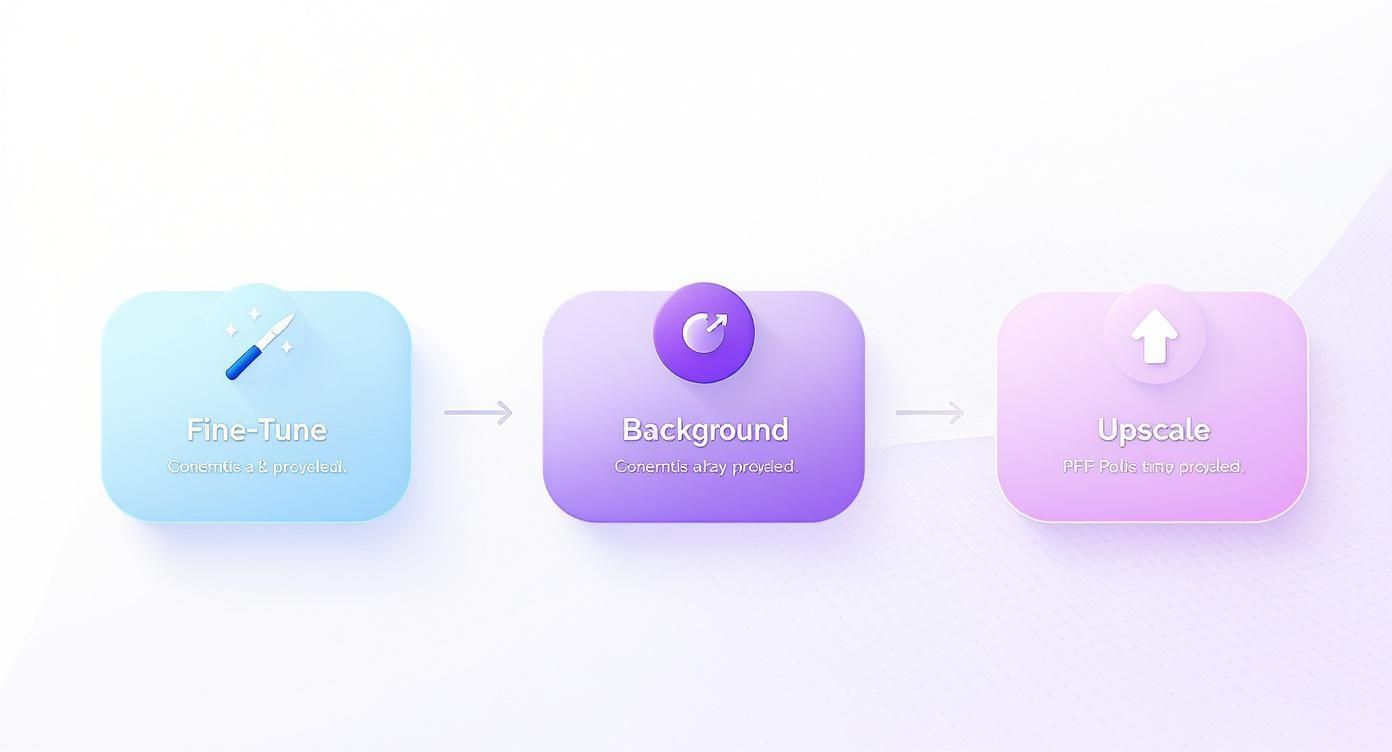
Each of these steps—fine-tuning the details, choosing the right background, and upscaling the resolution—was about preparing your image for a perfect upload and that all-important circular crop.
Common Questions About AI PFP Makers
Jumping into any new tech always comes with a few questions, and using an AI tool to create a Discord profile picture maker is no different. You're probably wondering about privacy, cost, and what happens when the results aren't quite perfect. Let's tackle some of the most common questions head-on so you can get started with total confidence.
The biggest one is always privacy. You're uploading your face, after all. Where does that data go? On any reputable platform, your photos are only used to train your specific AI model and nothing else. Once that training is done, they’re usually deleted from the system.
It's always a smart move to scan the terms of service for any AI tool you're considering. This little bit of due diligence gives you peace of mind and confirms the platform handles your data the way you expect.
Are AI Profile Picture Makers Safe to Use?
Safety isn't just about data; it's also about the content you're creating. Most AI generators have strict rules against making Not-Safe-For-Work (NSFW) or other harmful images. This is a good thing—it keeps the platform creative and helps you avoid making something that could get you flagged on Discord, which has its own community guidelines to follow.
Another big question, especially for streamers and online creators, is about who owns the final image. Can you actually use that slick new cyberpunk avatar for your Twitch channel or slap it on merchandise? That all depends on the service.
Can I Use My AI Avatar for Commercial Use?
Some AI makers grant you full commercial rights to whatever you create, meaning it's all yours to use as you see fit. Others might limit you to personal, non-commercial use only. Before you make your AI-generated PFP the face of your brand, it's absolutely crucial to check the platform's licensing terms. You'll usually find this in their FAQ or terms of service, and it can save you a massive legal headache later.
But what happens when the AI just... gets it wrong?
What If the AI Does Not Get My Face Right?
Don't panic if your first few avatars look a little strange. This happens, and it's usually an easy fix. The problem often lies in the original photos you uploaded for training. Your best bet is to retrain the model with a better variety of selfies—think different angles, different lighting, and a mix of expressions. Sometimes, the fix is even simpler: just try a different character preset that's a closer match to your natural facial structure.
Finally, the big one: how much is this going to cost?
How Much Do AI Profile Picture Makers Cost?
The price really varies. Many platforms, including CreateInfluencers, run on a credit system. You buy a pack of credits and then spend them on generating images. This is way more flexible than a monthly subscription because you only pay for what you actually create. When you stack that cost against commissioning a custom avatar from an artist, the value is pretty obvious. You can get hundreds of unique options almost instantly for a fraction of the price.
If you want to dive deeper into AI tools and what's new, feel free to check out the latest articles on our blog to stay in the loop.
Ready to create an avatar that truly stands out? Sign up for CreateInfluencers for free and start generating your perfect Discord profile picture in minutes. https://createinfluencers.com