12 Best Free AI Image Upscaler Tools in 2025 (Reviewed)
Discover the best free AI image upscaler for stunning, high-res photos. We review 12 top tools with before/after examples to enhance your images instantly.
Ever tried to enlarge a small photo only to end up with a blurry, pixelated mess? You're not alone. The classic "zoom and enhance" trope from TV shows is a fantasy with traditional software, which simply stretches existing pixels and ruins the quality. This is a common frustration, and while there are many reasons for poor image quality, from compression to camera shake, the fix isn't always straightforward. Before diving into advanced AI solutions, it's worth understanding the common issues that lead to needing to improve image quality, as discussed in simple fixes for bad quality pictures.
AI image upscalers, however, work fundamentally differently. Instead of just stretching an image, they use trained neural networks to analyze the content, intelligently predict missing details, and reconstruct them to generate a genuinely sharper, clearer, and higher-resolution version. This technology is a game-changer for photographers needing to crop heavily, social media managers reviving low-quality assets, or anyone looking to print a cherished but small digital photo.
This guide cuts through the noise to help you find the best free AI image upscaler for your specific needs. We’ve tested and analyzed 12 of the most powerful and accessible tools available right now. We'll dive into their key features, free usage limits, output quality, and ideal use cases. From cloud-based platforms perfect for quick edits on the go to open-source desktop apps that prioritize privacy, this resource will help you transform low-quality shots into professional-grade visuals without spending a dime. Each option includes screenshots and direct links to get you started immediately.
1. CreateInfluencers - HyperReal Engine AI Upscaler
CreateInfluencers’ HyperReal Engine stands out as a powerful, creator-centric AI toolkit that goes far beyond simple resolution enhancement. While it excels as one of the best free AI image upscaler options available for restoring detail and clarity to low-resolution photos, its true strength lies in its integrated suite of features designed for content creators, marketers, and digital artists.
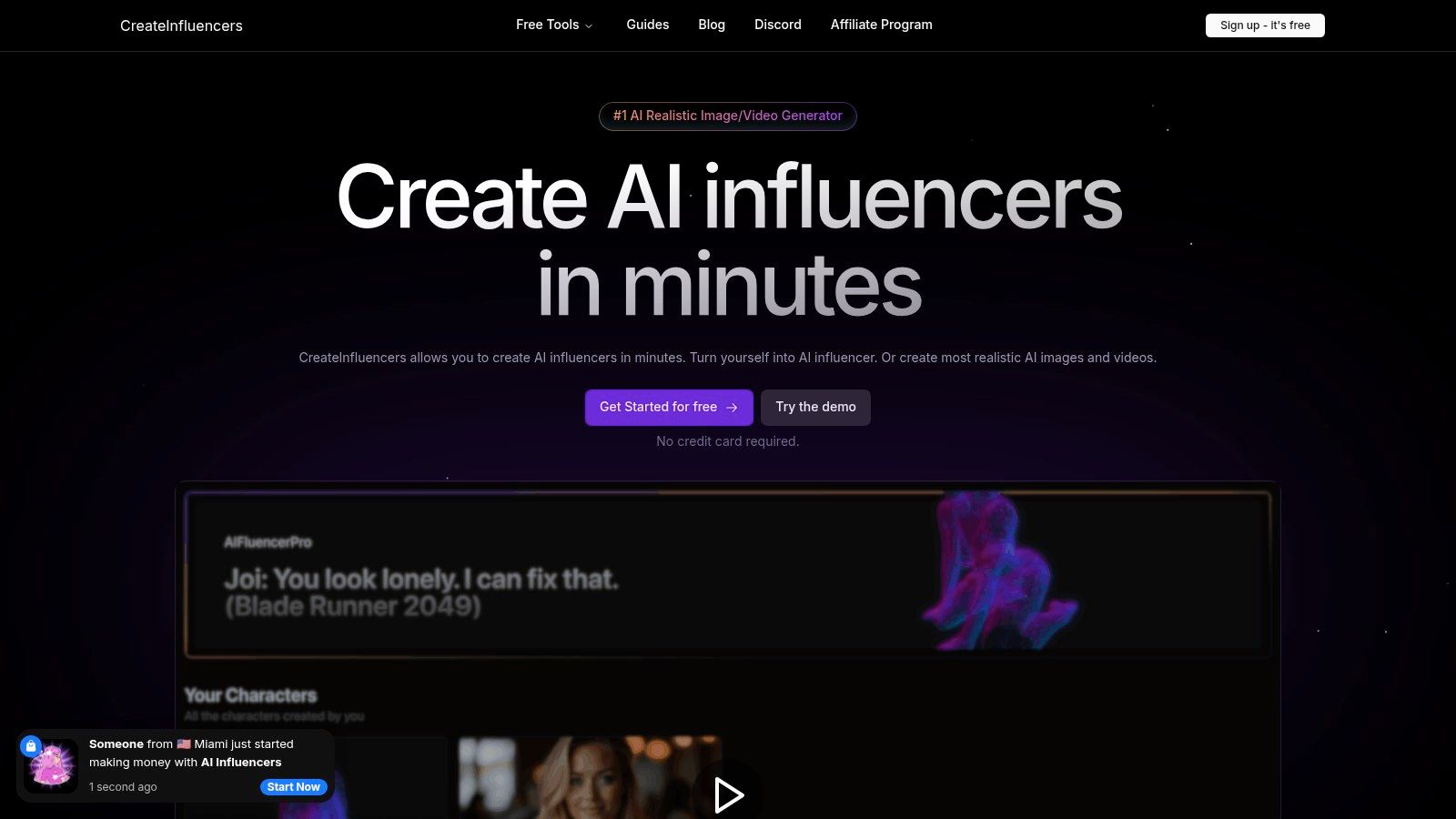
Unlike single-purpose upscalers, HyperReal combines its high-definition recovery with sophisticated face-enhance technology, one-click avatar generation, and even advanced face-swapping capabilities. This makes it an end-to-end solution for producing polished, professional-grade visuals without needing multiple applications.
Key Strengths & Use Cases
HyperReal is engineered for specific, high-impact workflows. For social media influencers and brand managers, it can transform a blurry selfie into a crisp, engaging headshot. For photographers and digital artists, it provides a powerful engine for creating AI avatars or restoring detail in older digital files. Its unique themed photo packs (e.g., Old Money, boudoir) allow for rapid content creation that aligns with current trends.
The platform is also built with monetization in mind, offering an affiliate program and tools that support creators on platforms like OnlyFans and Fanvue, including those working in adult content verticals. The seamless integration of these features positions it as a practical hub for generating and refining a complete visual brand identity. You can find out more about advanced creator techniques on the official CreateInfluencers blog.
Pricing & Access
- Free Tier: Generous free access to test the core upscaling and enhancement tools without requiring a credit card.
- Paid Tiers: Basic, Pro, and Enterprise tiers are available for users who need higher processing volume, priority support, and advanced features. Credit packages offer a flexible pay-as-you-go option.
- Best For: Social media creators, marketing agencies, digital artists, and anyone needing a comprehensive image enhancement suite rather than just a basic upscaler.
Website: CreateInfluencers.com
2. Upscayl
Upscayl stands out as a powerful, free AI image upscaler for users who prioritize privacy and performance. Unlike web-based tools, Upscayl is a desktop application that you install on your Windows, macOS, or Linux computer. This means all image processing happens 100% locally on your machine, requiring no internet connection after the initial download and no account creation.
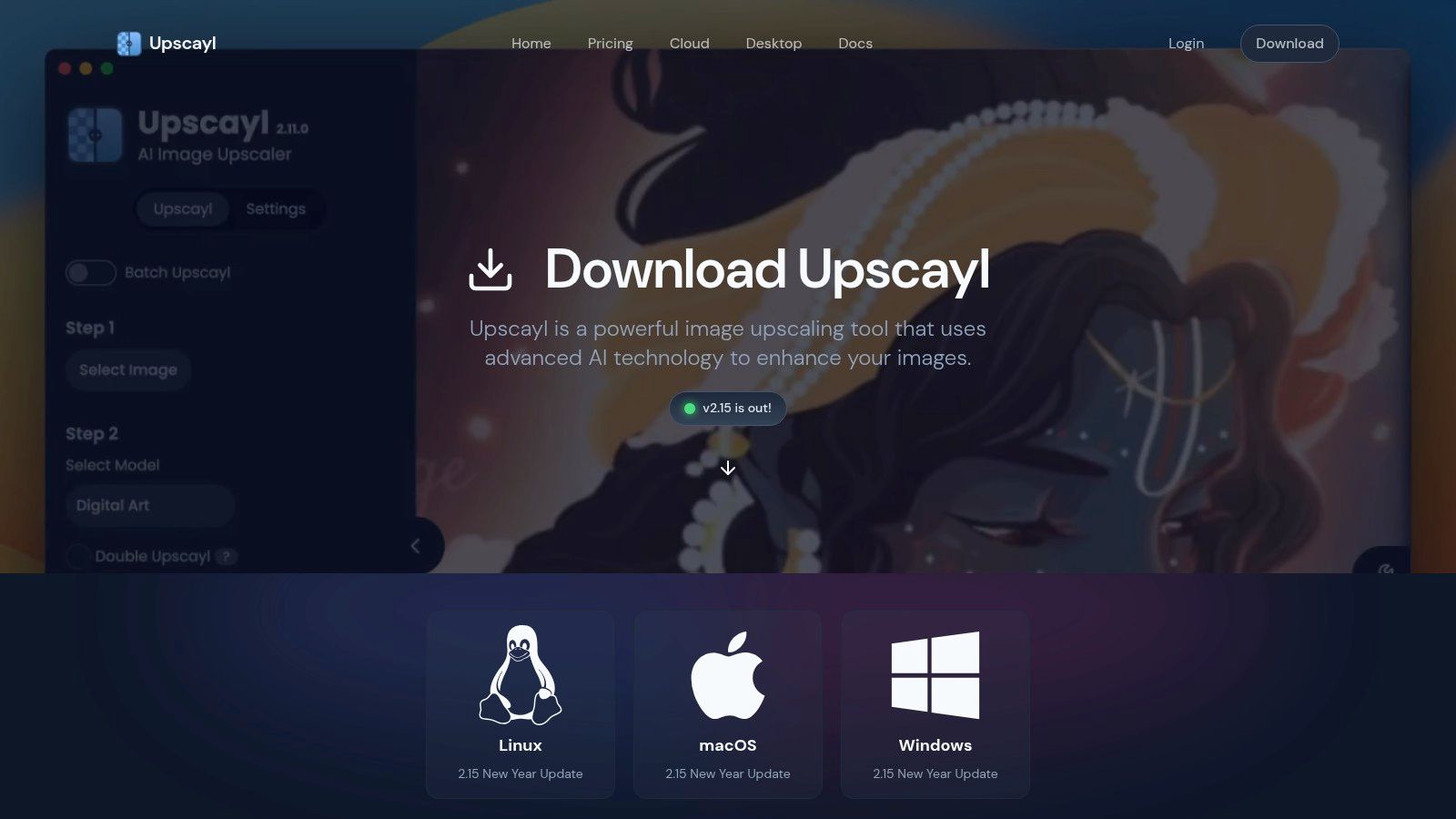
This offline functionality is its biggest advantage. It's ideal for content creators working with sensitive client images or large batches of photos that would be cumbersome to upload. As an open-source project, it’s completely free with no hidden costs, quotas, or watermarks.
Key Features and Considerations
The software leverages your computer's GPU (specifically, a Vulkan-compatible one is recommended for optimal speed) to deliver fast results. The interface is straightforward, focusing on function over flair: select an image, choose an AI model, and start the upscale. For advanced users, it even supports adding custom AI models, offering a level of flexibility not found in most online tools.
- Best For: Users needing to process large batches of images, anyone concerned with privacy, and those with a capable GPU who want unlimited, free upscaling.
- Pros: Absolutely free and open-source, runs locally for maximum privacy, unlimited batch processing, no watermarks.
- Cons: Requires a download and installation, performance is dependent on your computer's hardware, particularly the GPU. The user interface is more utilitarian than polished.
You can download the latest version directly from the official website: https://upscayl.org/download
3. Real‑ESRGAN
Real‑ESRGAN is less a single tool and more of a foundational technology that powers many other AI upscalers. It's an open-source project from Tencent ARC Lab that provides some of the most effective and widely used super-resolution models available. While it doesn't have a polished website interface, its strength lies in its raw power and the flexibility it offers developers and tech-savvy users.
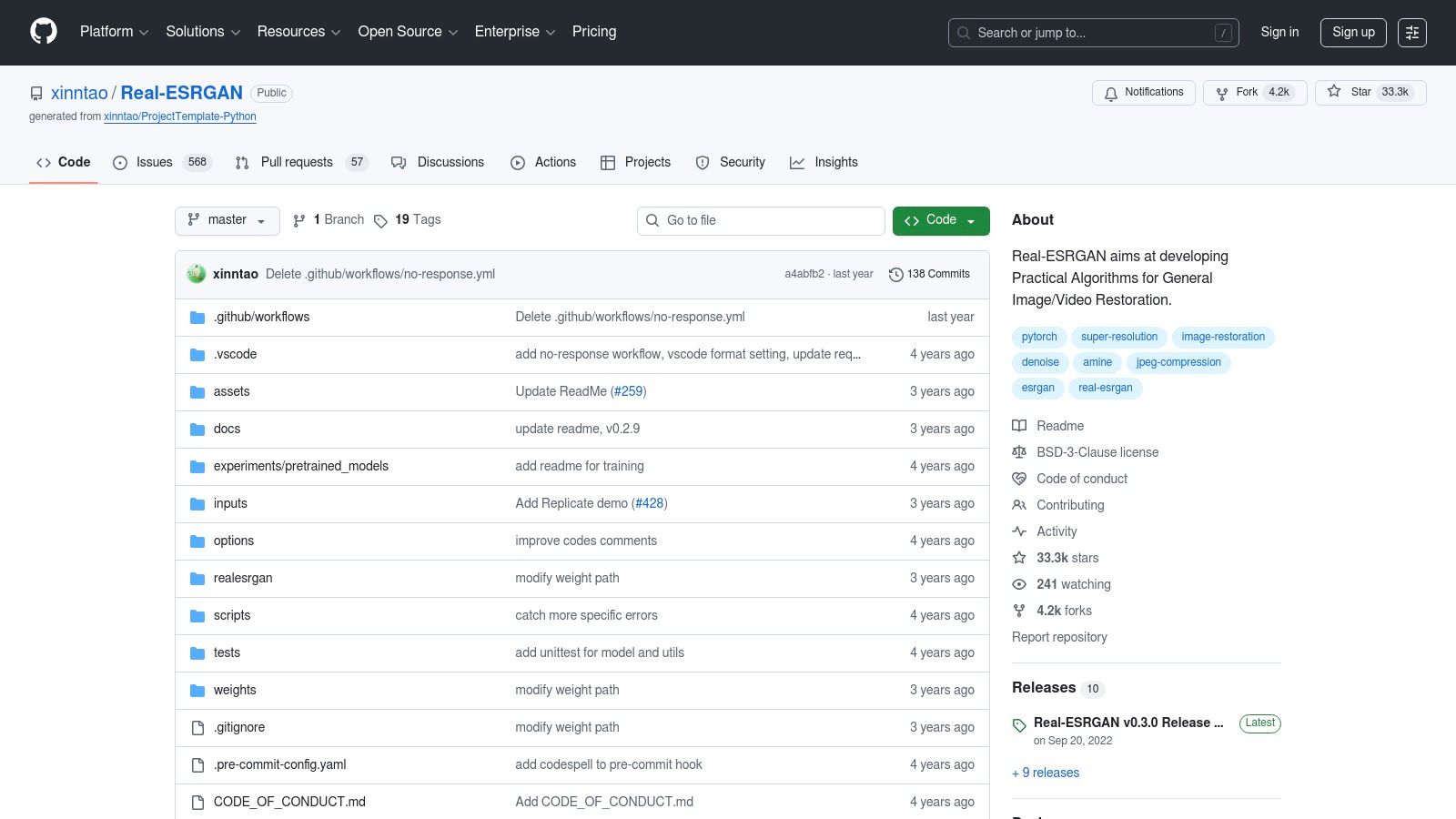
This makes it the backbone for countless commercial and free AI image upscaler tools. For those comfortable with command-line interfaces or Python scripts, Real‑ESRGAN offers unparalleled control over the upscaling process. It's completely free and allows for local processing, ensuring privacy and eliminating limitations on file size or batch numbers. Its models are particularly adept at handling general photos and animation.
Key Features and Considerations
The project provides pre-trained models optimized for different types of content, including a specific model for anime and another for video. For users who don't want to delve into code, the developers offer portable NCNN executable files for Windows, macOS, and Linux, allowing for simple drag-and-drop functionality via a command prompt. It also integrates with other AI tools like GFPGAN for powerful face restoration during the upscaling process. More details about how Real-ESRGAN is used to create realistic AI influencers can be found here.
- Best For: Developers integrating upscaling into their own apps, technical users who want maximum control, and anyone looking for a powerful, no-cost local solution.
- Pros: Absolutely free and open-source, highly effective and widely benchmarked models, runs locally for privacy, powers many other popular tools.
- Cons: Requires technical knowledge (command line or Python) for full use, no user-friendly graphical interface in the base project.
You can access the project, models, and executables on its official GitHub page: https://github.com/xinntao/Real-ESRGAN
4. Topaz Gigapixel
Topaz Gigapixel is a professional-grade tool from Topaz Labs, renowned in the photography and digital art communities for its exceptional detail recovery. While primarily a paid desktop application, it offers a compelling free trial that gives users access to its full power, making it a worthy inclusion for those needing the highest quality results for a specific project. It leverages meticulously trained AI models to add realistic detail, making it a favorite for print-level enlargements.
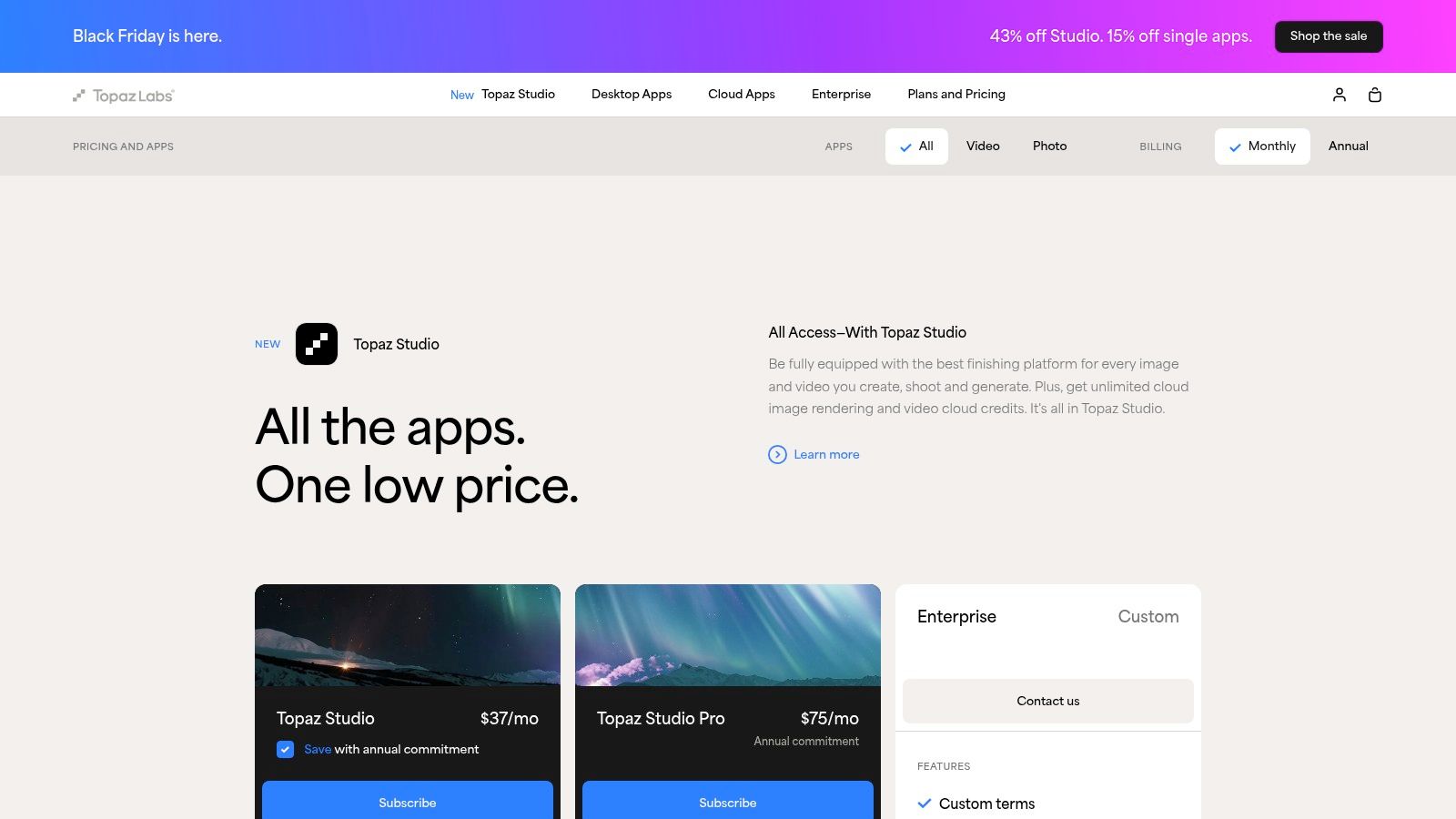
This tool is part of the broader Topaz ecosystem, which includes applications for noise reduction and sharpening, offering a seamless workflow for professionals. The desktop app provides robust batch processing features, allowing creators to upscale entire photoshoots efficiently. Its strength lies in its specialized AI models designed for different types of images, from portraits to landscapes, ensuring optimal and natural-looking results without the typical "AI" artifacts. For those invested in professional workflows, Topaz Gigapixel offers significant value.
Key Features and Considerations
The software's primary focus is on producing print-quality enlargements with stunning clarity. Its interface allows for detailed previews and adjustments, giving users fine-tuned control over the final output. While the full version requires a purchase, the trial period provides a watermark-free experience, making it an excellent free AI image upscaler for one-off tasks where quality cannot be compromised.
- Best For: Professional photographers, digital artists, and creators who need the highest possible quality for print or large-format digital displays and are willing to use a free trial.
- Pros: Industry-leading reputation for natural detail recovery, robust desktop application with batch processing, specialized AI models for superior results.
- Cons: Not permanently free; operates on a free trial model before requiring a purchase. The full cost is higher than many competitors.
You can download the trial or purchase the software from the official website: https://www.topazlabs.com/pricing
5. Let's Enhance
Let’s Enhance is a web-based AI image upscaler geared towards users who need consistent, high-quality results and are willing to operate within a credit-based system. It offers a generous free trial with 10 credits to start, allowing you to test its capabilities thoroughly. The platform is designed for both individual creators and businesses, providing powerful tools for enhancement beyond simple upscaling, such as color and tone correction.
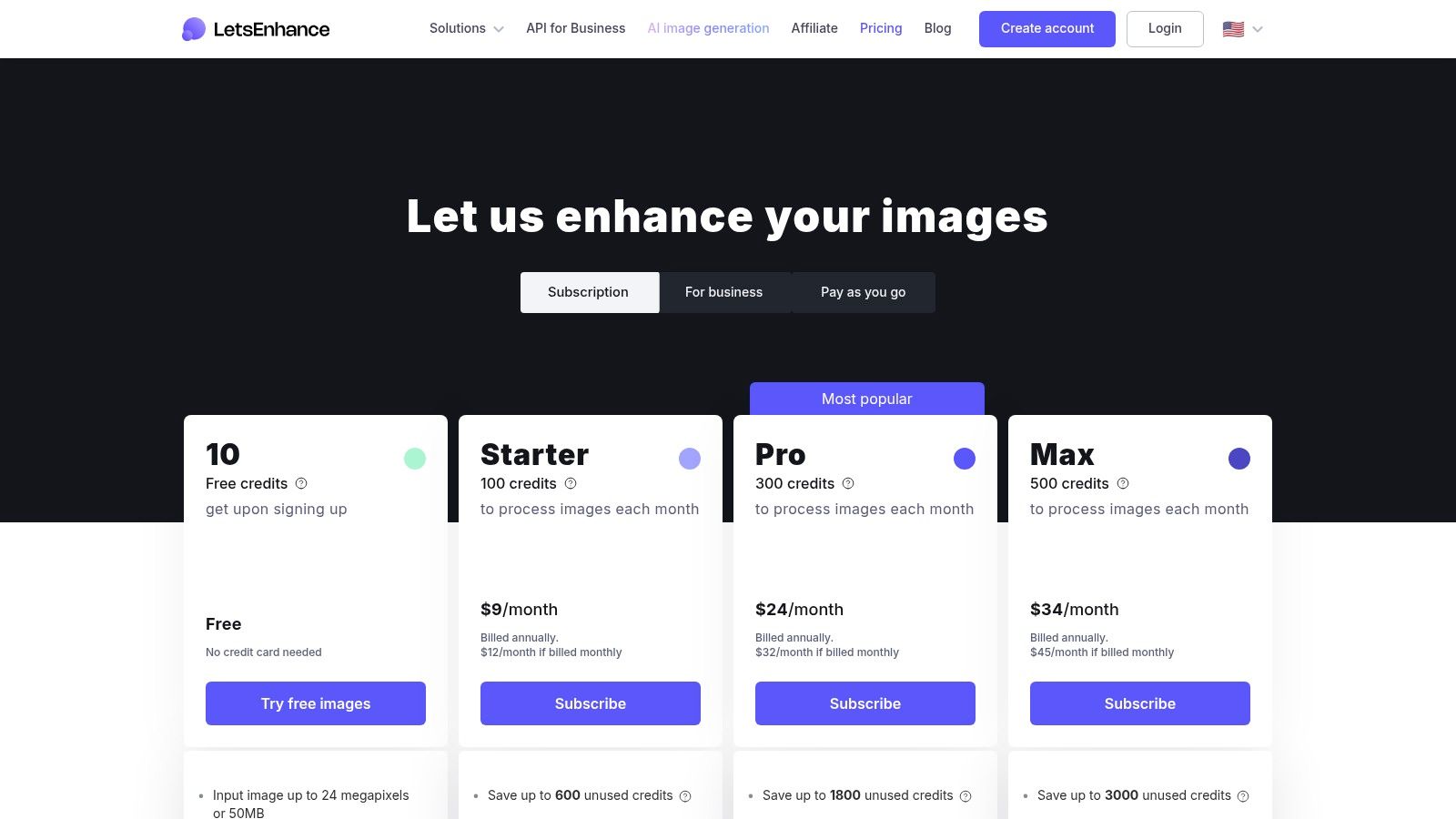
Its structured subscription model is a key differentiator. Personal plans feature credit rollover, ensuring you don't lose unused credits month-to-month, a valuable perk for intermittent use. For professionals and developers, Let's Enhance provides an API for seamless integration into automated workflows, making it a scalable solution for e-commerce, real estate, or print-on-demand businesses that need to process images programmatically.
Key Features and Considerations
The platform allows for significant enlargement, with paid personal plans supporting outputs up to 256 megapixels. The free tier is an excellent entry point, but to download images without a watermark, you will need to use paid credits or a subscription. This makes it a great "freemium" option on our list of the best free AI image upscaler tools, perfect for testing before committing.
- Best For: Small businesses, e-commerce stores, and individual creators who need a reliable, high-quality upscaler and are willing to pay for premium features and higher volumes.
- Pros: Generous free trial with 10 credits, personal plans feature credit rollover, API access for automation, very high-resolution output limits on paid tiers.
- Cons: Watermark-free downloads require a paid plan or credits, free usage is limited, and subscription credits expire if you cancel your plan.
You can explore its plans and sign up for a free trial on the official website: https://letsenhance.io/pricing
6. Icons8 Smart Upscaler
Icons8 Smart Upscaler is a well-established, browser-based tool that offers a straightforward and reliable experience for enhancing images. Developed by a company known for its vast library of design assets, this upscaler balances ease of use with professional-grade features. Its simple drag-and-drop interface makes it incredibly accessible for quick, one-off enhancements without the need for any software installation.
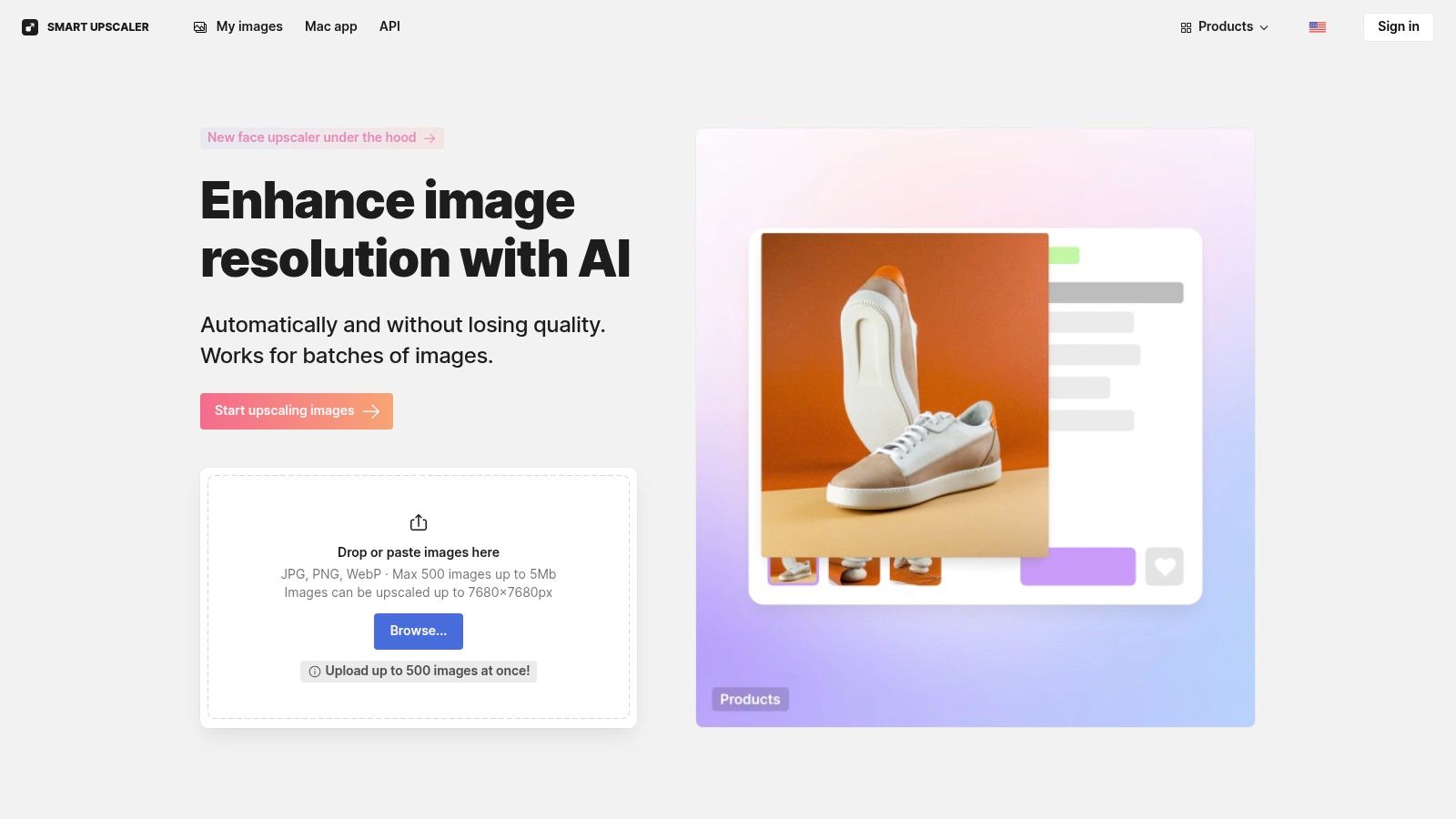
What sets Icons8 apart is its transparent and flexible pricing model, which caters to a wide range of users from casual creators to developers. While it offers a few free upscales to test the service (which may include a watermark), it provides clear paid options, including prepaid credit packs that never expire and subscription plans. This makes it a great option for those who need a high-quality upscaler occasionally without committing to a monthly fee. The availability of an API also makes it a powerful choice for businesses needing to integrate upscaling into their workflows.
Key Features and Considerations
The platform delivers a good balance of speed and quality, suitable for general-purpose photo enhancement. Icons8 is also transparent about its data usage, storing your image history for easy access and re-downloads, a convenient feature for tracking your work. The service is a mature product, offering a polished user experience that beginners can navigate with ease while still providing the robust tools, like an API, that professionals require.
- Best For: Users who need a reliable web-based tool with flexible, non-subscription payment options, and developers looking for an easy-to-integrate upscaling API.
- Pros: Simple drag-and-drop interface, transparent pricing with prepaid credits that don’t expire, and a developer-friendly API for automation.
- Cons: Free upscales are limited and may be watermarked. File size and resolution limits apply depending on the plan.
You can try the tool directly on the Icons8 website: https://icons8.com/upscaler
7. Upscale.media (by Pixelbin)
Upscale.media offers a streamlined, web-based approach to AI image enhancement that caters to both casual users and developers. Its standout feature is the incredibly low barrier to entry. You can process one image for free every day without needing to create an account, making it a perfect tool for quick, one-off tasks.
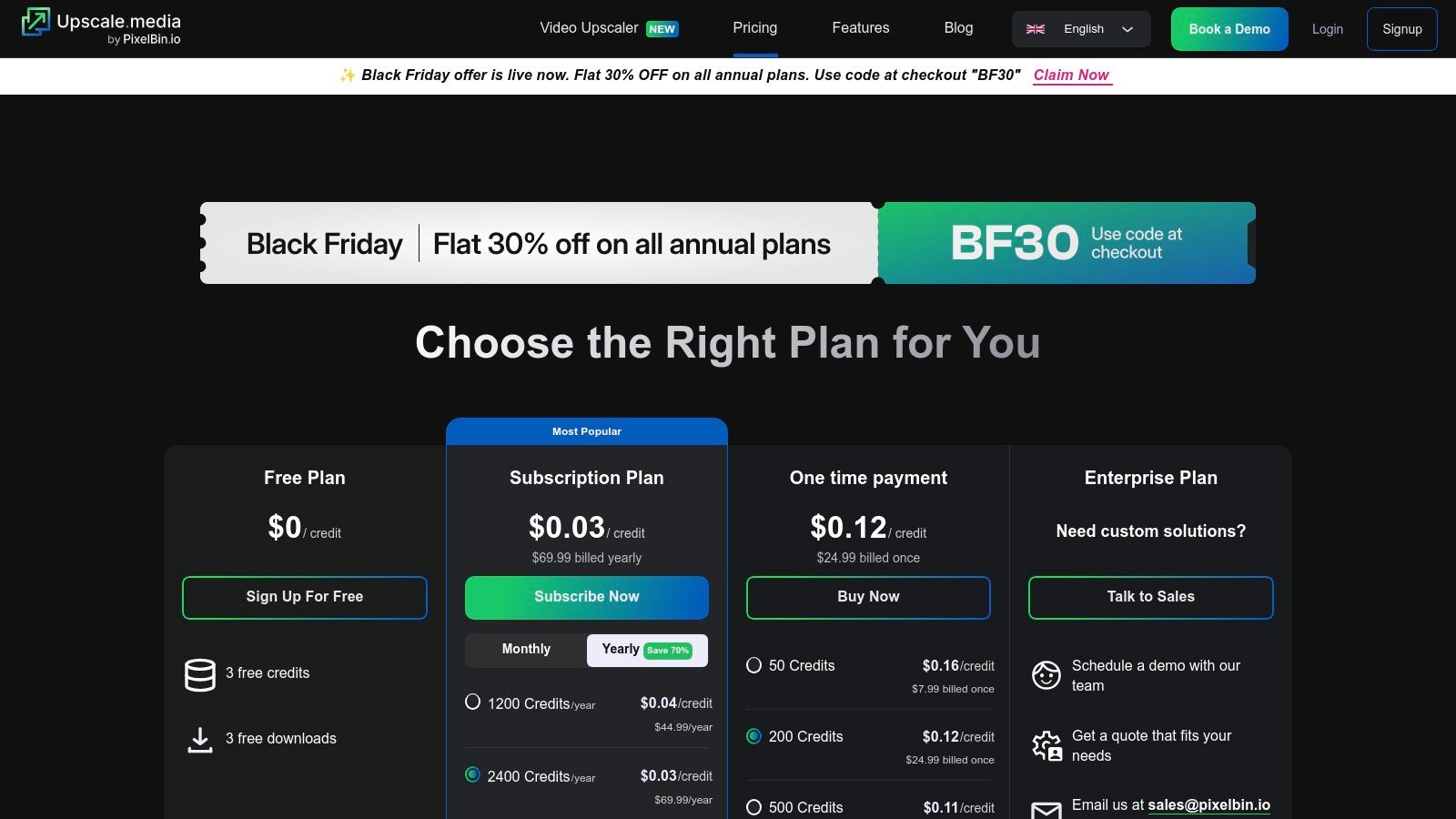
This freemium model makes it one of the best free AI image upscaler options for testing the waters. For more consistent use, creating an account grants you 3 free credits per month. Beyond that, the platform operates on a transparent credit system with options for monthly subscriptions or one-time credit packs, providing flexibility for varying project demands.
Key Features and Considerations
The platform is powered by Pixelbin, which also offers a robust API for developers looking to integrate AI image processing into their own applications. The user interface is clean and straightforward, guiding users through the upload and upscaling process with minimal friction. This focus on simplicity makes it accessible even for those with no technical expertise. The quality is reliable for general-purpose enhancements, effectively removing artifacts and sharpening details.
- Best For: Casual users needing a quick upscale, developers looking for an easy-to-integrate API, and content creators with occasional enhancement needs.
- Pros: No signup required for a daily free image, simple and clean interface, offers flexible credit packs and a developer-friendly API.
- Cons: The free tier is limited for frequent use, requiring a paid plan or credits for any substantial volume. No refunds are offered on subscriptions.
You can explore the pricing and try the tool on the official website: https://www.upscale.media/pricing
8. Bigjpg
Bigjpg is a long-standing and reliable AI image upscaler particularly well-regarded for its performance on anime, illustrations, and digital art. While it also handles general photographs effectively, its algorithms are specifically tuned to reduce noise and sharpen lines in drawings without creating artifacts. The service operates primarily through a web interface, offering a straightforward free tier alongside inexpensive, time-limited upgrade plans.
This platform's unique selling point is its pricing flexibility, which moves away from mandatory monthly subscriptions. Users can purchase upgrade packages that are valid for several months or even a year, making it a cost-effective option for occasional heavy use. The free plan allows for processing up to 20 images per month with a 4x enlargement limit, which is generous enough for many smaller projects.
Key Features and Considerations
Bigjpg’s interface is simple, allowing you to select the artwork type (artwork or photo) and the desired upscale level. While the free tier can be slower as it queues jobs, paid plans provide access to dedicated high-speed servers and allow for much larger enlargements, up to 16x. For international users, it’s worth noting you can manually select a US-based server, which can significantly improve upload and download speeds.
- Best For: Artists, anime fans, and graphic designers who frequently work with illustrations and need high-quality results without a recurring subscription.
- Pros: Excellent results for anime and illustrations, offers inexpensive time-limited plans instead of subscriptions, generous free monthly quota.
- Cons: The free tier is speed-limited, and the default server location in China may be slow for users in other regions without manually switching.
You can start upscaling your images directly on their website: https://bigjpg.com/
9. VanceAI Image Upscaler
VanceAI positions itself as a comprehensive suite of AI-powered photo enhancement tools, with its image upscaler being a central feature. It offers a hybrid approach, providing a convenient web-based upscaler for quick jobs and a downloadable desktop application for users who need more power and privacy, although the desktop version requires a subscription for unlimited use. This flexibility makes it a versatile choice for different types of users.
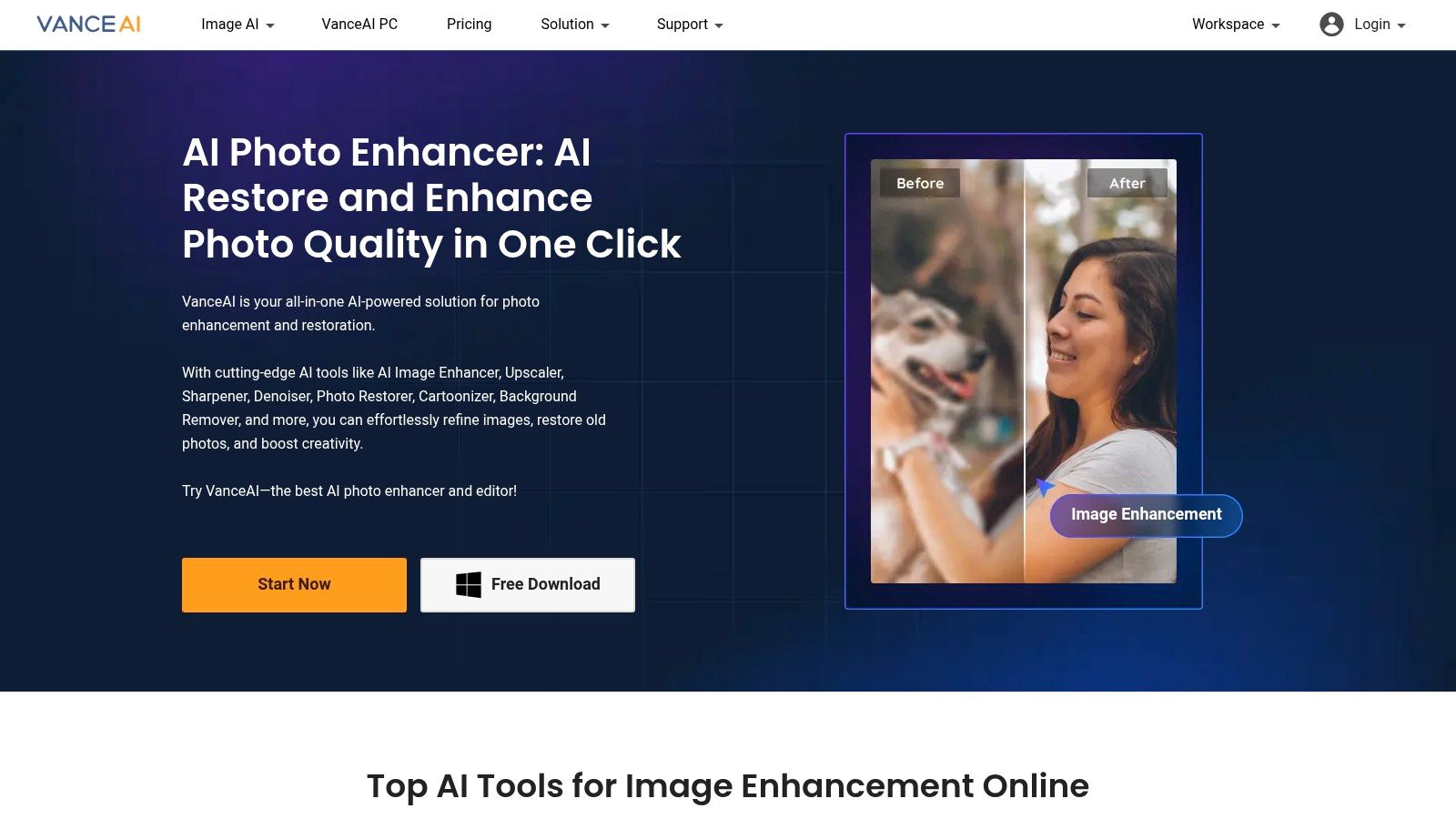
The online tool is particularly accessible, offering a small number of free credits daily (typically 3-5) for anyone to upscale images without a commitment. This free tier is suitable for occasional users or those wanting to test the platform's quality before considering a paid plan. The paid plans unlock more credits for online use or enable the unlimited, local processing capabilities of the desktop software.
Key Features and Considerations
Beyond simple upscaling, VanceAI includes toggles for noise reduction and artifact removal, allowing you to fine-tune the enhancement process in one step. The broader platform also provides tools for sharpening, denoising, and photo restoration, making it a potential all-in-one solution for content creators looking to improve their image quality. However, the credit system and subscription tiers can be slightly confusing for new users, and some have reported mixed experiences with customer support.
- Best For: Users who want both the convenience of an online tool for occasional use and the option of a more powerful, private desktop app for larger projects.
- Pros: Offers both a web-based and a desktop application, generous suite of other photo enhancement tools, provides free daily credits for light use.
- Cons: The credit and subscription models can be complex, free use is quite limited, and some users have noted issues with customer service responsiveness.
You can try the online tool or learn more on the official website: https://vanceai.com/
10. Clipdrop (by Jasper) – Image Upscaler
Clipdrop, part of the Jasper AI suite, offers a highly polished and intuitive experience that extends beyond simple upscaling. It functions as an all-in-one visual toolkit, making it a strong contender for creators who need more than just a resolution boost. Its web-based interface is clean, fast, and integrates the upscaler alongside other useful tools like background removal and object cleanup.
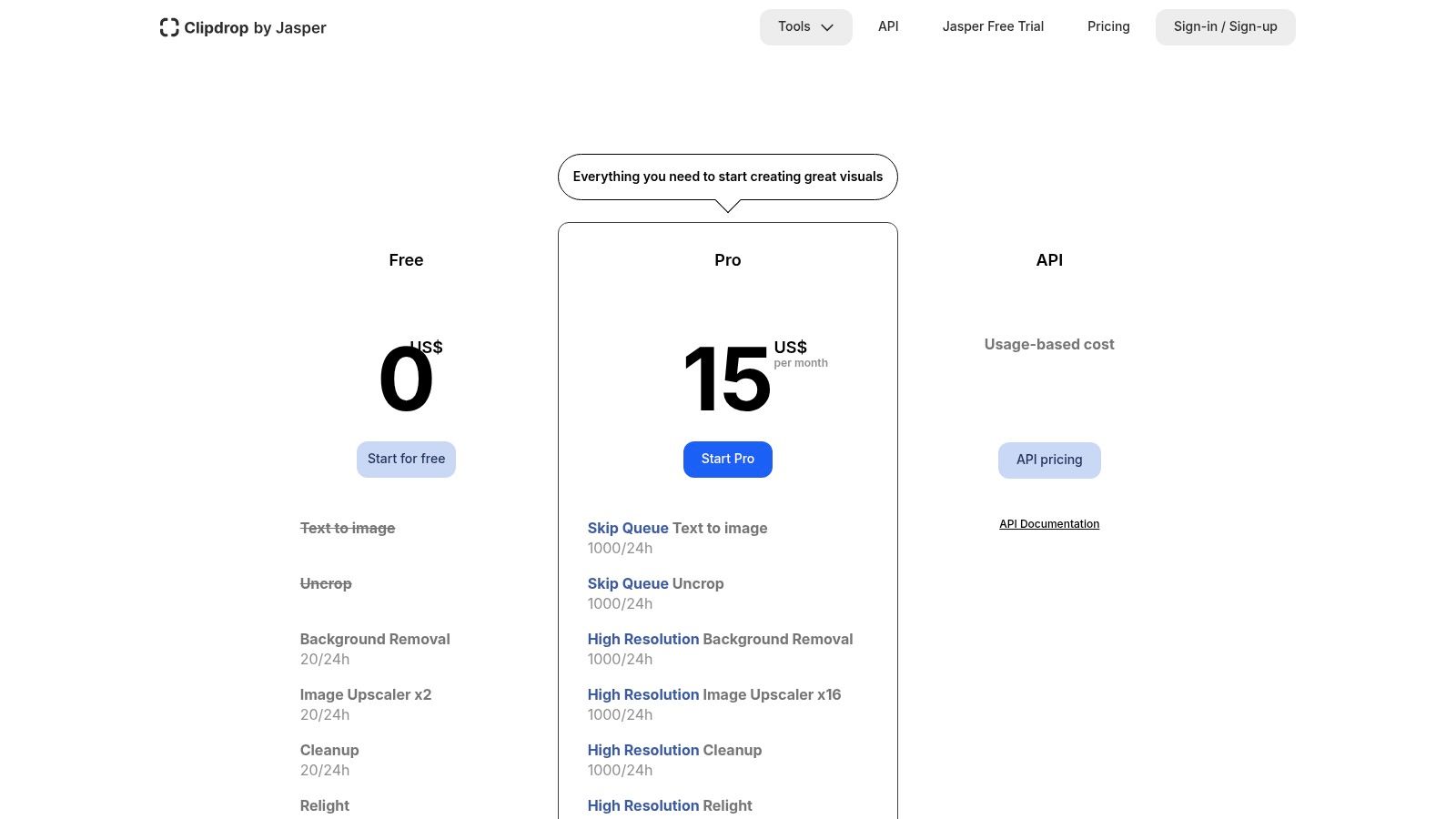
This bundled approach is Clipdrop's key differentiator. If you're preparing images for e-commerce, social media, or marketing campaigns, you can upscale a product photo, remove its background, and relight it all within the same platform. The free tier is generous enough for casual use, but the real power, including upscaling up to 16x, is reserved for the Pro plan.
Key Features and Considerations
The service is designed for speed and convenience, processing images quickly in the cloud. For developers and businesses, Clipdrop provides a robust API that allows for programmatic access to its tools, perfect for integrating high-quality upscaling into custom workflows or applications. While the free version has limitations, it serves as an excellent trial for the platform's professional-grade capabilities.
- Best For: Marketers, e-commerce store owners, and social media managers who need a suite of reliable image editing tools in one place.
- Pros: Part of a comprehensive suite of AI visual tools, clean and user-friendly interface, fast processing speeds, offers an API for integration.
- Cons: The highest upscaling factors (up to 16x) require a paid Pro subscription, requires an internet connection and uploading images to their servers.
You can explore the plans and try the tools on the official website: https://clipdrop.co/pricing
11. Adobe Lightroom — Super Resolution
For photographers and creators already embedded in the Adobe ecosystem, the built-in Super Resolution feature is an incredibly powerful and convenient tool. Integrated directly into Adobe Lightroom and Camera Raw, it’s not a standalone free AI image upscaler but rather a key feature for subscribers. It excels at producing high-fidelity, print-ready enlargements from raw and other image files with a single click.
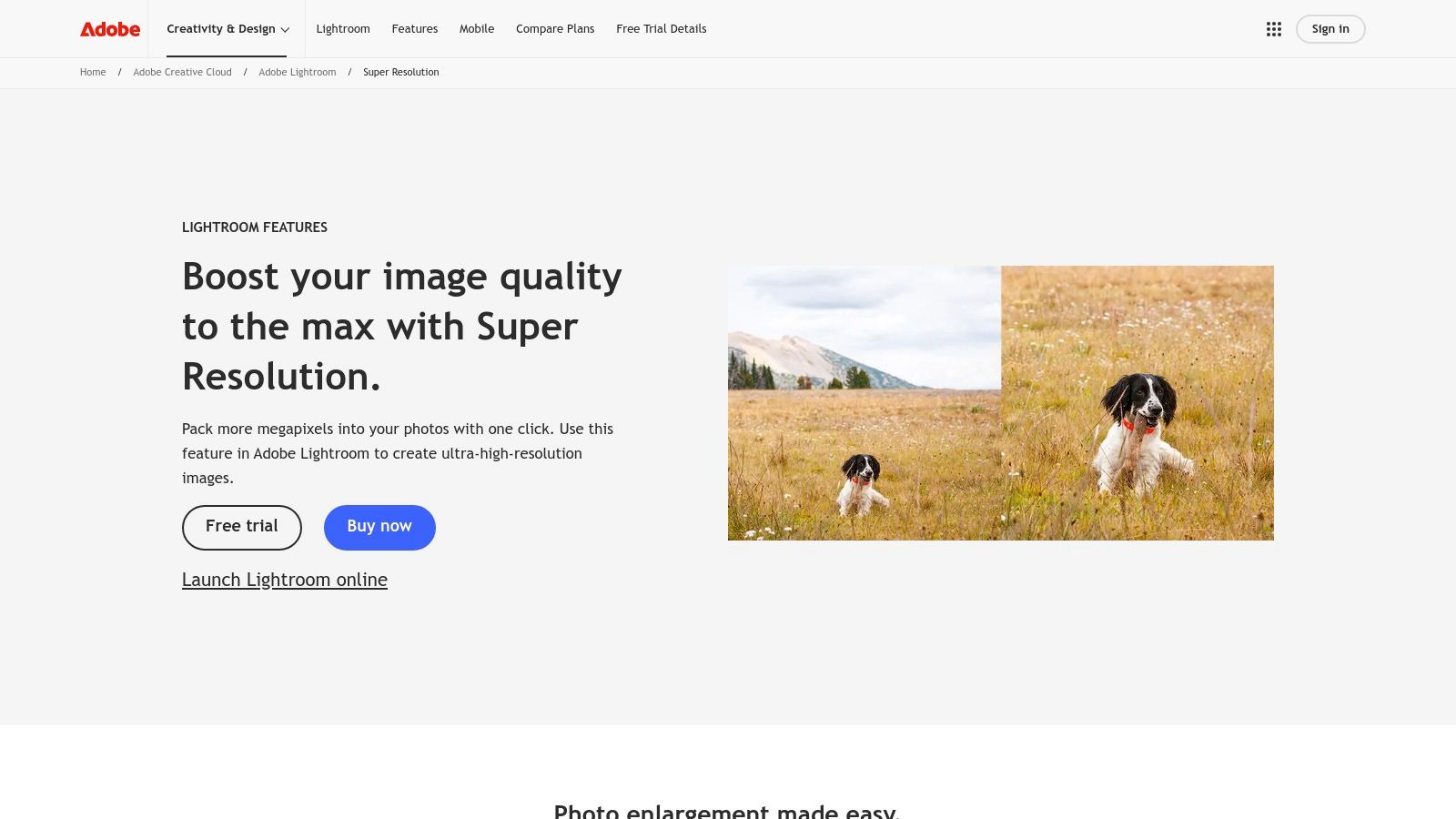
The primary advantage of Super Resolution is its seamless integration into a professional workflow. It uses AI to intelligently double the image's linear resolution (quadrupling the total pixel count), which is perfect for cropping heavily or making large prints from older, lower-resolution photos. The results maintain exceptional color accuracy and detail, respecting the original data in a way generic online tools often can't.
Key Features and Considerations
The one-click process is designed for efficiency, saving photographers significant time. It creates a new DNG file with the enhanced resolution, leaving the original image untouched for a non-destructive editing process. While it lacks the multiple AI model choices of specialized upscalers, its reliability and quality are tailored for professional-grade output where consistency is paramount. For those looking to master this and other advanced editing tools, you can find helpful tutorials in various creator guides.
- Best For: Professional photographers and designers with an existing Adobe Creative Cloud subscription who need reliable, high-quality upscaling for print and digital work.
- Pros: Seamlessly integrated into professional workflows, produces stable, pro-grade results with excellent color fidelity, no per-image cost beyond the subscription.
- Cons: Not a free standalone tool; requires a paid Adobe Lightroom or Photoshop subscription. Offers less control over the AI model compared to dedicated upscaling software.
You can learn more about this feature on the official Adobe website: https://www.adobe.com/products/photoshop-lightroom/super-resolution.html
12. AI Image Enlarger (ImgLarger)
AI Image Enlarger, often known as ImgLarger, is a veteran in the browser-based AI tool space, offering a convenient suite for quick enhancements. It operates on a freemium model, providing users with a straightforward way to upscale images without any software installation. This makes it a great choice for one-off tasks or for users who need more than just upscaling, as the platform also includes tools for sharpening, denoising, and basic color correction.
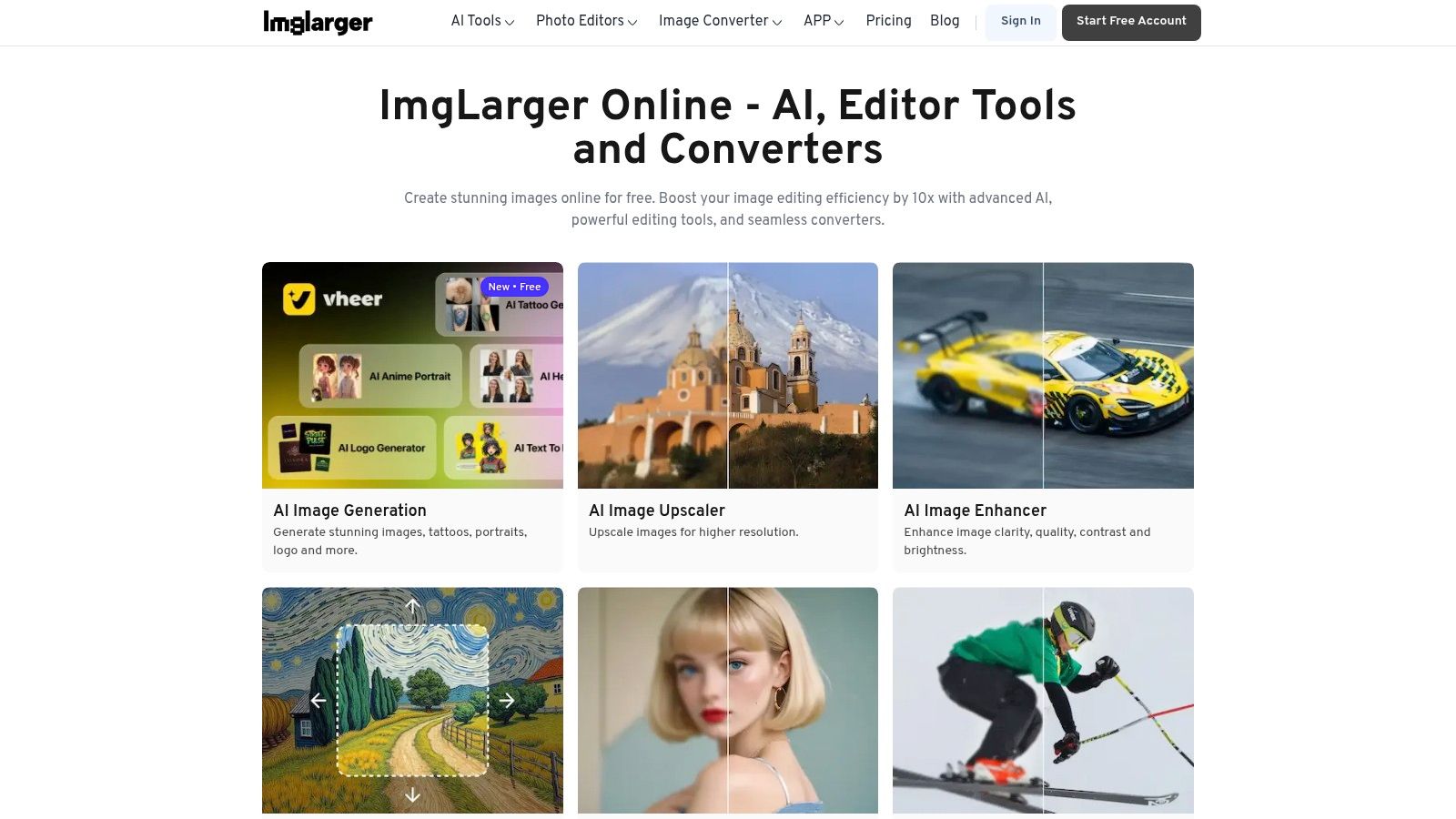
The platform is accessible and simple: upload your image, select the desired enhancement, and process. The free plan provides users with a limited number of monthly credits, which is sufficient for occasional use. However, for those needing to process larger files, higher resolutions, or multiple images at once, a paid subscription or credit pack is necessary to unlock these features.
Key Features and Considerations
ImgLarger stands out as an all-in-one quick-edit solution rather than just a dedicated upscaler. The user experience is designed for simplicity, guiding you through the process without a steep learning curve. While it may not offer the most advanced models compared to dedicated desktop software, its convenience and range of tools make it a practical option for social media managers and content creators needing a fast, web-based toolkit.
- Best For: Users seeking an easy-to-use, browser-based tool for occasional upscales and all-around image enhancements without downloading software.
- Pros: Entirely web-based with no installation required, offers multiple enhancement tools beyond upscaling, simple and intuitive user interface.
- Cons: The free plan is limited by image size, dimensions, and a monthly credit system; heavy or batch processing requires a paid plan.
You can try the tools directly on their website: https://imglarger.com/
Top 12 Free AI Image Upscalers — Feature Comparison
| Product | Core features ✨ | Quality / UX ★ | Price / Value 💰 | Target audience 👥 | USP / Notes 🏆 |
|---|---|---|---|---|---|
| CreateInfluencers - HyperReal Engine AI Upscaler 🏆 | ✨ AI upscaling + face enhance/swap, avatar & video, themed photo packs | ★★★★☆ integrated, fast workflow | 💰 Free start; Basic / Pro / Enterprise credit tiers | 👥 Influencers, creators, agencies | 🏆 End‑to‑end influencer toolkit; real‑time voice synthesis & monetization |
| Upscayl | ✨ 100% local GPU upscaling, multiple/custom models, batch | ★★★☆☆ powerful, simple UI | 💰 Free & open‑source (local) | 👥 Privacy‑focused users, batch workflows | ✨ Local processing, unlimited upscales |
| Real‑ESRGAN | ✨ Open models for image/video, face enhancement (GFPGAN), tiling | ★★★★☆ high quality, extensible | 💰 Free, open‑source | 👥 Developers, integrators, researchers | ✨ Widely used backbone with many GUIs |
| Topaz Gigapixel | ✨ Desktop/mobile app, model‑tuned upscaling, batch/pro tools | ★★★★☆ print‑quality, robust desktop UX | 💰 Paid (one‑time/subscription), higher cost | 👥 Photographers, print professionals | ✨ Industry reputation for print‑ready results |
| Let's Enhance | ✨ Web upscaling, credit system, API, high MP outputs | ★★★☆☆ team‑friendly, web convenience | 💰 Credits/subscriptions; personal rollover plans | 👥 Individuals & small teams, businesses | ✨ Clear credit model; very high MP output |
| Icons8 Smart Upscaler | ✨ Browser drag‑and‑drop, prepaid packs, APIs | ★★★☆☆ simple, predictable UX | 💰 Prepaid packs / monthly / unlimited | 👥 Designers, developers, agencies | ✨ Prepaid credits never expire; transparent pricing |
| Upscale.media (Pixelbin) | ✨ Freemium web upscaler, 1 free image/day, API | ★★★☆☆ very low barrier, easy to try | 💰 Free tier + credit packs / subs | 👥 Casual users, devs testing integrations | ✨ No‑signup daily free image; transparent per‑credit pricing |
| Bigjpg | ✨ Web upscaler tuned for illustrations/anime, batch options | ★★★☆☆ good for artwork, speed‑limited on free | 💰 Inexpensive one‑time / time‑limited plans | 👥 Anime artists, illustrators | ✨ Models optimized for illustrations/anime |
| VanceAI Image Upscaler | ✨ Web + desktop app, denoise/restore/sharpen tools | ★★★☆☆ versatile toolset, mixed support | 💰 Free daily upscales; credits & desktop license | 👥 Casual creators & small teams | ✨ Web convenience + desktop privacy option |
| Clipdrop (by Jasper) | ✨ High‑res upscaler (up to 16× Pro) + editing bundle, API | ★★★★☆ fast, polished editing UX | 💰 Freemium + Pro for higher limits | 👥 E‑commerce, social content creators | ✨ Bundled cleanup/relight + fast upscales |
| Adobe Lightroom — Super Resolution | ✨ One‑click 2× linear (4× pixels), raw & color fidelity | ★★★★☆ pro‑grade, integrated workflow | 💰 Requires Adobe subscription | 👥 Professional photographers, studios | ✨ Native Lightroom/Photoshop integration; print‑ready |
| AI Image Enlarger (ImgLarger) | ✨ Browser upscaler + editor/converter, batch on paid tiers | ★★★☆☆ simple, quick web access | 💰 Freemium with paid credits | 👥 Casual users needing quick fixes | ✨ No‑install, easy one‑off upscales |
Choosing Your Perfect Upscaler: Final Thoughts
Navigating the landscape of AI-powered image enhancement tools can feel overwhelming, but as we've explored, the variety of options means there is a perfect solution for nearly every workflow and creative need. The journey to find the best free AI image upscaler isn't about identifying a single, universally superior tool. Instead, it’s about aligning a tool's specific strengths with your personal or professional goals.
The key takeaway from our deep dive is that context is everything. What works brilliantly for a professional photographer needing meticulous detail preservation might be overkill for a social media manager who requires speed and seamless integration for daily content creation. Your ideal tool is the one that removes friction from your creative process, not one that adds complexity.
How to Select the Right Upscaler for Your Needs
To make your final decision, consider your primary use case. This single factor will guide you more effectively than any other.
For the Integrated Content Creator (Influencers, Marketers, OF Producers): If your workflow involves creating AI models, generating scenes, and then upscaling them for platforms like Instagram, Fanvue, or OnlyFans, an all-in-one ecosystem is invaluable. CreateInfluencers stands out here, as its HyperReal Engine is built directly into a broader suite of tools designed for this exact purpose. This eliminates the need to download, upload, and switch between different applications, saving you critical time and effort.
For the Privacy-Conscious Power User (Artists, Developers): If you're processing sensitive images, large batches, or simply prefer to keep your work off the cloud, a desktop application is your best bet. Upscayl and Real-ESRGAN offer unparalleled control, privacy, and offline processing capabilities. They require a bit more technical comfort but reward you with robust, free, and unrestricted upscaling.
For Quick, On-the-Go Enhancements (Casual Users, Quick Fixes): When you just need to quickly sharpen a single image for a profile picture or a blog post without installing software, browser-based tools are king. Upscale.media and Clipdrop provide a frictionless experience. You simply upload your image, let the AI work its magic, and download the result in seconds. Their free tiers are often generous enough for occasional use.
For the Quality-Obsessed Professional (Photographers, Designers): When every pixel matters and you need the absolute highest fidelity, professional-grade software with advanced AI models is necessary. While Topaz Gigapixel and Adobe Lightroom's Super Resolution are premium tools, their free trials offer a glimpse into their superior capabilities, especially for recovering detail in RAW photos or preparing images for large-format printing.
Final Considerations Before You Commit
Beyond use cases, remember to weigh the practical limitations we discussed. Pay close attention to the free tier restrictions: Are you limited by the number of images per day, the maximum resolution, or the inclusion of watermarks? Also, consider the output. Some tools excel at photorealism, while others are better suited for digital art and illustrations. Experimentation is your best friend. Take the same low-resolution image and run it through your top two or three choices to directly compare the results and see which AI model "understands" your content best.
Ultimately, mastering image quality is a cornerstone of impactful digital content. While a powerful upscaler is a vital component of your toolkit, it’s just one piece of the puzzle. To truly elevate your brand, you should also explore a wider array of other essential tools for content creators that can streamline everything from video editing to social media scheduling. Finding the best free AI image upscaler is a significant step, but integrating it into a well-rounded and efficient workflow is what will truly set your content apart and drive your success.
Ready to move beyond simple upscaling and build an entire AI-driven content empire? CreateInfluencers is more than just an upscaler; it's a comprehensive platform for generating unique AI models, crafting stunning scenes, and producing high-quality content effortlessly. Stop juggling multiple tools and start creating with an integrated solution by visiting CreateInfluencers today.