12 Best Free AI Image Generators to Try in 2025
Discover the 12 best free AI image generators of 2025. Compare features, limits, and use cases to create stunning AI art and photos without any cost.
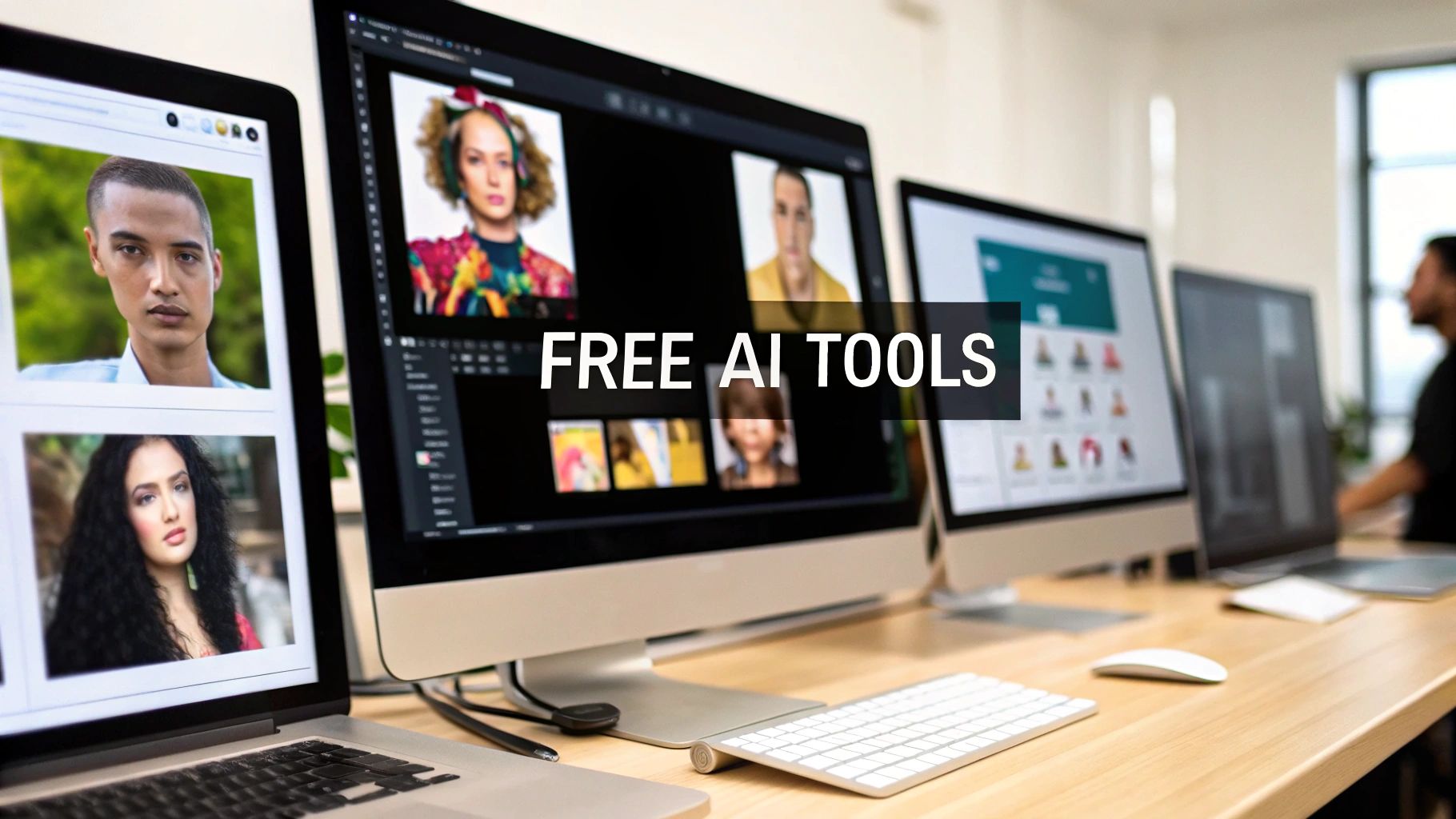
The world of AI image generation has exploded, offering powerful creative tools that were once science fiction. But with a flood of new platforms appearing constantly, finding the right one can be overwhelming, especially when you're looking for a genuinely free option without hidden costs. This guide cuts through the noise to rank and review the 12 best free AI image generators available today. We go beyond simple descriptions, providing a hands-on analysis of each platform's strengths, weaknesses, and ideal use cases.
This resource is designed to help you make an informed choice quickly. For each tool, we’ll break down exactly what you get on the free tier, from daily credit limits to image resolution and commercial usage rights. You will find practical guidance on which generator excels at specific tasks, whether you need photorealistic portraits for an AI influencer, stylized concept art, or eye-catching visuals for social media. Each entry includes example images, prompt snippets, and direct links to get you started immediately. Our goal is to equip you with the knowledge to select the perfect tool that aligns with your creative vision and project requirements.
While this article focuses specifically on image creation, the impact of AI extends across all creative and business functions. For those looking to explore the wider landscape of AI applications, especially in a professional context, you might also find a broader list of top generative AI tools for marketing useful. Now, let’s dive into the platforms that can turn your text prompts into stunning visual masterpieces, completely free of charge.
1. CreateInfluencers
Best For: Creating photorealistic AI influencers, social media personas, and niche content (including dating profiles and adult content).
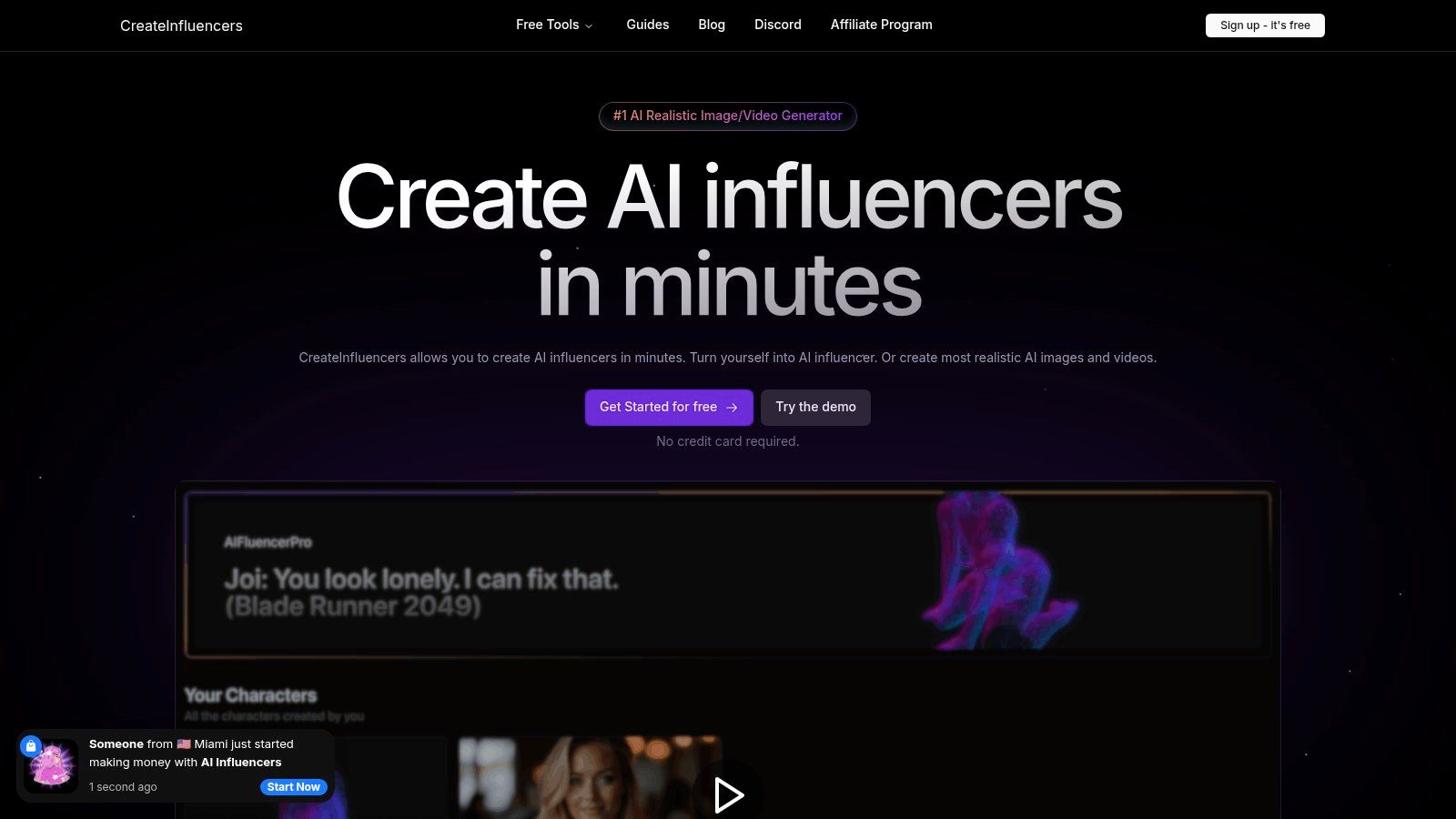
CreateInfluencers stands out as a premier, all-in-one studio for generating highly realistic AI personalities. It is engineered for speed and quality, allowing users to move from concept to a complete, consistent influencer persona in minutes. This platform consolidates multiple advanced tools, making it one of the best free AI image generators for users who need a comprehensive and powerful solution without an initial investment.
Key Features and Capabilities
CreateInfluencers is more than just an image generator; it’s a full content creation suite. It integrates one-click character generation, selfie-to-avatar conversion, and sophisticated face/body swapping. A key differentiator is its HyperReal HD upscaler, which transforms standard outputs into studio-quality portraits.
The platform offers access to a variety of cutting-edge image and video models, including the FLUX family, Haiper 2.0, and Kling Pro, ensuring users have access to the latest AI technology. This versatility extends to its library of themed photo packs, which provide pre-configured styles for specific platforms like Instagram, Tinder, and even adult-content sites like OnlyFans.
Monetization and Use Cases
A unique strength of CreateInfluencers is its built-in support for monetization. It's explicitly designed for social media influencers, marketers, and adult-content creators looking to build and monetize AI personas. The platform’s affiliate program provides a direct path to earning revenue. The specialized photo packs for dating apps and adult content make it a practical tool for these niche markets.
Free Tier and Pricing
Getting started is completely free, with no credit card required for signup. This allows users to test the core features and explore the interface. For more extensive use, CreateInfluencers operates on a transparent, credit-based system with several monthly tiers:
- Basic: $47/month (250 credits)
- Pro: $79/month (700 credits)
- Enterprise: $149/month (2,000 credits)
Credit costs are clearly defined, with realistic image generation starting at approximately 0.5 credits per image.
| Feature | Pros | Cons |
|---|---|---|
| Quality & Speed | High-fidelity, photorealistic results with fast one-click character generation and HD upscaling. | Heavy video generation or high-volume image batches can become costly under the credit system. |
| Versatility | Supports images, video, face swaps, and real-time voice-driven synthesis with multiple AI engines. | Requires user awareness of ethical and legal issues related to deepfakes and consent. |
| Niche Support | Pre-built photo packs for dating, social media, and adult content, plus direct monetization paths. | Users must navigate platform-specific policies (e.g., on Instagram or OnlyFans) for AI content. |
| Accessibility | Free signup with no credit card required, allowing easy entry to test the platform's core features. | Advanced features and high output volumes necessitate a paid subscription plan. |
Website: CreateInfluencers.com
2. Adobe Firefly
Adobe Firefly is the creative giant's answer to the AI image generation boom, offering a suite of powerful tools designed for seamless integration into existing professional workflows. It stands out by being trained exclusively on Adobe Stock images and public domain content, making it one of the safest choices for commercial use. This focus on ethical sourcing and brand safety makes it a top contender among the best free AI image generators for creators and businesses.
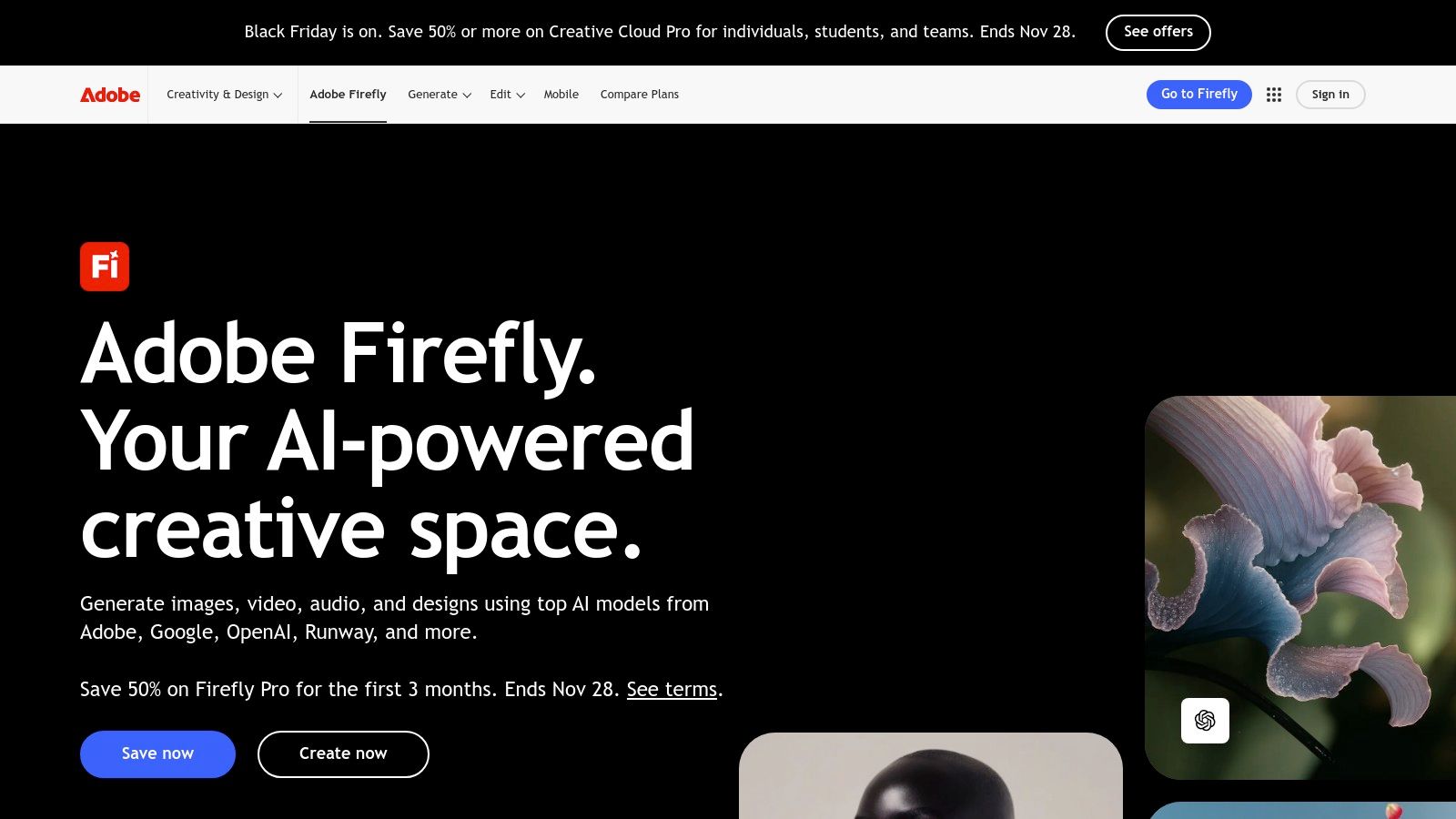
The free plan operates on a "generative credit" system, granting users a monthly allotment (typically 25 credits at sign-up) to use across its features. Each generation of a standard-quality image costs one credit. This system allows you to experiment with its powerful Text-to-Image, Generative Fill, and Generative Expand tools without an upfront cost. For those looking to dive deeper, you can learn more about Adobe Firefly's advanced capabilities.
Key Features and Usage
What truly sets Firefly apart is its deep integration with the Adobe Creative Cloud. You can use Generative Fill directly within Photoshop to add, remove, or replace objects in your photos with stunning accuracy, or use Generative Expand to extend the canvas of an image seamlessly. The web interface is clean and user-friendly, offering robust controls like style matching from a reference image, aspect ratio settings, and content type specifications (Photo or Art).
- Best For: Content creators already in the Adobe ecosystem, marketing professionals needing commercially safe assets, and digital artists looking for powerful, integrated editing tools.
- Pros: Commercially safe outputs, tight integration with Photoshop and Express, high-quality photorealistic results.
- Cons: The generative credit system can be limiting for high-volume users on the free plan.
Website: https://www.adobe.com/firefly
3. Microsoft Designer (Bing Image Creator)
Microsoft Designer integrates the powerful DALL·E 3 model into a user-friendly design platform, making it one of the most accessible and best free AI image generators available. It is seamlessly woven into the Microsoft ecosystem, accessible via Bing search, Copilot, and its own dedicated Designer app. This approach offers a frictionless entry point for users who want high-quality images without needing a complex or dedicated creative suite, making it ideal for quick social media assets and daily creative tasks.
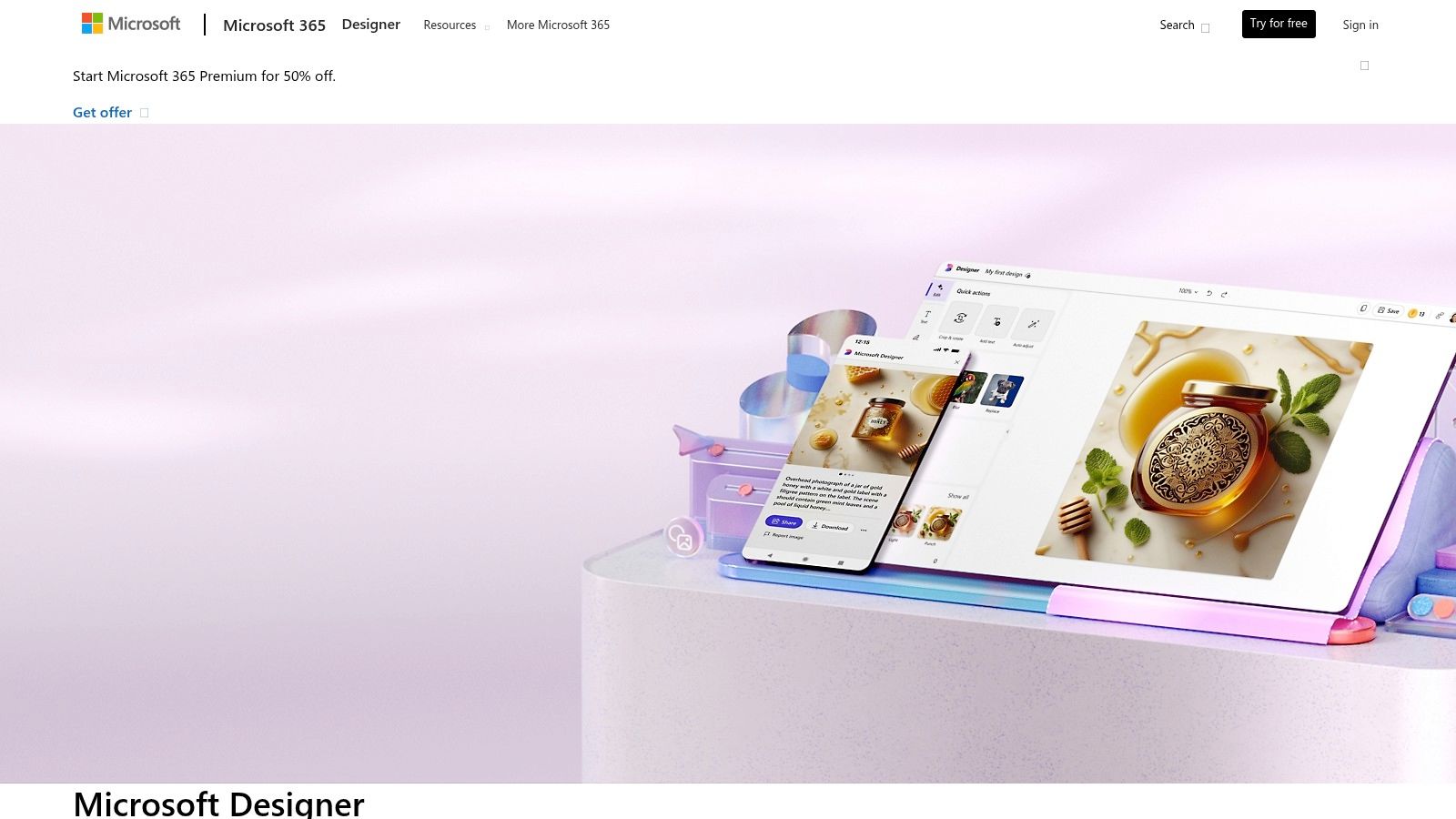
The platform operates on a "boost" credit system. Users typically receive 15-100 free daily boosts for faster image generation. Once these are used, you can still create images, but generation times may be longer during peak periods. This generous free model allows for consistent daily use, and generated images can be directly pulled into Designer's templates to create social media posts, invitations, or digital postcards with ease.
Key Features and Usage
What makes Microsoft Designer stand out is its simplicity and integration. You can generate an image with a simple text prompt directly in Bing search or Copilot and then click to edit it in the Designer interface. This workflow is incredibly efficient for creating social media content on the fly. The platform provides basic editing tools and a library of design templates, allowing you to quickly add text, graphics, and branding to your AI-generated visuals, streamlining the process from concept to final post.
- Best For: Social media managers, casual users, and content creators needing quick, high-quality images for daily posts and simple design projects.
- Pros: Generous daily "boosts" for fast generation, excellent DALL·E 3 quality, seamless integration across Microsoft products (Bing, Copilot, Edge).
- Cons: Standard generation can be slow after boosts are used, and the design features are less advanced than professional creative suites.
Website: https://designer.microsoft.com/
4. Google ImageFX (Google Labs / AI Test Kitchen)
Google ImageFX is the tech giant's experimental playground for its powerful Imagen 3 model, accessible through the Google Labs platform. It stands out by offering state-of-the-art text rendering and impressive prompt adherence, allowing creators to generate images that accurately reflect complex ideas. As one of the best free AI image generators, it also prioritizes responsible AI usage by automatically embedding SynthID watermarks and metadata for clear disclosure.
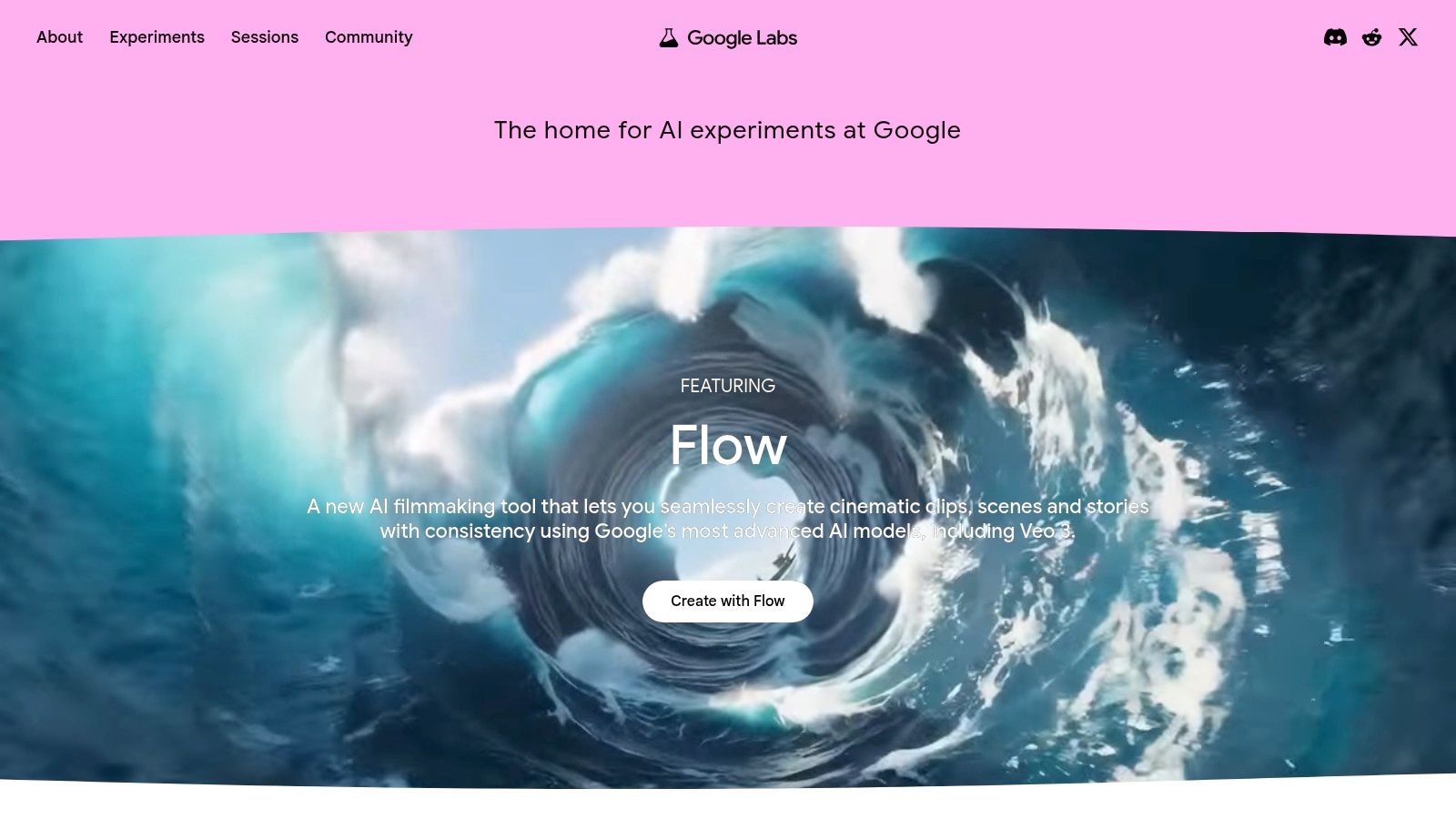
Currently free for users in supported regions with a Google account, ImageFX provides a unique interface with "expressive chips" that help you build and refine prompts by suggesting creative additions. This system is great for exploring new artistic directions and pushing the boundaries of your initial concept. You can learn more about developments from Google ImageFX and other AI tools as they continue to evolve.
Key Features and Usage
ImageFX’s key strength is its ability to understand and render text within images, a common challenge for other generators. The interface is clean and encourages experimentation with its prompt-building suggestions. While it doesn't offer the deep ecosystem integration of a tool like Firefly, it excels as a standalone platform for generating high-fidelity images with precise details. Its commitment to safety and transparency makes it a trustworthy choice for public-facing content.
- Best For: Creators who need to render text accurately in images, users experimenting with complex prompts, and anyone prioritizing ethical AI usage with built-in watermarking.
- Pros: Excellent text rendering and prompt fidelity, strong safety and watermarking features, intuitive prompt-building interface.
- Cons: Experimental status means features and access can change, availability is limited to certain countries and accounts.
Website: https://labs.google
5. Canva Magic Media
Canva has seamlessly integrated AI image generation into its wildly popular design platform with a feature called Magic Media. This tool is designed for users who want to create AI visuals directly within their existing design workflows, making it ideal for crafting social media posts, presentations, or marketing materials from start to finish. Its strength lies in its simplicity and accessibility, removing the need to jump between different applications to generate and then design with AI-created assets.
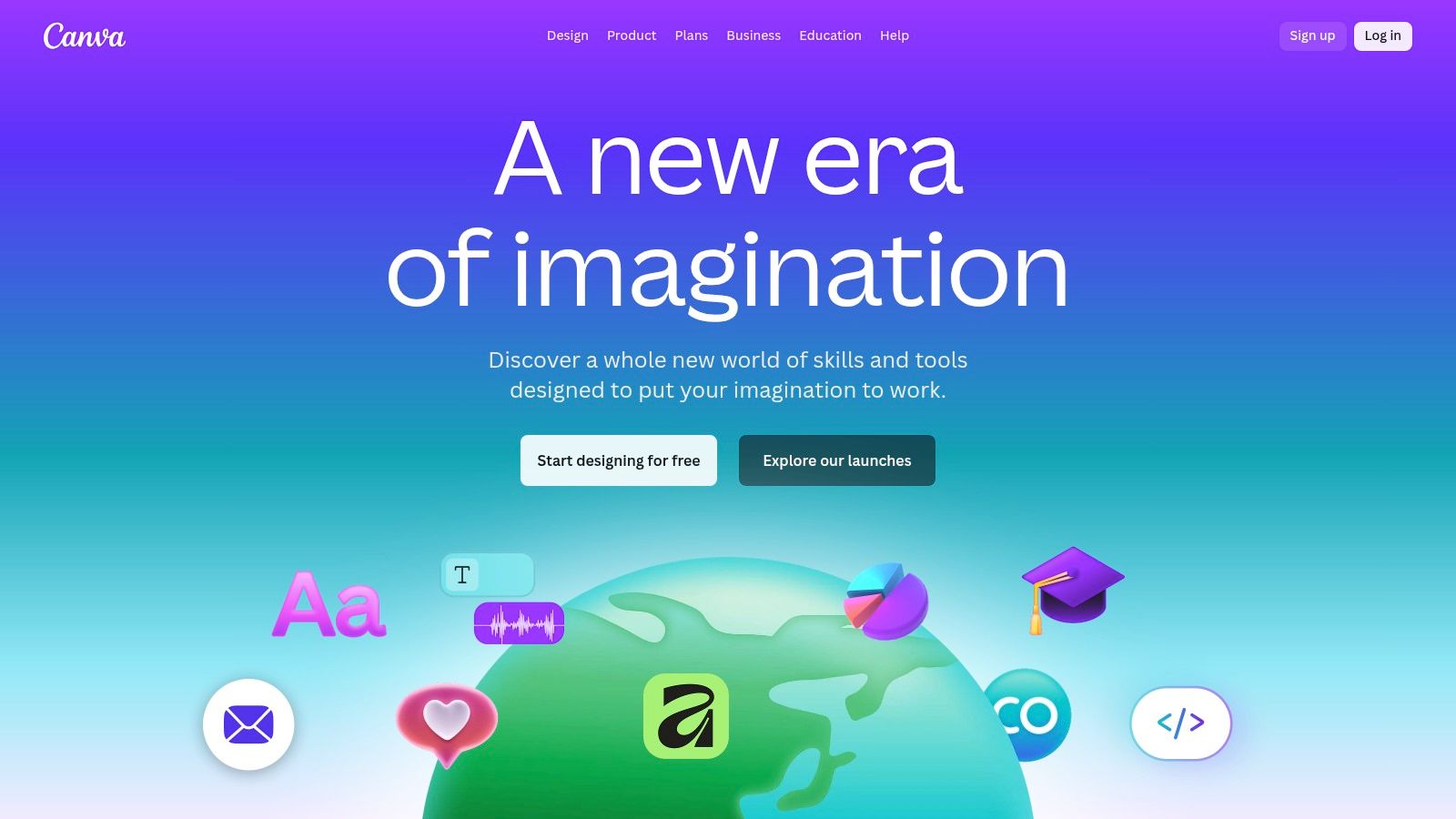
The free plan offers a generous starting point with a lifetime credit system (typically 50 credits for text-to-image) that allows users to experiment without recurring limits. Each generation of four image options consumes one credit. This system makes it one of the best free AI image generators for casual users or those just beginning to explore AI's creative potential. For a deeper look into leveraging its tools for content creation, you can learn more about Canva Magic Media.
Key Features and Usage
Canva’s Magic Media shines in its unified, user-friendly environment. You can generate an image and immediately drop it into a template, add text, apply filters, and publish, all within seconds. The text-to-image generator is straightforward, offering various styles like "Photo," "Vibrant," and "Anime" to guide the output. While it lacks the granular control of more specialized platforms, its speed and convenience are unmatched for everyday design tasks.
- Best For: Social media managers, small business owners, educators, and anyone needing to create polished designs quickly without a steep learning curve.
- Pros: Extremely easy to use within a complete design ecosystem, excellent for a fast design-to-publish workflow, and access to a vast library of templates and assets.
- Cons: The free-tier AI generation credits are limited and don't replenish, and advanced editing controls for the AI images are minimal compared to dedicated tools.
Website: https://www.canva.com
6. Ideogram
Ideogram has carved out a unique space among the best free AI image generators with its remarkable ability to render text and typography accurately within images. This makes it an invaluable tool for creating logos, posters, memes, or any design where text is a central element. While many models struggle with garbled text, Ideogram’s "Magic Prompt" feature and underlying model architecture deliver clean, coherent lettering, setting it apart from competitors.
The free plan provides a generous number of daily generations (around 25 prompts, generating 4 images each), which are processed in a public, slower queue. Users can select from various aspect ratios and apply stylistic tags like "typography," "cinematic," or "illustration" to guide the output. The platform's focus on design-oriented results makes it perfect for graphic designers, marketers, and social media managers needing quick, visually appealing assets that integrate text seamlessly.
Key Features and Usage
Ideogram’s interface is straightforward and community-focused, showcasing a public feed of creations that can serve as inspiration. The core strength lies in its prompt adherence, especially for text. For example, a prompt like "A motivational poster with the text 'Create Your Future' in a bold, sans-serif font" produces surprisingly accurate results. Users can also "remix" existing images to iterate on a concept, making it a collaborative and experimental platform.
- Best For: Graphic designers, social media managers, and anyone needing to generate images with legible, stylized text, such as logos or posters.
- Pros: Superior text rendering capabilities, good prompt fidelity, and design-centric outputs suitable for branding and marketing.
- Cons: Free generations are placed in a slow queue which can lead to delays, and the images are public by default.
Website: https://ideogram.ai
7. Leonardo.ai
Leonardo.ai is a comprehensive suite of creative tools designed for power users who want advanced control and customization over their AI generations. It stands out with a generous daily token allowance and robust features like custom model training, making it an excellent platform for those looking to move beyond simple text-to-image prompts. This focus on advanced features and a capable free tier solidifies its place among the best free AI image generators available today.
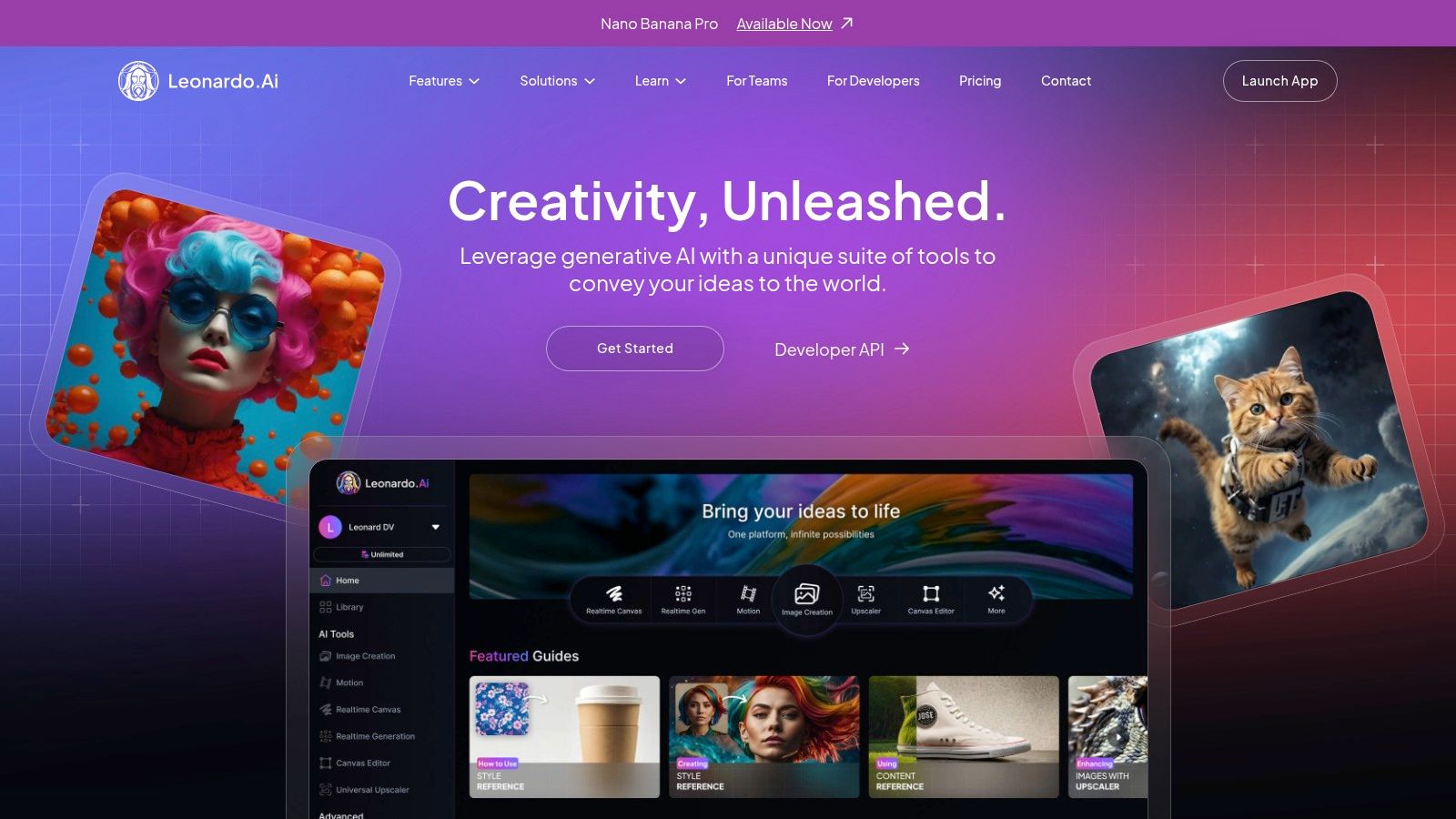
The platform operates on a daily token system, providing a fresh allotment of around 150 "fast" tokens each day. This is typically enough for dozens of images, allowing for significant daily experimentation at no cost. For those who want more, paid plans offer additional tokens, private generations, and a unique "relaxed" mode that allows for unlimited image generation with certain models, albeit at a slower speed.
Key Features and Usage
Leonardo.ai is more than just a generator; it's a full creative environment. Users can train their own AI models on specific subjects or styles, giving them unparalleled creative control. The platform also includes a versatile Canvas editor for inpainting/outpainting, background removal tools, and image upscaling. Its community-driven model library provides a massive selection of artistic styles to explore, from photorealism to anime and fantasy art. This makes it a fantastic tool for creating unique AI models or influencers with a consistent aesthetic.
- Best For: Digital artists, game developers, and advanced users who want to train custom AI models or require a high volume of daily generations.
- Pros: Generous daily free tokens, powerful custom model training capabilities, and an extensive suite of editing and upscaling tools.
- Cons: Free-tier generations are public by default, and the token-based system can have a slight learning curve.
Website: https://leonardo.ai
8. Playground AI
Playground AI positions itself as a creative social network and a powerful, easy-to-use image editor, making it an excellent choice for rapid design and iteration. It blends a clean, user-friendly interface with the power of multiple AI models, including its proprietary Playground v3 and OpenAI's DALL-E 3 for editing. This multi-model approach allows users to switch between engines to find the perfect style for their social media posts, marketing materials, or artistic concepts, securing its spot among the best free AI image generators.
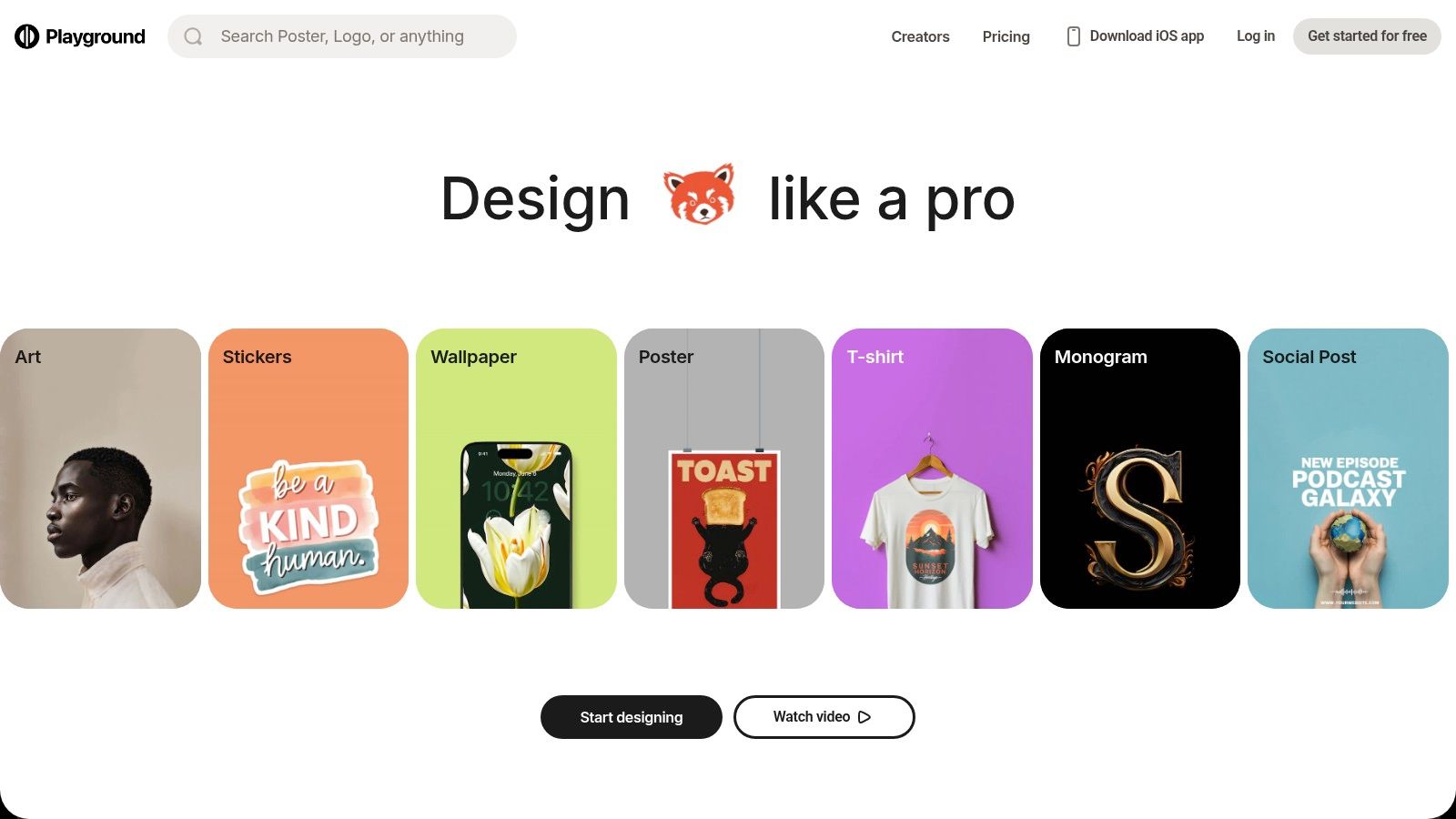
The platform offers a free tier that lets users generate a generous number of images daily (around 500 with Playground v3), though with certain limitations like fixed image dimensions and a waiting period after a batch of images. The free plan also includes a limited number of AI-powered edits, such as adding or removing elements from an image using a canvas-style editor. This makes it ideal for testing out ideas without any initial investment.
Key Features and Usage
What makes Playground AI stand out is its speed and simplicity. The interface is less intimidating than more complex tools, focusing on a straightforward workflow where you can generate, edit, and upscale images within a single canvas. Its "remix" feature is also a highlight, allowing users to easily iterate on community-generated images to create their own unique versions. The inclusion of filters and a design canvas makes it feel more like a lightweight graphic design tool than just a generator.
- Best For: Social media managers, bloggers, and aspiring designers who need to create visually appealing assets quickly and iterate on ideas without a steep learning curve.
- Pros: Very generous daily image generation limit on the free plan, intuitive and fast user interface, strong community features for inspiration and remixing.
- Cons: The free tier has significant limitations on editing and upscaling features; daily generation quotas can change.
Website: https://playgroundai.com
9. NightCafe Studio
NightCafe Studio is a community-centric platform that has been a staple in the AI art scene for a long time. It differentiates itself with a gamified, credit-based system that rewards consistent use, making it an excellent free AI image generator for hobbyists and newcomers. Rather than a one-time free trial, NightCafe provides daily free credits and bonuses for maintaining a usage streak, encouraging regular creative exploration.
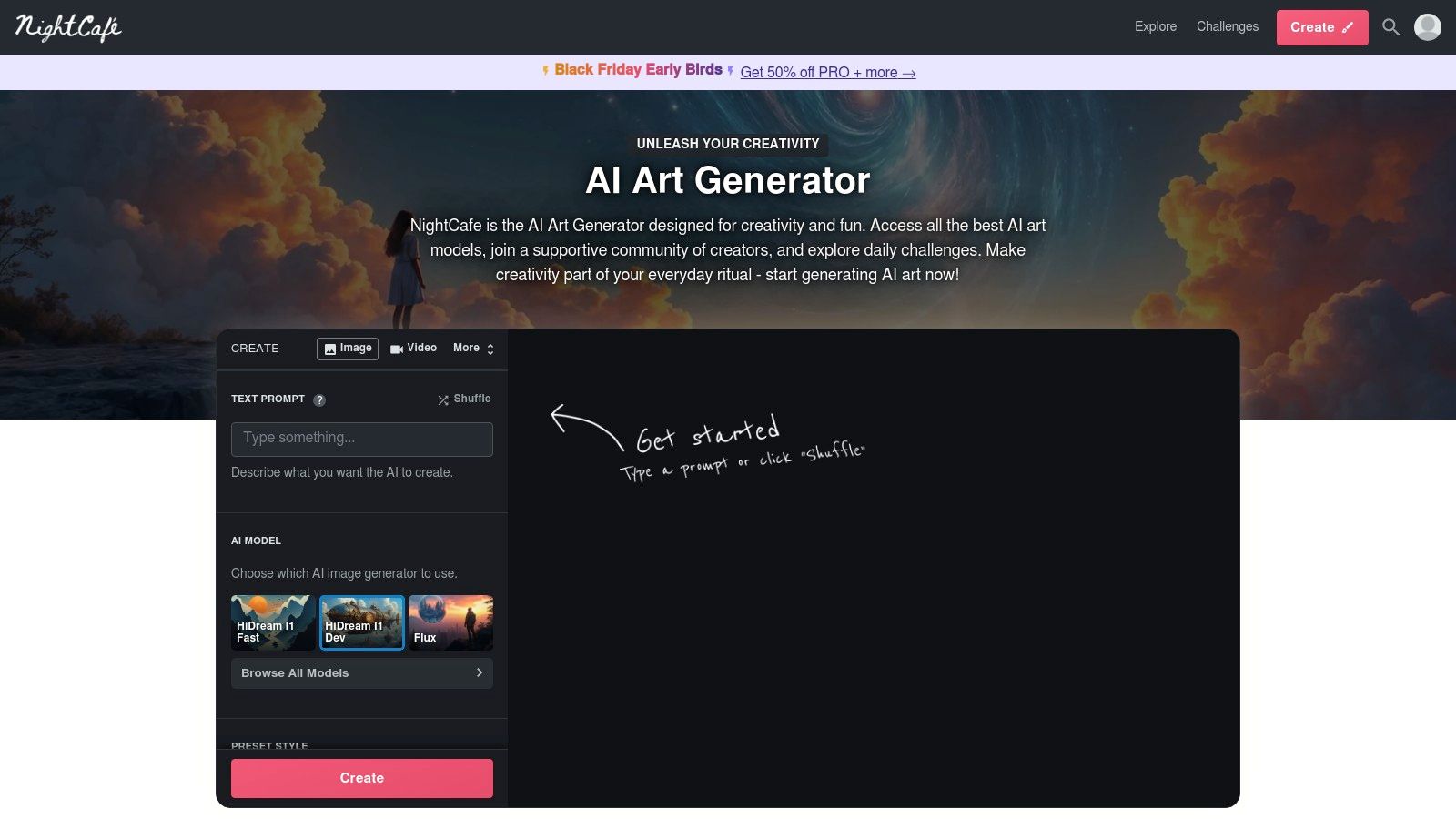
The platform is designed to be accessible, offering various generation models like Stable Diffusion and DALL-E 2, along with numerous artistic style presets. The free plan starts you off with a handful of credits, and you receive five free credits daily just for logging in. You can earn more through community participation, voting in challenges, or completing simple tasks, which makes the free tier sustainable for casual users who enjoy a predictable daily allowance.
Key Features and Usage
NightCafe excels in its user-friendly interface and robust community features. You can browse a massive public gallery for inspiration, see the exact prompts others used, and even "evolve" existing creations. The platform supports batch jobs, allowing you to create multiple images at once to see which variations work best. Its straightforward menus and clear credit costs per generation remove the guesswork often associated with more complex tools, making it ideal for those just starting their AI art journey.
- Best For: Beginners looking for a simple interface, hobbyists who enjoy daily creative sessions, and users who value community inspiration and interaction.
- Pros: Predictable daily free credits with multiple ways to earn more, strong community and public gallery, very beginner-friendly with pre-set styles.
- Cons: Credit costs for advanced models can deplete the free daily allowance quickly, and consistent logins are needed to maximize free usage.
Website: https://nightcafe.studio
10. Pixlr AI Image Generator
Pixlr AI Image Generator extends the popular online photo editor’s toolkit into the generative space, offering a convenient all-in-one solution for creating and immediately refining images. It’s built for users who want a seamless workflow, moving from text-to-image generation directly into a powerful suite of editing tools like background removal and upscaling without ever leaving the browser tab. This integration makes it a practical choice among the best free AI image generators for quick-turnaround projects.
The platform operates on a credit system, providing a small bundle of trial credits to get started. While this allows you to test its capabilities, sustained use requires a premium subscription which provides a monthly credit allotment. This model is ideal for those who already use or plan to use Pixlr for its broader photo editing features and see the AI generation as an added bonus to their creative process.
Key Features and Usage
Pixlr’s strength is its convenience. After generating an image from a text prompt, you can instantly open it in the Pixlr X (Express) or Pixlr E (Advanced) editor. This allows for immediate retouching, adding text overlays, applying filters, or using generative fill tools to modify specific parts of the newly created asset. The generator itself offers straightforward controls, making it accessible even for beginners who may be intimidated by more complex platforms.
- Best For: Social media managers, bloggers, and content creators who need to quickly generate and edit images for posts and layouts in a single, user-friendly interface.
- Pros: A fully integrated generator and photo editor in one browser-based tool, permits commercial use, accessible on web and mobile.
- Cons: The free trial credits are very limited, and the generation controls are more basic compared to dedicated AI art platforms.
Website: https://pixlr.com/image-generator/AI/
11. Craiyon
Craiyon, formerly known as DALL·E mini, is a pioneer in accessible AI image generation, offering a completely free, ad-supported service that requires no signup. Its primary strength lies in its simplicity and speed, making it an excellent starting point for anyone new to AI art or for seasoned users who want to rapidly test prompt ideas without using credits on more powerful platforms. This zero-barrier entry makes it a popular choice for casual experimentation and educational purposes.
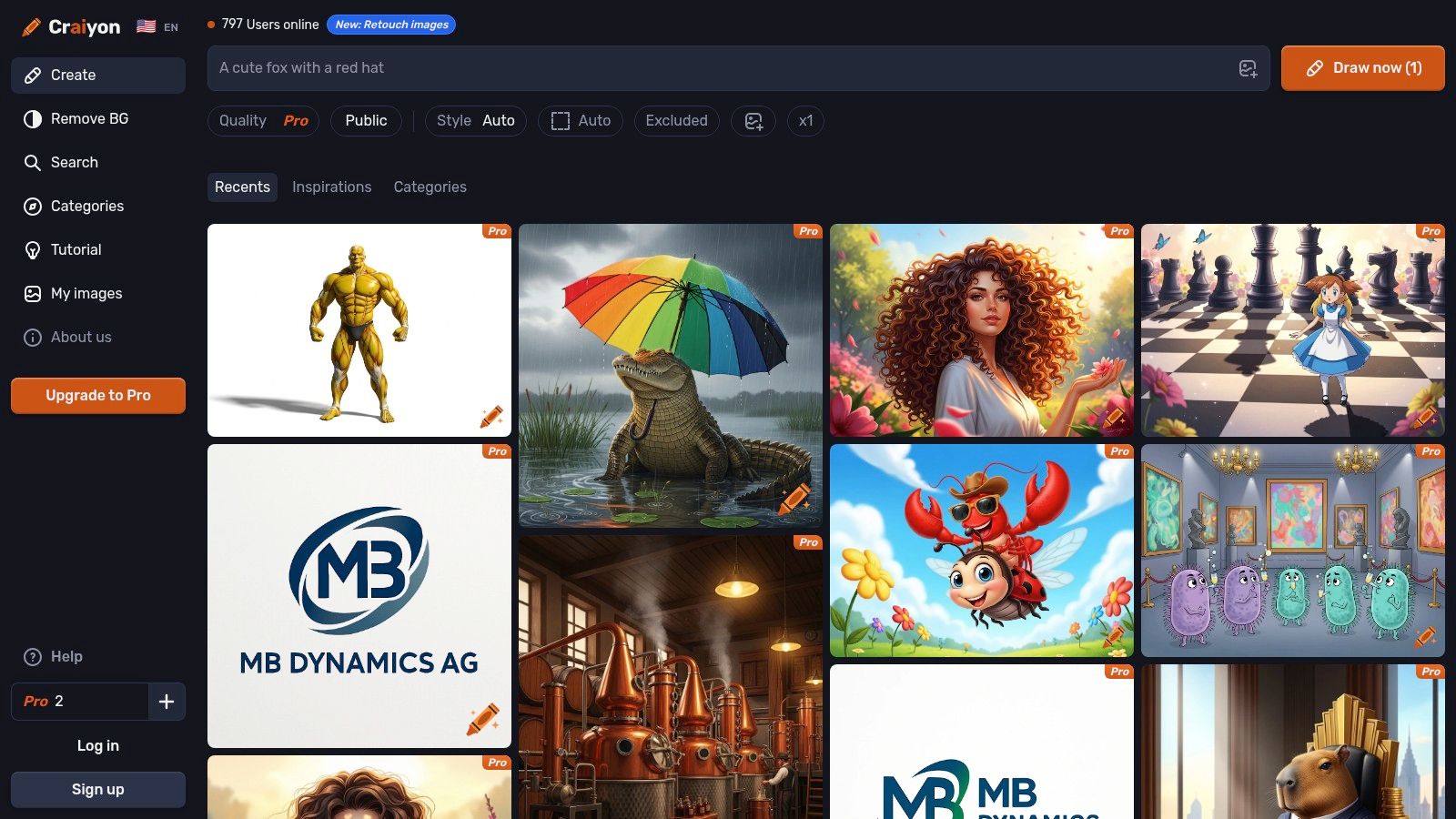
While the free version provides unlimited basic-quality generations, users can subscribe to paid tiers to remove watermarks, skip queues, and access higher-quality renders. The platform's straightforward interface allows you to input a prompt and select from styles like Art, Photo, or Drawing. The public community gallery is also a valuable resource, allowing you to browse successful prompts and outputs from other users for inspiration.
Key Features and Usage
Craiyon is designed for immediate use. You visit the site, type what you want to see, and get nine image concepts in about a minute. While its outputs may not have the high fidelity of premium models, it's incredibly effective for visualizing concepts and refining prompt wording. You can quickly see how the AI interprets different phrases before committing to a generation on a credit-based service. The "Negative Word" feature also helps you exclude unwanted elements from your image.
- Best For: Beginners testing the waters of AI generation, educators in a classroom setting, and creators who need a quick way to brainstorm visual concepts or test prompts.
- Pros: No account required for basic use, completely free and unlimited generations, very fast for ideation and prompt testing.
- Cons: Lower image quality and fidelity compared to competitors, free outputs have watermarks and may involve a queue, limited advanced customization options.
Website: https://www.craiyon.com
12. Picsart AI Image Generator
Picsart offers a comprehensive creative suite that brings AI image generation directly into its popular photo and video editor, available on both web and mobile. Known for its user-friendly interface and vast library of editing tools, Picsart integrates text-to-image capabilities seamlessly, making it an excellent choice for social media creators and casual users who want an all-in-one platform. Its mobile-first design philosophy ensures that generating and editing AI art on the go is a smooth, intuitive process.
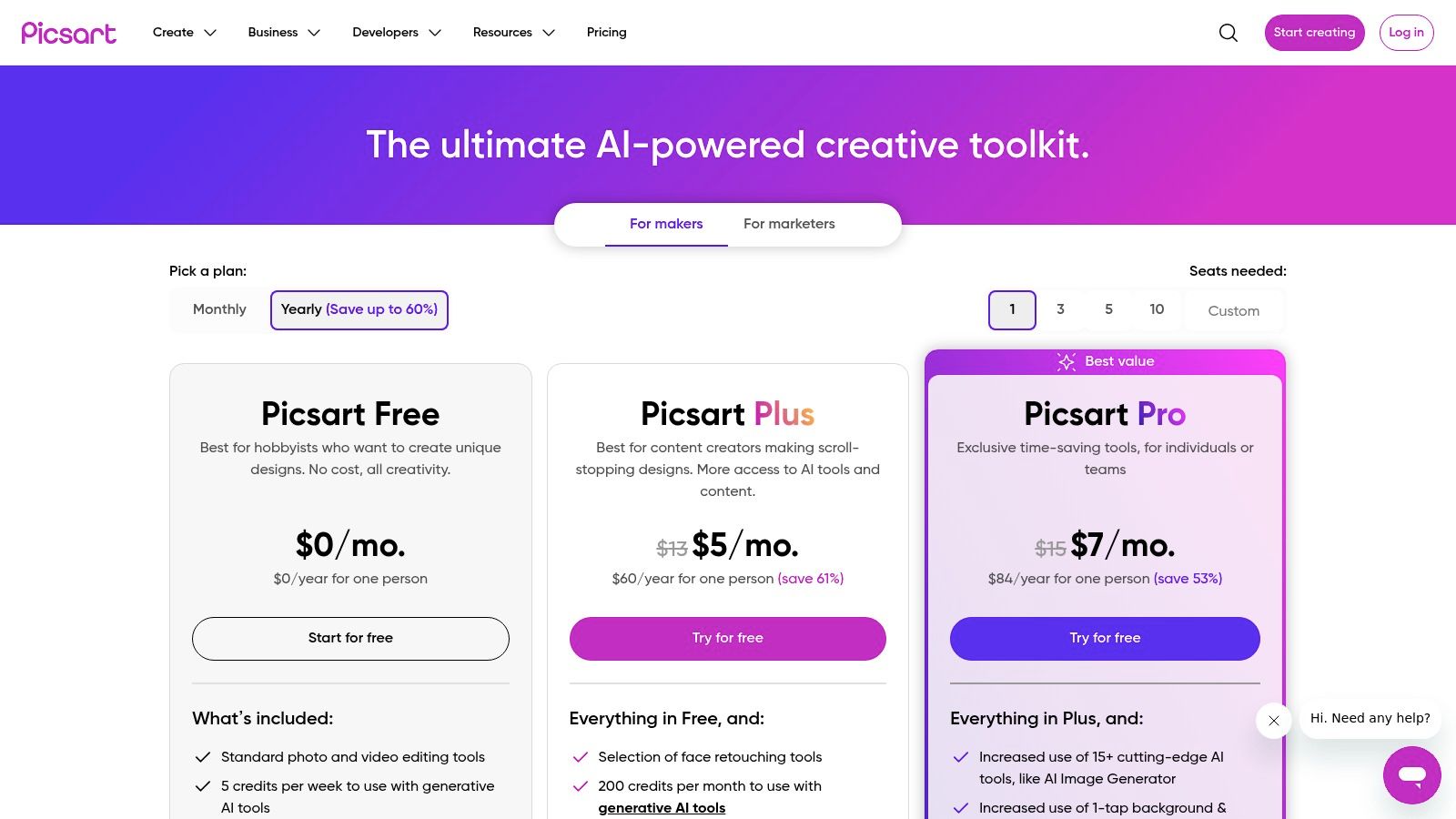
The platform operates on a credit-based system, providing free users with a weekly allotment of credits to experiment with its AI tools. This model positions Picsart as one of the best free AI image generators for those who need to create occasional assets without committing to a subscription. For users looking to maximize their creative output, you can explore more about Picsart’s capabilities and subscription benefits. The integration of templates and stock assets allows you to quickly place your generated images into professionally designed layouts.
Key Features and Usage
The main draw of Picsart's AI generator is its placement within a robust editing environment. After creating an image from a text prompt, you can immediately apply filters, add text overlays, use stickers, or incorporate it into a larger design using Picsart’s extensive toolkit. This eliminates the need to switch between different applications, streamlining the creative workflow from concept to final post. The platform also offers a variety of artistic styles to choose from, giving users control over the final aesthetic.
- Best For: Social media managers, mobile content creators, and hobbyists looking for a single app for both AI generation and comprehensive photo editing.
- Pros: All-in-one editor and AI generator, strong mobile app experience, free weekly credits for casual use, and easy integration with templates.
- Cons: Free credits are limited and can be used up quickly; advanced features and higher-resolution exports are locked behind paid tiers.
Website: https://picsart.com/pricing/
Top 12 Free AI Image Generators — Feature Comparison
| Platform | Core features | Quality (★) | Price / Value (💰) | Target audience (👥) | Unique selling points (✨) |
|---|---|---|---|---|---|
| 🏆 CreateInfluencers | AI influencer personas, image & video engines, selfie→avatar, face/body swap, voice-driven synthesis | ★★★★★ | 💰 Basic $47/mo (250c); Pro $79/mo (700c); Enterprise $149/mo (2k c) — credit-based | 👥 Influencers, marketers, adult creators, agencies | ✨ One-click influencer creation, HyperReal upscaler, themed OF/dating packs, affiliate monetization |
| Adobe Firefly | Text→image, Generative Fill/Expand, Photoshop & Express integration | ★★★★★ | 💰 Credit system; included/extended in Adobe paid plans | 👥 Designers, editors, commercial creators | ✨ Deep post-editing in Photoshop, brand-safe commercial use |
| Microsoft Designer (Bing) | Text→image (DALL·E3/GPT-4o), design templates, cross-Microsoft access | ★★★★ | 💰 Free tier with daily credits; paid Microsoft subscriptions for more | 👥 Casual creators, social media users | ✨ Frictionless free generations across Edge/Bing/Copilot |
| Google ImageFX (Labs) | Imagen 3 text→image, masking/edit controls, safety & watermarking | ★★★★★ | 💰 Free/experimental (region & account dependent) | 👥 Researchers, safety-conscious creators | ✨ Strong prompt fidelity, SynthID watermark & IPTC safety features |
| Canva Magic Media | Text→image inside templates, Brand Kit, collaboration, publish pipeline | ★★★★ | 💰 Freemium; paid Teams/Pro for brand controls & higher limits | 👥 Non-designers, marketers, teams | ✨ End-to-end design→publish workflow with vast templates |
| Ideogram | Text→image with strong typography, style/seed controls, in-browser editor | ★★★★ | 💰 Free slow credits (limited); paid priority/fast credits | 👥 Designers prioritizing text fidelity | ✨ Clean text-in-image rendering and design-focused outputs |
| Leonardo.ai | Free tokens, model training/personal models, upscale & canvas editing | ★★★★ | 💰 Generous free tokens; paid relaxed/unlimited options | 👥 Power users, creators training custom models | ✨ Model training, private generations, advanced customization |
| Playground AI | Template-first editor, multi-model support (OpenAI), canvas & mobile apps | ★★★★ | 💰 Freemium; Pro tier for higher quotas and features | 👥 Rapid social/marketing creators, mobile users | ✨ Fast, simple UI for quick iteration and edits |
| NightCafe Studio | Multiple models/styles, batch jobs, daily free credits, community gallery | ★★★★ | 💰 Credit-based with daily top-ups & streak bonuses | 👥 Hobbyists, beginners, community-focused creators | ✨ Predictable free daily usage, gallery & community challenges |
| Pixlr AI Image Generator | Text→image + generative editing, background removal, upscaling | ★★★★ | 💰 Free trial credits; premium monthly credit bundles | 👥 Photographers, quick editors | ✨ All-in-one browser generation + immediate retouch tools |
| Craiyon | Always-free text→image, multiple styles, no signup required | ★★ | 💰 Free ad-supported; paid Pro for higher quality/no watermark | 👥 Casual users, classrooms, prompt testers | ✨ Zero-barrier, instant prompt experimentation |
| Picsart AI Image Generator | AI in editor, templates, weekly AI credits, mobile-first sharing | ★★★★ | 💰 Freemium; weekly AI credits, paid tiers for more exports | 👥 Mobile creators, social sharers | ✨ Templates + social features with integrated AI tools |
Choosing Your Creative Partner and Next Steps
We've journeyed through a dynamic landscape, exploring twelve of the best free AI image generators available today. From the specialized, influencer-focused studio of CreateInfluencers to the commercially safe ecosystem of Adobe Firefly and the user-friendly interfaces of Canva and Microsoft Designer, it's clear there is no single "best" tool for everyone. The true power lies in selecting the right creative partner for your specific goals.
Your ideal choice hinges on a simple question: What are you trying to create? Answering this honestly is the most critical first step. A marketing manager needing on-brand social media graphics has vastly different needs than a digital artist building a portfolio of surrealist art, or an aspiring AI influencer aiming to build a monetizable online persona.
How to Select the Right Free AI Image Generator
To find your perfect match, move beyond feature lists and consider your end-to-end workflow. Reflect on the platforms we've reviewed and categorize them based on your primary creative objective.
For Building a Digital Identity (AI Influencers & Models): If your goal is to create and manage a consistent, photorealistic AI person for social media, branding, or platforms like OnlyFans and Fanvue, a specialized tool is non-negotiable. CreateInfluencers stands out in this category by providing an integrated studio for not just image and video generation, but also for managing the entire digital persona, including monetization and content scheduling. General-purpose generators will struggle to maintain facial consistency and lack the specific tools needed for this niche.
For Quick, Integrated Social Media Content: For those who live in a fast-paced content creation cycle, tools integrated into larger design platforms are a lifesaver. Canva Magic Media and Microsoft Designer are champions here. Their strength isn't just generating an image; it's the ability to immediately drop that image into a template for an Instagram Story, a YouTube thumbnail, or a Facebook ad, drastically cutting down your production time.
For High-Quality, Artistic Exploration: If your aim is pure artistic creation, photorealism, or developing a unique visual style, your focus should be on image quality, model variety, and community features. Leonardo.ai and Playground AI offer robust free tiers with advanced controls and access to diverse fine-tuned models, making them excellent sandboxes for artists and photographers to experiment and push creative boundaries.
For Commercial Safety and Brand Integrity: When creating assets for a business or brand, licensing and commercial use rights are paramount. Adobe Firefly is the clear leader here, as it's trained on a commercially safe dataset, providing peace of mind that your creations won't infringe on existing copyrights. This is a crucial consideration for marketing agencies and brand managers.
Your Actionable Next Steps
Reading about these tools is one thing; experiencing them is another. The most effective way to make a decision is to put them to the test.
- Shortlist Your Top 3: Based on the categories above, pick the two or three generators that most closely align with your primary use case.
- Run a Controlled Experiment: Develop three distinct, representative prompts that reflect the kind of images you want to create. For example: a photorealistic portrait, a stylized landscape, and a product shot.
- Execute and Compare: Run the exact same prompts on each of your shortlisted platforms. Don't just look at the final image. Pay close attention to the entire experience: How intuitive was the interface? How quickly were the images generated? Did you have to wrestle with the prompt to get a usable result?
- Assess the Ecosystem: Finally, consider the limitations and the broader platform. Does the free credit system work for your expected usage? Are the watermarking or licensing terms acceptable? Does the tool fit naturally into your existing creative workflow?
The world of AI image generation is not static; it's a rapidly evolving frontier. The best tool today may be superseded tomorrow. By embracing a mindset of experimentation and continuous learning, you position yourself not just as a user of these tools, but as a true creator at the forefront of this digital revolution. The perfect AI partner is waiting to help you translate your most ambitious ideas into stunning visual reality.
Ready to move beyond simple image generation and build a complete, monetizable AI persona? While many of the tools on this list are excellent for creating individual images, CreateInfluencers provides an all-in-one studio specifically designed for creating and managing AI influencers. If your goal is to build a consistent digital identity with photorealistic video capabilities and integrated monetization tools for platforms like OnlyFans, explore what a specialized platform can do for you at CreateInfluencers.