12 Best AI Video Generators of 2025: From Avatars to Cinematic Scenes
Discover the 12 best AI video generators of 2025. A deep dive into platforms for avatars, marketing, and creators, with feature analysis and pricing.
Artificial intelligence has fundamentally changed how we create, edit, and distribute video. What once required expensive gear, complex software, and specialized skills can now be accomplished with a simple text prompt or a few clicks. The market for AI video generators has exploded, offering powerful tools for every niche, from crafting photorealistic digital influencers and dynamic marketing ads to producing training videos and even unique adult content.
However, navigating this landscape is challenging. The available tools vary wildly in their core function, output quality, pricing models, and ethical guardrails. Some excel at text-to-video synthesis, while others focus on creating professional-grade avatars or simplifying the editing process. This guide cuts through the noise to provide a detailed, hands-on analysis of the 12 best AI video generators available today.
We'll explore their standout features, practical use cases, and honest limitations to help you choose the right platform for your specific creative or business goals. Each entry includes direct links and visual examples to give you a clear picture of what to expect. For a broader perspective on the evolving landscape of AI video creation, exploring comprehensive guides to leading AI video generators can offer additional insights. Our goal is to equip you with the information needed to move from a simple idea to a finished video, regardless of your technical experience.
1. CreateInfluencers
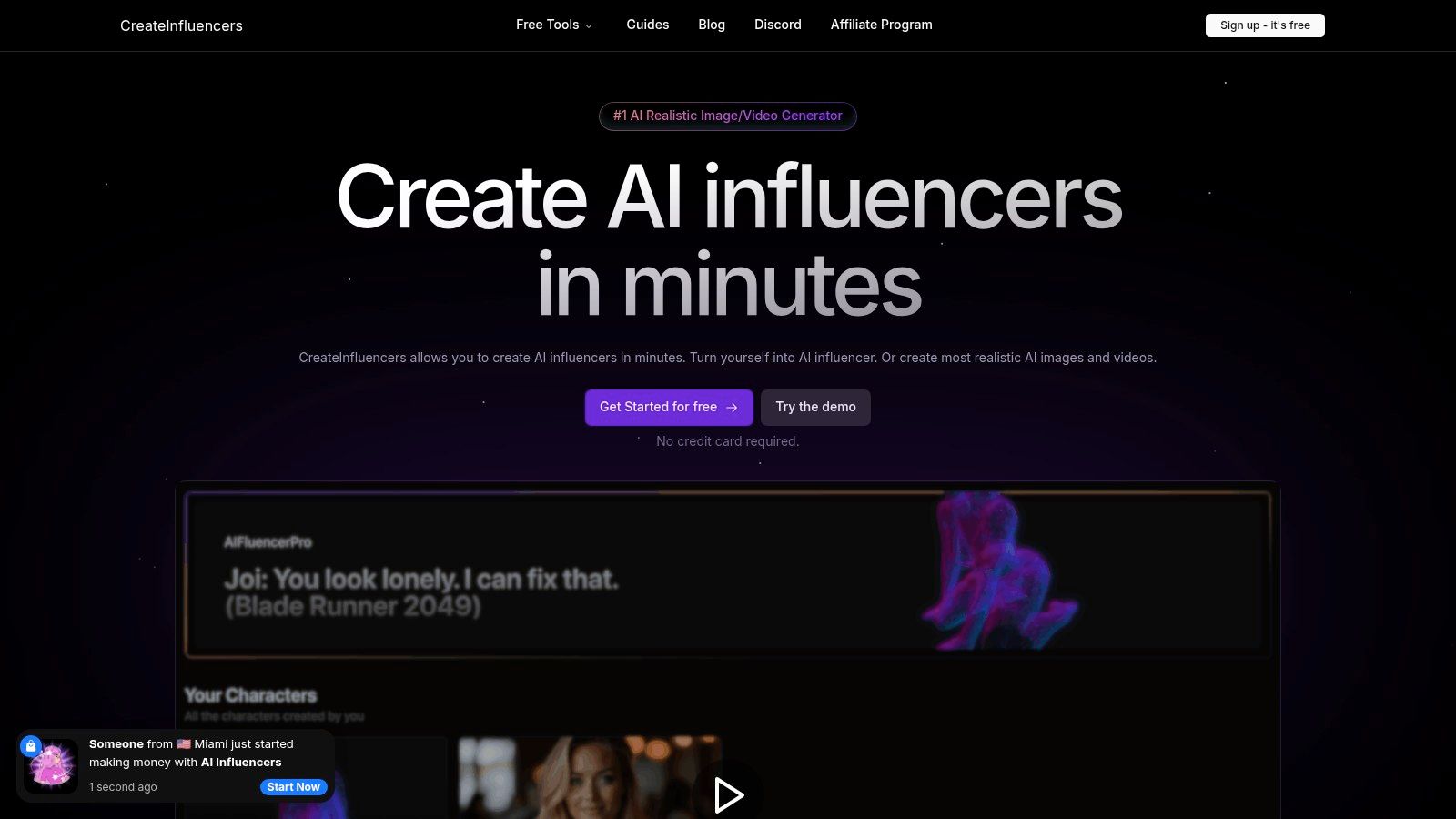
CreateInfluencers positions itself as a premier, all-in-one creative suite for generating not just AI videos but entire AI-driven personas. It stands out by combining a user-friendly, one-click character creation pipeline with a powerful arsenal of professional-grade generation engines. This unique blend makes it one of the best AI video generators for users ranging from individual creators and marketers to specialized agencies and adult content producers. The platform’s core strength lies in its holistic approach: you can design a photorealistic AI influencer from scratch or a selfie, generate entire themed photo packs, and then bring that character to life in dynamic videos.
Key Features & Use Cases
What sets CreateInfluencers apart is its access to a diverse set of advanced AI models. Users aren't locked into a single proprietary engine; instead, they can leverage the strengths of multiple models like the FLUX model family, Haiper 2.0, Kling Pro, and CogVideoX-5B. This ensures access to cutting-edge technology for superior output quality.
Standout Capabilities:
- Full Persona Creation: Go beyond simple video clips. Build a consistent AI character with the one-click creator, then deploy them in various scenarios using themed photo packs for Instagram, Tinder, or specific aesthetics like "Old Money."
- HyperReal Upscaling: The HyperReal engine is a critical tool for professional results, allowing you to upscale low-resolution faces to crisp HD quality, perfect for marketing materials and social media profiles.
- Voice-Driven Synthesis: An advanced feature that enables real-time image and video synthesis based on voice input, opening up possibilities for interactive and highly engaging content.
- Specialized Content Workflows: The platform explicitly supports creators on platforms like OnlyFans and Fanvue, providing tools and themed content packs tailored for monetized adult content.
Pricing Structure
CreateInfluencers operates on a transparent credit-based system with monthly subscription tiers. This allows users to align their spending with their production needs.
- Basic: $47/month for 250 credits
- Pro: $79/month for 700 credits
- Enterprise: $149/month for 2,000 credits
Credit costs are clearly defined per action. For example, a realistic image might cost ~0.5 credits, while complex video generation is priced per second or per job, allowing for predictable budget management. You can explore the platform's capabilities with a free signup that does not require a credit card. Learn more and get started on the CreateInfluencers website.
Pros & Cons
- Pros:
- Fast, Integrated Workflow: Turn a selfie into a complete AI persona with ready-to-use images and videos in minutes.
- Professional-Grade Models: Access to multiple top-tier AI engines ensures high-quality, state-of-the-art results.
- Versatile Use Cases: Supports everything from social media marketing and brand campaigns to specialized adult content creation.
- Business-Focused Tools: Includes an affiliate program and priority support for agencies, facilitating professional and commercial use.
- Cons:
- Potential for High Costs: While flexible, high-volume video production or use of advanced features can consume credits quickly.
- Ethical & Legal Responsibility: Users must navigate the complexities of consent, copyright, and platform policies, especially when creating realistic likenesses or adult-oriented material.
2. Runway
Runway has established itself as a premier AI video generator, appealing to creators and professional agencies with its sophisticated text-to-video and image-to-video capabilities. Its core strength lies in producing short clips with remarkably consistent motion and physics, making it ideal for cinematic B-roll, artistic experiments, and high-quality social media content. The platform's integrated suite of editing tools means you can generate, refine, and finalize a video project entirely within the Runway ecosystem.
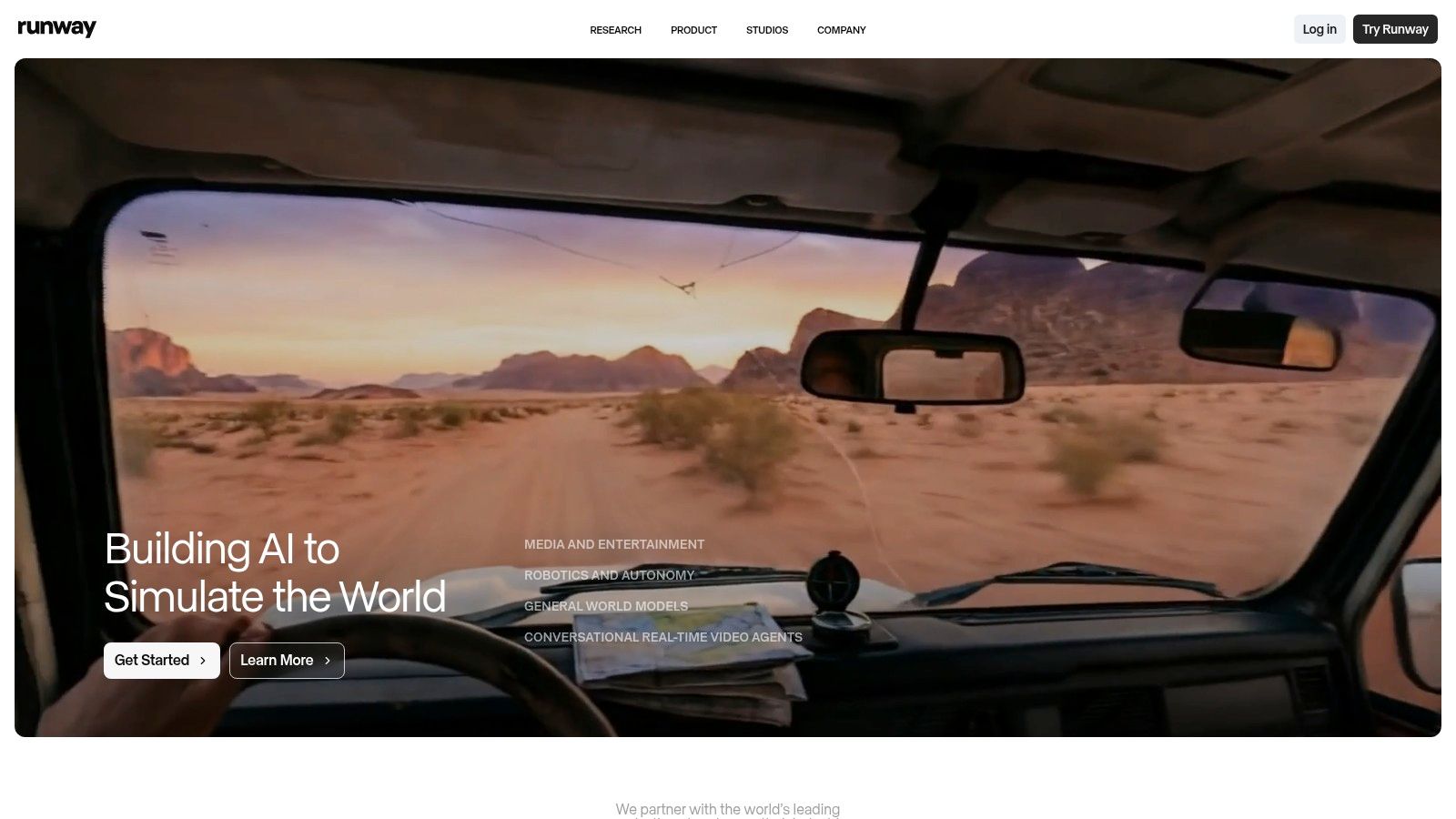
This all-in-one approach distinguishes Runway from many competitors that focus solely on generation. For teams, the platform offers collaborative workspaces and centralized storage, streamlining complex production workflows.
Key Features and User Experience
Runway’s flagship feature, Gen-2, provides users with multiple modes for creation: text-to-video, image-to-video, and video-to-video. This flexibility allows for diverse creative outputs, from transforming a static DALLE-3 image into a dynamic scene to altering the style of an existing video clip. The user interface is clean but dense with professional-grade tools, presenting a moderate learning curve for new users aiming to master prompt engineering for optimal results. To explore how to integrate these powerful tools into your projects, you can learn more about Runway on our blog.
- Pricing: Starts with a limited free plan (125 credits). Paid plans begin at $12/user/month (Standard) and go up to $28/user/month (Pro) for more credits, 4K exports, and watermark removal.
- Pros:
- Excellent motion consistency in short clips.
- Robust in-app editing and workflow tools.
- Good value with team collaboration features.
- Cons:
- Credit system can be confusing at first.
- Free plan is very restrictive for video generation.
- Requires practice to achieve desired prompt outcomes.
- Best For: Marketers, digital artists, and filmmakers needing a comprehensive production pipeline for creating short, cinematic AI video clips.
3. Pika
Pika has rapidly emerged as one of the best AI video generators, celebrated for its speed and vibrant, community-driven approach. It excels at transforming simple text prompts, images, or even existing videos into dynamic, stylized animations and short clips. Its strength lies in its accessibility and the constant evolution of its models, making it a favorite for creating eye-catching social media content, memes, and artistic visual experiments without a steep learning curve.
The platform's emphasis on community is a key differentiator. Users can draw endless inspiration from a public feed of creations, learning how different prompts and settings yield specific artistic styles. This collaborative environment, combined with frequent feature rollouts, keeps Pika at the forefront of creative AI video tools.
Key Features and User Experience
Pika’s core functionality revolves around its multiple generation modes: text-to-video, image-to-video, and video-to-video, all powered by a selection of constantly updated models. This allows creators to animate static images or completely reimagine existing footage with stylistic changes. The user interface is straightforward, encouraging rapid experimentation. Advanced control is offered through a rich effects toolkit, allowing for modifications like expanding the canvas or altering specific elements within the scene.
- Pricing: A free basic plan is available with watermarked videos. Paid plans start at $8/month (Standard) for more credits and go up to $58/month (Pro) for unlimited generations and priority access. Visit the Pika website for current details.
- Pros:
- Extremely fast video generation speeds.
- Active and inspiring user community.
- Frequent product updates and new model releases.
- Cons:
- UI and features can change quickly, requiring adaptation.
- Video consistency can vary with more complex prompts.
- Less focused on enterprise-level collaboration tools.
- Best For: Social media creators, artists, and hobbyists who need a fast, user-friendly tool for producing short, stylized, and animated AI videos.
4. Luma AI – Dream Machine
Luma AI's Dream Machine has rapidly gained attention as one of the best AI video generators, especially for users prioritizing realistic motion and physics in short-form clips. Its underlying "Ray" models are fine-tuned to produce fluid, high-fidelity video directly from text prompts or images, making it a powerful tool for creating cinematic scenes, dynamic product shots, or imaginative social media snippets. The platform offers both a web interface and a convenient iOS app, allowing for creation on the go.
This focus on physical accuracy and motion quality helps Dream Machine stand out. While it may not have the extensive in-app editing suite of some rivals, its core generation capability is highly competitive, offering a streamlined path from concept to high-quality video output. The transparent credit system and options for 4K up-resolution on higher tiers make it an accessible yet powerful option.
Key Features and User Experience
Luma AI’s user experience is centered on straightforward generation. You input a prompt, and Dream Machine produces a 5-second clip. The interface is clean and minimalist, reducing the learning curve for new users. The platform's real strength is its model's ability to interpret motion and interaction, often resulting in more believable and less "wobbly" outputs than many alternatives. Commercial use is permitted on paid plans, which is crucial for marketers and creators.
- Pricing: Offers a limited free plan. Paid plans start at $29.99/month (Standard) for more credits and go up to $499.99/month (Premier) for extensive usage and relaxed generation modes.
- Pros:
- Excellent motion realism and physical consistency for short clips.
- Simple, user-friendly interface on both web and iOS.
- Transparent credit system with options to purchase top-ups.
- Cons:
- Best suited for short clips (around 5 seconds).
- Lacks advanced, integrated video editing tools.
- Free plan can be restrictive or delayed during periods of high demand.
- Best For: Creators, artists, and marketers who need to generate high-quality, short video clips with realistic motion and have their own post-production workflow.
5. Synthesia
Synthesia has carved out a niche as the leading AI video generator for corporate and enterprise use, focusing exclusively on creating polished presenter-led videos from text. It excels in producing training materials, marketing messages, and internal communications at scale, replacing the need for traditional cameras, actors, and studios. Its core strength is its vast library of high-quality stock avatars and an extensive selection of languages and voices, enabling businesses to create localized content quickly and efficiently.
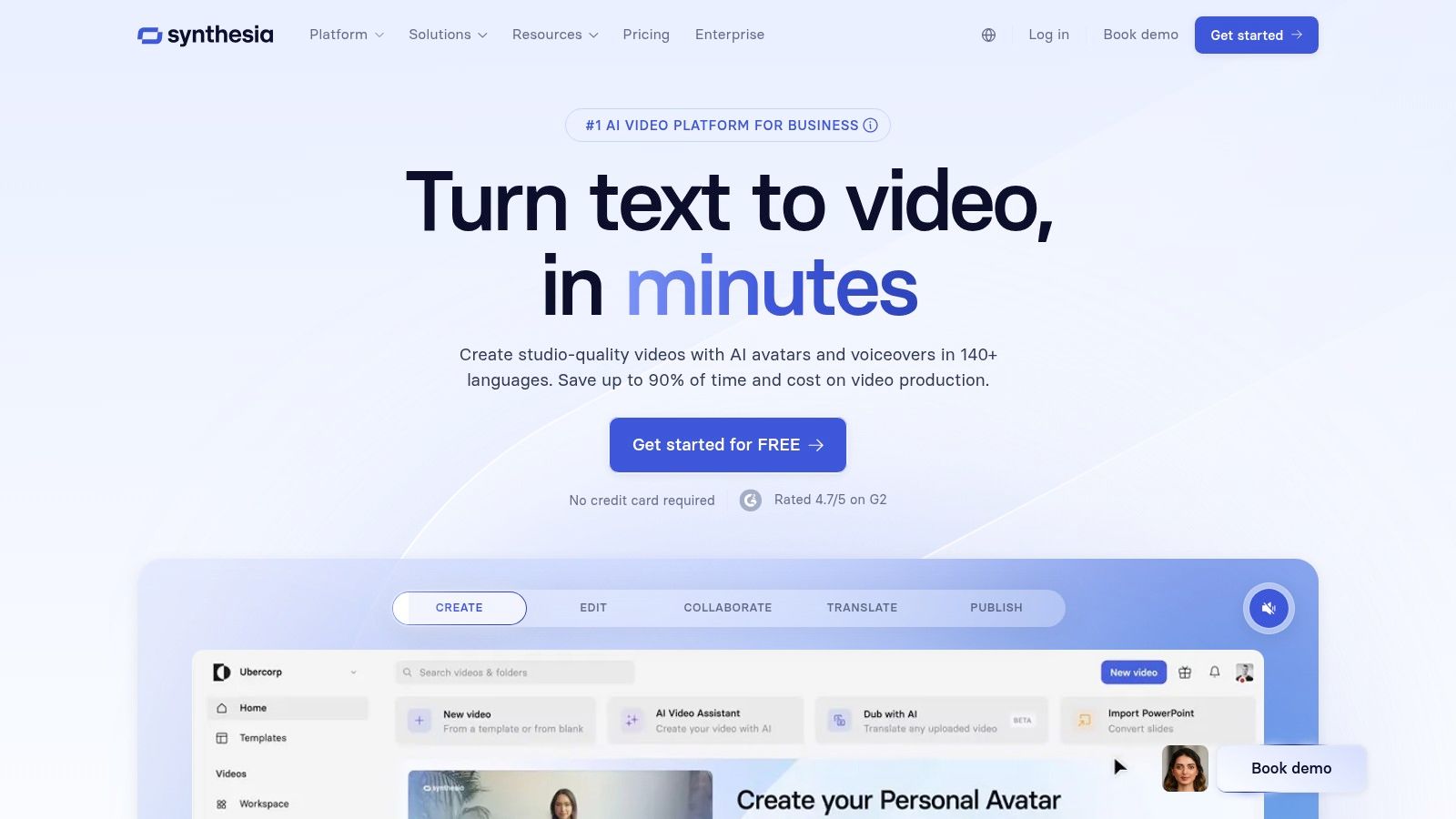
Unlike cinematic generators like Runway, Synthesia is purpose-built for dialogue-driven content where a digital human addresses the audience directly. The platform's emphasis on security, compliance, and team collaboration features makes it a trusted choice for thousands of companies seeking a streamlined video production workflow.
Key Features and User Experience
Synthesia offers a straightforward, template-driven user interface that makes video creation accessible even for non-technical users. You simply choose an avatar, type or paste your script, select a language and voice, and customize the background and branding elements. The platform supports over 140 languages and allows for the creation of custom avatars for brand consistency. For more in-depth strategies on using avatar-based video, explore our Synthesia creator guides.
- Pricing: Starts at $22/month (Creator plan) for 10 minutes of video. The Pro plan ($67/month) includes 30 minutes of video. Enterprise plans offer custom pricing with advanced features like custom avatars and API access.
- Pros:
- Mature platform with a robust set of corporate features.
- Extensive library of 125+ high-quality avatars and voices.
- Excellent for localization and scaling video production.
- Cons:
- Higher cost compared to creator-focused tools.
- Not designed for creative, cinematic text-to-video generation.
- Video credit limits on lower-tier plans can be restrictive.
- Best For: Businesses, L&D professionals, and marketers needing to produce high-quality, scalable training, sales, and communication videos with AI presenters.
6. HeyGen
HeyGen has carved out a powerful niche as one of the best AI video generators for creating polished, avatar-driven content at scale. Its primary strength lies in its ability to quickly produce professional-looking talking-head videos, making it an invaluable tool for marketing, corporate training, and educational content. The platform's standout feature is its vast library of stock avatars and its video translation service, which can localize content into different languages while maintaining the original speaker's voice.

This focus on scalable, presenter-style video and localization sets HeyGen apart from more cinematic or artistic generators. For businesses looking to create consistent brand messaging or influencers aiming to expand their global reach, HeyGen offers an efficient and cost-effective production solution without the need for cameras or studios.
Key Features and User Experience
HeyGen excels with its expansive library of over 100 stock avatars and its text-to-speech capabilities supporting more than 300 voices across 40+ languages. Users can also create custom avatars for a personalized touch. The platform's interface is exceptionally user-friendly, allowing for rapid video creation by simply typing a script. For those interested in integrating these capabilities, you can explore affiliate opportunities with HeyGen.
- Pricing: Offers a free plan with 1 minute of video. Paid plans start at $24/month (Creator) and scale to $72/month (Business) for more credits and premium features.
- Pros:
- Extremely fast production of professional talking-head videos.
- Excellent video translation and voice cloning features.
- Simple, intuitive interface ideal for beginners and teams.
- Cons:
- Output is limited to presenter-style videos, not cinematic scenes.
- Credit system can be costly for high-volume generation.
- Avatar realism, while good, may not suit all creative needs.
- Best For: Marketers, educators, and corporate trainers who need to produce high volumes of localized instructional or promotional content quickly.
7. D-ID Creative Reality Studio
D-ID’s Creative Reality Studio excels at a highly specific and powerful function: transforming a single photograph into a realistic talking-head video. Its strength lies in its exceptional lip-sync technology and extensive multilingual support, making it one of the best AI video generators for creating presenter-style content, educational materials, or personalized digital assistants. The platform is designed for accessibility, offering a user-friendly web studio alongside an API and direct integrations with tools like PowerPoint and Canva.
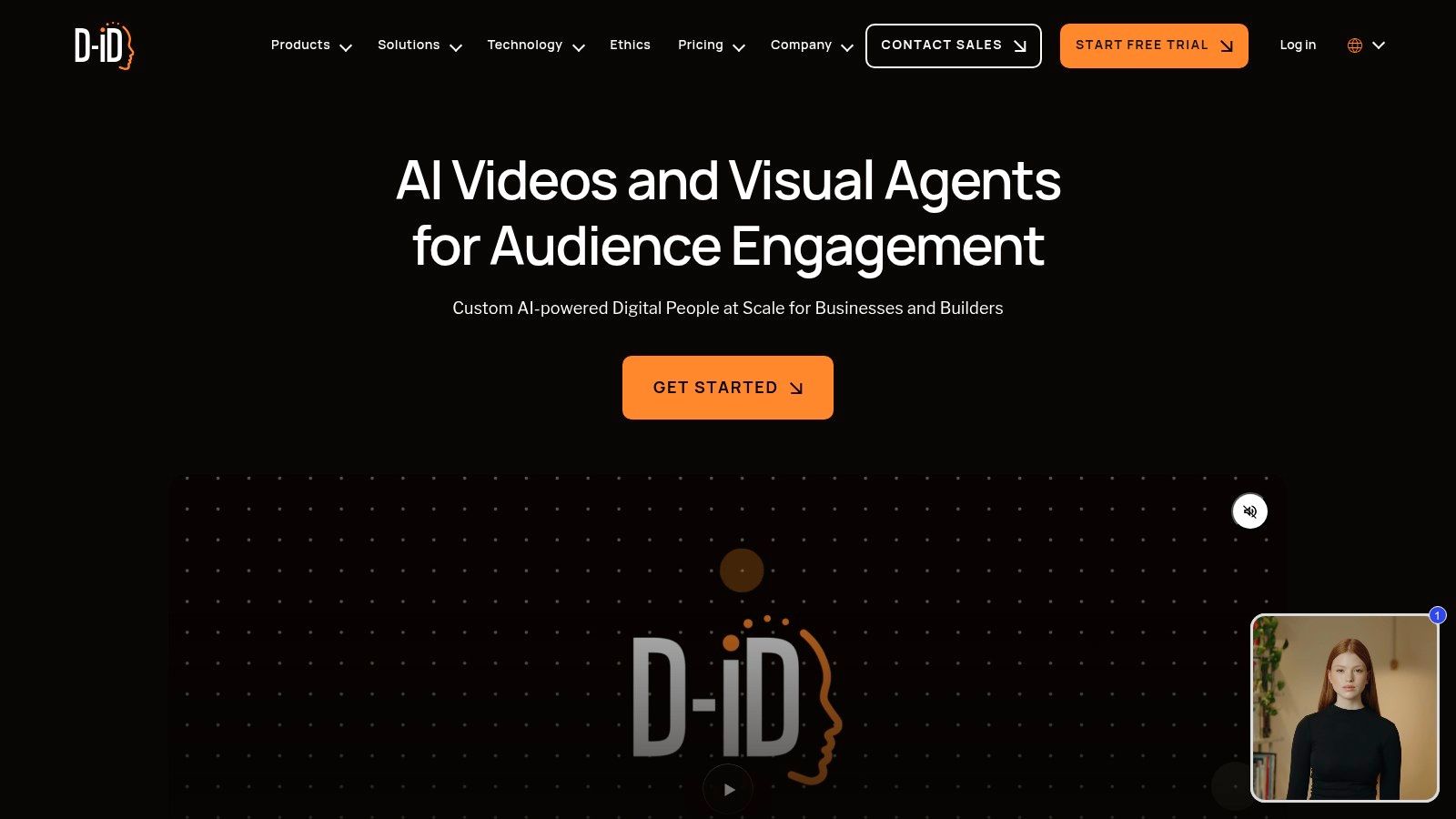
This focus on photo-to-video synthesis sets it apart from text-to-video platforms that generate entire scenes. D-ID is not for creating cinematic B-roll; it’s for giving a voice and lifelike expression to a static image, which is invaluable for creators who need to produce high volumes of direct-to-camera content without being on screen themselves.
Key Features and User Experience
The platform allows users to upload an image, select a pre-made avatar, and generate a video using either text-to-speech or a pre-recorded audio file. The interface is straightforward, guiding the user through the creation process with minimal friction. Its rendering speeds are notably fast, and the credit-based system is predictable, as it’s tied directly to video length. For professional use, the API provides the flexibility to build custom applications featuring real-time digital human interactions.
- Pricing: Offers a 14-day free trial. Paid plans start at $4.70/month (Lite) for 10 minutes of video and go up to an Enterprise plan with custom pricing and API access.
- Pros:
- Best-in-class lip-sync and realistic facial animation.
- Fast render times and a simple, intuitive workflow.
- Excellent multilingual text-to-speech capabilities.
- Cons:
- Strictly focused on talking heads; no scene or action generation.
- The free trial includes a prominent D-ID watermark.
- Credit system may feel restrictive for longer video projects.
- Best For: Marketers, educators, and influencers who need to produce high-quality, scalable presenter videos and animated avatars from still images.
8. Colossyan
Colossyan specializes in AI avatar-driven video generation, making it a standout choice for corporate training, internal communications, and educational content. Its platform is engineered to streamline the production of professional-looking presenter-led videos, such as standard operating procedures (SOPs), employee onboarding materials, and localized learning modules. The core value proposition is its ability to rapidly create and translate content without needing cameras, actors, or studios.
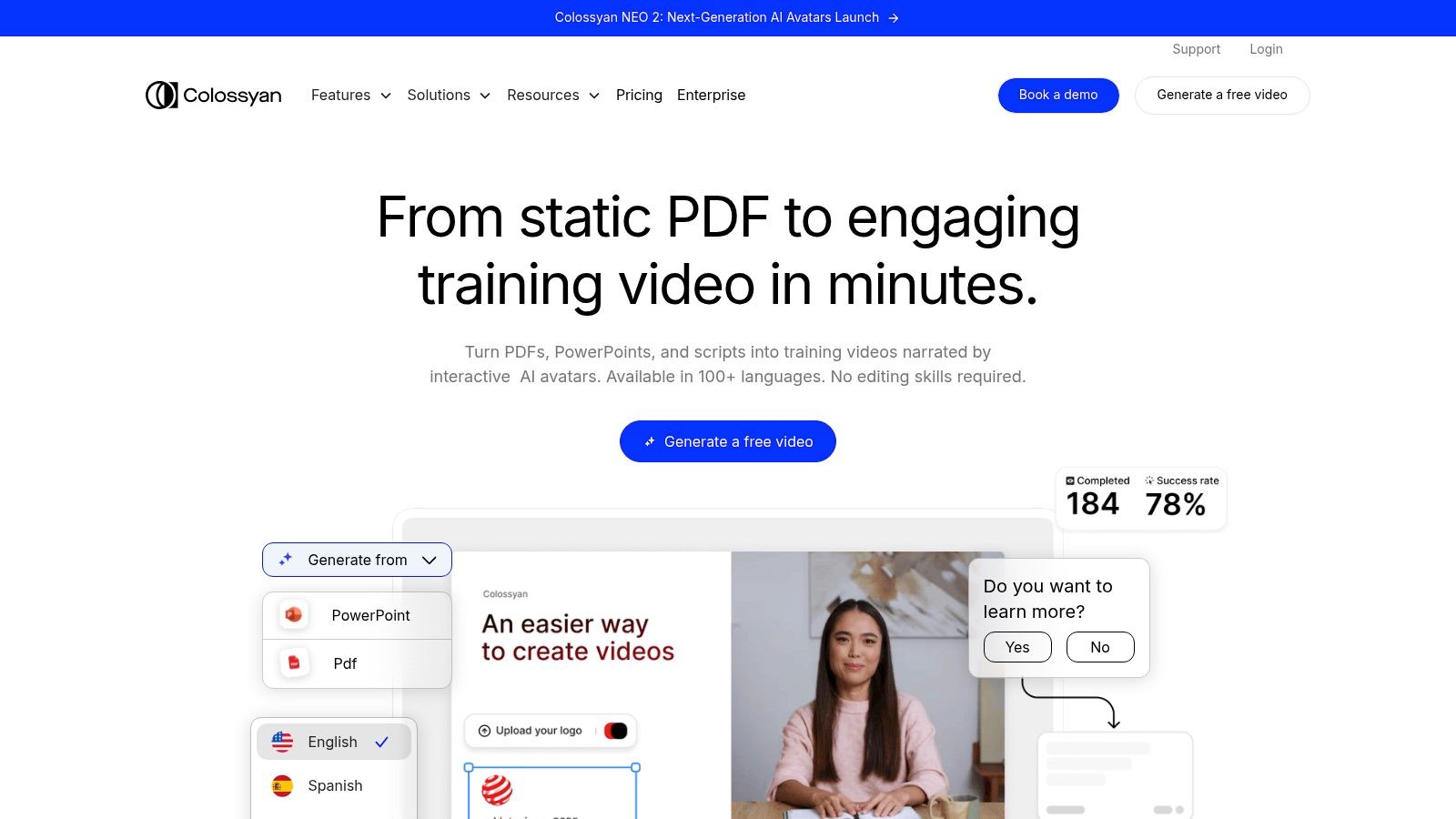
This focus on learning and development (L&D) sets it apart from more creative or cinematic AI video generators. For enterprises, Colossyan offers powerful localization features, including auto-translation into over 70 languages, which is essential for global teams. Its interactive video capabilities on higher-tier plans further enhance engagement for training purposes.
Key Features and User Experience
Colossyan provides a straightforward, script-based workflow where users choose an avatar, paste their text, and generate a video. The platform supports a wide range of avatars (from 70 to over 170 depending on the plan), including options for custom avatars. A key differentiator is the ability to place multiple avatars in a single scene, perfect for creating conversational or dialogue-based training scenarios. The interface is clean and built for efficiency, allowing quick production cycles.
- Pricing: Starts at $28/user/month (Starter) for 10 minutes of video. The Pro plan at $84/user/month offers 40 minutes, while Enterprise plans provide custom pricing with features like unlimited minutes and interactive videos.
- Pros:
- Excellent for eLearning, SOPs, and internal training.
- Powerful auto-translation and localization features.
- Scalable enterprise options with unlimited minutes.
- Cons:
- Not designed for creative or cinematic video generation.
- Higher-tier features and team seats can be costly.
- Avatar variety is good but may feel corporate-focused.
- Best For: L&D teams, HR departments, and enterprises that need to produce scalable, localized training and communication videos efficiently.
9. InVideo AI
InVideo AI excels as a comprehensive script-to-video platform, designed to streamline the content creation process from a single idea to a polished final product. It targets marketers, YouTubers, and social media managers who need a fast, straightforward workflow. The platform’s primary strength is its ability to take a text prompt, generate a script, source relevant stock footage, add a realistic voiceover, and assemble it all into a cohesive video automatically.
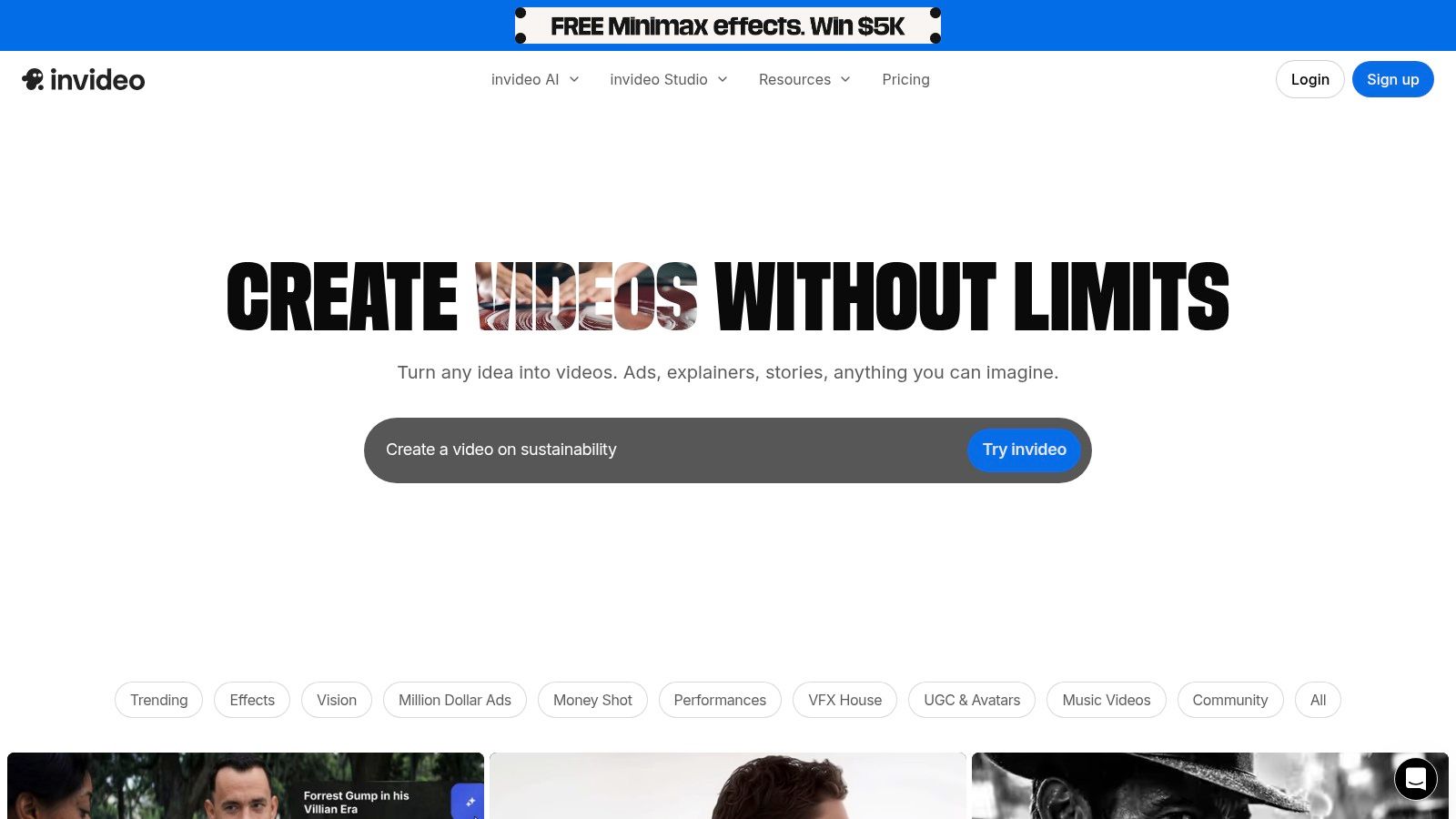
This end-to-end automation makes it one of the best AI video generators for users who prioritize efficiency over granular creative control. Instead of needing to master complex prompt engineering, you can give InVideo AI a topic and let its system handle the heavy lifting, delivering a shareable video in minutes.
Key Features and User Experience
InVideo AI’s workflow is incredibly user-friendly, guided by a simple prompt interface where you define the video’s topic, tone, and target platform. The system generates a script, which you can edit, and then automatically finds clips from its vast stock media library to match each scene. Users can also incorporate AI-powered talking avatars for explainer videos or presentations, adding a human element without needing a camera. The platform includes 24/7 support and a large community, which is beneficial for troubleshooting.
- Pricing: Offers a free plan with watermarked exports and limited features. Paid plans start at $20/month (Plus) and go up to $48/month (Max) for more AI generation minutes and stock media usage.
- Pros:
- Simple, fast workflow from idea to finished video.
- Massive stock media library integrated into the generation process.
- Excellent for marketing, listicles, and YouTube explainer content.
- Cons:
- Free plan is restrictive and applies watermarks.
- Less fine-grained control over shot composition compared to dedicated text-to-video engines.
- Best For: Content creators and marketers who need to produce high volumes of informational or promotional videos quickly for platforms like YouTube and Instagram.
10. Kapwing
Kapwing stands out as a versatile, browser-based video editor that integrates multiple AI tools into a familiar timeline-based workflow. It's not a standalone generator but an all-in-one studio, making it one of the best AI video generators for creators who need to produce social media content quickly. The platform combines features like script-to-video, AI-powered dubbing, and automatic subtitling with access to stock libraries and various generation models.
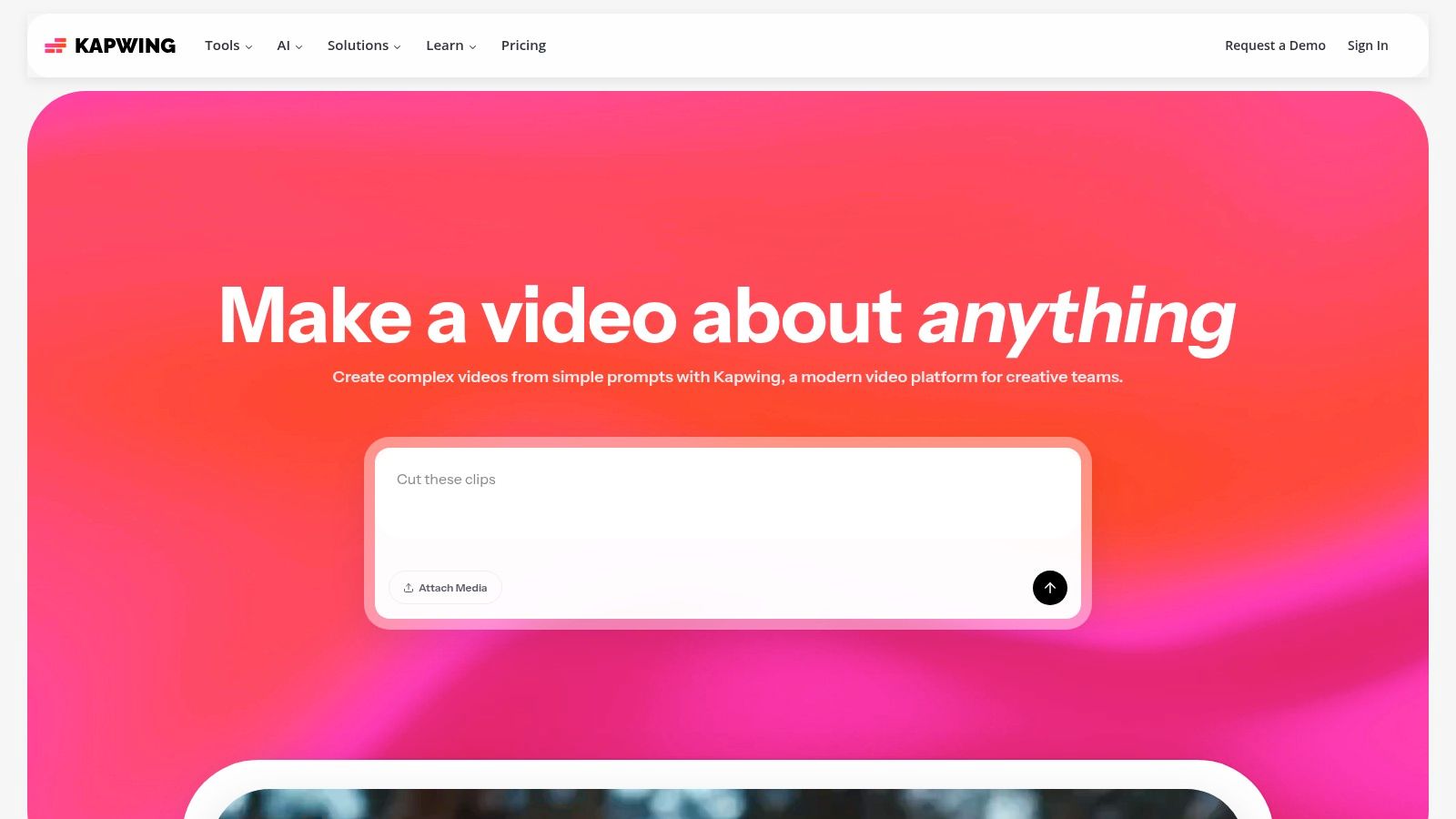
This hybrid approach allows users to generate clips and immediately edit them alongside existing footage, text, and audio without leaving their browser. For teams, Kapwing offers collaborative workspaces, brand kits, and shared asset libraries, which is ideal for maintaining brand consistency across multiple projects and creators.
Key Features and User Experience
Kapwing’s main strength is its user-friendly timeline editor, which will feel intuitive to anyone with basic video editing experience. It augments this traditional setup with a powerful suite of AI features. Users can access different generation models (including early access to models like Sora and Veo) through a unified credit system. Features like AI dubbing and multi-language translation are particularly useful for influencers and marketers aiming to reach a global audience. The interface is clean, making it easy to apply AI effects, generate B-roll, or create subtitles with a few clicks.
- Pricing: Offers a free plan with watermarked 720p exports. The Pro plan is $16/user/month (billed annually) for 4K exports, no watermark, and 300 credits. The Business plan adds more features and credits.
- Pros:
- Familiar timeline editor with strong AI-assist features.
- Straightforward pricing with clear credit inclusions.
- Excellent for subtitles, dubbing, and multi-language workflows.
- Cons:
- Some AI actions can consume credits quickly.
- Not as photorealistic for physics-heavy T2V as dedicated generators.
- Best For: Social media managers, content creators, and marketing teams needing a fast, collaborative editor for producing polished, multi-format video content.
11. Pictory
Pictory excels at a specific, highly practical niche among the best AI video generators: transforming long-form text content like articles, scripts, and blog posts into engaging, shareable videos. Instead of focusing on generative text-to-video, it automates the laborious process of finding relevant stock footage, adding captions, and syncing a voiceover. This makes it a powerhouse for content marketers, educators, and YouTubers aiming to repurpose existing assets into a new format quickly.
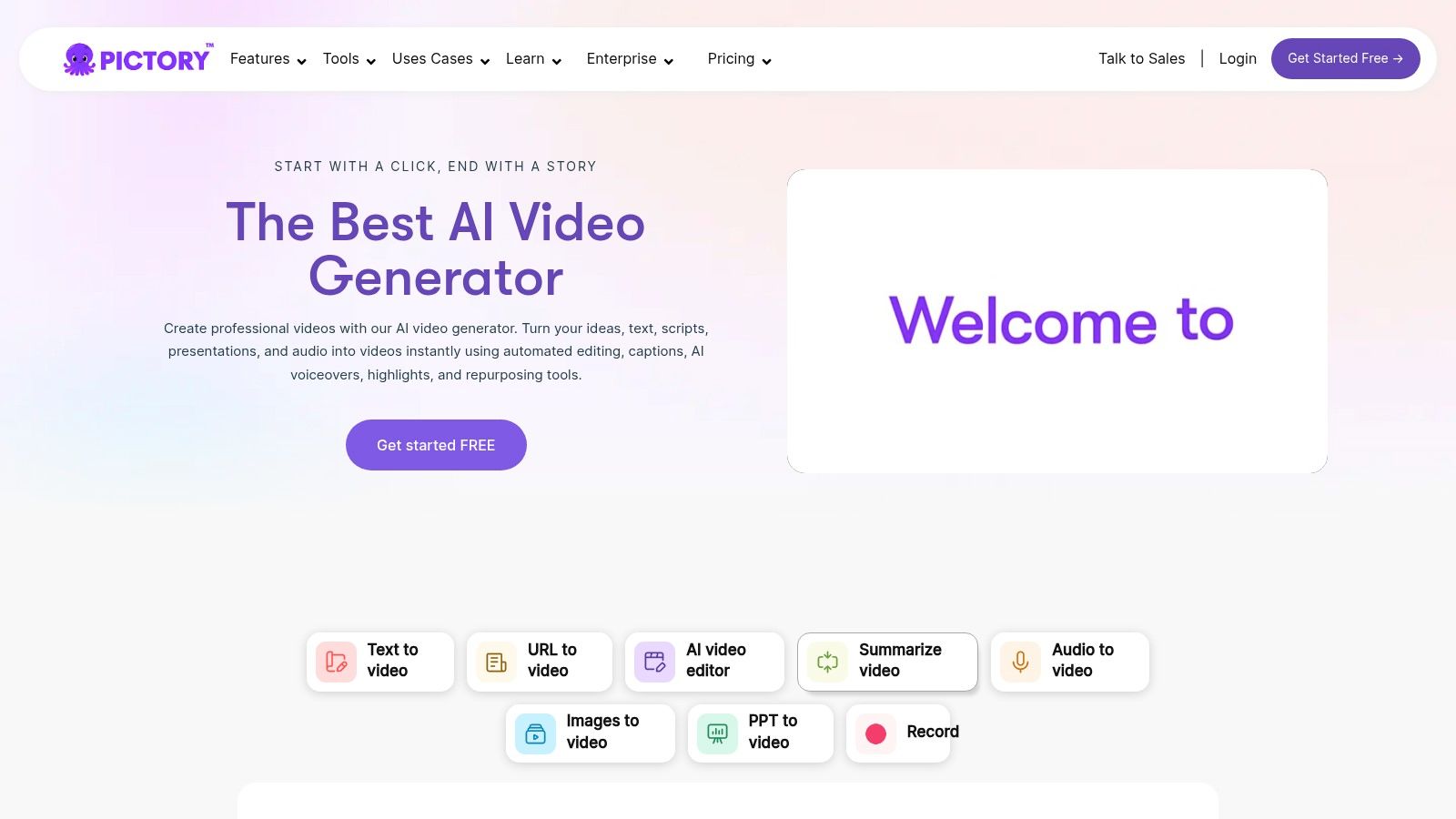
The platform's core strength is its workflow efficiency. By simply inputting a script or a URL, Pictory’s AI scans the text, selects key highlights, and pulls corresponding visuals from a vast library of stock media. It’s an ideal solution for creating faceless explainer videos, listicles, and educational content without needing to appear on camera or shoot original footage.
Key Features and User Experience
Pictory’s interface is built for speed, guiding users through a simple, step-by-step process from script to final video. Its Article-to-Video and Script-to-Video features are the main attractions, automatically creating storyboards that users can then easily customize. The platform also integrates with premium stock libraries like Getty Images and Storyblocks and provides access to high-quality AI voices, including a partnership with ElevenLabs on higher-tier plans.
- Pricing: A free trial is available to create three video projects. Paid plans start at $19/user/month (Standard) for 30 videos per month, up to the Teams plan at $99/user/month for advanced features and collaboration.
- Pros:
- Extremely fast for repurposing articles and scripts into videos.
- Predictable video-minute quotas simplify content planning and budgeting.
- Excellent for creating faceless content and social media explainers.
- Cons:
- Relies heavily on stock media, which can look generic without customization.
- Not a true generative text-to-video tool for creating original cinematic scenes.
- Limited creative control compared to full-suite video editors.
- Best For: Content marketers, bloggers, and course creators who need to efficiently turn written content into professional-looking videos with minimal effort.
12. Animaker
Animaker carves out a niche among the best AI video generators by focusing on accessible, do-it-yourself animated video creation. Instead of photorealism, its strength lies in a vast library of characters, props, and templates, supercharged with AI assists. This makes it an exceptional tool for producing explainer videos, educational content, and animated marketing materials without needing any editing experience.
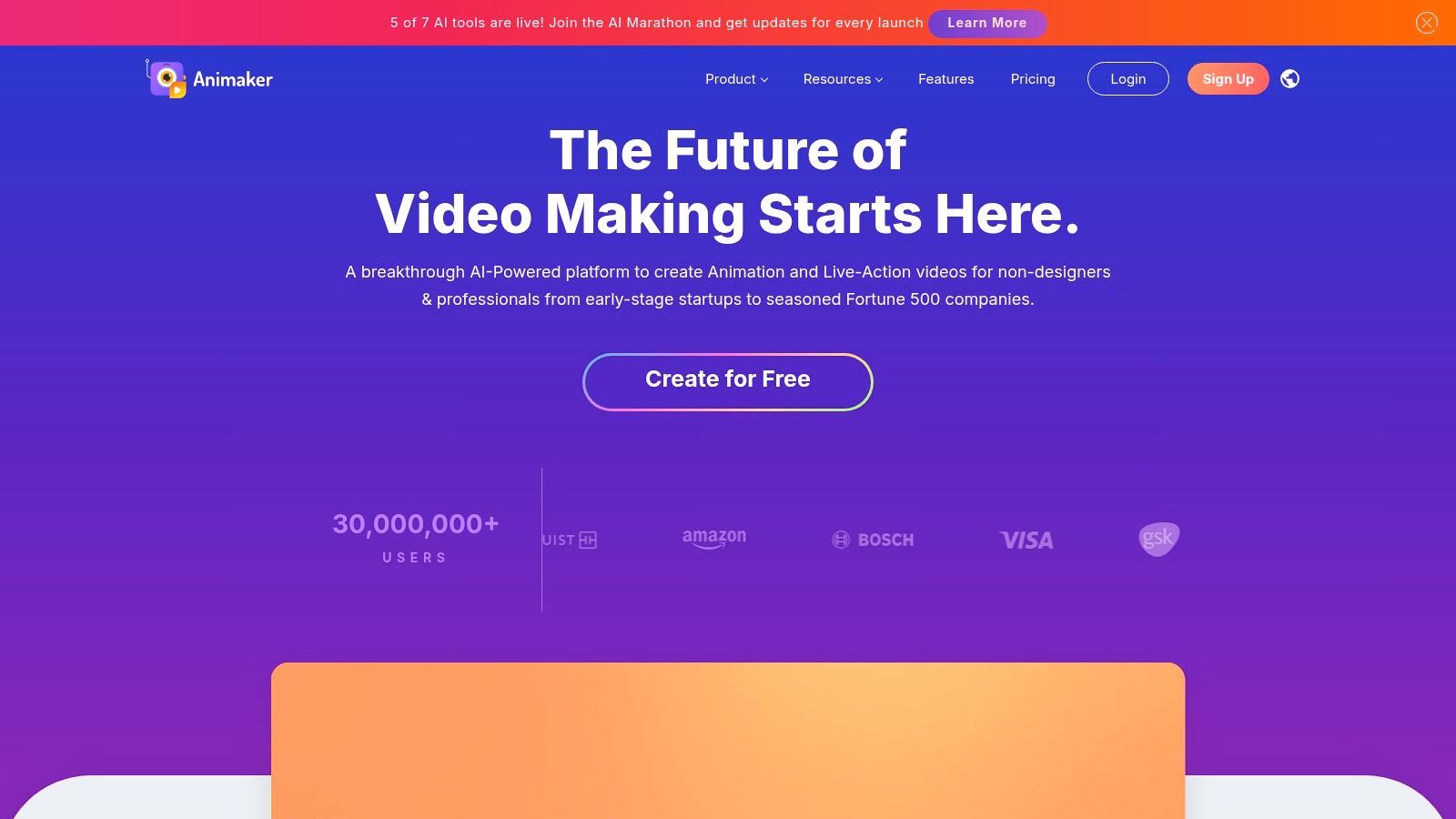
The platform’s AI features, such as script-to-video and automated voice-overs, streamline the production process, allowing users to go from a simple text document to a fully animated video in minutes. This focus on speed and ease of use makes it a go-to for businesses and educators who need engaging content quickly.
Key Features and User Experience
Animaker's user experience is designed for beginners, featuring a drag-and-drop interface that feels intuitive and user-friendly. Users can create custom animated avatars and leverage an enormous asset library that includes everything from animated charts to dynamic backgrounds. The AI video generator quotas are integrated into paid plans, providing a clear path for scaling production as needs grow. While the platform is powerful, the sheer number of features can feel slightly overwhelming initially, but the template-driven workflow helps guide new users effectively.
- Pricing: Offers a limited free plan. Paid plans start at $12.50/month (Basic) and scale to $39/month (Pro), with custom Enterprise plans available.
- Pros:
- Extensive library of pre-built assets enables rapid video production.
- Friendly, intuitive interface ideal for non-editors and educators.
- Strong character customization and animation features.
- Cons:
- Output is stylized and animated, not photorealistic.
- Export limits and feature access are heavily gated by pricing tier.
- AI generation credits are limited on lower-tier plans.
- Best For: Marketers, educators, and small businesses needing to create engaging animated explainer videos and presentations without a steep learning curve.
Top 12 AI Video Generators – Feature Comparison
| Product | Core features | Quality / UX (★) | Value / Pricing (💰) | Target audience (👥) | Unique selling points (✨) |
|---|---|---|---|---|---|
| CreateInfluencers 🏆 | One‑click AI influencer chars, selfie→avatar, image & video gen, HyperReal upscaling, adult workflows | ★★★★☆ — fast, studio‑quality | 💰 Basic $47/mo (250c), Pro $79/mo (700c), Enterprise $149/mo (2000c), credit‑based | 👥 Creators, marketers, photographers, adult‑content creators, agencies | ✨ HyperReal upscaling, themed photo packs, face/body swap, affiliate program |
| Runway | Text→video (Gen‑4.5), image→video, performance capture, integrated editor/workflow | ★★★★☆ — cinematic motion, consistent physics | 💰 Tiered credit system; good team value | 👥 Creators, agencies, editors | ✨ NLE‑style pipeline, strong motion/physics |
| Pika | Text→video, image→video, video→video, multiple models, effects toolkit | ★★★★ — very fast, community examples | 💰 Credit plans, watermark‑free on paid tiers | 👥 Social creators, stylized animation fans | ✨ Pikaswaps, rapid model updates, active community |
| Luma AI – Dream Machine | Ray models for natural motion, web/iOS, 4K up‑res on higher tiers | ★★★★☆ — excellent motion realism for short clips | 💰 Credit tiers, 4K up‑res on premium plans | 👥 Short‑form creators, cinematics | ✨ Ray models tuned for realistic motion, 4K upscaling |
| Synthesia | Presenter/avatar videos, large avatar library, 140+ languages, API & SSO | ★★★★☆ — polished, enterprise‑grade | 💰 Enterprise pricing; higher cost for scale | 👥 Enterprises, training, marketing, localization | ✨ Large avatar library, strong localization & governance |
| HeyGen | Avatar videos, face swap, lip‑sync, translation/dubbing, API | ★★★★ — very fast localized talking videos | 💰 Clear web/API plans, credit‑based | 👥 Marketers, localization teams, creators | ✨ 500–700 avatars, 175+ languages, fast localization |
| D‑ID Creative Reality Studio | Photo→talking video, best‑in‑class lip‑sync, multilingual, plugins | ★★★★ — top lip‑sync & fast renders | 💰 Minute/credit billing, plugin integrations | 👥 Presenters, marketers, educators | ✨ PowerPoint/Canva plugins, realistic talking heads |
| Colossyan | Avatar training videos, auto‑translate, SCORM export, interactive quizzes | ★★★★ — tailored for L&D & eLearning | 💰 Business tiers, unlimited minutes on select plans | 👥 L&D teams, enterprises, training ops | ✨ SCORM support, branching quizzes, unlimited minutes |
| InVideo AI | Script→video, stock assets, templates, voiceover support | ★★★☆ — simple end‑to‑end pipeline | 💰 Template‑based pricing, free tier limited/watermarked | 👥 Social creators, marketers, YouTubers | ✨ Rapid script→video with stock library & templates |
| Kapwing | Browser editor, multi‑model access, dubbing, subtitling, timeline | ★★★★ — familiar timeline editor, team features | 💰 Clear pricing + credits, 4K on paid plans | 👥 Teams, social creators, small studios | ✨ Timeline editor + multi‑model AI access, easy collaboration |
| Pictory | Article/URL→video automation, auto‑highlights, voiceovers, stock | ★★★☆ — great for repurposing & explainers | 💰 Predictable minute quotas, tiered stock access | 👥 Content repurposers, marketers, bloggers | ✨ URL→video automation, ElevenLabs voice minutes on higher tiers |
| Animaker | DIY animated videos, character/prop libraries, templates, AI assists | ★★★☆ — friendly for non‑editors & educators | 💰 Affordable edu/SMB tiers, export limits by plan | 👥 Educators, explainer creators, non‑editors | ✨ Extensive animated assets, charts/maps, easy drag‑and‑drop |
Choosing Your Creative Copilot: Making the Right AI Video Decision
The world of AI-powered video creation is expanding at a breakneck pace, and as we've explored, the landscape is far from uniform. The term "best AI video generators" is not about finding a single dominant platform but identifying the one that aligns perfectly with your specific creative or business objectives. This journey through twelve distinct tools, from the cinematic prowess of Runway and Luma AI to the enterprise-grade avatar solutions of Synthesia and Colossyan, reveals a clear trend: specialization is key. Your ideal tool is not just a piece of software; it's a creative partner, and choosing the right one requires a thoughtful assessment of your goals, workflow, and audience.
Decoding Your Needs: From Text Prompts to Digital Personas
The first step in making a decision is to define your primary use case. Are you a filmmaker looking to generate surreal, artistic B-roll? A platform like Pika or Runway, with its advanced camera controls and cinematic models, would be your creative playground. In contrast, a marketing manager tasked with producing scalable, multilingual training videos will find a perfect fit in the polished, template-driven environments of HeyGen or D-ID, where consistency and efficiency are paramount.
For the modern content creator, especially influencers, marketers, or those venturing into the adult content space on platforms like OnlyFans and Fanvue, the challenge is different. Your goal isn't just to create a single video; it's to build a consistent, engaging, and monetizable digital identity. This is where a specialized ecosystem like CreateInfluencers truly shines. It moves beyond simple video generation to offer an integrated workflow for crafting an entire AI persona, from initial image creation and face-swapping to producing videos that maintain a consistent character, look, and feel. This holistic approach is crucial for building a brand and a following around a virtual influencer.
Key Factors for Your Final Decision
As you weigh your options, move beyond the feature list and consider these practical implementation factors:
- Workflow Integration: How does this tool fit into your existing process? Do you need something that handles everything from image to video, like CreateInfluencers, or a specialized tool for text-to-video that you'll use alongside other editors?
- Pricing and Credit Models: The financial commitment can vary wildly. Some platforms use a per-minute or per-video model, which is predictable for corporate use. Others, like many text-to-video generators, use a credit system that can be less predictable but offers more flexibility for experimentation. Calculate your expected output to see which model is more cost-effective for you.
- Output Quality and Control: While AI can generate stunning visuals, the output is rarely perfect on the first try. Consider the level of post-production required. High-quality audio is non-negotiable for professional content. To truly stand out, videos produced by AI generators often require meticulous post-production, including advanced techniques for removing background noise from video to ensure your message is heard clearly.
- Content Rights and Ethics: This is a critical, often overlooked, consideration. Carefully review the terms of service regarding content ownership. Do you retain full commercial rights to the videos you create? For creators in sensitive niches, understanding the platform's content policies and privacy measures is essential for long-term security and brand safety.
The era of AI video is not about replacing human creativity but augmenting it. These tools are powerful copilots that can help you overcome budget limitations, accelerate production schedules, and explore creative avenues that were previously inaccessible. By matching the unique strengths of the best AI video generators to your specific vision, you can unlock a new level of content creation, transforming ideas into engaging visual stories faster and more efficiently than ever before. Your next viral video or compelling brand story is just a prompt away.
Ready to build a complete digital persona instead of just a few video clips? CreateInfluencers provides an all-in-one platform designed for creators who want to build, manage, and monetize AI influencers with a consistent identity across all content. Start crafting your unique AI model and bring your vision to life by visiting CreateInfluencers today.