The 12 Best App Video Face Swap Tools in 2025
Explore the top 12 app video face swap tools for mobile & desktop. Find the perfect AI-powered app for social media, content creation, and more.
Welcome to your definitive 2025 guide to the world of AI-powered video face swapping. This technology has evolved far beyond a simple novelty, becoming a powerful tool for social media influencers, marketers, and content creators to produce hilarious memes, compelling ads, and unique digital personas. The rapid advancements in artificial intelligence have been a driving force behind the sophistication of modern video face swap apps, with companies like AuralumeAI contributing to the broader AI landscape.
Navigating the crowded marketplace of mobile apps, desktop software, and advanced platforms can be challenging. This listicle cuts through the noise to help you find the best tool for your specific needs. We will analyze the top 12 app video face swap solutions, evaluating each on output quality, ease of use, platform availability, pricing, and crucial privacy considerations.
Whether you're aiming for a quick laugh on TikTok, producing professional-grade content, or building a sophisticated AI influencer, this curated resource is your starting point. Each entry includes a direct link, key feature analysis, and honest limitations to guide your creative vision effectively. Let's find the perfect application to bring your ideas to life.
1. CreateInfluencers
CreateInfluencers positions itself as a comprehensive AI-powered content studio, moving far beyond basic face swapping to offer a full suite of tools for creating digital personas. It is an excellent choice for users who need a robust, all-in-one platform to generate high-quality images and dynamic videos from a single selfie. The platform excels at transforming a simple photo into a customizable AI influencer character, ready for deployment across various social media and content platforms.
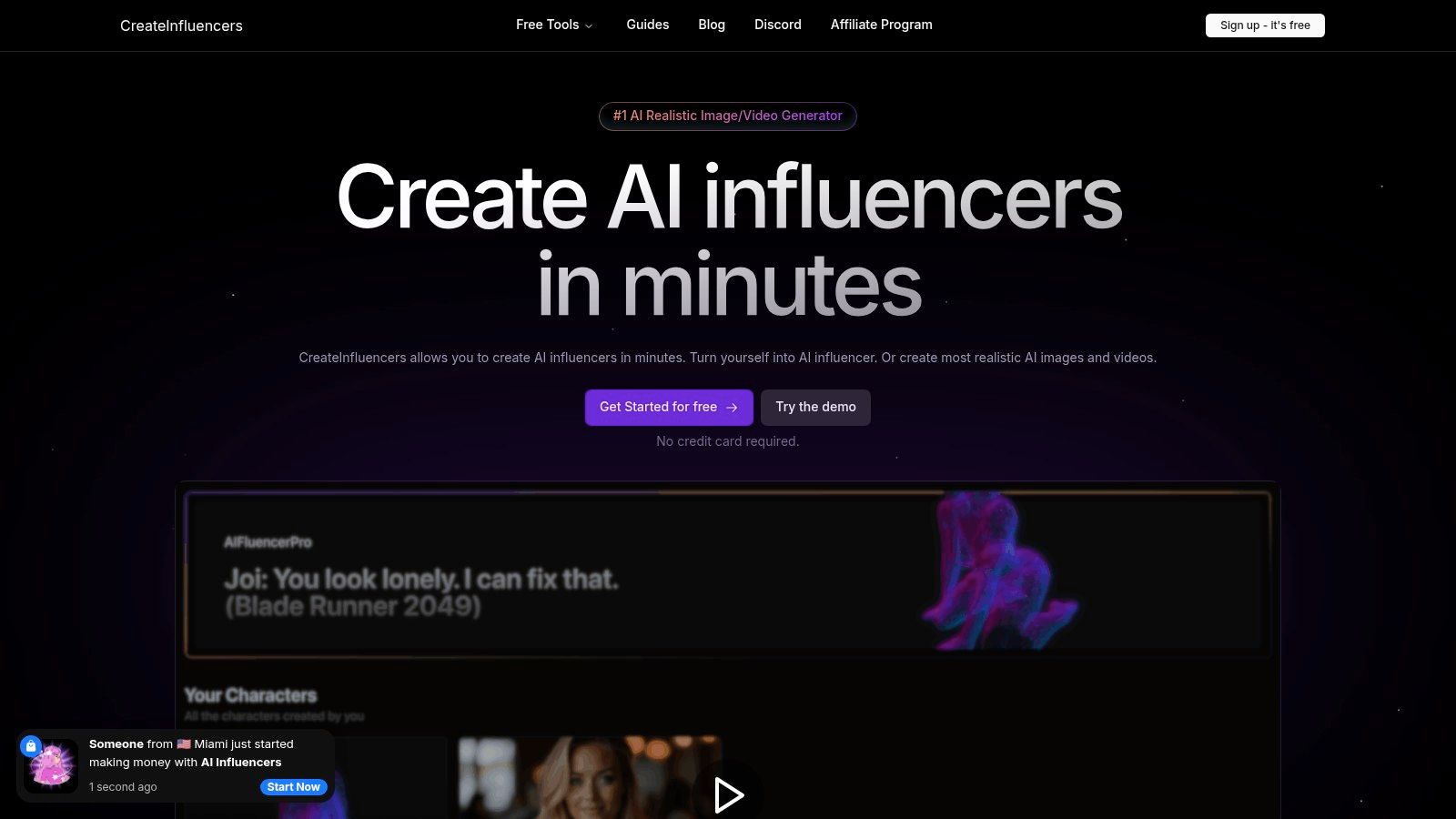
What makes this platform a standout option for app video face swap is its integration with next-generation video models like Haiper 2.0 and Kling Pro, alongside its core face swap and body swap functionalities. This allows creators to not only place a face onto existing video footage but also generate entirely new, dynamic video content featuring their AI avatar. Its HyperReal engine further ensures that all visual outputs, from photos to videos, are upscaled to high-definition quality, addressing common issues with pixelation in AI-generated content.
Key Features & Use Cases
- Selfie-to-Influencer Pipeline: The core workflow is designed for speed. Users can upload a selfie and generate a consistent AI character, then immediately use it in themed photo packs for Instagram, Tinder, or professional portfolios.
- Advanced Video Generation: Access to multiple video models enables diverse creative outputs, from short social media clips to more complex narrative scenes.
- Adult Content Support: The platform explicitly supports workflows for monetized platforms like OnlyFans and Fansly, providing tools tailored for adult content creators.
- Real-Time Synthesis: A unique voice-driven image generation feature allows for interactive and spontaneous content creation, setting it apart from competitors.
Pricing and Access
CreateInfluencers operates on a tiered, credit-based subscription model, offering flexibility for different usage levels. A free demo is available without requiring a credit card.
- Basic: $47/month for 250 credits
- Pro: $79/month for 700 credits
- Enterprise: $149/month for 2,000 credits
Credit costs vary by operation, with a face swap costing approximately 0.038 credits per image, while video generation is billed per second or per video, which can become costly for longer projects.
Website: CreateInfluencers
2. Apple App Store
For iPhone and iPad users, the Apple App Store is the primary and safest gateway to find a high-quality app video face swap. It serves as a curated, secure marketplace rather than a single application, hosting top-tier options like Reface and Face Swap Live. Apple’s stringent review process ensures that apps meet high standards for security and functionality, giving users peace of mind when downloading software and making in-app purchases.
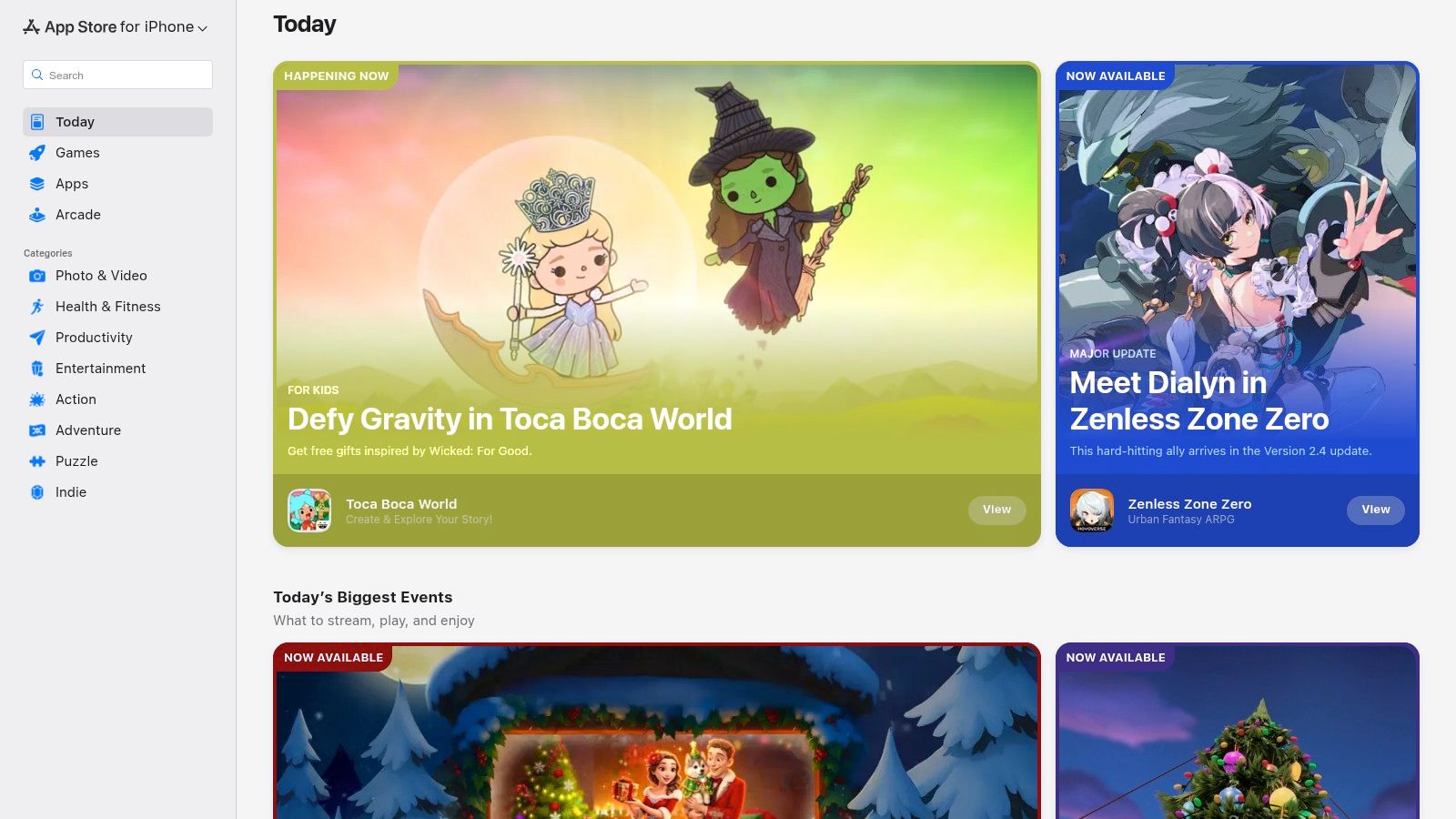
The platform centralizes user reviews, ratings, and update histories, which is invaluable for vetting an app's reliability before committing. Privacy labels are a key feature, clearly outlining what data an app collects so you can make informed decisions. This is especially important for content creators handling personal or client media.
Key Details & User Experience
- Platform: iOS, iPadOS
- Pricing: Varies by app (Free with ads, freemium, or paid)
- Unique Offering: Centralized security, privacy labels, and subscription management.
The App Store excels in user experience with its integrated ecosystem. Managing subscriptions, requesting refunds, and enabling Family Sharing for paid apps is streamlined directly through your Apple ID settings. While the selection is vast, be aware that app availability can be region-specific, and sometimes an app may be removed from the store without notice. Always check the "In-App Purchases" section to understand the full cost of unlocking an app’s best features.
Website: https://apps.apple.com/
3. Google Play Store
For the vast majority of Android users, the Google Play Store is the go-to repository for discovering a reliable app video face swap. As the official marketplace for Android, it provides access to leading applications like Reface alongside countless other specialized tools. Google's built-in Play Protect service adds a layer of security by scanning apps for malicious behavior, offering a safer download experience compared to third-party sources.
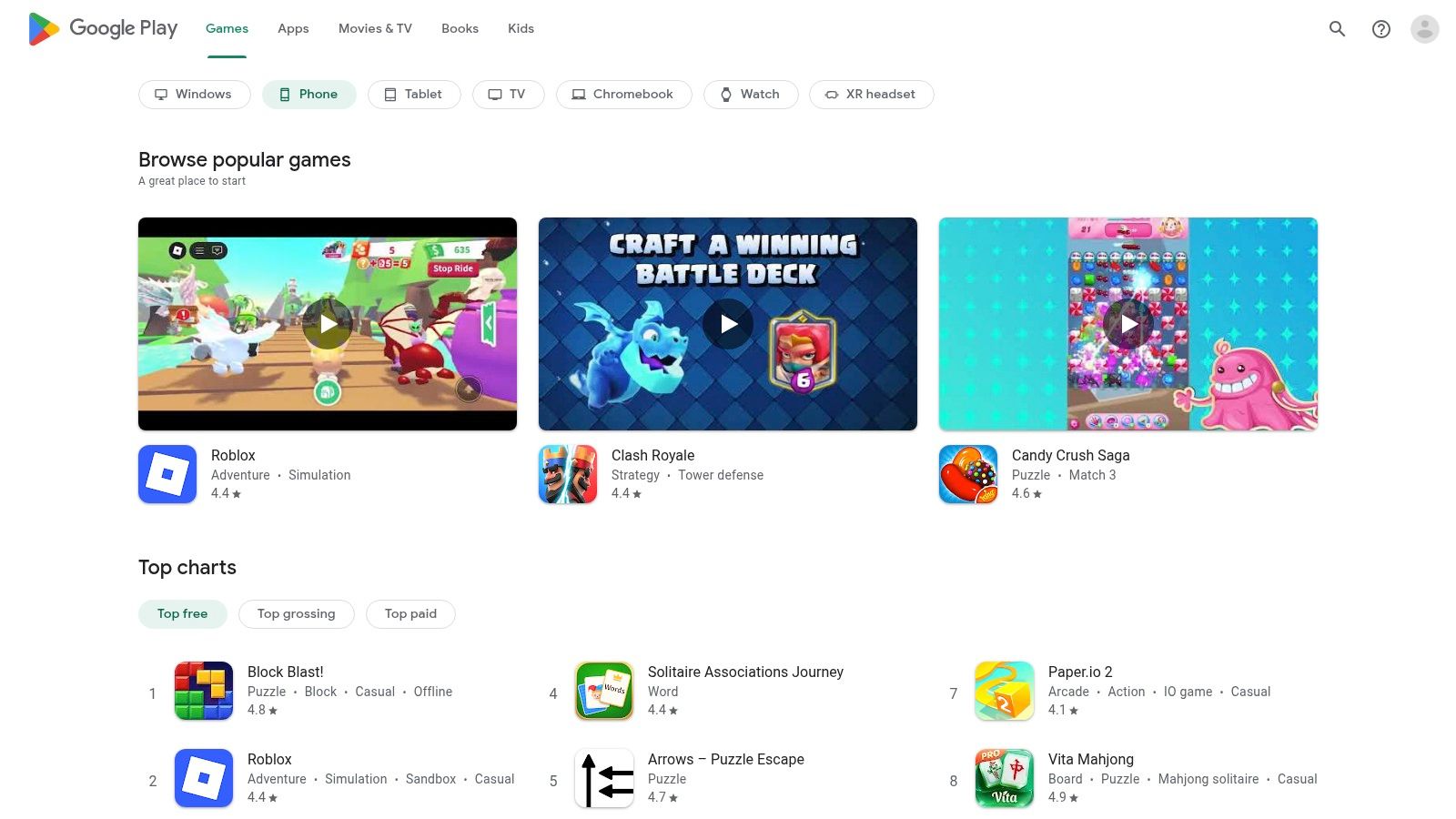
The platform is designed for transparency, allowing users to check detailed app permissions, read extensive user reviews, and view update changelogs before installation. This is crucial for content creators who need to ensure an app is actively maintained and respects user privacy. Device compatibility filters also prevent you from downloading an app that won't run properly on your specific smartphone or tablet.
Key Details & User Experience
- Platform: Android
- Pricing: Varies by app (Free with ads, freemium, or paid)
- Unique Offering: Integrated security scanning, transparent app permissions, and a massive selection of apps.
The user experience is seamless, with purchases, subscriptions, and refunds all managed through your Google Account. While its open nature means a wider selection than some competitors, it also means app quality can vary significantly. Creators should prioritize apps with recent updates and high user ratings. Always carefully examine the permissions an app requests to ensure it only accesses the data necessary for its function.
Website: https://play.google.com/
4. Reface
Reface is one of the most popular and accessible mobile apps designed specifically for creating fun, short, and viral content. As a leading app video face swap, it allows users to insert their own face into a vast library of trending video clips, GIFs, and celebrity scenes with just a single selfie. Its template-driven approach makes the process incredibly fast and straightforward, perfect for generating quick content for social media stories and posts.
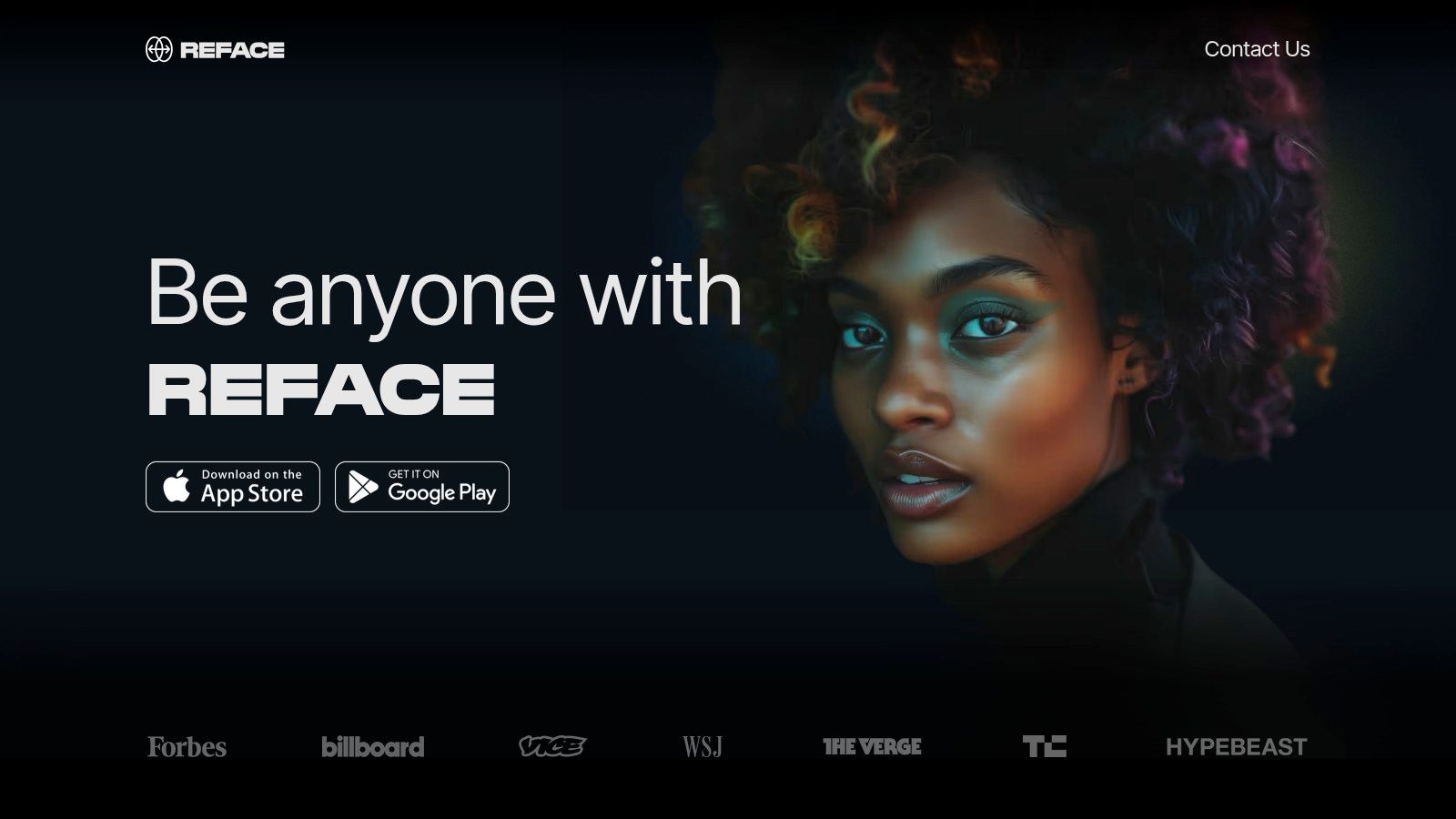
The platform stands out due to its simplicity and the sheer volume of its daily updated content library. Beyond simple swaps, Reface offers AI-powered features like animated photos that sing or talk and tools for experimenting with different hairstyles or creating stylized AI avatars. While it excels at short, entertaining clips, it lacks the advanced editing controls found in more professional software, making it less suitable for custom, long-form video projects. For more insights on leveraging this type of tool, you can explore detailed articles about apps like Reface on our blog.
Key Details & User Experience
- Platform: iOS, Android
- Pricing: Free with ads and watermarks; Premium subscription unlocks all features and removes ads.
- Unique Offering: A massive, daily-updated library of trending video templates for instant social content.
The user experience is designed for speed and social sharing. The interface is intuitive, guiding users to select a template, upload a photo, and generate a swap in seconds. However, the free version is heavily supported by ads and places a watermark on exports. For creators who need clean, professional-looking output, the premium subscription is almost essential. This subscription unlocks unlimited access, removes watermarks, and provides faster processing.
Website: https://reface.app/
5. Snapchat
While known as a social media giant, Snapchat is also a powerful and accessible app video face swap tool integrated directly into its camera. Its core strength lies in real-time augmented reality (AR) Lenses, allowing users to swap faces with friends live on camera or with photos from their gallery. This seamless integration makes it incredibly fast to create and share funny or entertaining video clips without needing a separate application.
Beyond the built-in Lenses, Snapchat offers Lens Studio, a free desktop application for creators. This powerful tool allows users to design and publish their own custom face swap Lenses, offering a level of personalization unavailable in most mobile-first apps. This makes it a great platform for brands and influencers looking to create unique, shareable AR experiences for their audience.
Key Details & User Experience
- Platform: iOS, Android, Desktop (Lens Studio)
- Pricing: Free
- Unique Offering: Integrated AR Lenses with a massive built-in social distribution network and free custom Lens creation tools.
The user experience is designed for speed and social sharing. Swapping faces is as simple as selecting a Lens and pointing your camera. The performance is stable and optimized for real-time use on modern smartphones. However, the platform's focus on short-form content means video length and post-production editing controls are limited compared to dedicated video editors. For creators, the learning curve for Lens Studio can be a barrier to entry for producing highly polished effects.
Website: https://www.snapchat.com/
6. CapCut
Owned by ByteDance, the company behind TikTok, CapCut has become the go-to video editor for short-form social content. While it’s a full-featured editor, its main draw for face swapping is the massive library of trending templates. Users can find a viral app video face swap effect, drop their photo into a pre-made template, and generate a shareable clip in seconds, making it incredibly efficient for creators trying to jump on a trend.
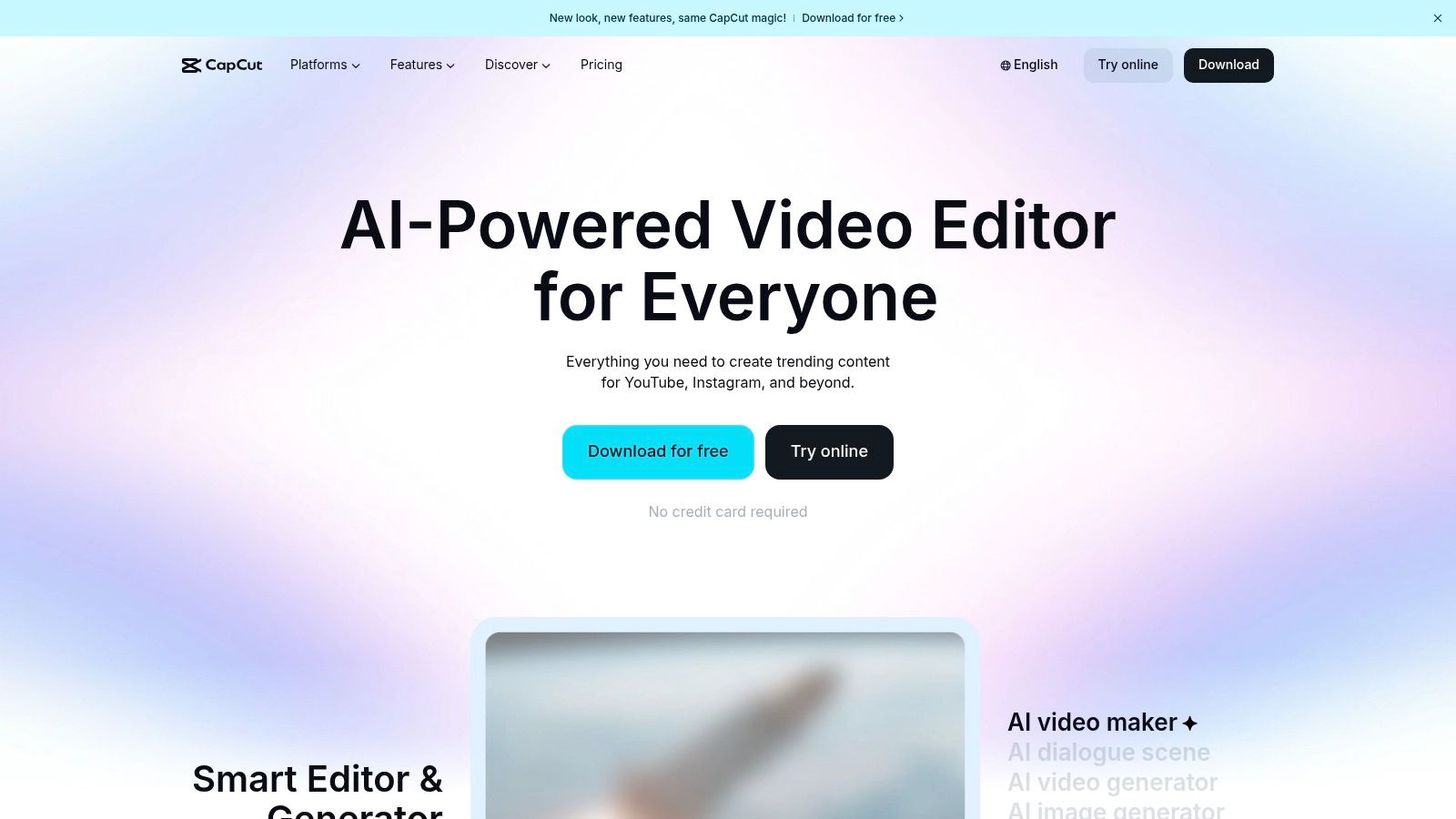
The platform’s strength lies in its tight integration with TikTok, offering a seamless workflow from editing to publishing. Because it’s a template-driven system, the quality of swaps can vary widely depending on the template creator’s skill. However, for quick, fun, and trend-focused content, its accessibility is unmatched, and its cross-platform availability is a major advantage. You can discover more guides on using CapCut and other creative tools here.
Key Details & User Experience
- Platform: Web, Desktop (Windows, macOS), Mobile (iOS, Android)
- Pricing: Free (with most templates); CapCut Pro subscription for advanced features.
- Unique Offering: A vast, trend-driven template library integrated with a powerful video editor.
CapCut strikes a great balance between ease of use and creative control. You can use a template for speed or dive into the manual timeline editor to refine your video with effects, text, and audio. The user experience is designed for mobile-first creators, so the interface is intuitive and fast. Keep in mind that while the core tools are free, some of the most popular effects and templates may require a Pro subscription.
Website: https://www.capcut.com/
7. Runway
For professionals and creators seeking maximum control, Runway is a powerful AI video suite rather than a simple app video face swap. It provides advanced video-to-video tools like Act‑One and Gen‑3 that allow for sophisticated character and face replacement with much higher fidelity than consumer mobile apps. This platform is designed for users who need to integrate AI video workflows into professional projects, offering granular control over the final output.
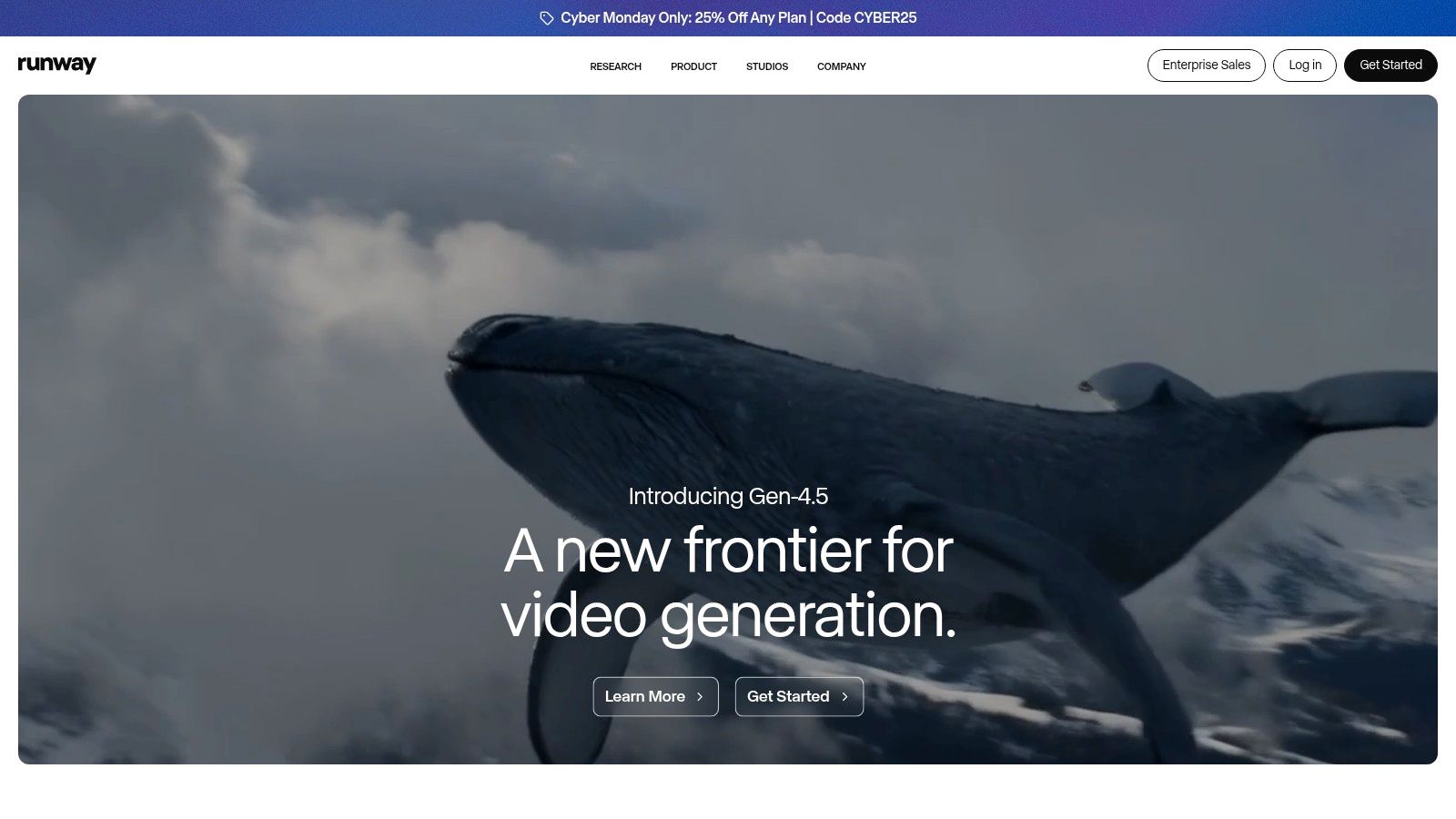
Runway stands out with its cloud-based rendering, asset management, and collaboration tools, making it ideal for teams. Its documentation and safety guidelines are robust, helping creators navigate the complexities of generating realistic human likenesses. The platform requires a different mindset; instead of a one-click swap, you use prompts and reference images to guide the AI in generating a new video based on your source footage. While not a traditional face swap tool, its capabilities can produce similar and often superior results for those willing to learn the process. For those looking for more streamlined and specific influencer-focused tools, you can learn more about advanced AI influencer creation on createinfluencers.com.
Key Details & User Experience
- Platform: Web-based
- Pricing: Free plan with limited credits; Paid subscriptions from $12/user/month
- Unique Offering: Professional-grade AI video-to-video tools with fine-tuned controls.
The user experience is geared toward a technical or artistic user, featuring a timeline-based editor and numerous AI-powered magic tools. However, this comes with a steep learning curve compared to mobile alternatives. Performance can be sensitive to complex scenes with multiple faces or low-quality source video, requiring some experimentation to achieve desired results. The credit-based system means that extensive use will require a paid subscription, making it a professional investment rather than a casual tool.
Website: https://runwayml.com/
8. Wondershare Filmora
Wondershare Filmora integrates face swap capabilities into a comprehensive, user-friendly video editing suite. Rather than being a standalone app video face swap, it offers an AI "Replace Element" feature that allows creators to swap faces within a familiar timeline editor. This approach is ideal for users who need to perform face swaps as part of a larger video project, such as adding effects, titles, and transitions without switching between different software.
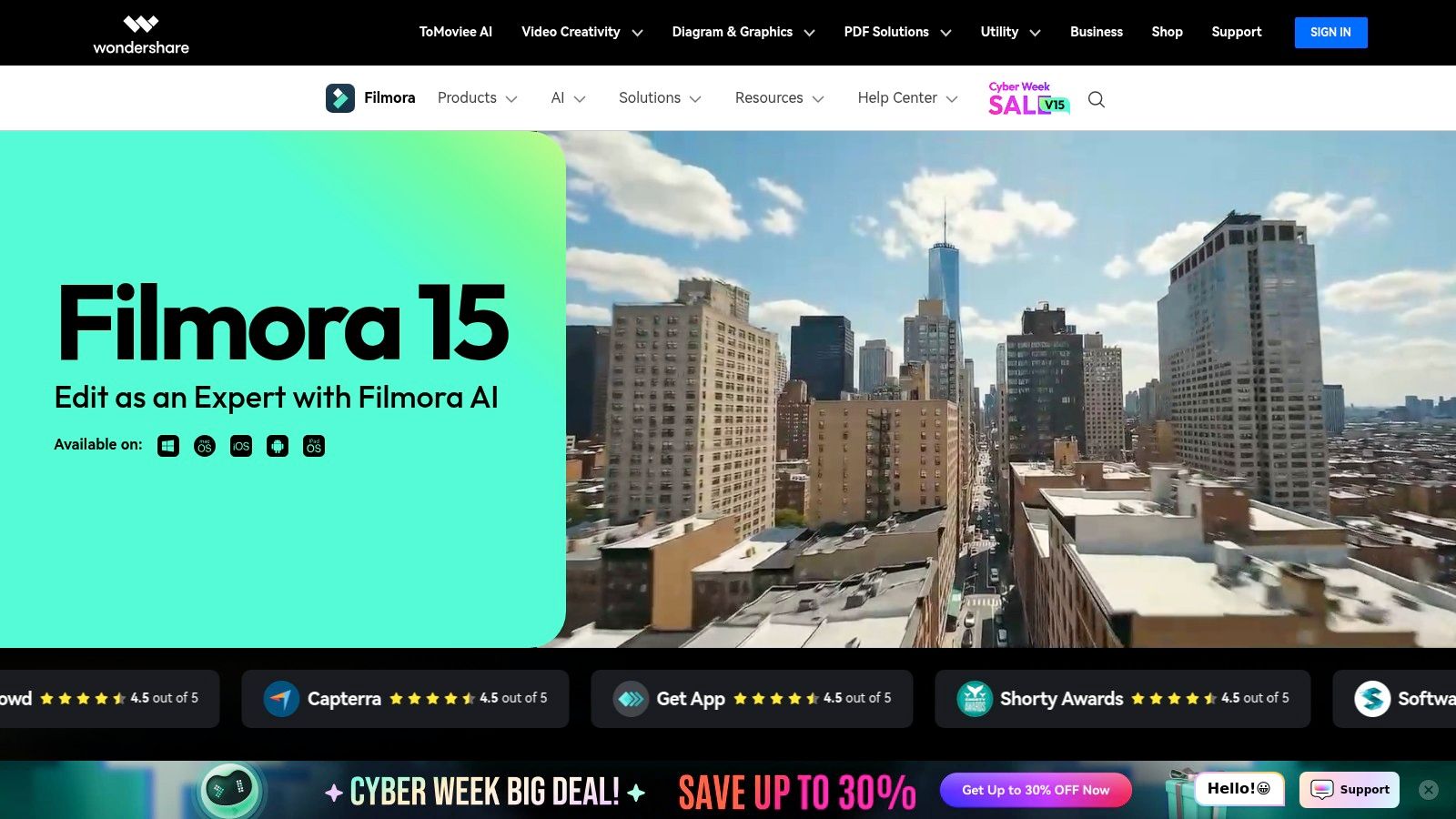
The platform is designed for accessibility, providing extensive tutorials and templates that help beginners get started quickly. Its traditional non-linear editor (NLE) layout will feel intuitive to anyone with basic video editing experience. While it may not offer the hyper-realistic precision of dedicated deepfake tools, it provides a powerful and convenient option for content creators looking to add entertaining face swaps to their vlogs, social media skits, or marketing videos.
Key Details & User Experience
- Platform: Windows, macOS, iOS, Android
- Pricing: Free trial available; paid plans start from $29.99 quarterly or a perpetual license.
- Unique Offering: A full video editing suite with integrated AI face replacement and motion tracking.
Filmora excels by combining creative AI tools with a robust editing environment. The guided workflows simplify the face swap process, but the results are highly dependent on the quality of the source video. Users will find the controls less granular than professional or open-source alternatives, limiting advanced realism. However, for quick, fun edits integrated into a polished final video, Filmora provides a balanced and powerful solution.
Website: https://filmora.wondershare.com/
9. Face Swap Live
Face Swap Live is one of the original and most recognized names in real-time face swapping. Developed by Laan Labs, this platform is built around its mobile app, which lets you swap faces with a friend or from a photo directly through your phone's live camera feed. Its primary function is to offer a simple, immediate app video face swap experience without the complexity of post-production editing.
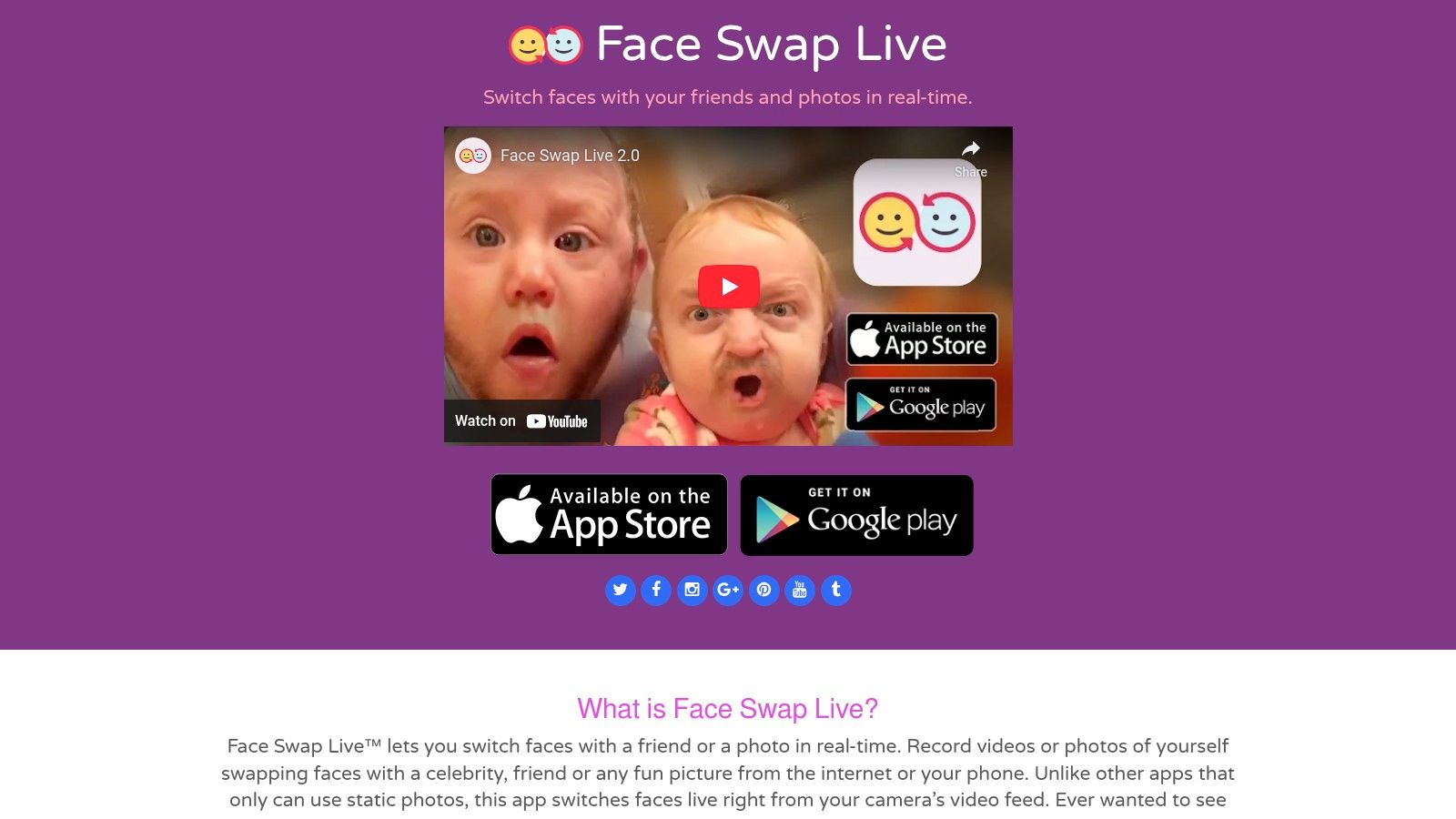
The platform's website serves as a straightforward portal to its official app store listings. Unlike many modern AI editors, Face Swap Live focuses entirely on its core feature: providing a live, interactive swap that you can record and share instantly. This makes it a great choice for casual fun, live streams, or creating quick, humorous clips with friends on the spot.
Key Details & User Experience
- Platform: iOS, Android
- Pricing: Paid (historically a one-time purchase on iOS)
- Unique Offering: Real-time, live camera face swapping for instant video recording.
The user experience is incredibly direct. You open the app, point the camera, and the swap happens live on screen. There are no complex timelines or advanced editing tools, which is both a strength for simplicity and a limitation for creative control. While it lacks the sophisticated AI enhancements of newer subscription-based apps, its lightweight nature and dedicated function have maintained its popularity for users who want a fast, no-frills tool for live video effects.
Website: https://faceswaplive.com/
10. Faceswap (open‑source)
For users seeking maximum control and quality, Faceswap is the leading free and open-source toolkit. Unlike a simple app video face swap, this is a powerful, training-based system that allows you to create highly realistic deepfakes from scratch. It provides a complete pipeline for extracting faces from source material, training a custom AI model on them, and converting the faces in your target video.
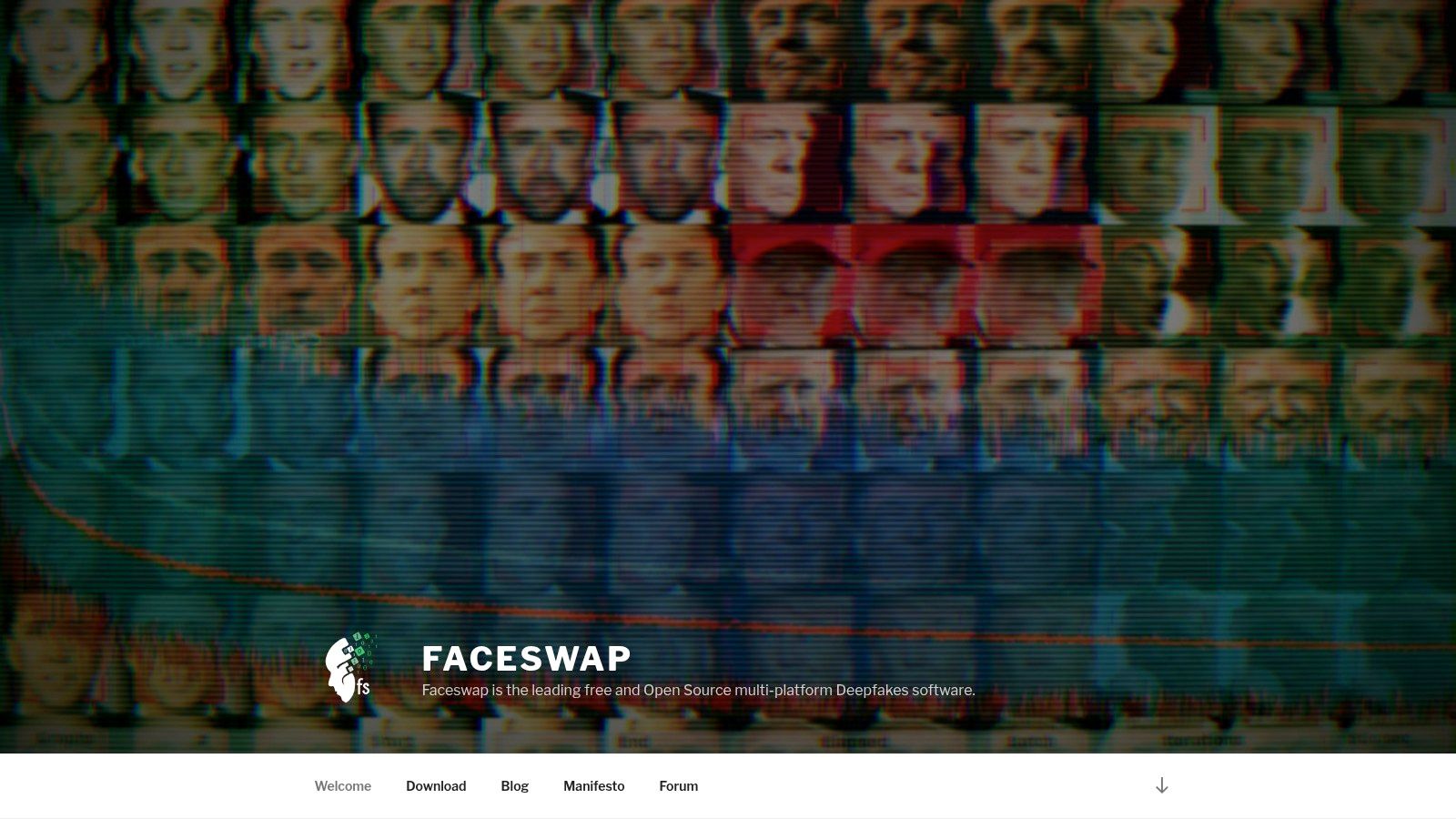
The platform is geared toward technical users, requiring a powerful computer with a capable GPU for the training process. Its strength lies in its customization and the high-fidelity results it can produce with sufficient data and processing time. The active community forum and extensive guides are invaluable resources for navigating its steep learning curve.
Key Details & User Experience
- Platform: Windows, macOS, Linux
- Pricing: Free (open-source)
- Unique Offering: Complete, training-based deepfake pipeline with unparalleled user control.
The user experience is command-line and GUI-based, demanding a significant setup and learning investment. This is not a quick, one-click solution, but a professional-grade tool for creators dedicated to achieving the best possible results. Since it is open-source, the ethical and legal responsibilities for the content created rest entirely with the user, making it critical to use the software responsibly.
Website: https://faceswap.dev/
11. VEED.IO
VEED.IO offers a unique, browser-based approach to video face swapping by integrating AI tools directly into a full-featured online video editor. Instead of a dedicated app video face swap tool, VEED.IO provides an "Animate Replace" feature that allows users to swap characters or presenters in footage, achieving a similar result. This is ideal for content creators who need to produce polished social media clips without installing any software.
The platform shines by combining the face replacement workflow with traditional editing tools. After applying the AI effect to a short clip, you can immediately trim, add subtitles, apply overlays, and use other finishing touches within the same interface. For creators managing brand assets, paid plans also offer team collaboration and brand kit options, streamlining the content pipeline from start to finish.
Key Details & User Experience
- Platform: Web browser
- Pricing: Free plan with watermarks; Paid plans start at $12/month (billed annually)
- Unique Offering: Integrated video editing suite with AI face replacement capabilities.
The user experience is designed for simplicity and efficiency, perfect for quick turnaround projects. However, users should be mindful of the limitations on the free and lower-tier plans, which include restrictions on clip length and export quality. The final fidelity of the swap can vary based on the input video's quality and the specific AI model chosen. For those interested in its broader capabilities, you can explore more about VEED.IO's partner programs.
Website: https://www.veed.io/
12. Kapwing
Kapwing is a powerful, browser-based video editor that integrates AI tools, making it an excellent resource for creating a quick app video face swap without downloading any software. Its "Deepfake Video Maker" and identity-replacement features are designed for accessibility, allowing creators to easily swap faces in clips. The platform is especially useful for social media content, providing templates and guides to streamline the editing process.
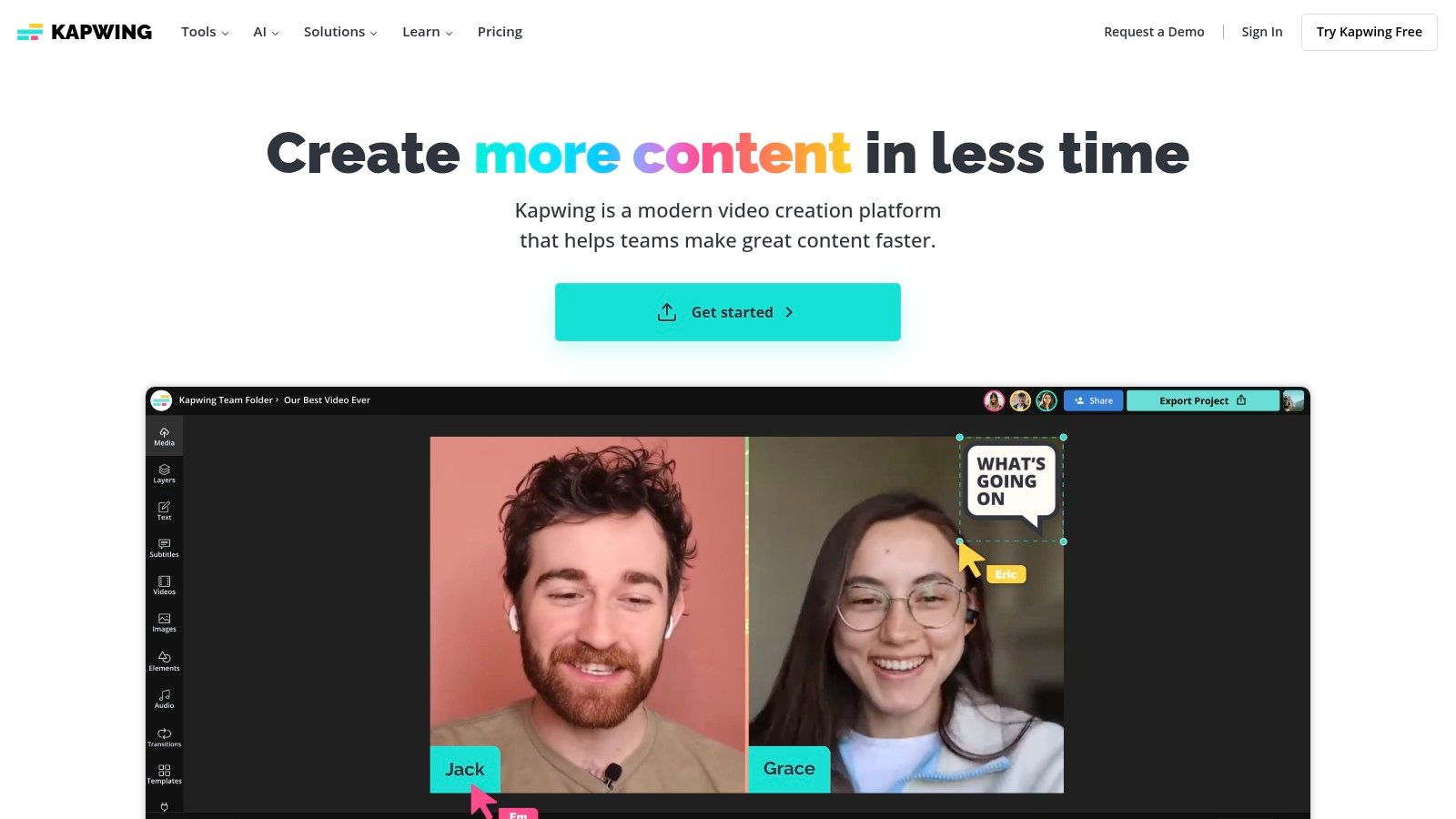
Unlike dedicated desktop software, Kapwing offers an all-in-one online suite for adding subtitles, adjusting aspect ratios, and exporting social-ready videos. This makes it ideal for creators who need a fast, end-to-end workflow. For more advanced tutorials and creative ideas using tools like this, you can learn more about how Kapwing is used by influencers in our creator's blog.
Key Details & User Experience
- Platform: Web browser
- Pricing: Free with watermark/limits; Pro plan starts at $16/month (billed annually)
- Unique Offering: All-in-one browser-based editing with AI face swap and team collaboration features.
The user experience is beginner-friendly with fast onboarding and a clean interface. However, its tools are oriented toward short-form content and may not deliver the high-fidelity realism of professional deepfake pipelines. The free tier is functional but includes a watermark and export limitations, so a subscription is necessary for professional or brand use. Team features and brand presets on higher tiers make it a strong option for marketing agencies.
Website: https://www.kapwing.com/
Video Face Swap: 12-Tool Comparison
| Product | Core features | UX / Quality | Pricing & Value | Target audience | Unique selling points |
|---|---|---|---|---|---|
| CreateInfluencers 🏆 | One‑click character creation, selfie→avatar, image & video gen, HyperReal upscaling | ★★★★☆ — fast, studio‑quality outputs | 💰 Basic $47/mo (250c) · Pro $79/mo (700c) · Enterprise $149/mo (2,000c) | 👥 Creators · agencies · adult monetizers | ✨ Multi‑model engines, real‑time voice→image, themed photo packs, affiliate monetization |
| Apple App Store | Curated apps, privacy labels, centralized reviews | ★★★★★ — high trust & safety | 💰 App prices vary; refunds/subscriptions via Apple | 👥 iOS users seeking vetted apps | ✨ Strong app vetting, unified billing & refund controls |
| Google Play Store | Play Protect, device checks, integrated billing | ★★★★☆ — broad selection, variable quality | 💰 App prices vary; in‑app purchases via Google Play | 👥 Android users seeking variety | ✨ Wide app catalog + Play Protect malware screening |
| Reface | Short video templates, lip‑sync, avatar add‑ons | ★★★★ — viral, social‑first workflow | 💰 Freemium; subscription for premium features | 👥 Social sharers, meme creators | ✨ Daily trending clips & easy share workflow |
| Snapchat | Real‑time AR lenses, Lens Studio for creators | ★★★★☆ — instant capture & share | 💰 Free core features; commercial options via Snap | 👥 Social users, creators, teens | ✨ Live AR Face Swap + huge built‑in distribution |
| CapCut | Timeline editor + face‑swap templates, cross‑platform | ★★★★ — fast templates for social clips | 💰 Free core; paid assets/templates optional | 👥 TikTok/short‑video creators | ✨ Trend-driven template ecosystem, direct TikTok publish |
| Runway | Gen‑3 / Act‑One video gen, video→video tools, cloud render | ★★★★☆ — high fidelity, pro controls | 💰 Paid credits/subscriptions for advanced tools | 👥 Pro creators, studios, teams | ✨ Advanced video AI, collaboration & cloud rendering |
| Wondershare Filmora | Timeline editor + AI Replace Element, tutorials | ★★★ — familiar NLE UI for beginners | 💰 Freemium / one‑time or subscription options | 👥 Beginners & hobbyists | ✨ Guided replace workflows + extensive tutorials |
| Face Swap Live | Live camera face swaps, record & share | ★★★ — lightweight, real‑time performance | 💰 One‑time purchase historically (varies by store) | 👥 Casual users wanting instant swaps | ✨ Purpose‑built live swap app with minimal friction |
| Faceswap (open‑source) | Full training pipeline (extract/train/convert) | ★★★★ — high potential quality with expertise | 💰 Free (requires own compute/GPU) | 👥 Researchers, developers, power users | ✨ Full control, modifiable codebase, active community |
| VEED.IO | Web editor + Animate Replace, team tools | ★★★★ — web convenience, integrated finishing | 💰 Freemium; paid tiers for length/brands | 👥 Social teams, marketers | ✨ No‑install web workflow + editing & export in one place |
| Kapwing | In‑browser deepfake tools, templates, tutorials | ★★★★ — beginner‑friendly online editor | 💰 Freemium; paid removes limits/watermark | 👥 Content creators, small teams | ✨ Quick templates, tutorials, team/brand presets |
Choosing Your Tool: From Quick Swaps to Advanced Content Creation
The journey through the world of the app video face swap reveals a vibrant and rapidly evolving ecosystem. We've explored a wide spectrum of tools, from the instant gratification of mobile apps like Reface and Snapchat, perfect for creating viral social media moments, to the sophisticated control offered by desktop and open-source solutions like Runway and Faceswap, which cater to filmmakers and digital artists demanding precision. Your choice ultimately hinges on a critical question: what is your end goal?
Matching the Tool to the Task
To navigate this landscape effectively, it's essential to align your needs with the right platform.
- For quick, entertaining social media content: Mobile-first apps like Reface, Snapchat, and Face Swap Live are your best bet. They are designed for speed, ease of use, and shareability, making them ideal for memes, funny clips, and engaging with your audience on platforms like TikTok and Instagram.
- For integrated video editing and marketing: When a face swap is just one element of a larger project, web-based and desktop editors like CapCut, VEED.IO, and Wondershare Filmora provide the perfect balance. They integrate face swap features into a comprehensive editing suite, allowing you to fine-tune your final product for professional-looking marketing campaigns or polished YouTube content.
- For high-fidelity and artistic projects: For those who require granular control and the highest possible quality, the open-source Faceswap software is unparalleled. Be prepared for a steeper learning curve, but the results can be photorealistic and suitable for more serious creative endeavors.
Beyond a Simple Swap: The Future of Digital Identity
The technology underpinning the modern app video face swap is expanding far beyond simple replacements. It's now a gateway to creating entire digital personas. This evolution is crucial for influencers, brands, and adult content creators who want to build a consistent and scalable presence. Platforms like CreateInfluencers represent this next step, moving from a single feature to a comprehensive content creation studio. Instead of just swapping a face onto an existing video, you can generate a complete AI model and then produce an endless stream of custom videos, images, and themed photo packs tailored for platforms like Fanvue or OnlyFans.
As you select your tool, always circle back to ethical considerations. The power to manipulate video comes with the responsibility to respect consent, privacy, and intellectual property. Transparency with your audience is key to building trust, especially when creating AI-generated personas. The tools are here to augment your creativity, but your integrity is what will define your success. This technology is not just about changing faces; it's about shaping the future of digital content and online identity. To explore the broader landscape of AI-powered video tools, an in-depth review of the 12 Best AI Video Generators of 2025 provides valuable context for creators and marketers.
Ready to move beyond basic face swaps and build a complete AI-powered brand? CreateInfluencers offers a full suite of tools to design, generate, and manage your own AI models for social media, marketing, or premium content platforms. Start creating your unique digital identity today at CreateInfluencers.